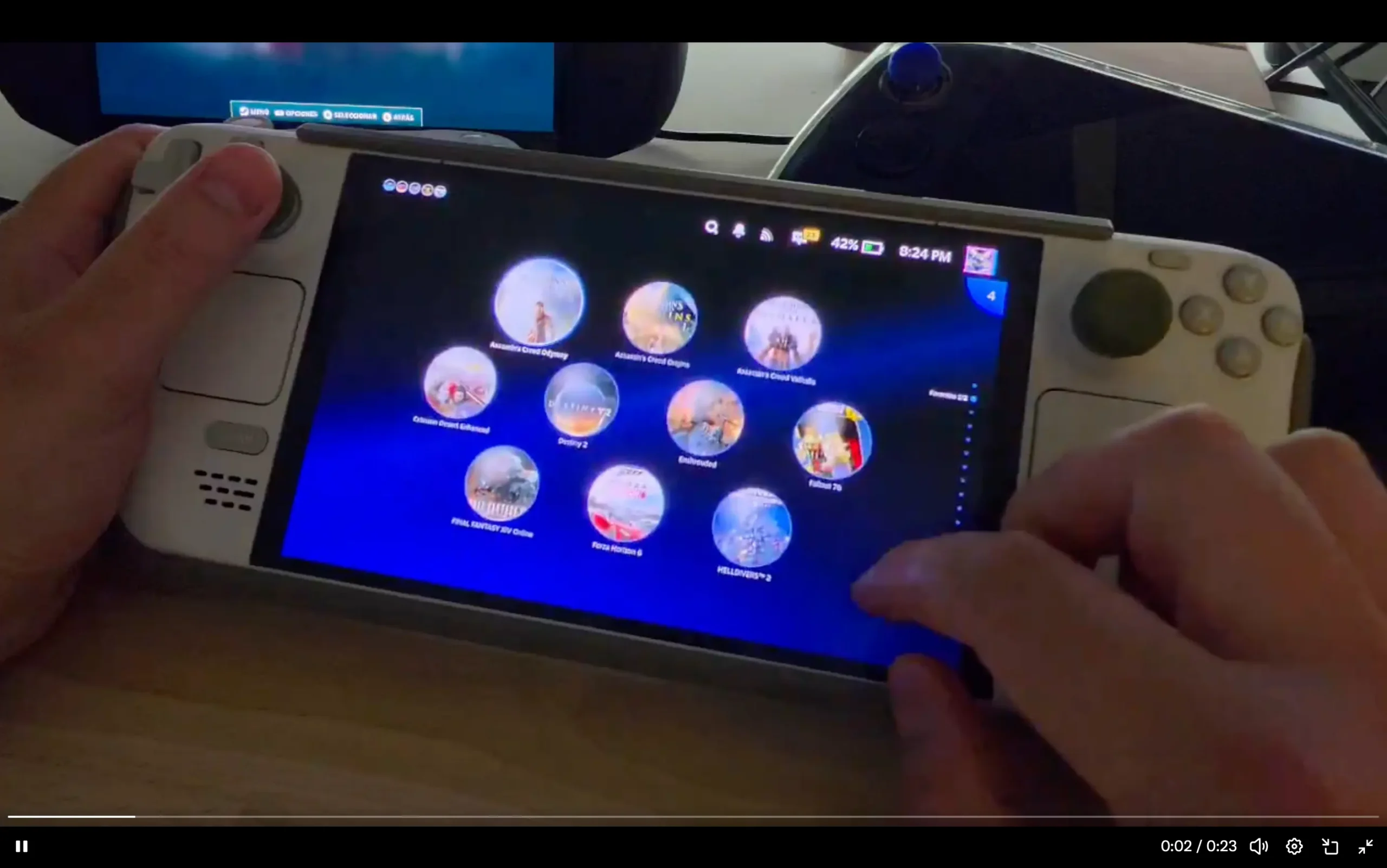
If you haven't yet, follow us on X (Twitter), Mastodon, or Bluesky to know when we post new articles, and join our Reddit or Subscribe to us on YouTube to check out our content and interact with our awesome community. Thank you for supporting us!
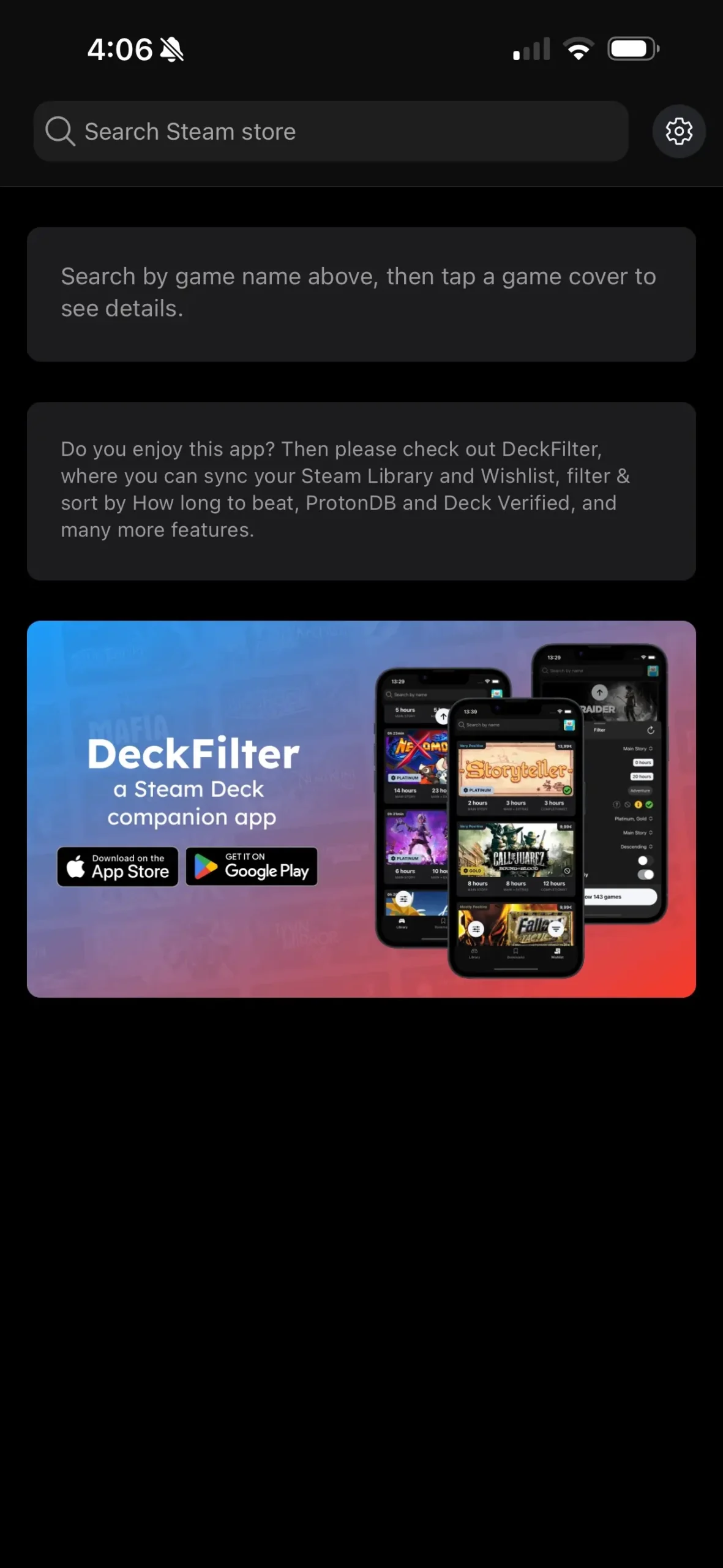
Optimizing games and finding the best settings to use on the Steam Deck is our bread and butter here at SteamDeckHQ, but we can't cover every single game, as we are a small group of people. That's where applications like DeckSettings come in. This is a helpful app that brings in information from multiple different sources, including SteamDeckHQ, ProtonDB, ShareDeck, and even curates YouTube searches. We covered the app before, but that was before it was publicly released on iOS. Now, it is available on the App Store, and anyone with an iPhone can download and check it out!

From Felix, the developer behind DeckFilter, DeckSettings is a curated app that is a perfect companion to those with a Steam Deck. It allows you to search for any game, check out any recommended settings and reports from its websites, and showcase them so you can put them in for yourself. When I first covered the app, it was pretty barebones in its offerings and needed some work, but it has been developing quite nicely, leading up to this full release on the App Store, and I am overjoyed by it.
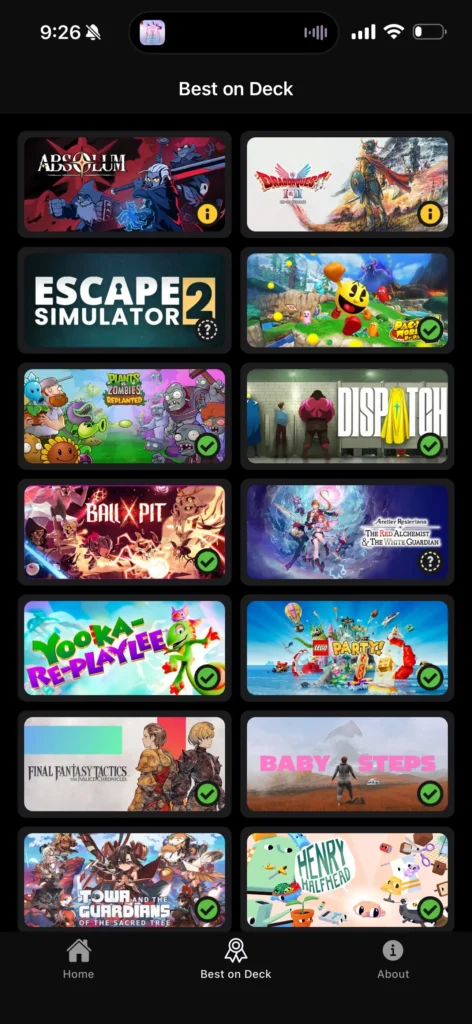
Granted, a lot of my joy comes from how included SteamDeckHQ is in the app. Instead of the front page having nothing on it, it now shows a list of our most recent reviews, updating in real time whenever we post. There's also a brand new tab made just for games we have rated as Best on Deck. These are games we feel are best enjoyed right out of the box with no changes needed, so it's nice to see a tab that just categorizes them.
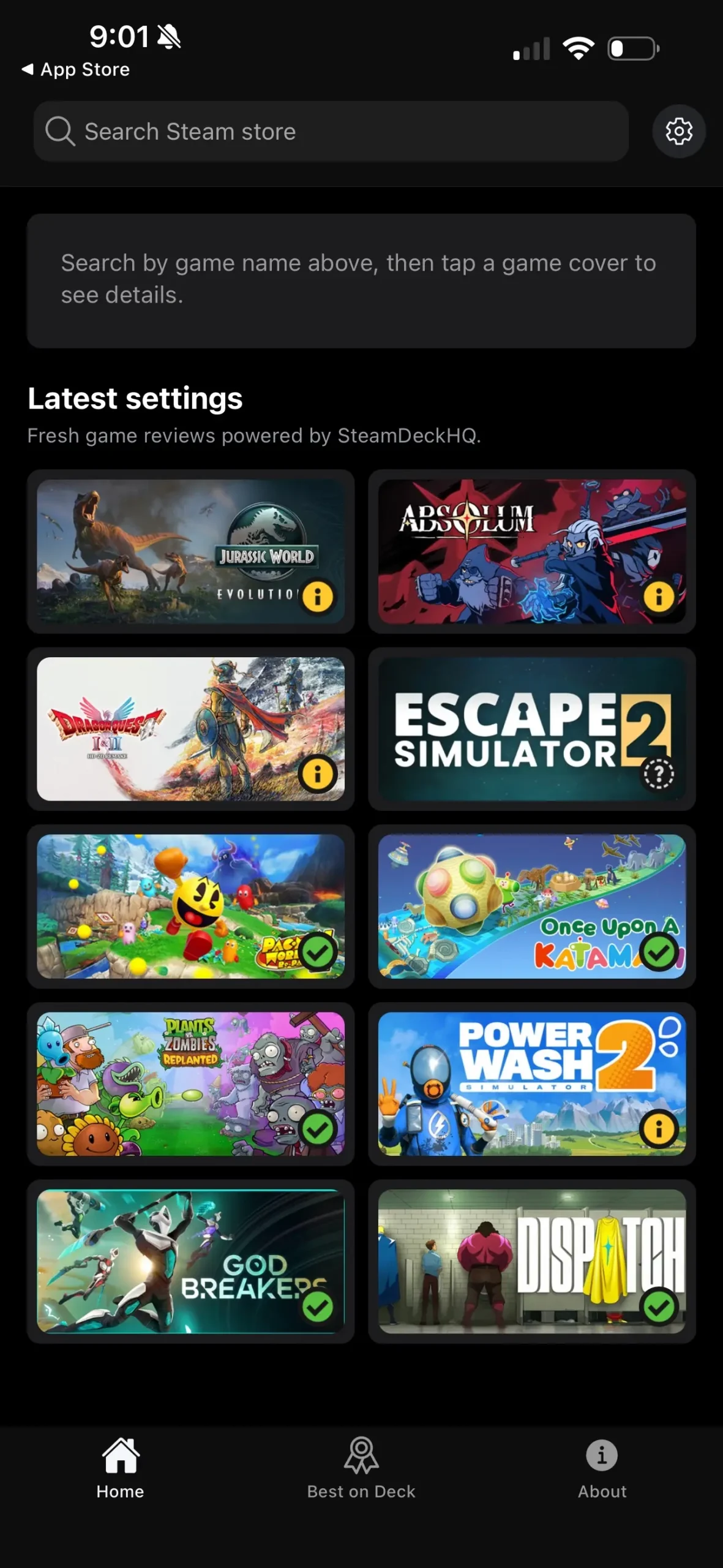
I do want to mention that none of this was done in collaboration with each other. Felix added all of this within the guidelines that we gave to include our site in the app, so I was pretty surprised when I downloaded the app and saw our new reviews front and center with ample credit. He already had our approval to include our links in the results, so this was a nice touch on top of it.
You can download the DeckSettings app over on the App Store or the Google Play store, depending if you are on iPhone or Android devices.
If you enjoyed this article, check out the rest of the content on SteamDeckHQ! We have a wide variety of game reviews and news that will help your gaming experience. Whether you're looking for news, tips and tutorials, game settings and reviews, or just want to stay up-to-date on the latest trends, we've got you covered!

RECENT NEWS
Categories
Accessories
Anbernic
Android
ASUS ROG Ally
ROG Xbox Ally
Classics on Deck
Community
Cryobyte33
Deals
Deck Mods
Emulation
Events
Featured Post
Game News
Game News
General Game News
HandheldHQ
Hardware
Lenovo
Linux
MagicX
MSI
Nintendo
ONE-NETBOOK
Opinion
Other Reviews
Accessory Reviews
Handheld Reviews
PlayStation
Proton
Retro Handhelds
Anbernic
AYANEO
AYN
GPD
MagicX
MANGMI
Miyoo
Retroid
Rumors
TrimUI
SDHQ
Steam
Steam Controller
Steam Frame
Steam Machine
SteamOS
The Unsupported Report
Uncategorized
Uncategorized
VR
Xbox
Recent Tips & GUIDES
recent reviews