If you haven't yet, follow us on X (Twitter), Mastodon, or Bluesky to know when we post new articles, and join our Reddit or Subscribe to us on YouTube to check out our content and interact with our awesome community. Thank you for supporting us!
The best way to enjoy classic games used to be through emulation, but they have quickly turned into native PC ports. Incredible members of the community have been decompiling and recompiling old console games, which have then been repurposed into native ports that people can play on PC. This allows us to have a ton of extra features, including higher framerate and more aspect ratio support, as well as easier ways to mod the game. One of the best groups for these native PC ports has been Harbour Masters. They started off with Ocarina of Time and have since focused on other Nintendo 64 games to create definitive ports. Now, their next port is officially released, and it’s one I’m extremely happy to see.
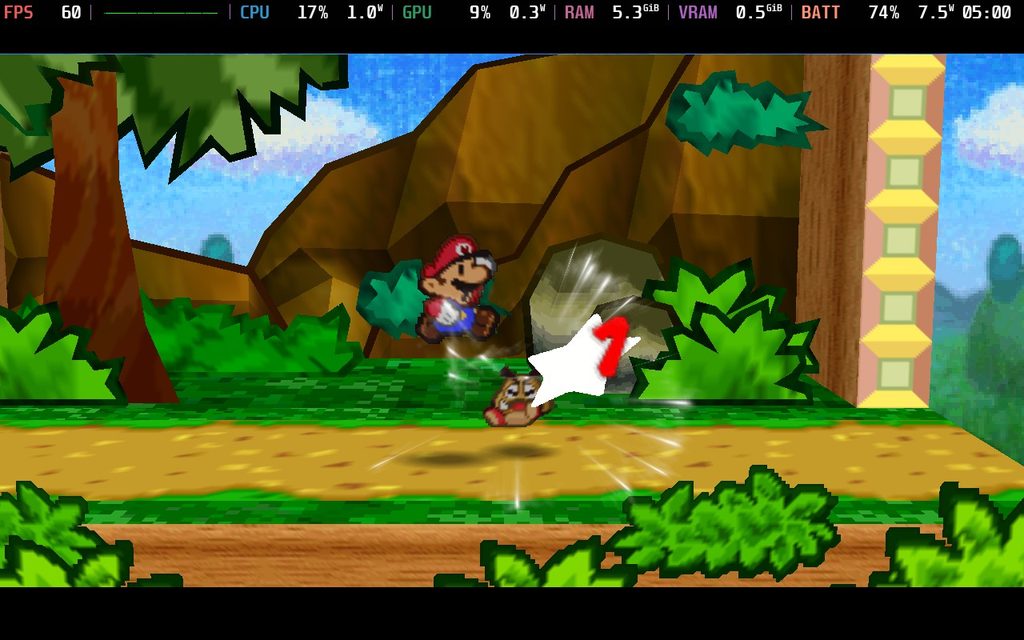
PaperBoat is the newest PC port from Harbour Masters, and I’d say it’s pretty easy to guess which game it’s for. They brought back the original Paper Mario as a native PC port with enhanced features and support. It’s a fantastic way to experience the classic, and it has so many great features that make this the best way to experience this game.
Just like their other ports, it’s very easy to get set up and install. All you have to do is download the corresponding version of the port, have a legally dumped US version of the game, and select it once you’ve opened the port's .AppImage file. Once you do that, it will generate all the files necessary to actually play the game, and it’s fantastic so far.
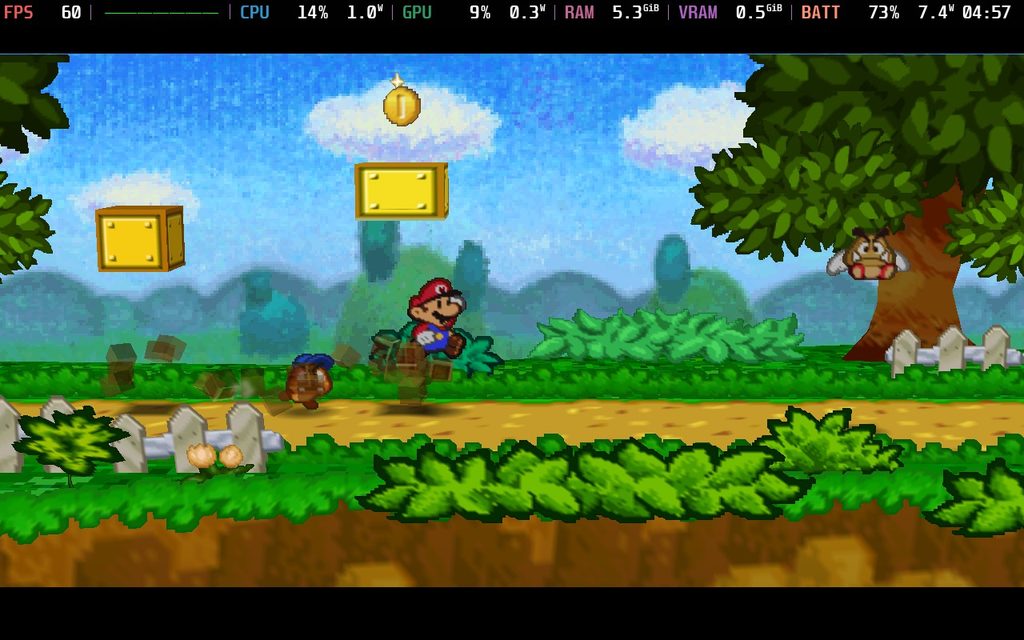
The native PC port has a ton of great extra features to make it more enjoyable to play. Apart from being able to increase the framerate and aspect ratio, we can also increase the internal resolution, turn on MSAA anti-aliasing, rebind gamepad controls, easily add and manage mods, replace textures, add shader packs, and even turn on cheats to make gameplay easier.
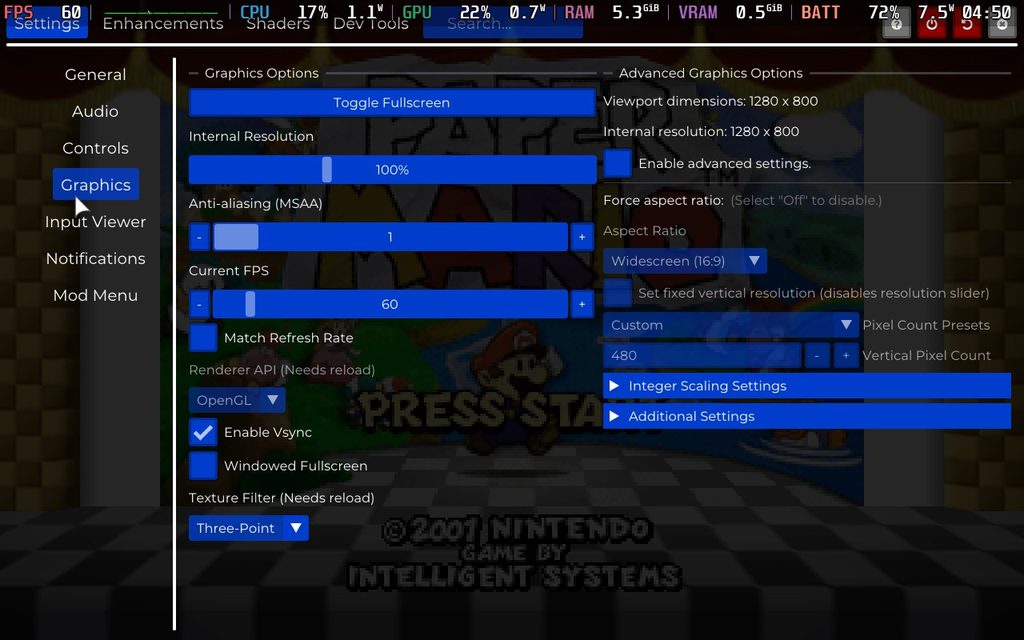
And of course, it runs flawlessly on the Steam Deck. I said it to run at 60 FPS, and it was always under 8W of battery drain for over six hours of battery life on the Steam Deck OLED at a full charge. It works right out of the box, and there’s no extra setup needed to play it. It is by far the best way to enjoy this classic, and it’s great to actually be able to play this way.
You can download PaperBoat for yourself over on their GitHub release page.
If you enjoyed this article, check out the rest of the content on SteamDeckHQ! We have a wide variety of game reviews and news that will help your gaming experience. Whether you're looking for news, tips and tutorials, game settings and reviews, or just want to stay up-to-date on the latest trends, we've got you covered!

RECENT NEWS
Categories
Accessories
Anbernic
Android
ASUS ROG Ally
ROG Xbox Ally
Classics on Deck
Community
Cryobyte33
Deals
Deck Mods
Emulation
Events
Featured Post
Game News
Game News
General Game News
HandheldHQ
Hardware
Lenovo
Linux
MagicX
MSI
Nintendo
ONE-NETBOOK
Opinion
Other Reviews
Accessory Reviews
Handheld Reviews
PlayStation
Proton
Retro Handhelds
Anbernic
AYANEO
AYN
GPD
MagicX
MANGMI
Miyoo
Retroid
Rumors
TrimUI
SDHQ
Steam
Steam Controller
Steam Frame
Steam Machine
SteamOS
The Unsupported Report
Uncategorized
Uncategorized
VR
Recent Tips & GUIDES
recent reviews