If you haven't yet, follow us on X (Twitter), Mastodon, or Bluesky to know when we post new articles, and join our Reddit or Subscribe to us on YouTube to check out our content and interact with our awesome community. Thank you for supporting us!
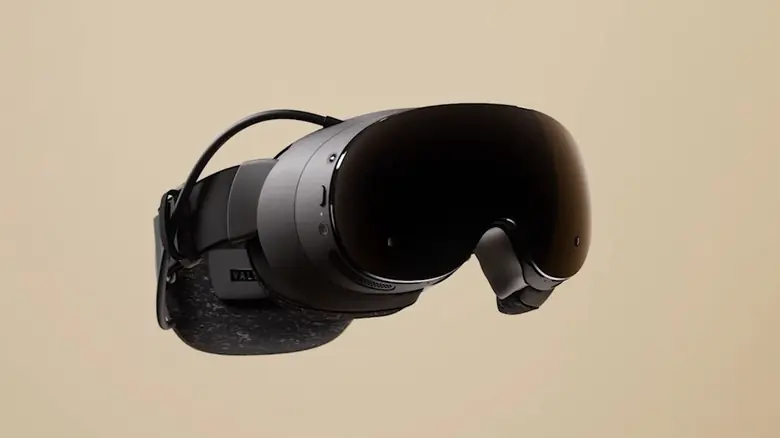
It's been a few days since the Steam Frame dropped, and no doubt some of you have already gotten your hands on the device. But if you've been having trouble getting it working on your Linux setup, well, this handy little script made by a developer at Valve over on the SteamVR-for-Linux GitHub page may help you out.
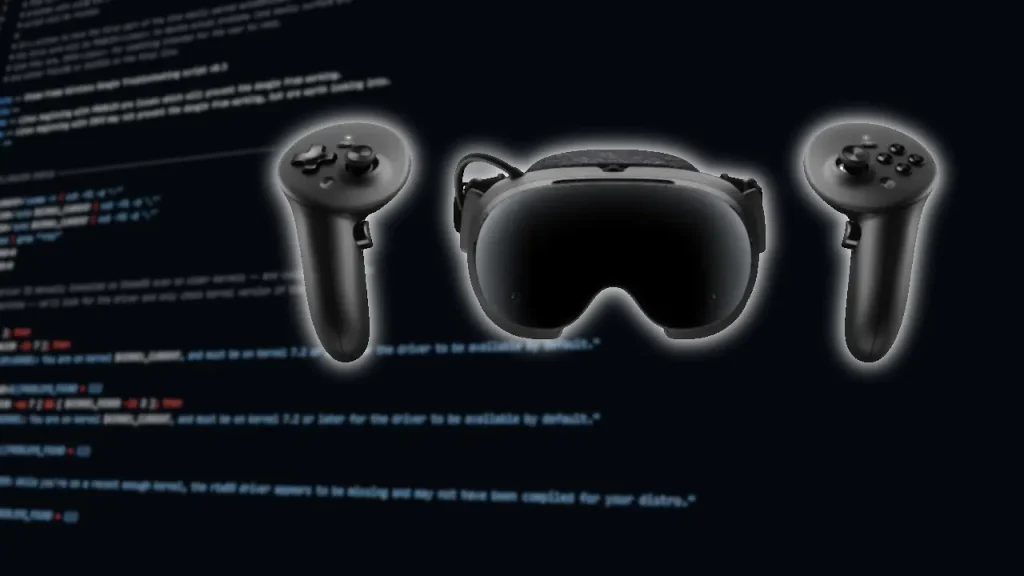
What does the script do? Put simply, it's a troubleshooter for common issues seen when using the Steam Frame Dongle on Linux devices. It runs through a sort of checklist to see if there are any obvious issues with your setup, and if there are, it will flag them and let you know what issues it found. It'll be up to you to fix them yourself, though, in true Linux fashion.
While the script doesn't check too many issues right now, it will run through a driver check, as well as a basic network check to make sure your dongle can communicate with the Steam Frame, and the developer behind the script says they will be keeping it updated if and when more common issues are spotted.
As someone who isn't very into the technical aspects of Linux (the terminal scares me), I always appreciate automation when it shows up, and it's good to see Valve working on scripts like this that can enhance the ease-of-use of their devices, rather than expecting every user to be able to solve their own problems.
Source: GamingOnLinux
If you enjoyed this article, check out the rest of the content on SteamDeckHQ! We have a wide variety of game reviews and news that will help your gaming experience. Whether you're looking for news, tips and tutorials, game settings and reviews, or just want to stay up-to-date on the latest trends, we've got you covered!

RECENT NEWS
Categories
Accessories
Anbernic
Android
ASUS ROG Ally
ROG Xbox Ally
Classics on Deck
Community
Cryobyte33
Deals
Deck Mods
Emulation
Events
Featured Post
Game News
Game News
General Game News
HandheldHQ
Hardware
Lenovo
Linux
MagicX
MSI
Nintendo
ONE-NETBOOK
Opinion
Other Reviews
Accessory Reviews
Handheld Reviews
PlayStation
Proton
Retro Handhelds
Anbernic
AYANEO
AYN
GPD
MagicX
MANGMI
Miyoo
Retroid
Rumors
TrimUI
SDHQ
Steam
Steam Controller
Steam Frame
Steam Machine
SteamOS
The Unsupported Report
Uncategorized
Uncategorized
VR
Xbox
Recent Tips & GUIDES
recent reviews