If you haven't yet, follow us on X (Twitter), Mastodon, or Bluesky to know when we post new articles, and join our Reddit or Subscribe to us on YouTube to check out our content and interact with our awesome community. Thank you for supporting us!
If you have emulation set up on your Steam Deck, you probably know of EmuDeck. This is a script that will easily download, install, and configure emulators for the device, while also providing tools to easily add them to Steam. It’s a great tool, and one I use myself on most of my devices. Today, a new version of the script launched, and it has some fantastic fixes and new support to bring it to all of Valve’s devices.
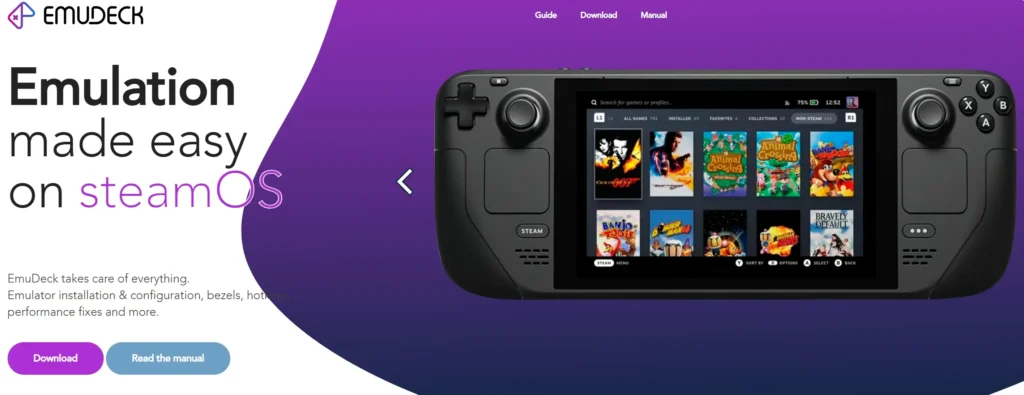
With this version of EmuDeck, we will officially start to have Steam Machine support. Emulators will now default to higher supported resolutions for the Machine, making it better to plug and play for the Machine. So, for those who want to set up emulators easily on the other Valve devices, we’ll now be able to do it more easily.
We also have a new tool called AutoMap that will automatically set up controls and emulators that don’t detect controllers automatically. This can automatically set up controllers for up to four players and supports other controllers outside of the Deck’s gamepad. Gyro will automatically be set up and installed for Ryujinx as well, so we should be able to use motion controls in the emulator moving forward.
On top of that, RetroAchievements support has been added for Dolphin, a simple resolution selector has been added to more emulators, including PPSSPP and Vita3K, you can now export your EmuDeck install to another device; and there have been a bunch of bug fixes for multiple different emulators, including melonDS, RPCS3, and Xemu.
We also have some specific fixes for the Windows version of EmuDeck, making the compressor and Start links work, as well as more emulator and Steam ROM Manager fixes.
All of this should be available now to download or update on your device. If you already have it installed, all you have to do is start the script, and it will check for updates; but if you don’t have it yet, you can download the script directly from their website or GitHub.
You can check out the full changelog for the update on their website.
If you don't have EmuDeck yet, you can get it by following our guide. It's super easy to set up and get started playing your classic titles.
If you enjoyed this article, check out the rest of the content on SteamDeckHQ! We have a wide variety of game reviews and news that will help your gaming experience. Whether you're looking for news, tips and tutorials, game settings and reviews, or just want to stay up-to-date on the latest trends, we've got you covered!

RECENT NEWS
Categories
Accessories
Anbernic
Android
ASUS ROG Ally
ROG Xbox Ally
Classics on Deck
Community
Cryobyte33
Deals
Deck Mods
Emulation
Events
Featured Post
Game News
Game News
General Game News
HandheldHQ
Hardware
Lenovo
Linux
MagicX
MSI
Nintendo
ONE-NETBOOK
Opinion
Other Reviews
Accessory Reviews
Handheld Reviews
PlayStation
Proton
Retro Handhelds
Anbernic
AYANEO
AYN
GPD
MagicX
MANGMI
Miyoo
Retroid
Rumors
TrimUI
SDHQ
Steam
Steam Controller
Steam Frame
Steam Machine
SteamOS
The Unsupported Report
Uncategorized
Uncategorized
VR
Xbox
Recent Tips & GUIDES
recent reviews