


If you haven't yet, follow us on X (Twitter), Mastodon, or Bluesky to know when we post new articles, and join our Reddit or Subscribe to us on YouTube to check out our content and interact with our awesome community. Thank you for supporting us!
PRAGMATA on Switch 2 and PC was provided by Capcom. Thank you!
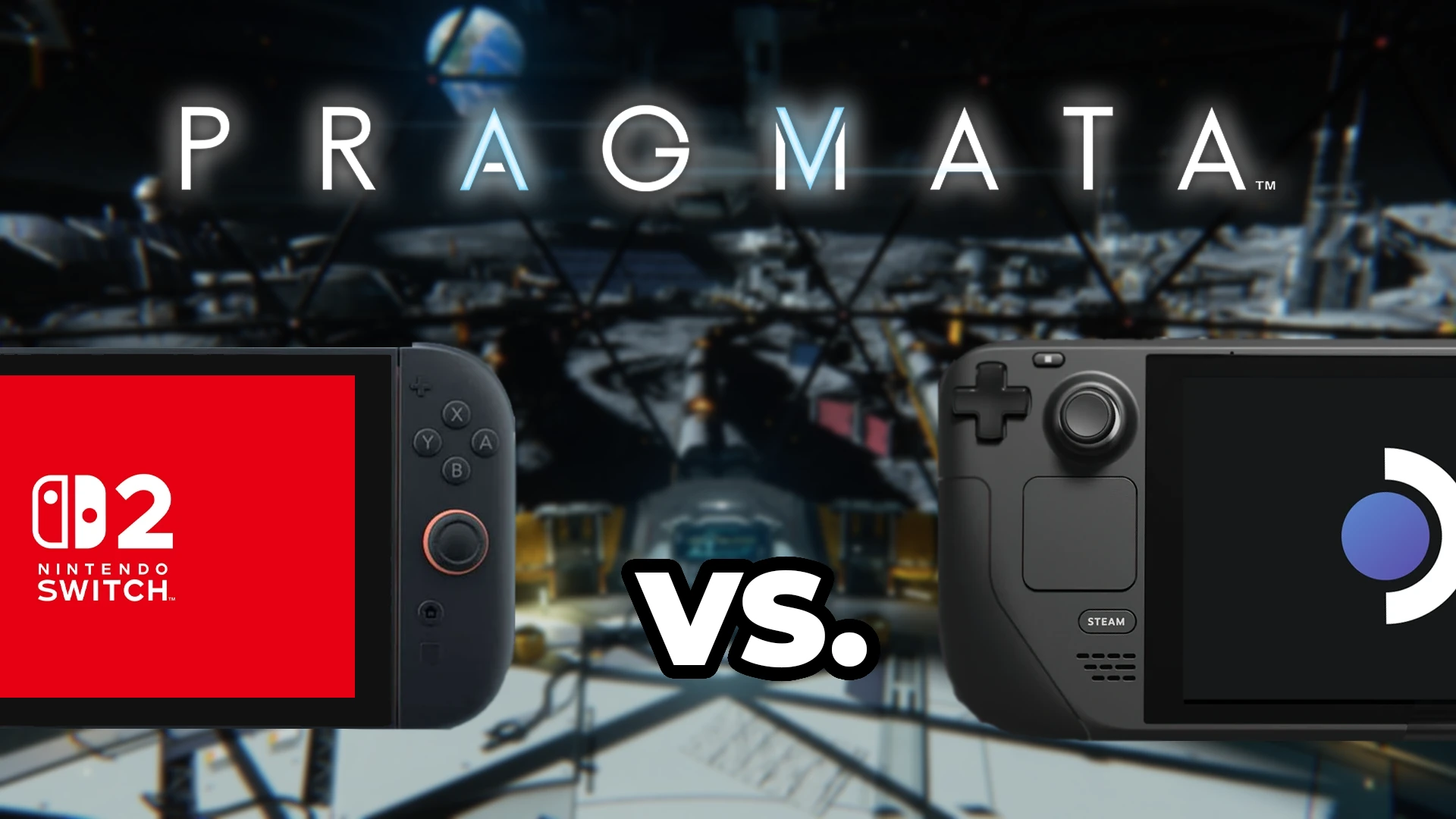
PRAGMATA is easily one of my favorite games this year, and possibly one of my favorites that I’ve ever played. Part of what makes it so enjoyable is that it’s very playable on the Steam Deck. It’s a blast to take it wherever I go, and it’s completely playable all the way through this way. Luckily, for us, this isn’t the only way to play portably, since the game is also releasing on the Switch 2. So, I decided to play for myself and compare the two to see which is gonna be the best portable experience.
The comparisons are done with the Steam Deck's default settings and primarily comparing Switch 2 handheld mode vs the Deck's default, unless specified otherwise. We use an OLED Steam Deck for testing.
Switch 2 Handheld Vs. Steam Deck
PRAGMATA is another example of the game having pros and cons on both the Steam Deck and Switch 2. For the Switch, image quality is clearly improved. This is partly due to the resolution bump, but there are more shadows that are present and darker. This ultimately makes the scene look better, and I found this pretty consistent throughout the areas I tested. Character models also look better, especially when it comes to hair. The hair looks more defined, and we can see individual strands more clearly, which looks great. And textures look significantly better on the Switch 2.
However, the new shadows look significantly grainy around the edges. This made some surfaces look ugly, and I actually preferred them without the extra shadows. On top of that, further away objects have a checkerboard-like pattern, and I would consider the image on the blurry side. The blurriness is actually very similar to the FSR 3 upscaling on the Deck, which looked very similar. Yet I found this blurriness distracting when running around, making the image look a little muddied in action, which isn’t a problem on the Deck. And on the Steam Deck, further away objects looked significantly better. Edges look smoother, and there are no checkerboard patterns further away.
Still, the big advantage of playing on the Deck is going to be performance. The game is much more stable on the Deck, keeping to 40 FPS with only minor stutters in those open areas. On Switch 2, the framerate fluctuates constantly. Sometimes, it feels extremely smooth at 40 FPS, while other times it can drop dramatically to the 20s in these open areas. The more stable performance is quite nice, so it’s hard not to relish it.
However, the flickering that comes from FSR 3 upscaling is very obvious and can be distracting. Compared to DLSS’s checkerboard patterns further away, this felt much worse. I could see it as possible just because we could say that the holographic screens and lights are flickering, but there are some areas where it can be very distracting, and I disliked it as a whole.
Battery Life (Handheld) and Loading Time Comparisons
When it comes to battery life, the Steam Deck comes out on top. I recommended settings will get between 2 1/2 to 3 1/2 hours, while the Switch 2 will get 2 1/2 or lower. It’s not a huge difference, but it does mean that you’ll be able to play longer on the Deck.
And when it comes to loading times, the Switch 2 is clearly on top. While there are some loading screens when going into new areas on the Deck, there are none on the Switch. Loading in general is faster here, and as someone who just wants to get into the game as soon as possible, that’s a nice plus.
Switch 2 Docked Enhancements
While we can’t change settings on the Switch 2, we can dock it to get an improved experience, and this is a wonderfully improved experience. Not only does the game look much better at higher resolution at 1440p, but a lot of the blurriness from upscaling is also gone. On top of that, the framerate pushes much higher and stays there more often. So, the docked experience ultimately fixes nearly every part of the handheld experience, including the faraway checkerboard pattern. The shadows do still look a little bit fuzzy, but they are better than if they were handheld. The overall quality level still looks very similar to the handheld quality, but the improved resolution, upscaling, and framerate are obvious.
The game does still suffer from some of the FPS drops in the open areas, but it ultimately feels better overall. This is one of my favorite docked experiences that actually makes it feel like a fantastic step upwards from handheld. Most games just increase the resolution when docked, but PRAGMATA feels like it does much more.
Further Steam Deck Improvements
While the Switch 2 can be docked, we can push the Deck further as well. As I note in my review, we can bump the quality up with a 30 FPS cap, which makes the game look significantly better while staying relatively stable. And if we remove the cap completely on default settings, most of the game can hit 60 FPS. This can make fights feel amazing.
And while I don’t necessarily recommend it, we could use tools like lossless scaling frame generation to push up the framerate artificially. This can make you feel like we’re playing at a higher framerate even when it’s not.
So Which Handheld Should You Play On?
So, when it comes to which handheld will be a better experience for PRAGMATA, it comes down to preference. Some parts of the visual quality look better on the Switch 2, while other parts are better on the Steam Deck. The framerate and battery life are better on the Deck, while the shadows and loading times are better on the Switch 2. The docked Switch 2 is easily the best way to play PRAGMATA, but the versatility of the Deck gives us a lot to customize to make the experience our own.
When all is said and done, I would have to say the Steam Deck experience was my favorite. There are lots of little nuisances, including the flickering upscaling, but with the versatility to change the settings and use external tools like lossless scaling, I have options to get rid of them while still playing in handheld mode. The issues I felt with the Switch 2 version couldn’t be fixed unless I dock it, and the fluctuating framerate bothered me a lot.
However, I don’t think you can go wrong with either version of the game. Capcom did a great job optimizing, and I had fun playing through the game again on the Switch 2. This is one of my favorite games that I’ve ever played, so as long as you’re getting it and enjoying it, that’s all that really matters. But if you want my preferred experience, going for it on PC for the Steam Deck is my way to go.
If you enjoyed this article, check out the rest of the content on SteamDeckHQ! We have a wide variety of game reviews and news that will help your gaming experience. Whether you're looking for news, tips and tutorials, game settings and reviews, or just want to stay up-to-date on the latest trends, we've got you covered!

RECENT NEWS
Categories
Accessories
Anbernic
Android
ASUS ROG Ally
ROG Xbox Ally
Classics on Deck
Community
Cryobyte33
Deals
Deck Mods
Emulation
Events
Featured Post
Game News
Game News
General Game News
HandheldHQ
Hardware
Lenovo
Linux
MagicX
MSI
Nintendo
ONE-NETBOOK
Opinion
Other Reviews
Accessory Reviews
Handheld Reviews
PlayStation
Proton
Retro Handhelds
Anbernic
AYANEO
AYN
GPD
MagicX
MANGMI
Miyoo
Retroid
Rumors
TrimUI
SDHQ
Steam
Steam Controller
Steam Frame
Steam Machine
SteamOS
The Unsupported Report
Uncategorized
Uncategorized
VR
Xbox
Recent Tips & GUIDES
recent reviews

I inevitably bought it on Switch 2, I’d have gotten it on PS5 or Series X but the on the go option was too tempting. I played the demo on Steam Deck and Switch 2, it ran great on both, the only reason I went with Switch 2 was because I had store credit and it’s lighter.
That's valid. Either way, it's a great game and will be a lot of fun!