If you haven't yet, follow us on X (Twitter), Mastodon, or Bluesky to know when we post new articles, and join our Reddit or Subscribe to us on YouTube to check out our content and interact with our awesome community. Thank you for supporting us!
Forza Horizon 6 was provided by Xbox Game Studios for review. Thank you!
When the developers announced that Forza Horizon 6 would be playable on Steam Deck, I was skeptical. Both Forza Horizon 4 and 5 are fully playable on it, but Forza Horizon 6 is a current-generation-only title. I wanted to make sure all aspects of it are playable on Steam Deck. I obviously didn't have access to everything pre-release, but after spending over 60 hours with the game, most of which on Deck, I can confidently say that Forza Horizon 6 ranges from playable to great on Deck. The experience varies quite a bit based on in-game location, with the city being a bit too demanding right now to deliver a perfect experience, but there is hope.
Before getting to my Forza Horizon 6 Steam Deck recommended settings, you are prompted to sign in with your Xbox account on first launch. I was able to do this fully on my Deck. After this initial setup, it compiles shaders through an optimization screen, and then you can play it offline as well, but you will be prompted to select which save to load and treat as your main when you go back online. For example, I played it on Steam Deck, then selected "Sync and Exit".
When I set my Deck to offline and enabled airplane mode, I was able to load the game and then exit the game after playing for an hour. When I booted it up on Steam Deck after reconnecting to the internet, the game prompted me to select which save to treat as my primary save. Once I selected my offline save, it loaded it and then let me play normally again with my offline progress while online. It works fine.
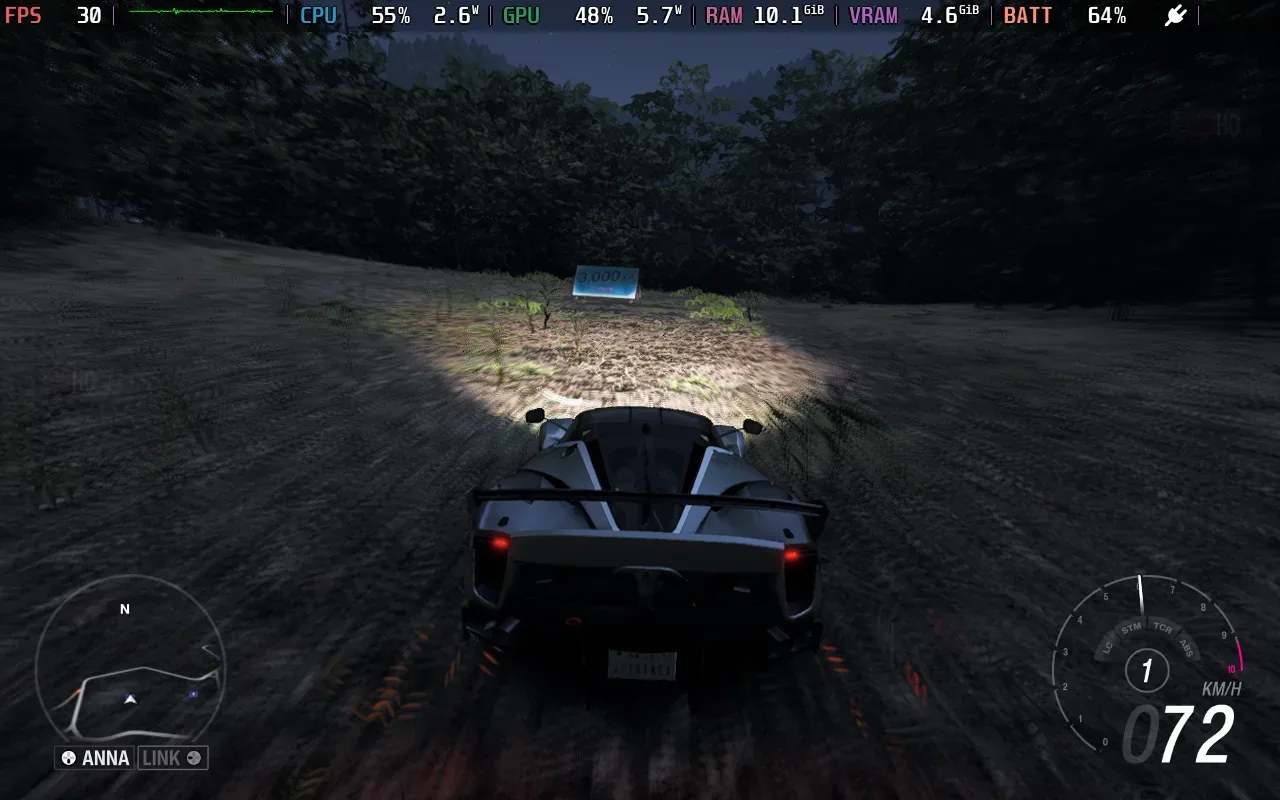
Speaking of online play, Forza Horizon 6's online Horizon Play works on Steam Deck. I tested this across multiple races and also communicated with others in my instance at the time using the Link option. It is good to see the developers support the handheld in Forza Horizon 6 for both online and offline play, and to add a bespoke "Sync and Exit" option that doesn't appear on the ROG Ally.
Forza Horizon 6 Steam Deck performance
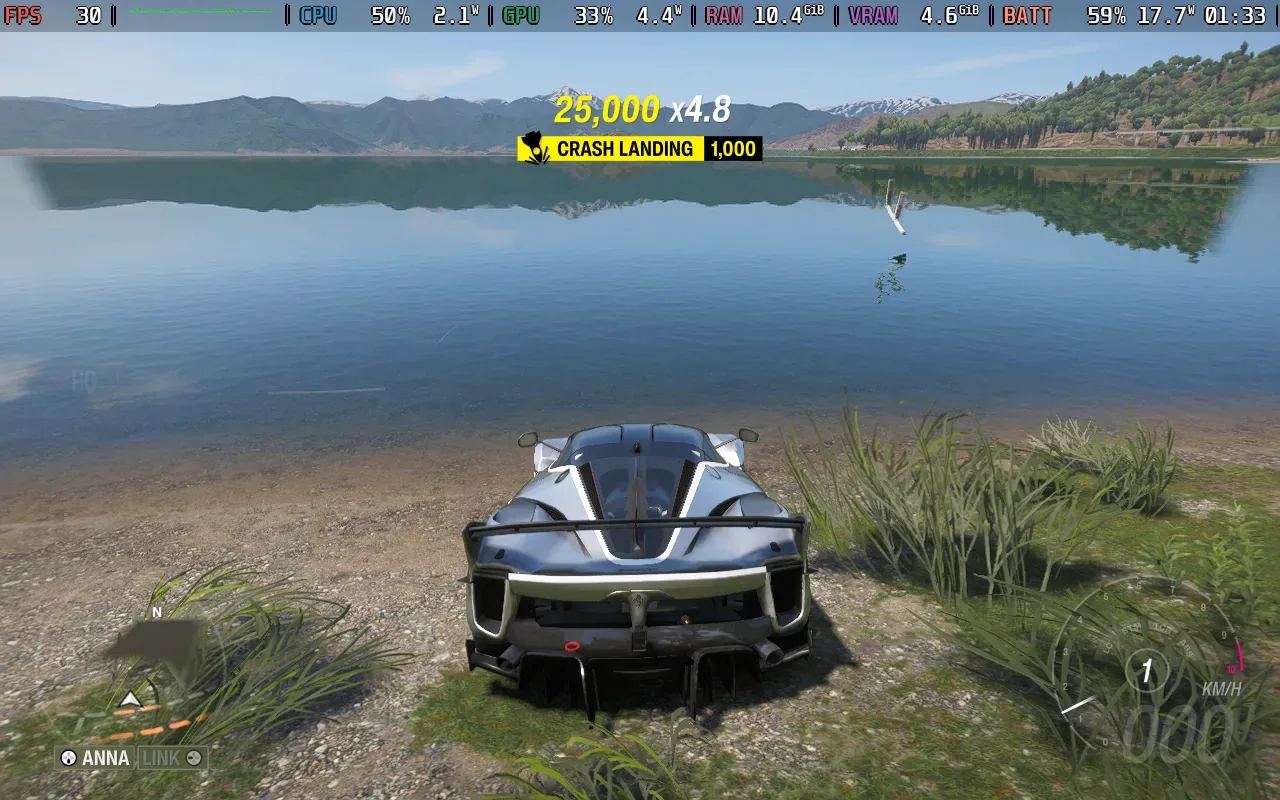
When in-game, Forza Horizon 6 booted up on my Steam Deck OLED at 720p, the low preset, and with a 30fps cap. These default settings aren't terrible, but a few tweaks can make it nicer. If you stick to the default settings, it holds the 30fps well and only really struggles in parts of the city on the map when driving through traffic. The default preset also uses TAA, which works better in-game compared to FSR when it comes to the visuals, at least.
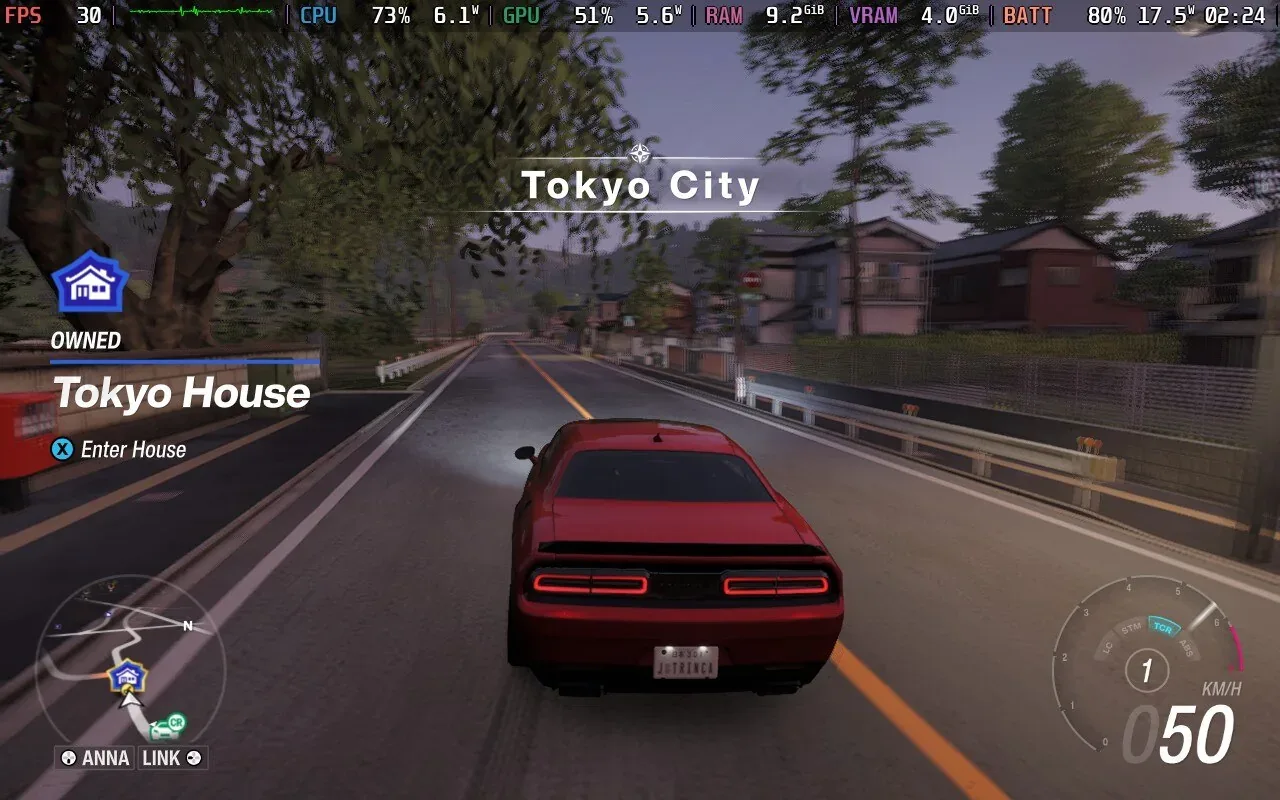
Having unlocked almost the entire map and every location on it, the city area is the only part that really struggles to maintain 30 fps, but it isn't too bad. The main issue here is that the frame times are quite bad, so while it drops to only 28 or 29 fps, it doesn't feel great. I found two ways to improve how Forza Horizon 6 feels.
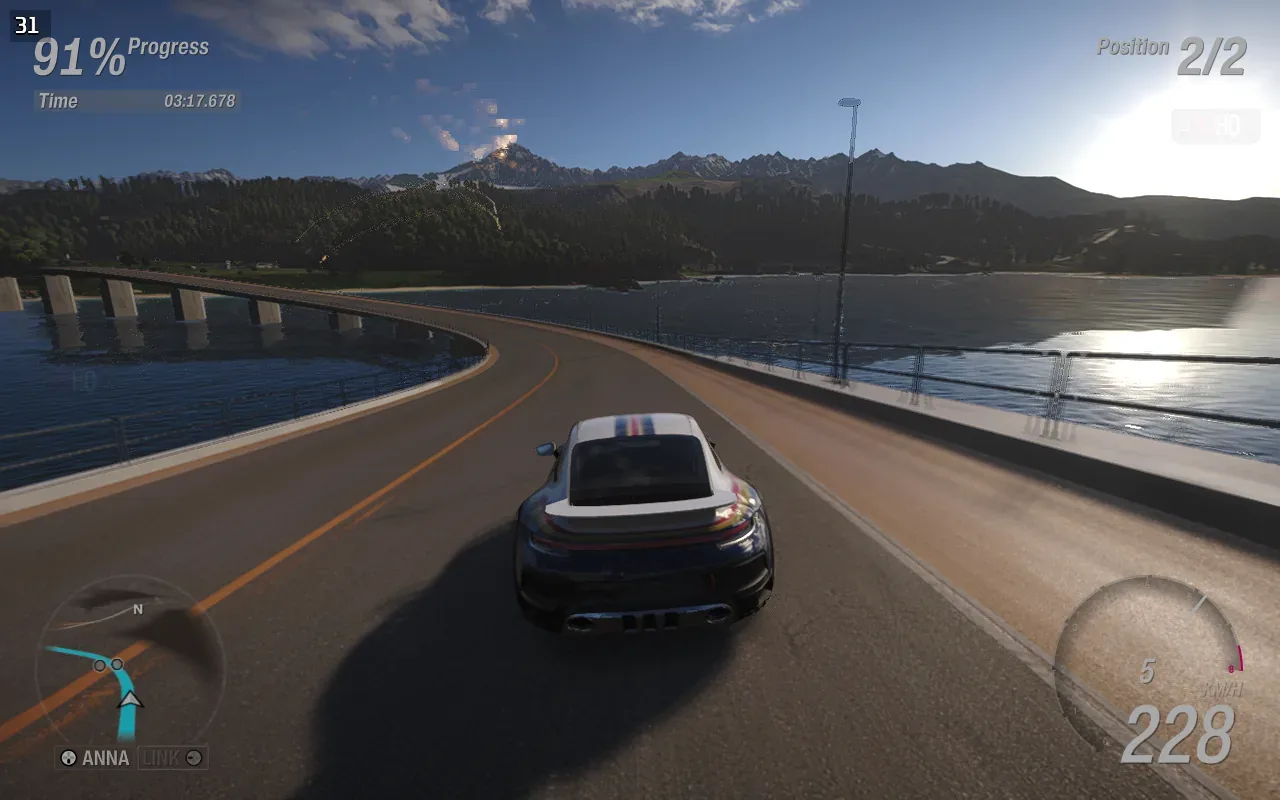
I verified this by replaying a few of the Showcase and Rush events on Steam Deck again with my settings. It holds up well across the board and even in the larger-scale races against the mech and others that I won't get into for spoiler reasons.
As for stability, I had a single crash on the Steam Deck only after the latest patch on May 13. There were no crashes before that at all on the Deck.
Forza Horizon 6 Steam Deck Recommended Settings
The first is setting the in-game FPS cap to 45fps and using the Quick Access Menu to cap it to 30fps. This is a better cap, though there will be a bit more input lag as you'd expect. The other change is setting the game to 1280x800 resolution if you want to play with the full 16:10 display, but the frame times can get a bit worse with this in the city area.
I noticed the GPU usage wasn't too high, and forcing the Manual GPU Clock to 1600MHz helped here. This does use up more power, but the result is better as far as I'm concerned on the OLED model. Barring this, I also recommend setting Motion Blur to Long instead of Short since the former is recommended for lower frame rates. You can also turn this off based on your liking. I usually turn off motion blur in most games, but I've always liked the Forza Horizon implementation across every game I've played.
The Anti-aliasing option here defaults to TAA, and you can play around with the sharpness level to see how you like it. My preferred setting is 0.6 here. As for HDR, right now, there are no settings to tweak the brightness on the Steam Deck OLED with HDR, so I cannot give recommended settings for that aspect.
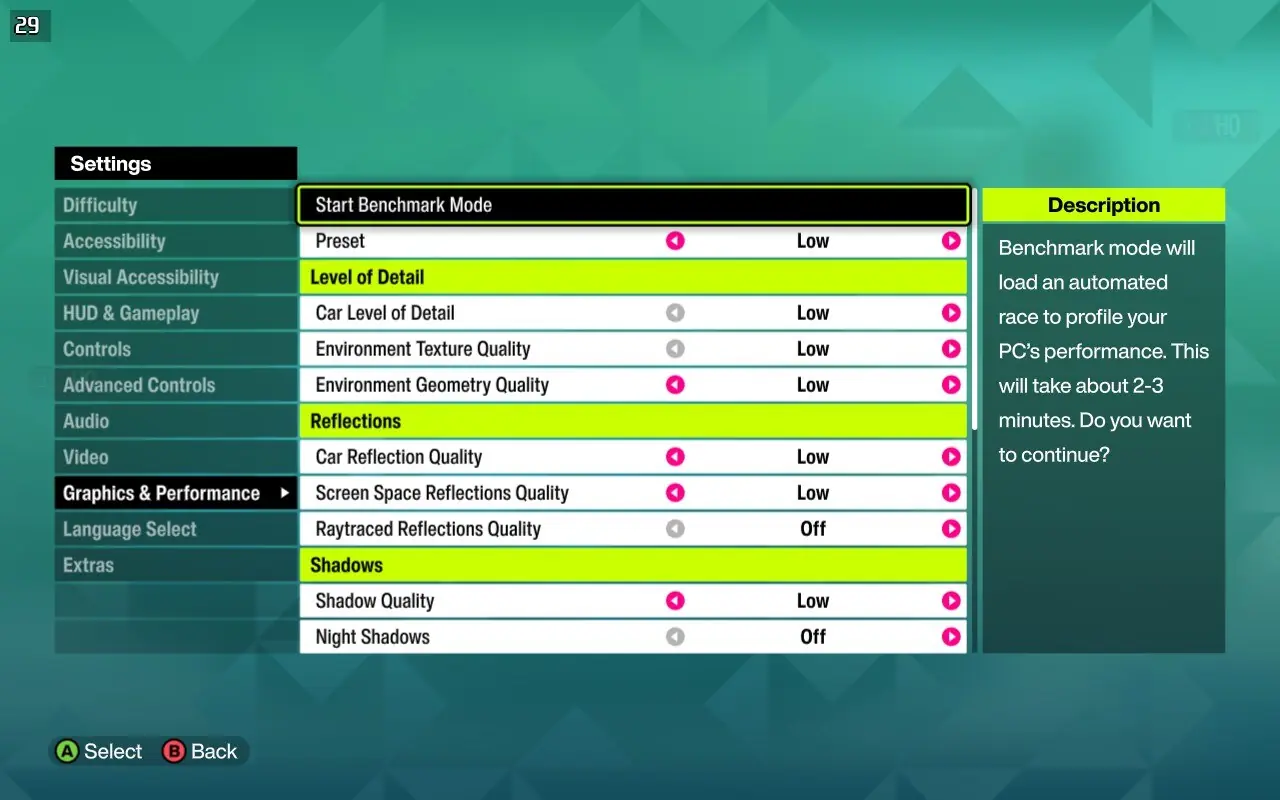
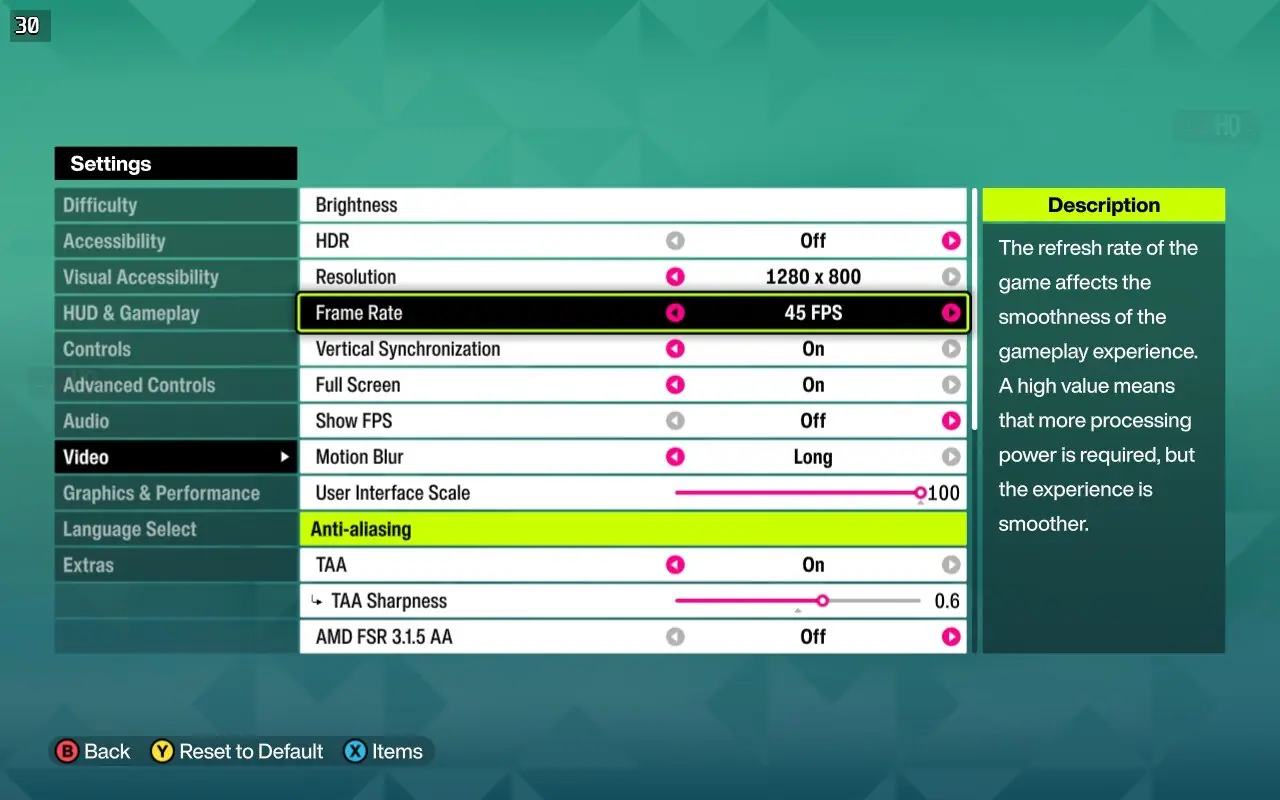
There is a way to turn the settings down below the Low preset to get better performance, and I do not recommend it, as turning off shadows makes the game look awful. I also tried playing at a lower resolution, FSR ultra performance, and the Very Low preset. Even with those settings, you can't get close to a locked 60fps, or even a fully locked 40 FPS, on Steam Deck.
These settings are the perfect blend of getting as stable an experience as possible without degrading the visuals too much. Forza Horizon 6, even on its low preset, is a very good-looking game on the Steam Deck's display. I also tested it out docked via the Docking Station. It doesn't hold up as well as expected with the same settings, and this is where I opted to use my ROG Ally Z1E in turbo mode. I was able to get it to 1080p 30fps on the medium preset, and I found it delivered a good complement to my portable Steam Deck 30fps experience.
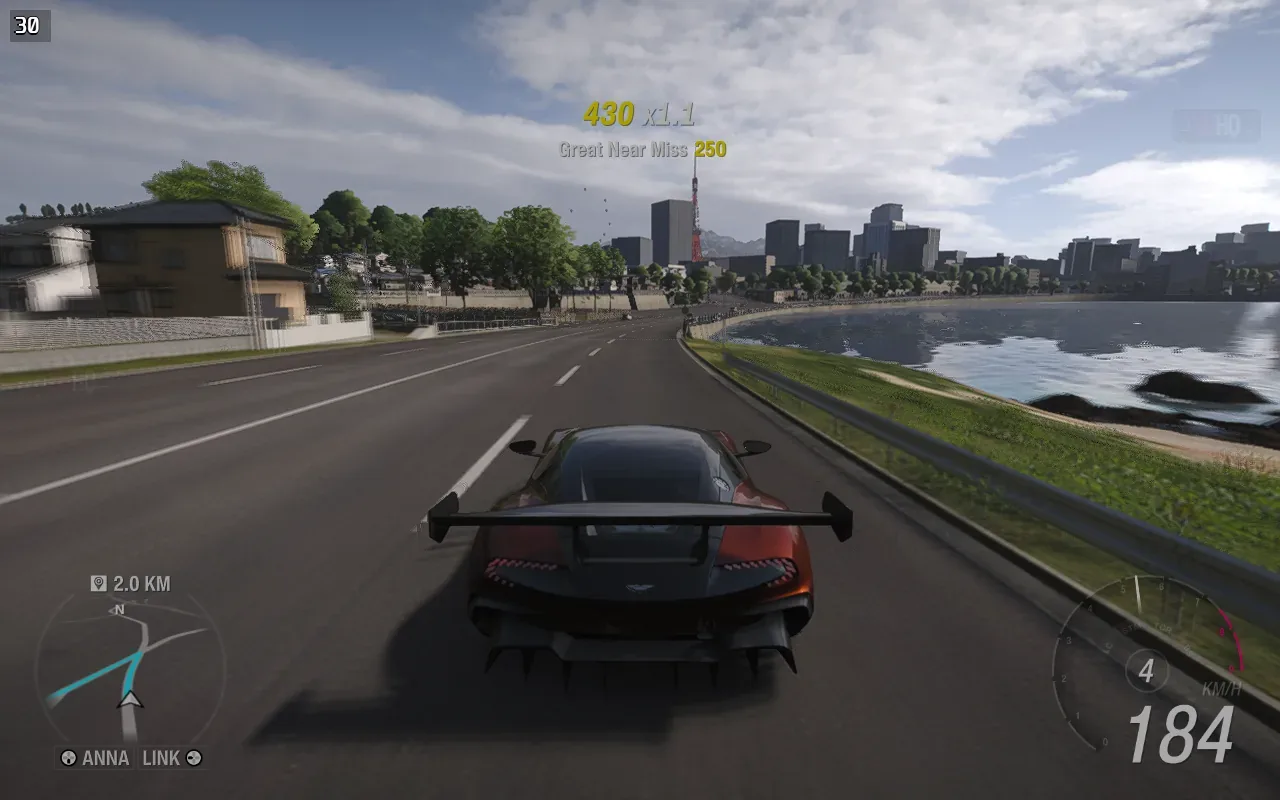
The developers have noted that there will be more optimization, and if anything major changes in the future, we will revisit this. Until then, Forza Horizon 6 delivers a very good portable experience, both online and offline, and I can't wait to keep playing it portably on Steam Deck while picking up my progress on Xbox Series X for playing at home.
If you enjoyed this article, check out the rest of the content on SteamDeckHQ! We have a wide variety of game reviews and news that will help your gaming experience. Whether you're looking for news, tips and tutorials, game settings and reviews, or just want to stay up-to-date on the latest trends, we've got you covered!

RECENT NEWS
Categories
Accessories
Anbernic
Android
ASUS ROG Ally
ROG Xbox Ally
Classics on Deck
Community
Cryobyte33
Deals
Deck Mods
Emulation
Events
Featured Post
Game News
Game News
General Game News
HandheldHQ
Hardware
Lenovo
Linux
MagicX
MSI
Nintendo
ONE-NETBOOK
Opinion
Other Reviews
Accessory Reviews
Handheld Reviews
PlayStation
Proton
Retro Handhelds
Anbernic
AYANEO
AYN
GPD
MagicX
MANGMI
Miyoo
Retroid
Rumors
TrimUI
SDHQ
Steam
Steam Controller
Steam Frame
Steam Machine
SteamOS
The Unsupported Report
Uncategorized
Uncategorized
VR
Xbox
Recent Tips & GUIDES
recent reviews