If you haven't yet, follow us on X (Twitter), Mastodon, or Bluesky to know when we post new articles, and join our Reddit or Subscribe to us on YouTube to check out our content and interact with our awesome community. Thank you for supporting us!
The Outer Worlds 2 was provided by Xbox Game Studios for review. Thank you!
Obsidian has made some incredible games, with one of their most popular being Fallout: New Vegas. However, The Outer Worlds has been another great series that I have found hard to put down. The crazy world and gameplay that feels like an evolution of what they could have done with Fallout, and I loved the sci-fi aesthetic the entire game exuded. With The Outer Worlds 2, we have much more to enjoy. It still has the feel of the previous game, yet it is more refined with a better perk system, better character creation, and a larger galaxy to explore.
I have been loving my time with it so far, and have been finding it hard to put it down. My biggest criticism so far is the menus, especially the main menu, which I found obnoxious and cumbersome. However, the actual gameplay has been a blast, and if I had to make a decision right now, I would say it's worth purchasing. I did receive my key a little late, and with the amount of games we are working on (6 reviews were posted in the last three days), I need a little more time to properly review and score the game. I don't want to rush it, and I am enjoying taking my time to explore and properly enjoy the world.
Still, I have been playing a lot on the Steam Deck, and I wanted to write up an article about how it runs on the device to give an idea for those looking to purchase and possibly play it on the go. I would consider this an impression article because I haven't finished the game just yet, but I am fairly confident that most of the game will play this way.
The Outer Worlds 2 - Steam Deck Performance So Far
Going into The Outer Worlds 2 on the Steam Deck, I wasn't hoping for much. Unlike Xbox's other newly released game, Ninja Gaiden 4, The Outer Worlds 2 didn't get a Valve-appointed badge. The system requirements are also a little too high for Deck gameplay, usually, with the GTX 1070 GPU requirement specifically being too much. Still, I wanted to try it out and see how playable it could be for myself, and ultimately, I would consider it just barely playable, with some caveats.
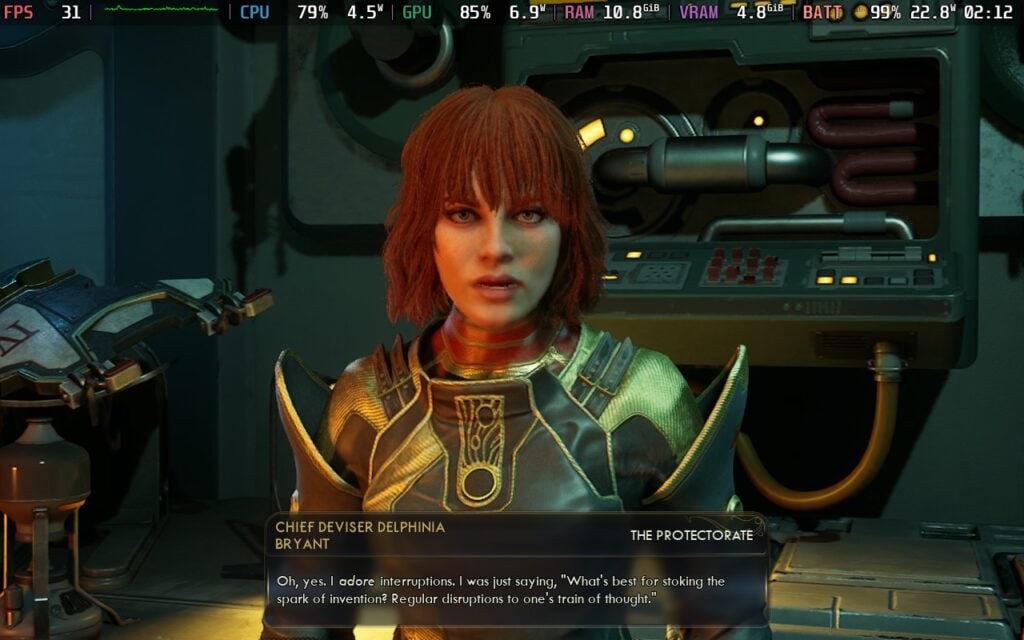
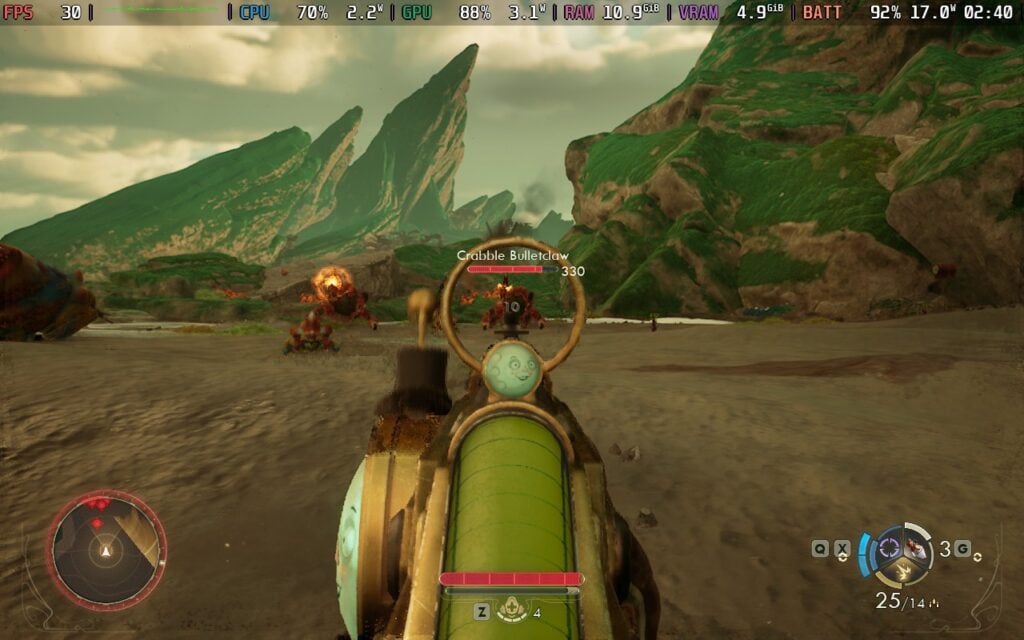
For the most part, it will be able to stick to 30 FPS with default settings and TSR upscaling at Balanced. With these settings, there is some blurriness on the screen, but ultimately, it's still very easy to see what is going on and who we are talking to. The only super blurry aspect that stood out was moving the text on a computer screen in-game, but it would straighten out as soon as the text stopped moving.
While fights and walking around generally stuck to 30 FPS, there were consistent drops to 28 that weren't felt much. However, moving in and out of towns and buildings, as well as running across the world for longer stretches of time, can cause some drops and stutters, going down to 18 FPS at times. This was unavoidable and would happen no matter how low the settings were and which upscaler was used. Still, it held strong for most of the fights I was in, and that is good.

I also tested out all the upscalers to see which was the best. While FSR was the best for performance, I found TSR to be the best visually, and it still has good performance. The differences in performance between FSR and TSR are minimal, while the visuals can be striking. Specifically, taking a look at foliage in the open world shows a huge difference. The foliage glistens with FSR, and TSR doesn't at all, having a good blend of the edges to make it look better overall. XeSS looks even worse than FSR and performs worse, so it wasn't an option for me.
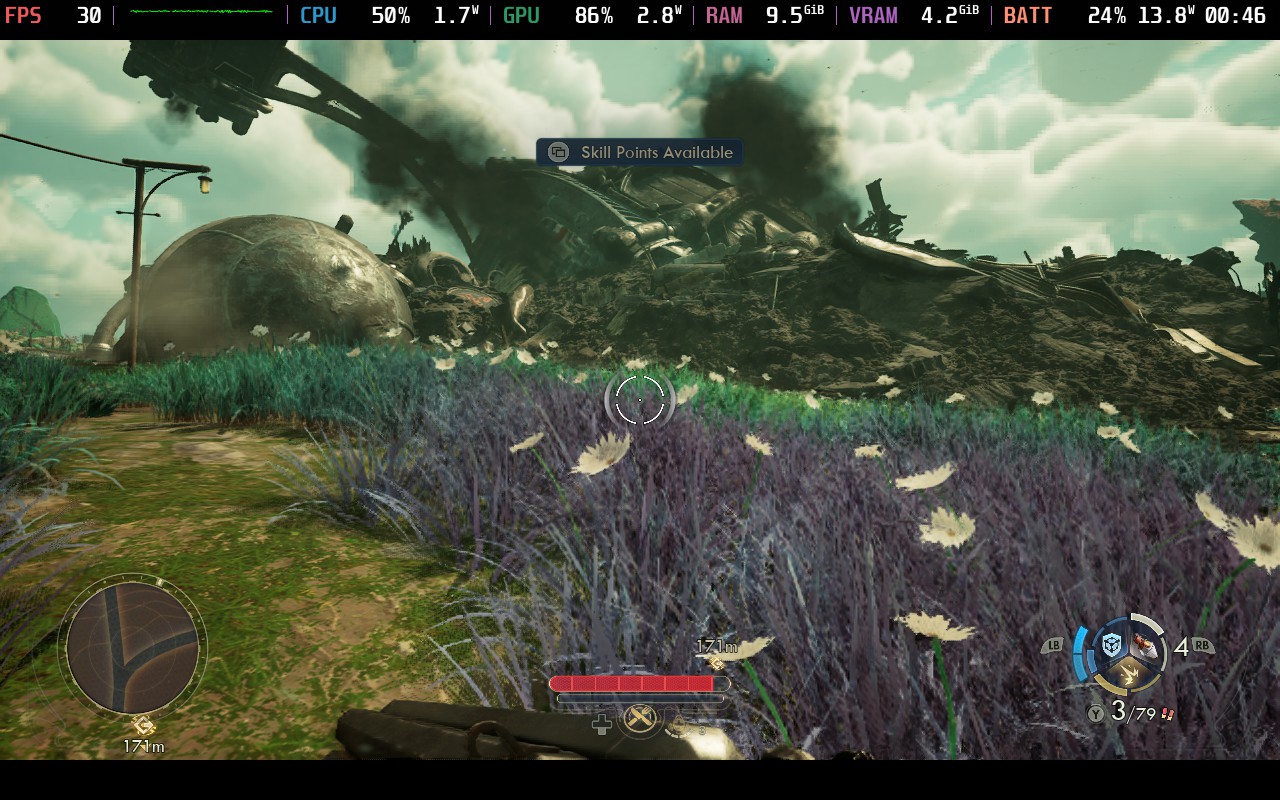
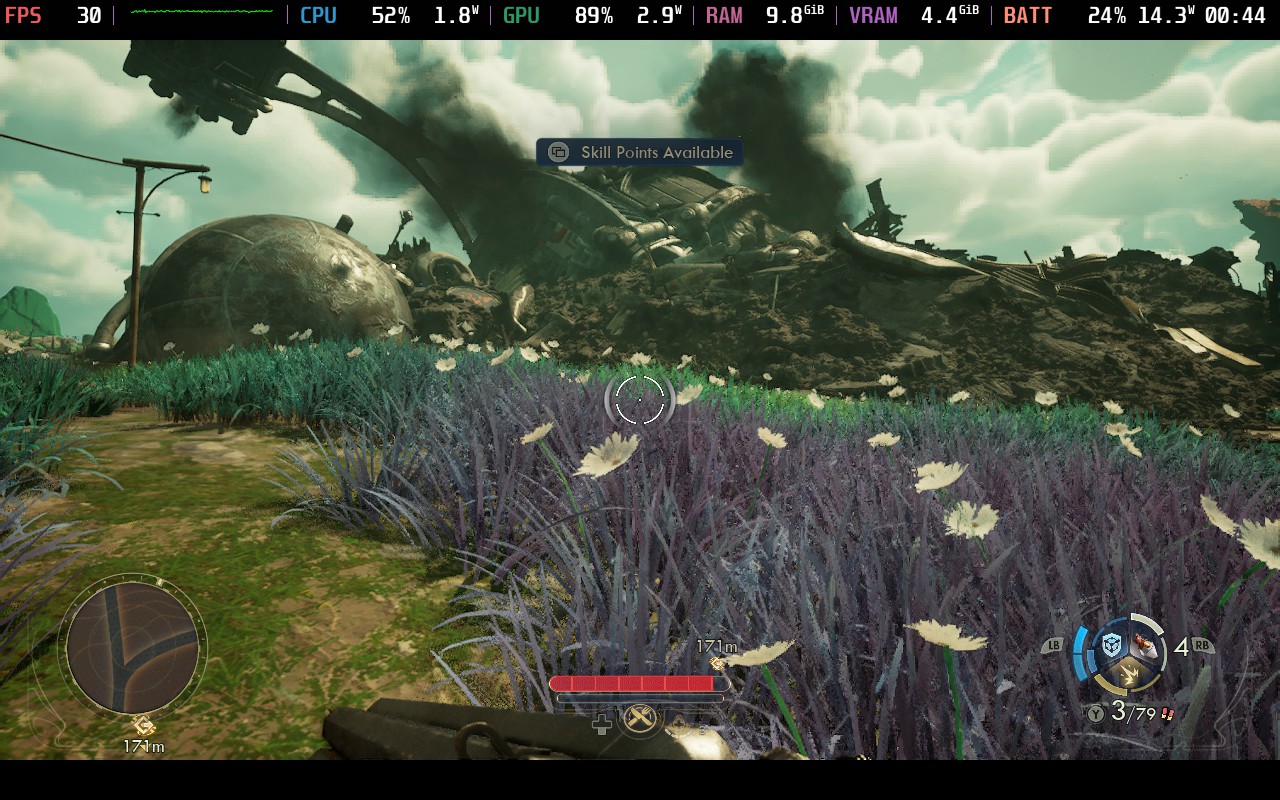
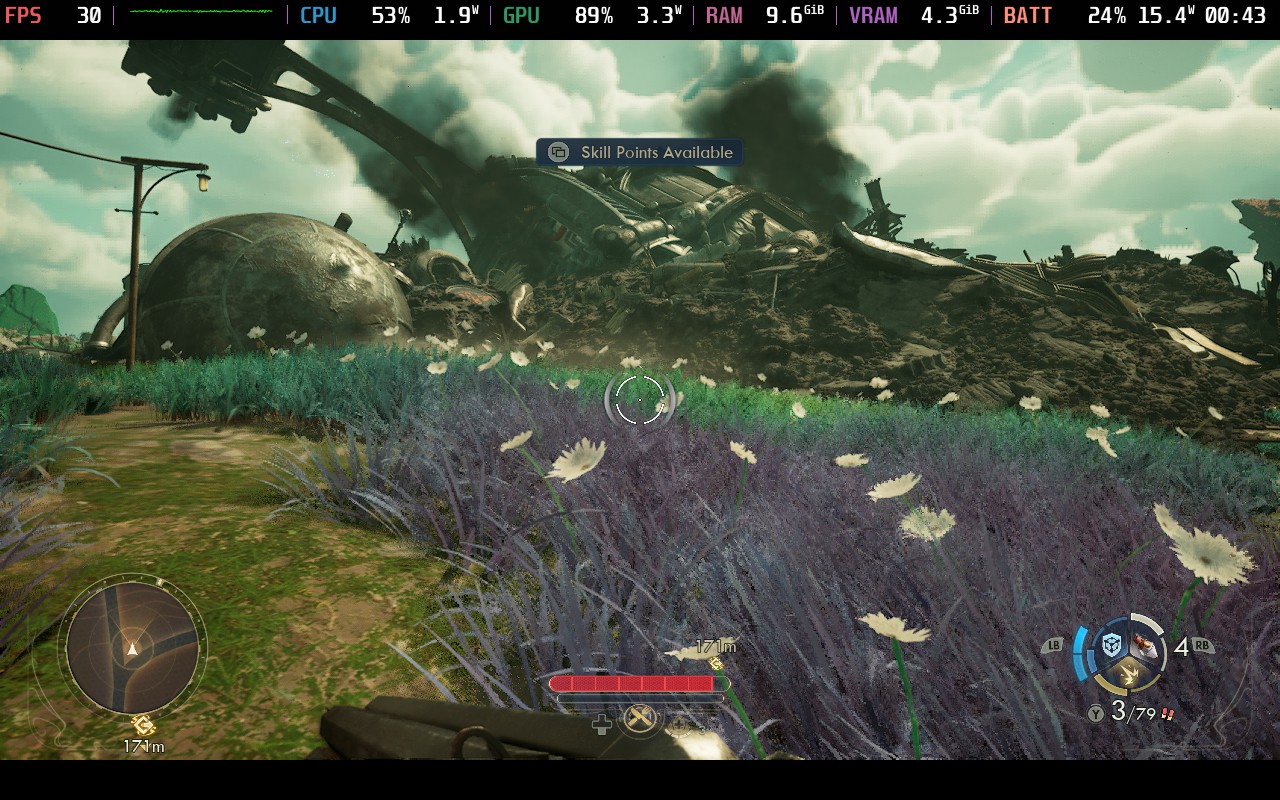
The game will also need all the power it can get to play on the Steam Deck, so there won't be much leeway for other options or battery saving. I also recommend not using FSR 4 since it will use the resources we need for the game, while Lossless Scaling and frame generation will not be consistent or feel smooth because of the base framerate fluctuations.
I did some extra testing with Lossless Scaling and still feel similar to what I had before, but I want to expand on it more. Lossless Scaling at 2x does work and can sometimes make the game feel very smooth with little input lag, but any fluctuations slow the game down and feel awful. I still prefer not using it, but I will say it is do-able.
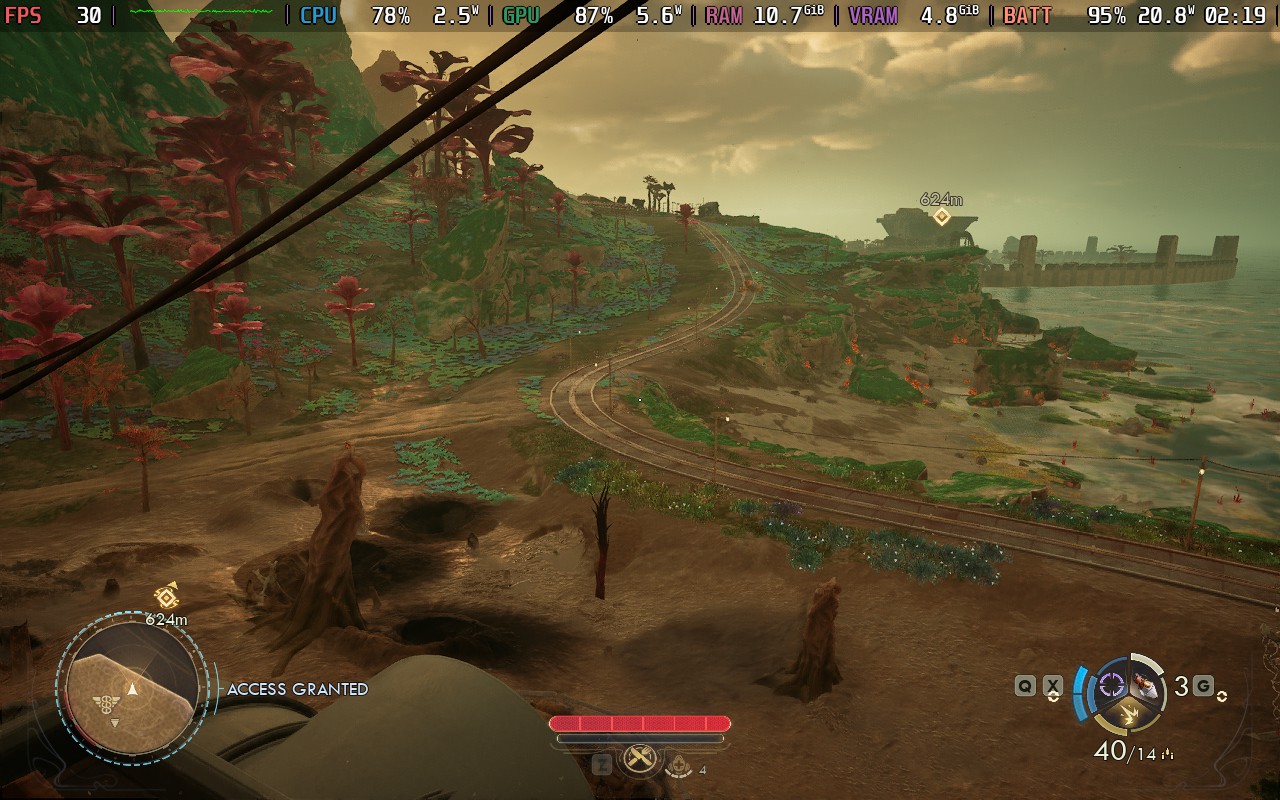
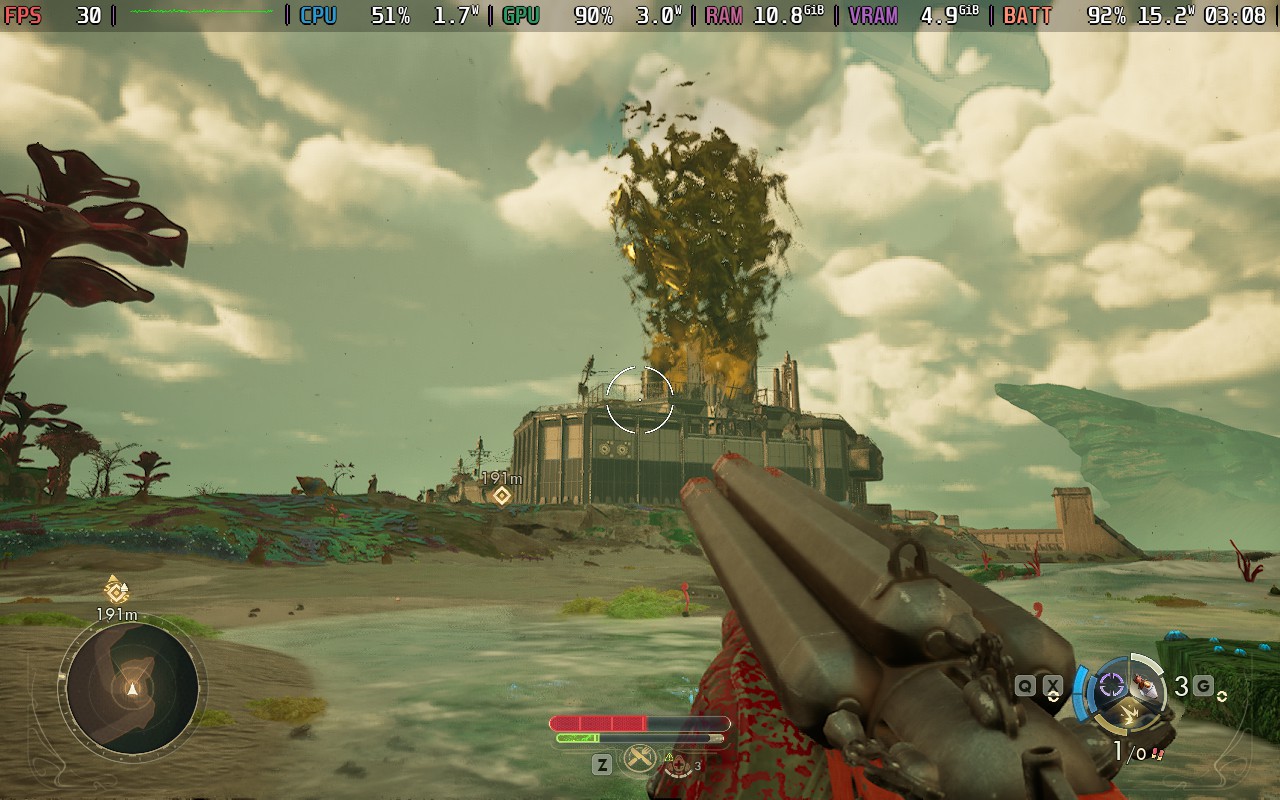
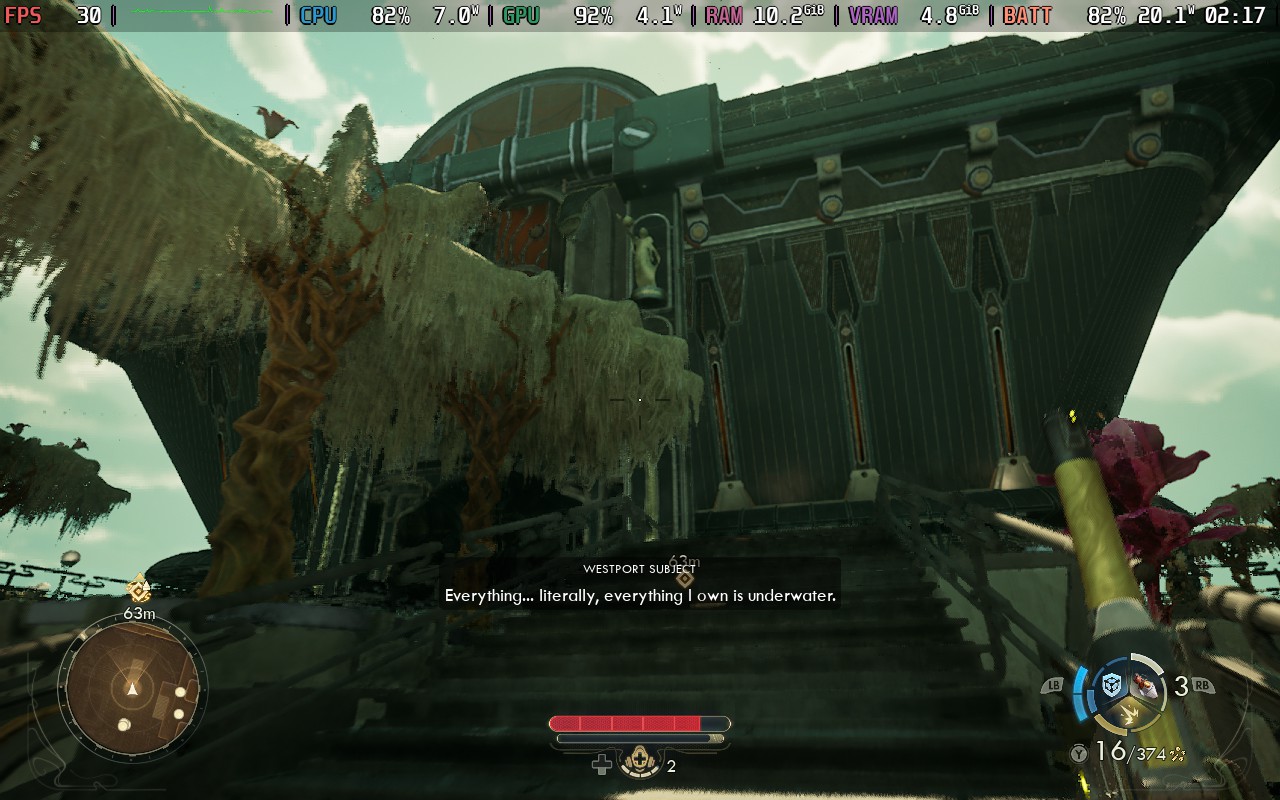
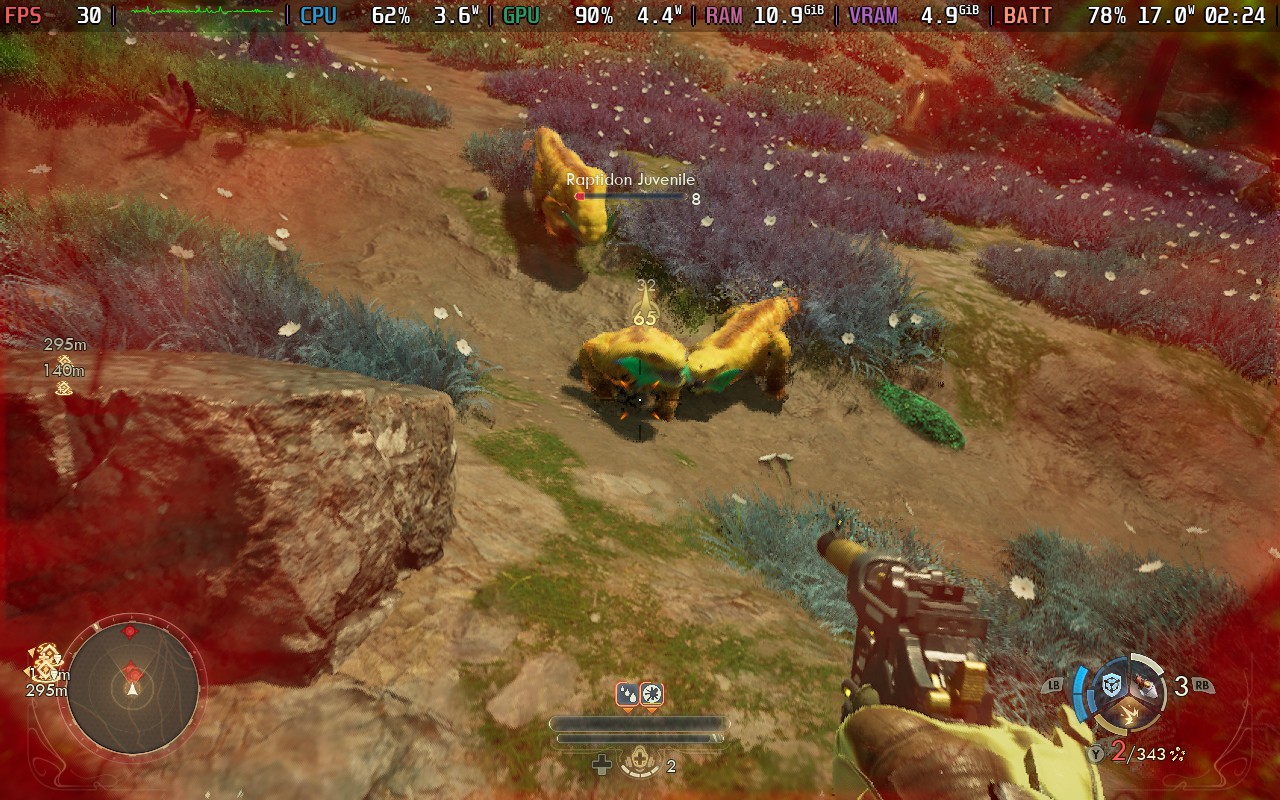
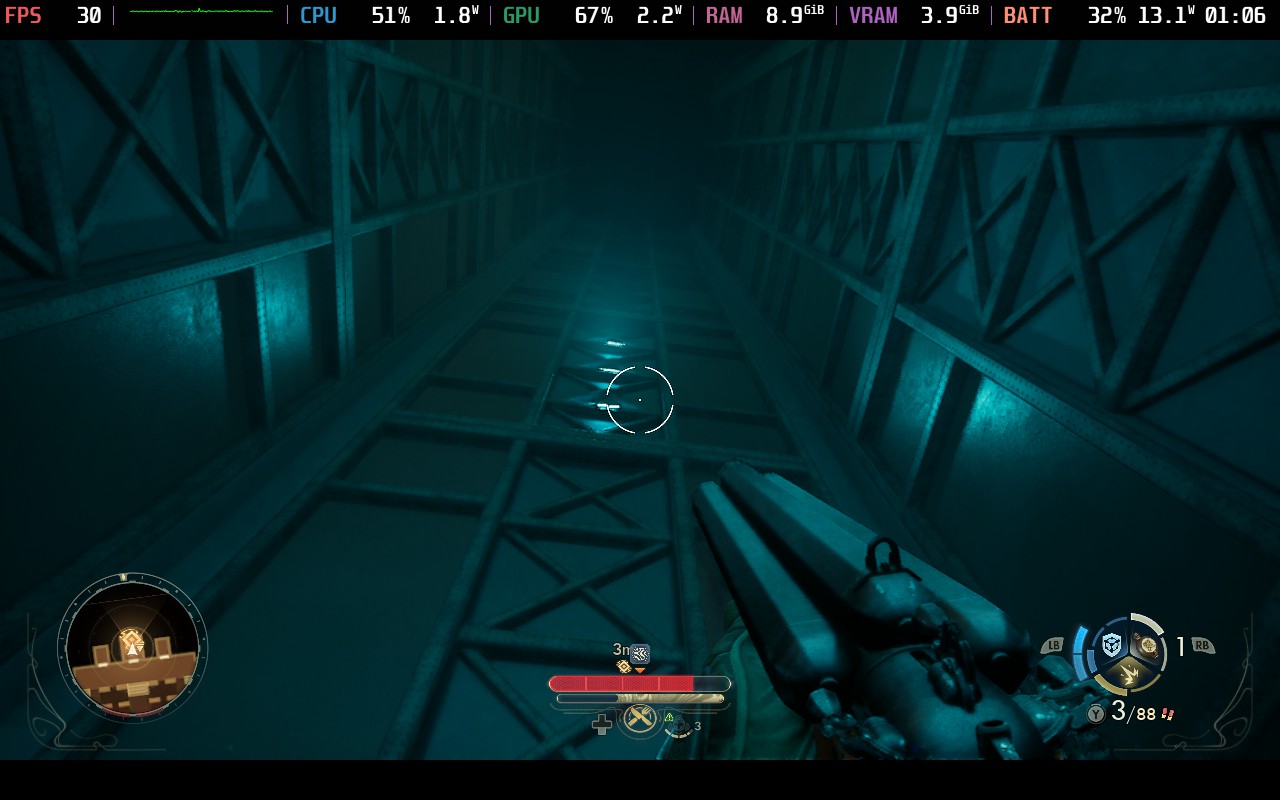
While it will take some compromise, The Outer Worlds 2 is technically playable on the Steam Deck. It will get to 30 FPS a lot of the time, and mostly stick there in fights, though there will be some drops here and there when running around a lot and going in and out of buildings and towns. It's not often, but it happens enough to consider it consistent. I also recommend using TSR for the best-looking visuals, since FSR and XeSS have some bigger issues with blurriness and foliage. Still, even without the rating, I would consider it just playable, and if you have no other way to play it, the Deck will suffice.
The Outer Worlds 2 can be pre-purchased for $69.99 ahead of its October 29th release date.
If you enjoyed this article, check out the rest of the content on SteamDeckHQ! We have a wide variety of game reviews and news that will help your gaming experience. Whether you're looking for news, tips and tutorials, game settings and reviews, or just want to stay up-to-date on the latest trends, we've got you covered!

RECENT NEWS
Categories
Accessories
Anbernic
Android
ASUS ROG Ally
ROG Xbox Ally
Classics on Deck
Community
Cryobyte33
Deals
Deck Mods
Emulation
Events
Featured Post
Game News
Game News
General Game News
HandheldHQ
Hardware
Lenovo
Linux
MagicX
MSI
Nintendo
ONE-NETBOOK
Opinion
Other Reviews
Accessory Reviews
Handheld Reviews
PlayStation
Proton
Retro Handhelds
Anbernic
AYANEO
AYN
GPD
MagicX
MANGMI
Miyoo
Retroid
Rumors
TrimUI
SDHQ
Steam
Steam Controller
Steam Frame
Steam Machine
SteamOS
The Unsupported Report
Uncategorized
Uncategorized
VR
Recent Tips & GUIDES
recent reviews