


If you haven't yet, follow us on X (Twitter), Mastodon, or Bluesky to know when we post new articles, and join our Reddit or Subscribe to us on YouTube to check out our content and interact with our awesome community. Thank you for supporting us!
I have been playing around with my Steam Controller constantly since I have had it, and I will have my full review of it out tomorrow. In all of my testing, there have been a few features that I loved. The trackpads are awesome, and having two back buttons on each side with Steam Input support has been incredible. However, there was one feature I wasn't that excited about: grip sensors. I thought the idea was cool, and I love having more options, but I didn't see any reason why I would use them on a regular basis. But one idea completely changed that.
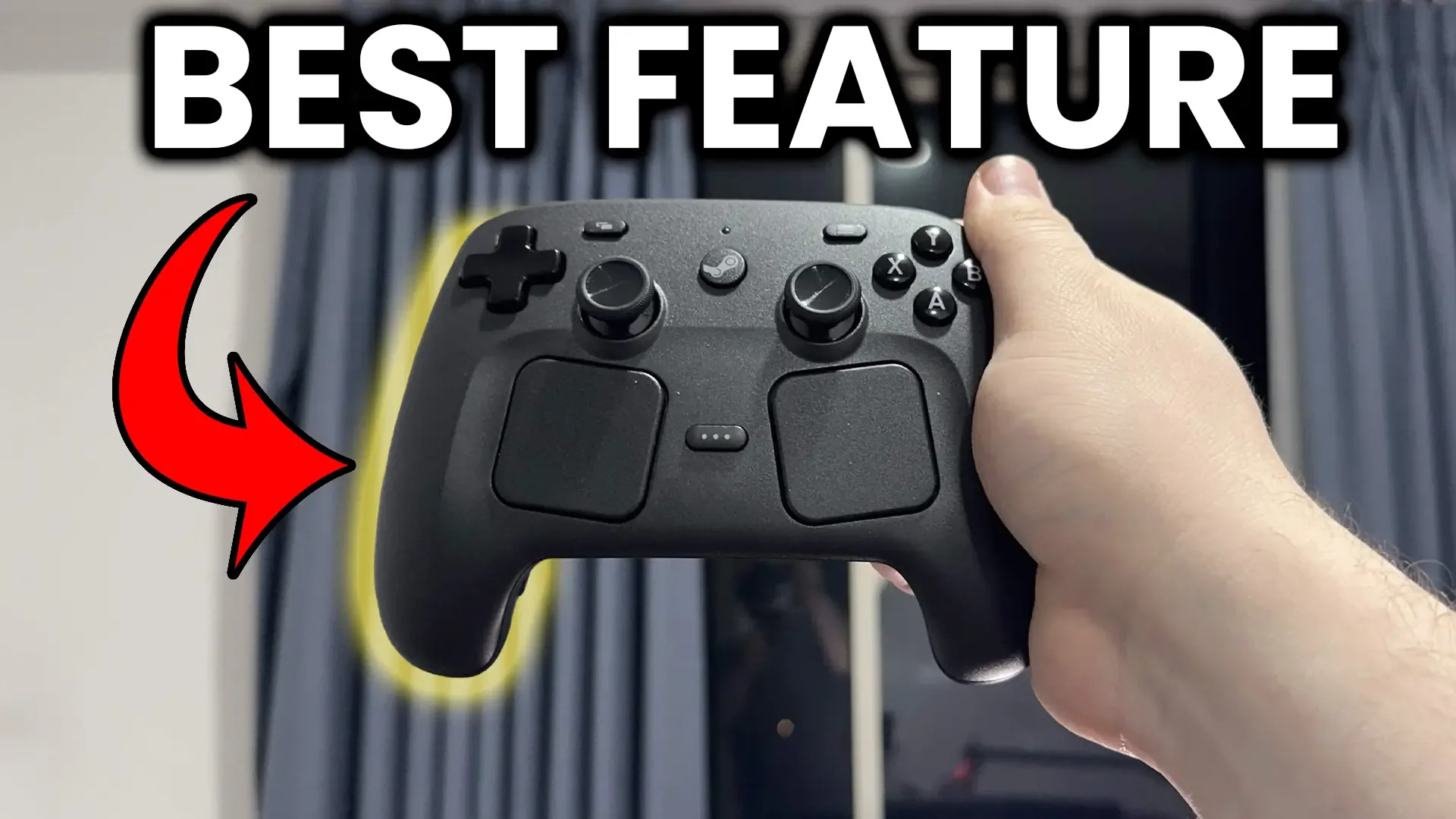
I remember discussing this a little in our SteamDeckHQ Discord server, and the suggestions I saw were...okay. One person set the grip sensors to reload their guns in first-person shooters, so if they took their right hand off and put it back on the controller, it would reload the gun. It was a cool gimmick, but not something I could see myself doing. I also saw suggestions for making it bring up your map in some games if you take your hand off, but I felt pressing a button to bring it up was easier. But this led me to the one suggestion that completely changed my view of the feature: making it pause my game when I take my hands off the controller.
I can't count the number of times I had to put my controller down really quickly, and I forget to pause my game, or I drop the controller after getting startled by something, and I end up dying or losing progress. So, with the grip sensors and Steam Input, we can make it pause the game once we stop holding the controller, and it's quite easy to do.
You can do this by first finding the game you want to enable this with. From there, make sure your Steam Controller is connected, and then go to the controller settings. After that, edit the layout and scroll down to the LG and RG sections (these mean Left Grip and Right Grip, respectively). Once you do, choose which side you want, and then attach the input for pausing. For games with gamepad support, this will be the Start or Select buttons, but if it doesn't have gamepad support, it will most likely be the ESC button.
Once that's done, click on the cogwheel next to the input and click on the settings option. Then, find the "Invert Input" option and turn it on. This will make it so the input activates when you take your hand off the controller instead of putting it on. And that's it. Now, you can exit Steam Input and start playing the game. Now, when you take your hand off the controller, it will automatically pause the game.
It has become one of my favorite features of the Steam Controller, and is one of the coolest uses for sensors that I wouldn't personally have used otherwise. I still can't see myself using it for anything else, but thanks to Steam Input making it something we can modify, it has become a fantastic way to make this controller more unique than others.
If you enjoyed this article, check out the rest of the content on SteamDeckHQ! We have a wide variety of game reviews and news that will help your gaming experience. Whether you're looking for news, tips and tutorials, game settings and reviews, or just want to stay up-to-date on the latest trends, we've got you covered!

RECENT NEWS
Categories
Accessories
Anbernic
Android
ASUS ROG Ally
ROG Xbox Ally
Classics on Deck
Community
Cryobyte33
Deals
Deck Mods
Emulation
Events
Featured Post
Game News
Game News
General Game News
HandheldHQ
Hardware
Lenovo
Linux
MagicX
MSI
Nintendo
ONE-NETBOOK
Opinion
Other Reviews
Accessory Reviews
Handheld Reviews
PlayStation
Proton
Retro Handhelds
Anbernic
AYANEO
AYN
GPD
MagicX
MANGMI
Miyoo
Retroid
Rumors
TrimUI
SDHQ
Steam
Steam Controller
Steam Frame
Steam Machine
SteamOS
The Unsupported Report
Uncategorized
Uncategorized
VR
Recent Tips & GUIDES
recent reviews



Possible gimmicky loot feature? I'm not sure, however, I will be trying it when I get my hands on one!
I like the idea with the reload and I will definitely check it out when I get a steam controller some day. But I can image that aside from -feeling- it could mess up the accuracy in faster gameplay. For games like Arma it would be really cool but I do not think I would ever play Arma with a gamepad.
The idea about pausing the game is pretty cool and that's something I really like. Often my wife starts to talk to me when I'm playing and while I can do both for the most of the games I prefer to focus on one thing in my free time so just losing the grip on one side to make the game stop is pretty cool I think and it seems pretty foolproof to me