If you haven't yet, follow us on X (Twitter), Mastodon, or Bluesky to know when we post new articles, and join our Reddit or Subscribe to us on YouTube to check out our content and interact with our awesome community. Thank you for supporting us!

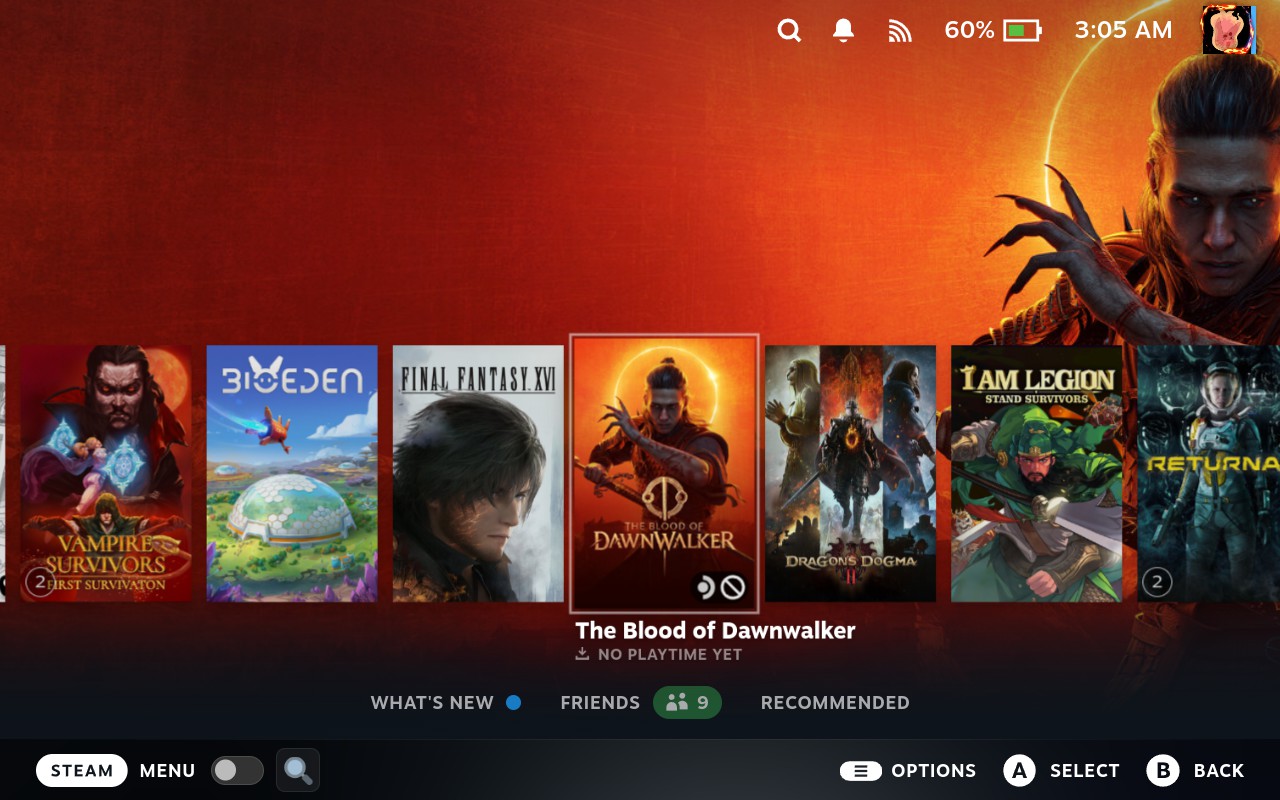
The Steam Deck Client got a new update a few days ago that brings in some of the fixes we saw from the previous beta update. There were some Steam Controller fixes, including a case where the firmware update dialog would reopen after the update. There are also some new Grip Sensor settings, which are specifically for the Steam Controller as well.
You can download and install the new update through the System settings on your Steam Deck.
Steam Deck Client 5/8/26 Update Changelog:
General
- Fixed a case where the Steam Controller firmware update dialog could reopen after a successful update
- Fixed streamable games showing when "Ready to Play should include Streamable games" is toggled off
Steam Input
- Fixed an issue where config selections could fail to save for the new Steam Controller
- Fixed compatibility issues in games when a Steam Controller is docked to the charging puck
- Fixed a localization bug in the Configuration browser screen
- Updated Steam Controller firmware to fix a bug that caused some left trackpads to have issues registering touches on the left side of the pad when connected wirelessly
- Added Grip Sensor settings: Steam->Settings->Controller->Details->Calibration & Advanced Settings->Grip Sensors
If you enjoyed this article, check out the rest of the content on SteamDeckHQ! We have a wide variety of game reviews and news that will help your gaming experience. Whether you're looking for news, tips and tutorials, game settings and reviews, or just want to stay up-to-date on the latest trends, we've got you covered!

RECENT NEWS
Categories
Accessories
Anbernic
Android
ASUS ROG Ally
ROG Xbox Ally
Classics on Deck
Community
Cryobyte33
Deals
Deck Mods
Emulation
Events
Featured Post
Game News
Game News
General Game News
HandheldHQ
Hardware
Lenovo
Linux
MagicX
MSI
Nintendo
ONE-NETBOOK
Opinion
Other Reviews
Accessory Reviews
Handheld Reviews
PlayStation
Proton
Retro Handhelds
Anbernic
AYANEO
AYN
GPD
MagicX
MANGMI
Miyoo
Retroid
Rumors
TrimUI
SDHQ
Steam
Steam Controller
Steam Frame
Steam Machine
SteamOS
The Unsupported Report
Uncategorized
Uncategorized
VR
Recent Tips & GUIDES
recent reviews