


If you haven't yet, follow us on X (Twitter), Mastodon, or Bluesky to know when we post new articles, and join our Reddit or Subscribe to us on YouTube to check out our content and interact with our awesome community. Thank you for supporting us!
Onimusha: Way of the Sword quickly became one of my favorite games this year. Incredible combat, world, and story combine to create an experience that is worth experiencing. And it’s extremely well optimized, which makes it a joy to play on the Steam Deck. However, I also wanted to try it out on the Steam Machine to see what is possible. With it, we can push quality and performance further, and with how well optimized the game is, I wanted to see just what the Machine can handle.
And as I expected, I walked away quite happy.
You can get Onimusha over on Fanatical for $57.39 to save $13 off of MSRP.
The 4K Test
Starting off, I wanted to see if the game could be played at 4K resolution, and it can if you’re fine using FSR upscaling. The game can hold 30 FPS at a combination of High and Medium settings, with FSR on Quality Mode. This is the best way to play at 4K, so if you’re going to, this is what I recommend doing. However, the game can hit 60 FPS on the lowest quality preset, but you may experience drops in some fights, and FSR is set to Ultra Performance. It’s not ideal, and there is some shadow pop in that is clear, but it does feel smooth.

However, at the end of the day, Onimusha passes the 4K test. It does need upscaling, but at least it feels playable.
Native Resolution Test
Next, I wanted to see if the game could pass the Native Resolution test. This test focuses on how far we can push the game without using any upscaling whatsoever. Just as I thought, it can also perform quite admirably. It’s also worth noting that all of the presets automatically have FSR upscaling enabled, so we do have to manually turn it off.
At 4K resolution, we can play at 30 FPS with the lowest preset without using any upscaling. It’s great to see, but it’s a lot of compromises to just play at 4K. I didn’t like how it looked, and with the visual downgrades, I would want higher framerates.
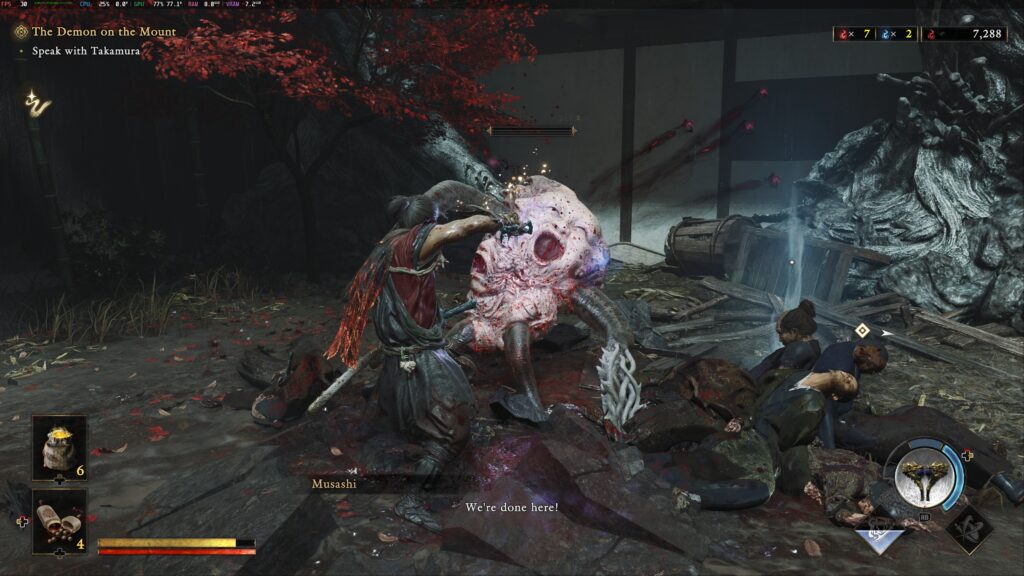
At 2K resolution (2560x1440), we can get 30 FPS on the Ultra preset, and 60 FPS on the lowest preset. This is the perfect balance with higher resolution, so I would say sticking around here is going to be the best if you want to play at native resolution. And if you want to play at 1080p, you can hit 60 FPS with the Ultra Preset.
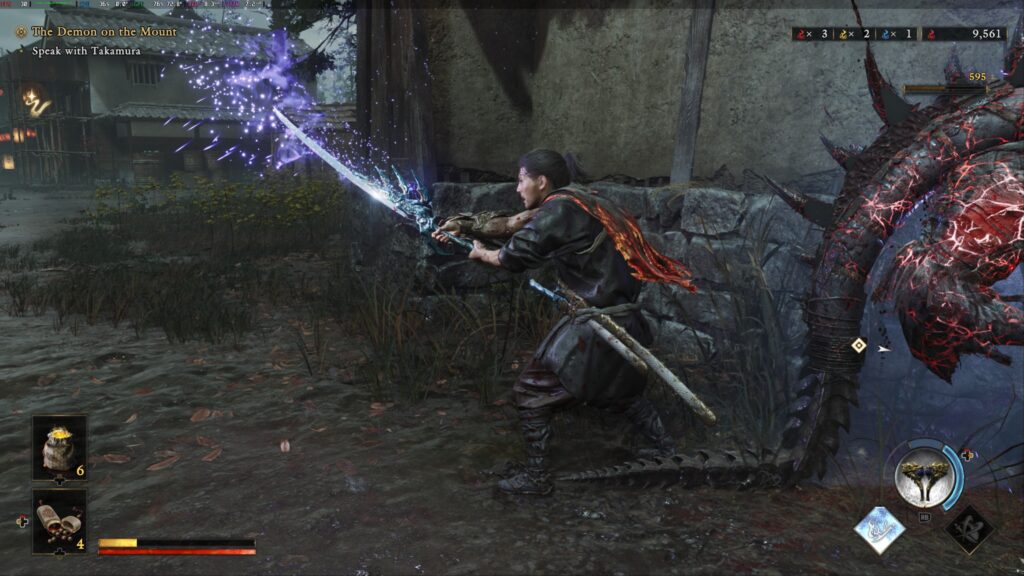
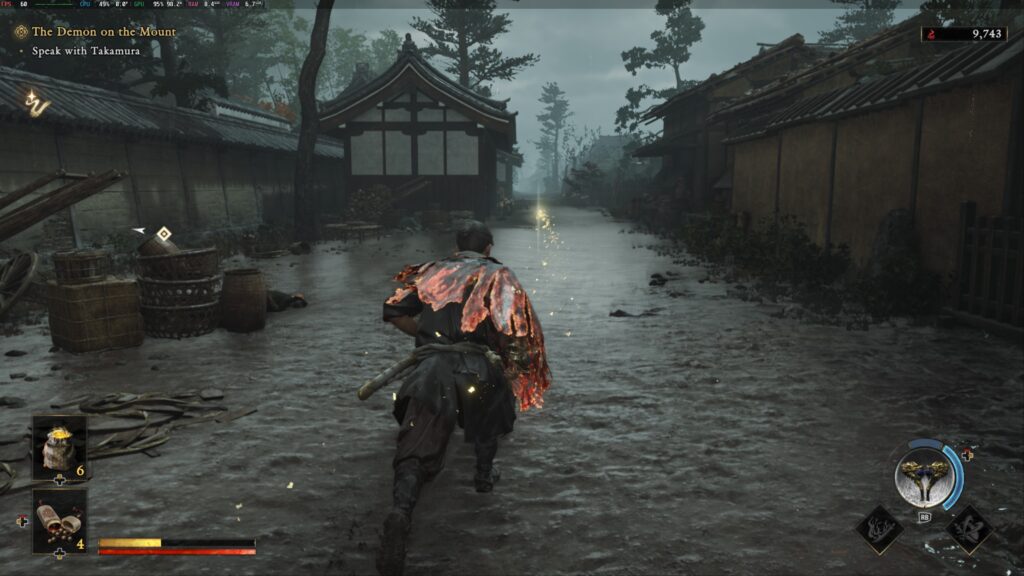
So, the game is clearly able to be played without using any upscaling, which is fantastic. I wish more games were able to push the visuals in performance without relying on upscaling techniques.
Recommended Settings
It’s great that the game can perform as well as it does, but for me, there’s a clear group of settings that has a wonderful balance of visual quality with smooth framerates.
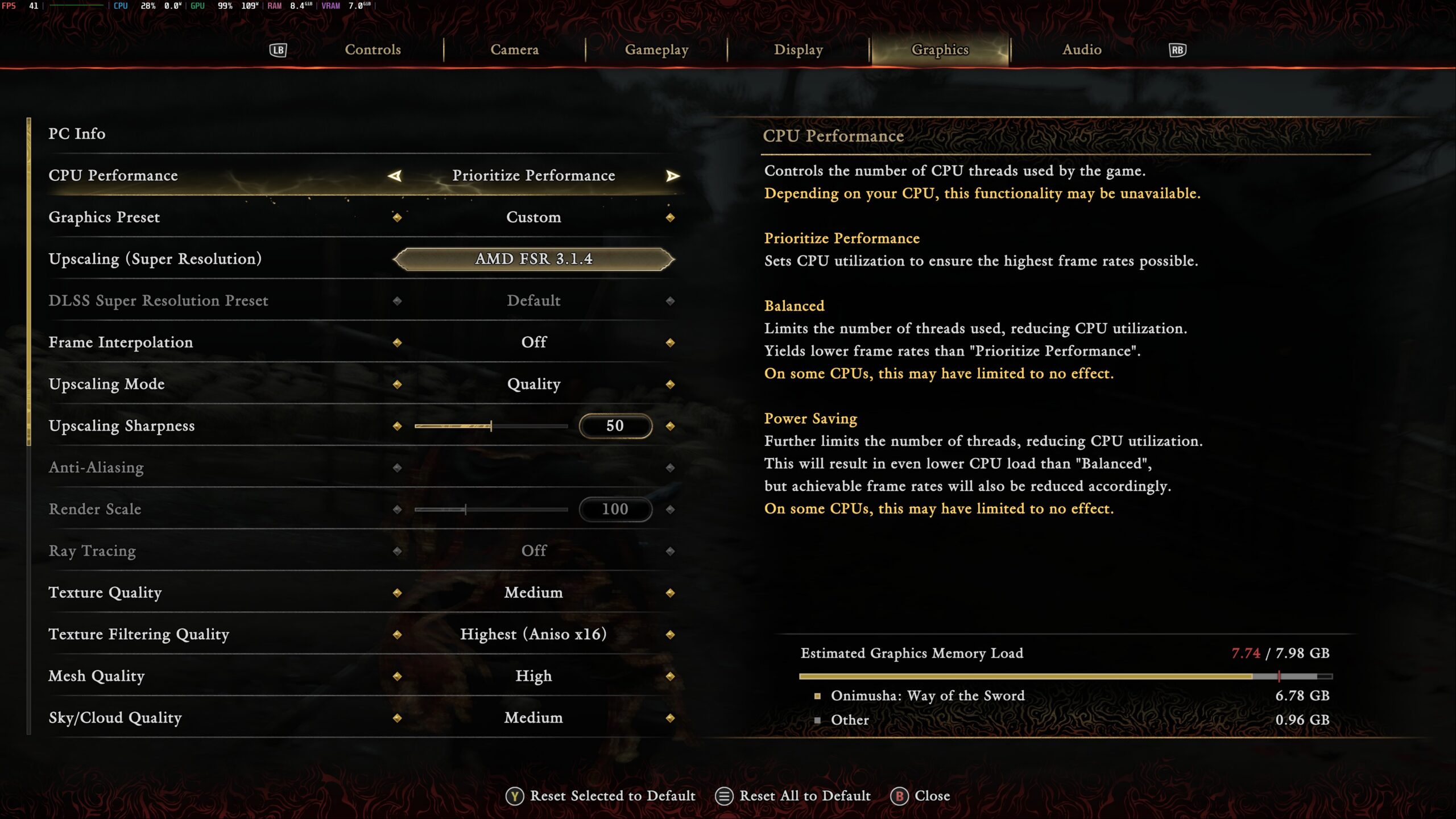
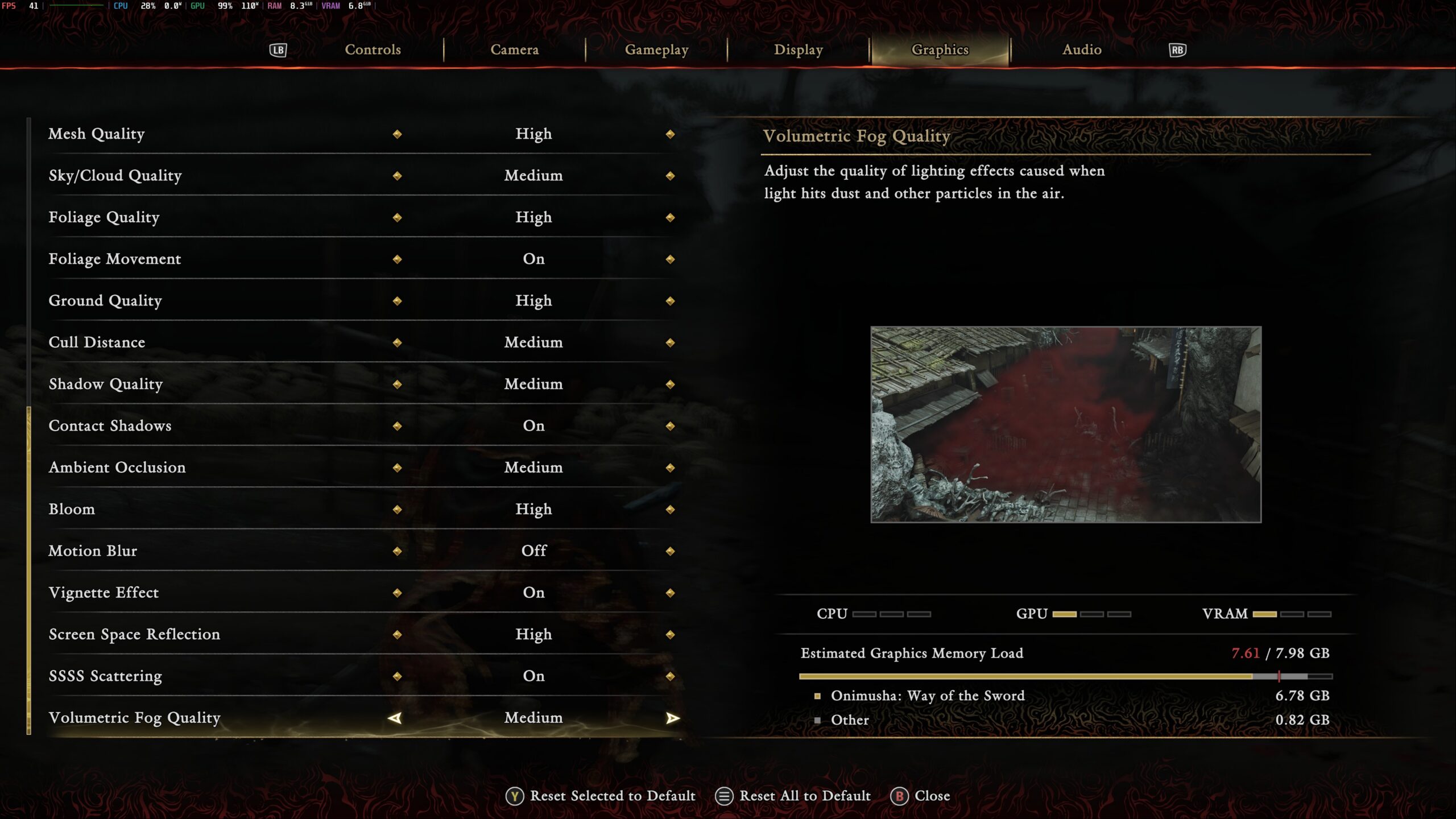
My favorite way to play was using 2K resolution with a mix of Medium and High settings, FSR at Quality, and playing at 60 FPS. We are able to turn some settings up a little higher, like Texture Filtering, but we can’t do too much or we will experience drops below.
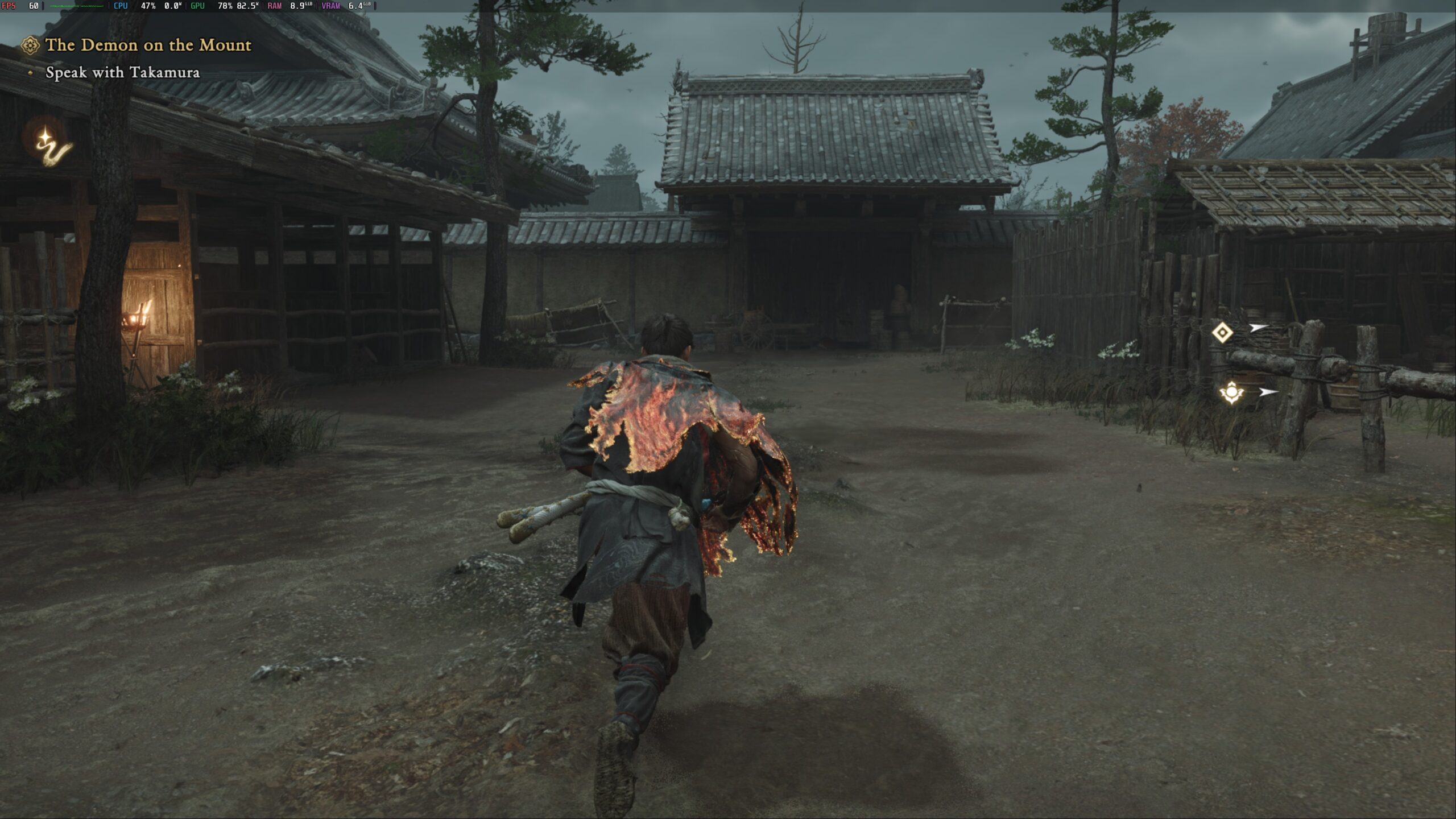
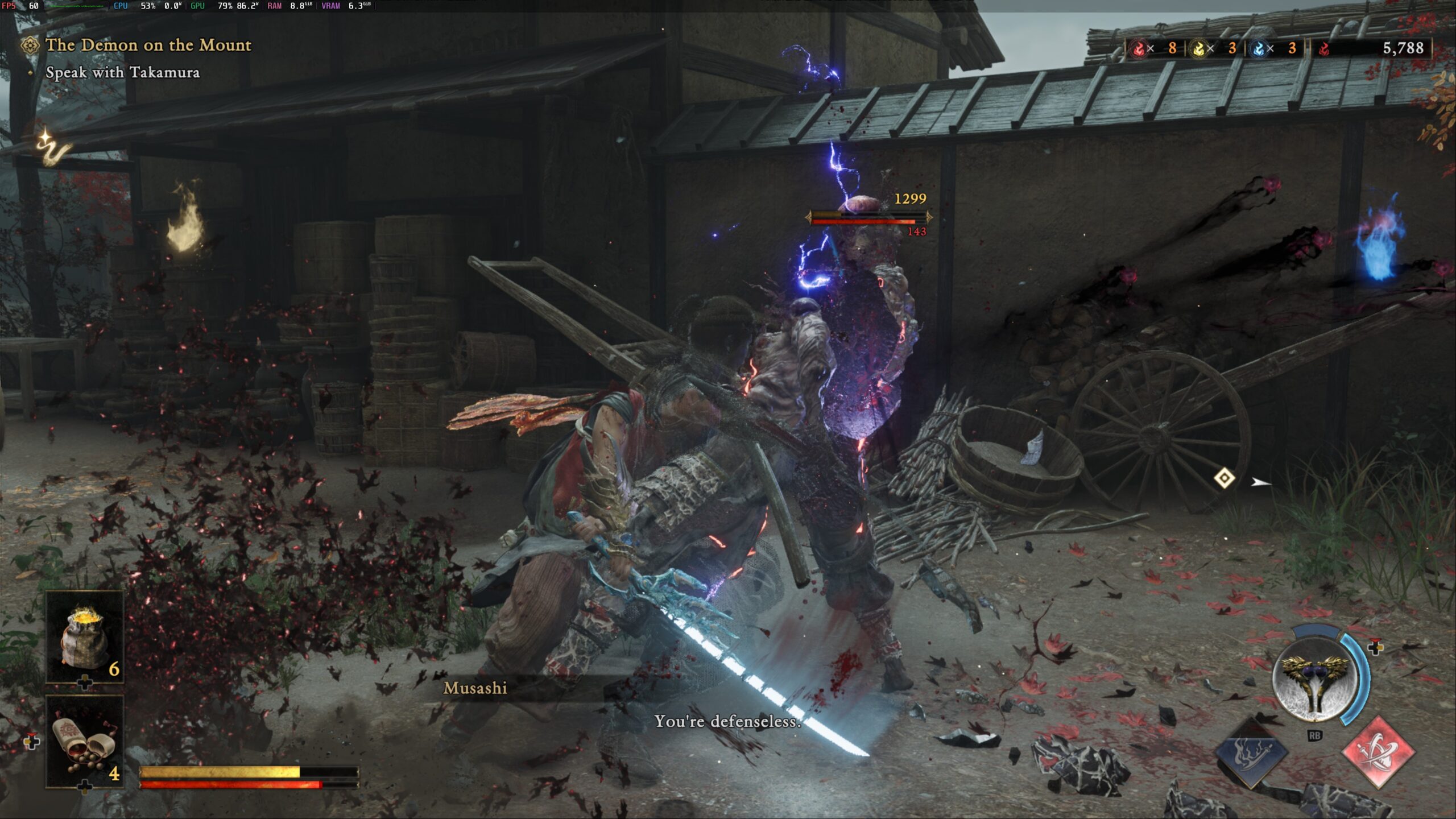
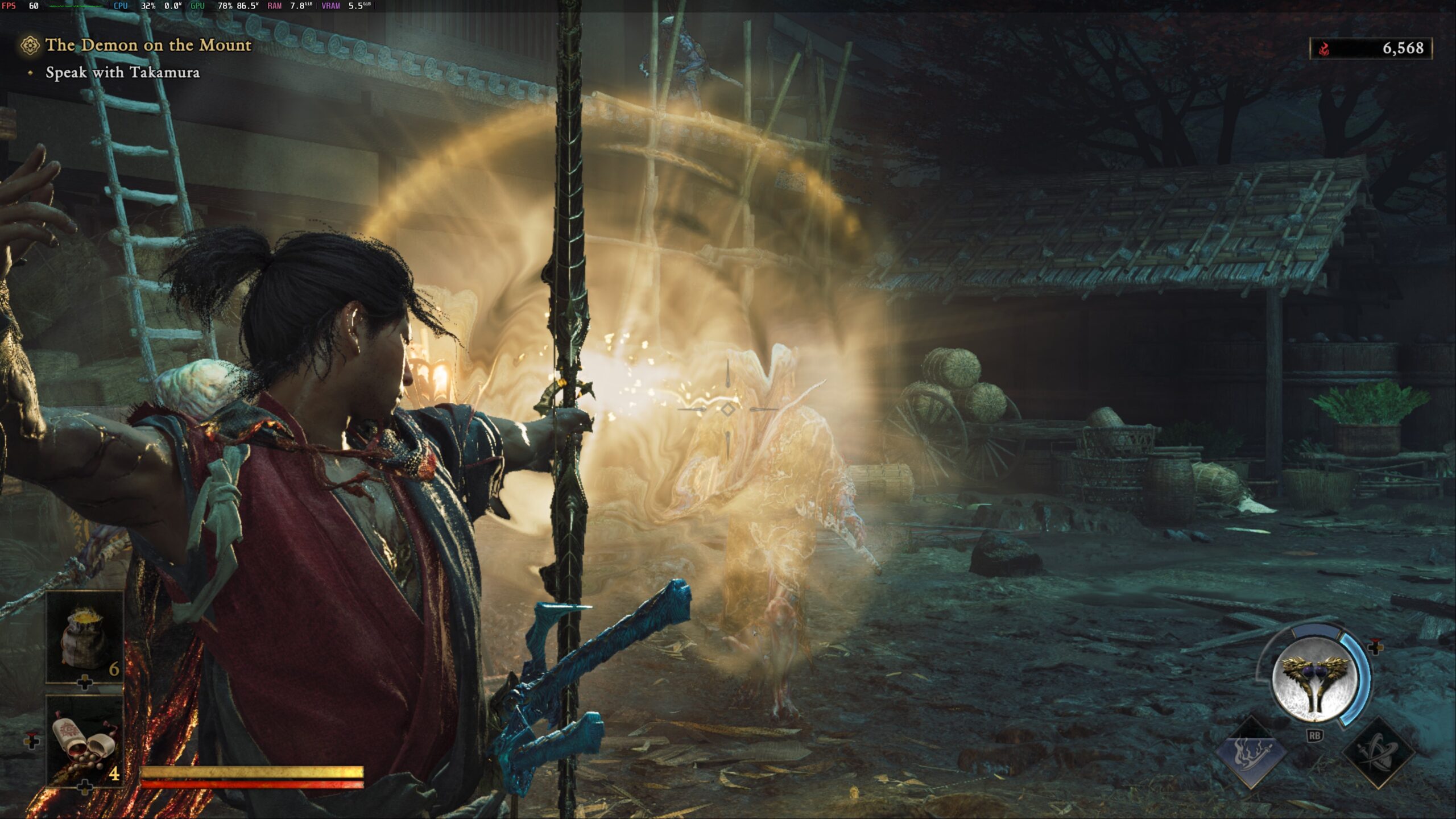
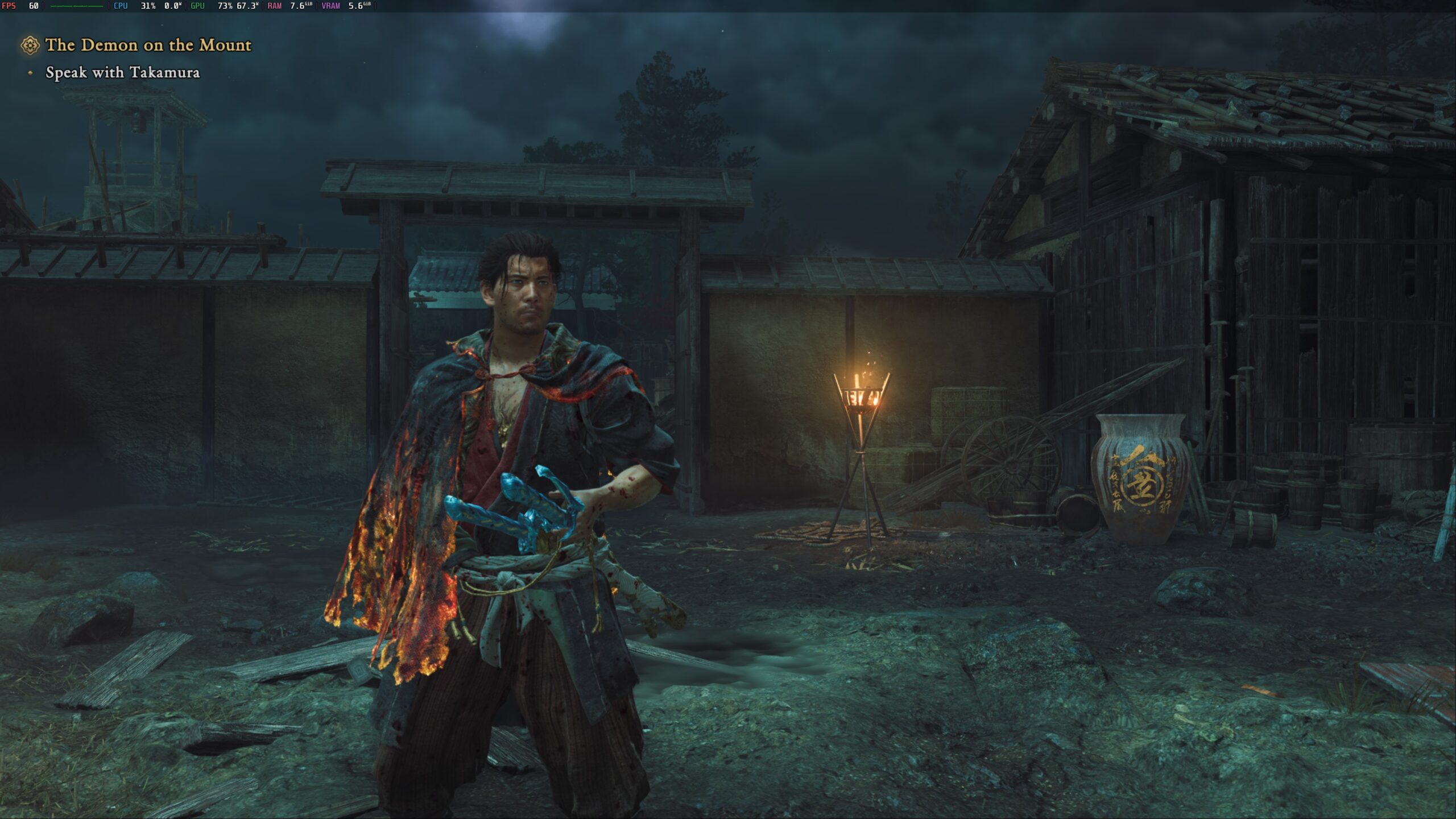
I’m someone who prefers smoother framerates, so my priority was keeping 60 FPS, and I really wanted to stay at 2K resolution. Thankfully, because of how well optimized the game is, there was a lot that we were able to get away with and not worry about any big problems. This is my favorite way to play, and I would consider it the best way.
Onimusha: Way of the Sword can be purchased for $69.99 ahead of its September 4th launch. You can also get it on Fanatical for $57.39 and save $13 off of MSRP.
If you enjoyed this article, check out the rest of the content on SteamDeckHQ! We have a wide variety of game reviews and news that will help your gaming experience. Whether you're looking for news, tips and tutorials, game settings and reviews, or just want to stay up-to-date on the latest trends, we've got you covered!

RECENT NEWS
Categories
Accessories
Anbernic
Android
ASUS ROG Ally
ROG Xbox Ally
Classics on Deck
Community
Cryobyte33
Deals
Deck Mods
Emulation
Events
Featured Post
Game News
Game News
General Game News
HandheldHQ
Hardware
Lenovo
Linux
MagicX
MSI
Nintendo
ONE-NETBOOK
Opinion
Other Reviews
Accessory Reviews
Handheld Reviews
PlayStation
Proton
Retro Handhelds
Anbernic
AYANEO
AYN
GPD
MagicX
MANGMI
Miyoo
Retroid
Rumors
TrimUI
SDHQ
Steam
Steam Controller
Steam Frame
Steam Machine
SteamOS
The Unsupported Report
Uncategorized
Uncategorized
VR
Xbox
Recent Tips & GUIDES
recent reviews



You could use FSR4.1 with the beta branch of Proton. Though the framerate may be a bit lower but the imagine quality will be much improved.
True, though I don't mind FSR 3 here. It wasn't as noticeable, and I believe the optimization of the game plays a big role in why.