If you haven't yet, follow us on X (Twitter), Mastodon, or Bluesky to know when we post new articles, and join our Reddit or Subscribe to us on YouTube to check out our content and interact with our awesome community. Thank you for supporting us!
Back when I was growing up, Flash games were all the rage. Of all the ones I played, one of my favorites was Happy Wheels. It was this crazy game where we would bike through levels and try to overcome obstacles, but it was all physics-based, and the characters we controlled could break their body parts, and blood could come gushing out. It was a hell of a time, and today, the game has just been released on Steam.
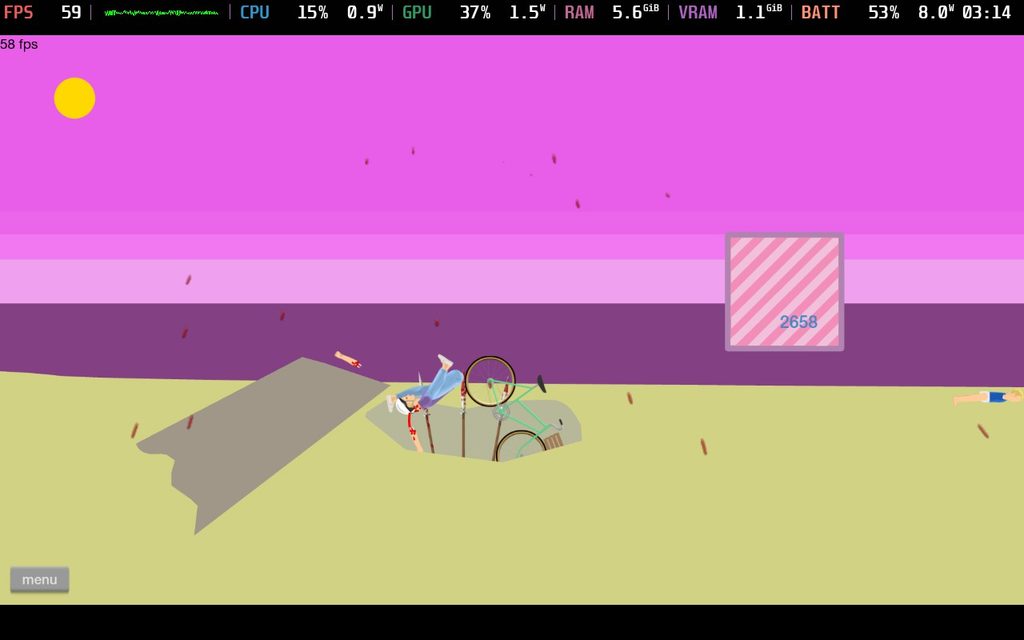
This came out of nowhere. I would never have expected Happy Wheels to make a return, let alone be released on Steam. So, with it having been released, I had to check it out myself and see how it is playing on the Steam Deck. From what I’ve experienced so far, it’s definitely playable, but some necessary changes would need to be made.
To my surprise, the game has controller support, and when we’re actually in the game, it’s quite playable. The right trigger is used to accelerate, the left joystick or Dpad is used to tilt, and the A button is used for the primary action, like boosting or braking. It works pretty well, and I have no complaints when we’re inside the level. However, there are definitely some actions that were never mapped that really need to be.
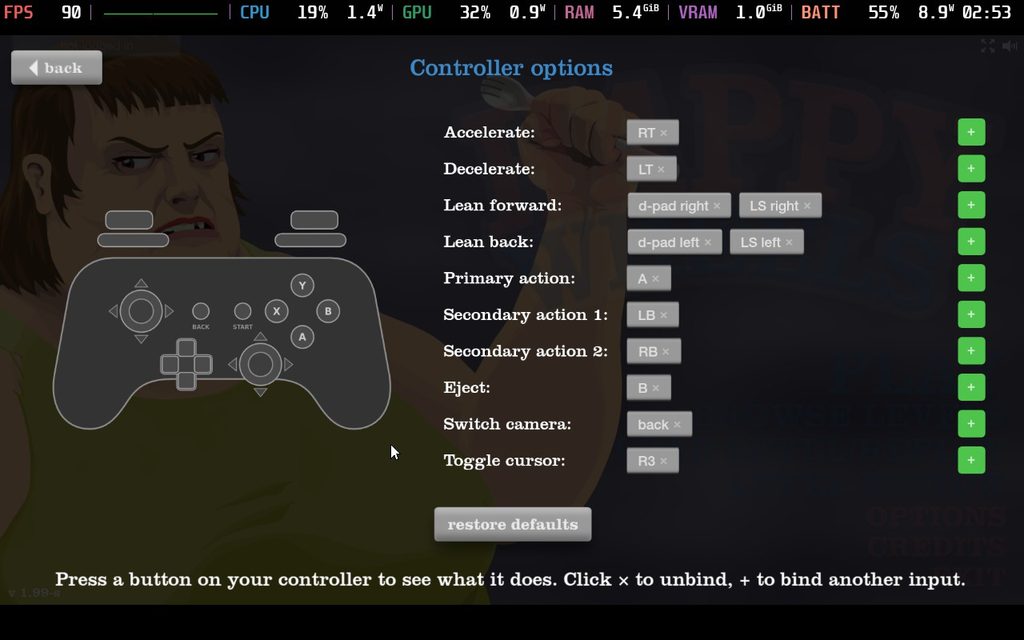
On its release, the game has the Steam Deck Playable badge, but it has some conflicting information. It says the functionality is accessible with the default controller configuration, but it also has a knock against it, saying some functionality is not accessible with the default controller configuration. I agree with the knock against it, since the default configuration is missing some bindings, but it’s weird that it has both of them on the page. It also mentions that it shows the incorrect controller icons and that you need to bring up the virtual keyboard manually.
With a keyboard and mouse, all we’d have to do is press R to restart the Level, but with the default controller configuration, we have to pause the game and move the cursor manually to restart the level. Speaking of that, we need to manually move the cursor in general to interact with any of the UI, and this cursor is slow. There’s only so much we can do to fix it, but I recommend mapping one of the back buttons to the R key to make it easier to restart the level.
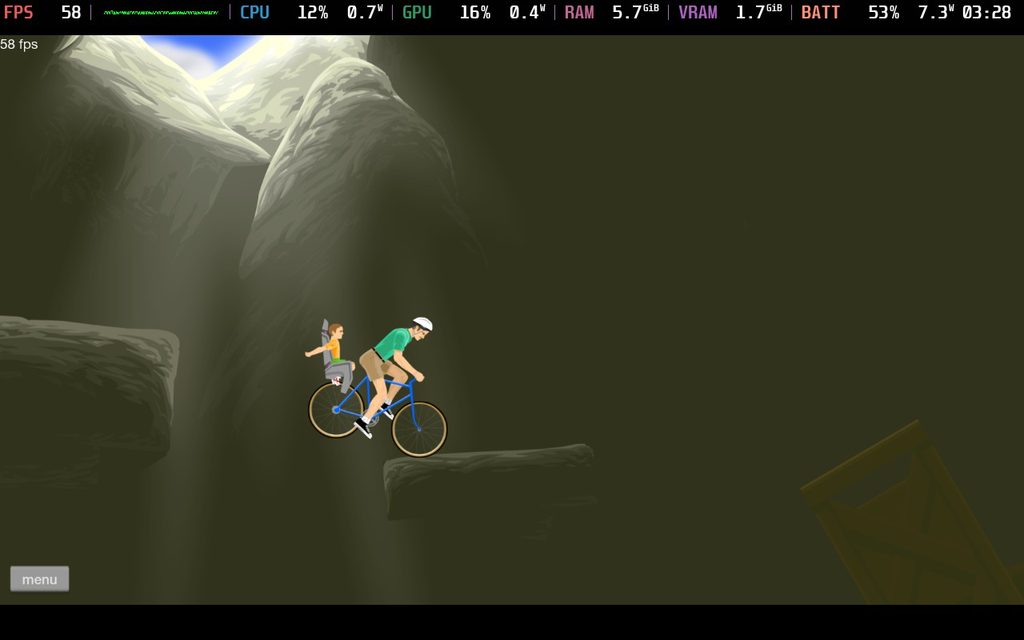
As for performance, there’s no issue whatsoever. We can increase the frame rate to 60 FPS in the settings, and it will run perfectly with an average 7.5W battery drain for over six hours of battery life on the Steam Deck OLED. I would’ve been shocked if it was anything higher than this, since this is an old Flash game, so I’m pleased it hit my expectations performance-wise.
It may not be perfect, but it works quite well, and it’s still so cool to see. I never expected Happy Wheels to make any sort of return, so seeing it on the Steam store was a nice surprise. It’s great that it’s playable on the Steam Deck, especially when we’re actually in the level. It feels good, plays wonderfully, and I couldn’t be happier.
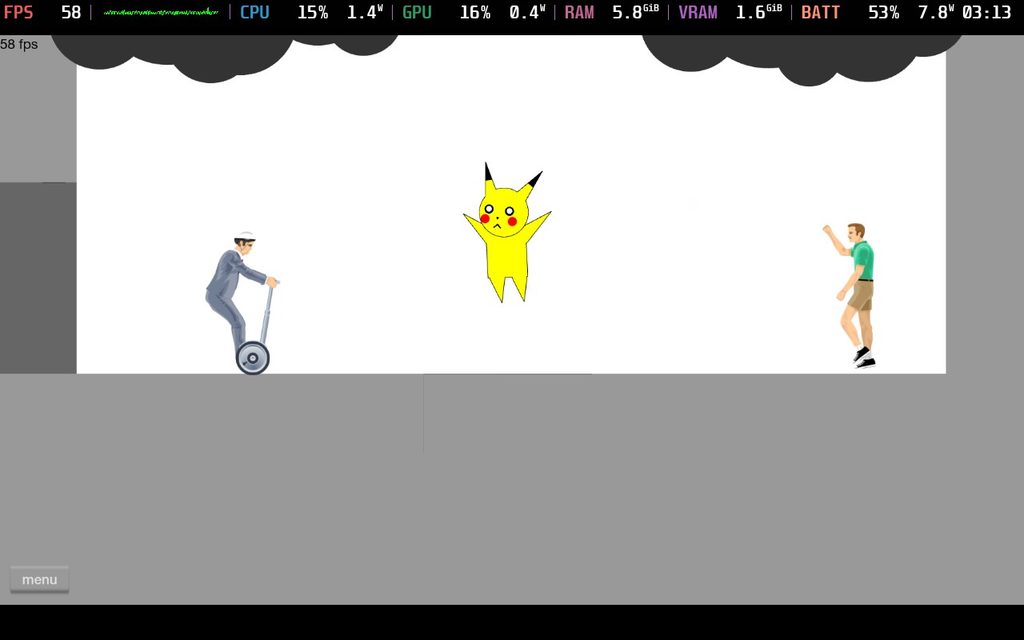
Happy Wheels can be purchased on Steam for $4.99.
If you enjoyed this article, check out the rest of the content on SteamDeckHQ! We have a wide variety of game reviews and news that will help your gaming experience. Whether you're looking for news, tips and tutorials, game settings and reviews, or just want to stay up-to-date on the latest trends, we've got you covered!

RECENT NEWS
Categories
Accessories
Anbernic
Android
ASUS ROG Ally
ROG Xbox Ally
Classics on Deck
Community
Cryobyte33
Deals
Deck Mods
Emulation
Events
Featured Post
Game News
Game News
General Game News
HandheldHQ
Hardware
Lenovo
Linux
MagicX
MSI
Nintendo
ONE-NETBOOK
Opinion
Other Reviews
Accessory Reviews
Handheld Reviews
PlayStation
Proton
Retro Handhelds
Anbernic
AYANEO
AYN
GPD
MagicX
MANGMI
Miyoo
Retroid
Rumors
TrimUI
SDHQ
Steam
Steam Controller
Steam Frame
Steam Machine
SteamOS
The Unsupported Report
Uncategorized
Uncategorized
VR
Recent Tips & GUIDES
recent reviews