If you haven't yet, follow us on X (Twitter), Mastodon, or Bluesky to know when we post new articles, and join our Reddit or Subscribe to us on YouTube to check out our content and interact with our awesome community. Thank you for supporting us!
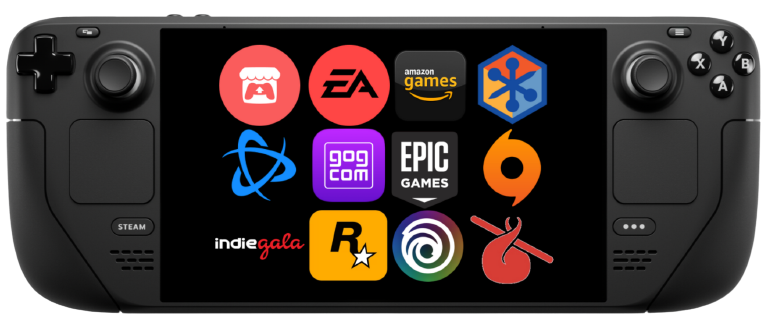
If you want to use other launchers on the Steam Deck, look no further than NonSteamLaunchers. NonSteamLaunchers is a script that automatically installs and configures 3rd party launchers like the Epic Games Store and Amazon Prime, while also getting them set up in their respective prefixes. The script also just got a new update that makes sure we can chat with our friends, even in Game Mode.
The new update comes with a couple of fixes, but the biggest one comes to Discord. With version 4.2.5, there is a new patch implemented to allow Discord to be used in Game Mode. It will apply the patch for the current version of Proton GE, allowing it to launch and be fully usable without needing to be in Desktop mode. This can be done by hitting "Update Proton GE" and it will automatically apply the patch.
We also have some fixes for different shortcuts and scanners. The Chrome Shortcut got fixes that allow for different regions, while there have been some fixes for scanners for the EA App, Ubisoft, and GOG Galaxy to detect games that it didn't before, like those that were part of a bundle in Ubisoft Games. The Decky Plugin version also got a fix to work again, as well as an exclusive new scanner to detect native Windows and Xbox games, though this will only be usable on Windows, so it isn't as relevant for us on Steam Deck.
If you already have NonSteamLaunchers downloaded on your Steam Deck, just run it, and it will auto-update to the newest version. It may give a pop-up that you should update to 4.2.2, but just hit ok and ignore it. If you don't, you can follow our guide on how to get it set up.
If you enjoyed this article, check out the rest of the content on SteamDeckHQ! We have a wide variety of game reviews and news that will help your gaming experience. Whether you're looking for news, tips and tutorials, game settings and reviews, or just want to stay up-to-date on the latest trends, we've got you covered!

RECENT NEWS
Categories
Accessories
Anbernic
Android
ASUS ROG Ally
ROG Xbox Ally
Classics on Deck
Community
Cryobyte33
Deals
Deck Mods
Emulation
Events
Featured Post
Game News
Game News
General Game News
HandheldHQ
Hardware
Lenovo
Linux
MagicX
MSI
Nintendo
ONE-NETBOOK
Opinion
Other Reviews
Accessory Reviews
Handheld Reviews
PlayStation
Proton
Retro Handhelds
Anbernic
AYANEO
AYN
GPD
MagicX
MANGMI
Miyoo
Retroid
Rumors
TrimUI
SDHQ
Steam
Steam Controller
Steam Frame
Steam Machine
SteamOS
The Unsupported Report
Uncategorized
Uncategorized
VR
Recent Tips & GUIDES
recent reviews