



18W - 22W




Trails in the Sky 2nd Chapter was provided by GungHo for review. Thank you!
I have long been a proponent of recommending the Trails games to as many people as I can. It’s one of my favorite JRPG series, and I’ve been so excited that Nihon Falcom has been remaking their older games in the newer style to make them more accessible to the modern gamer. Trails in the Sky 1st Chapter shows just how well this could work, so for the sequel, Trails in the Sky 2nd Chapter, I really just wanted them to give the same treatment to this title as they did for the previous one. Thankfully, that’s exactly what they did, and I had a wonderful time experiencing the second chapter of the Trails in the Sky trilogy once again.
I have said it in almost all of my reviews, but I highly recommend playing the previous game before this one. There is a short flashback to summarize everything that happened in the last game, but it doesn’t do it justice. So, if you haven’t yet, play Trails in the Sky 1st Chapter before diving into this one.
Trails in the Sky 2nd Chapter picks up right where 1st Chapter ended. Joshua has disappeared into the night, abandoning his friends and family to go on his own journey. This shocks Estelle, who resolves to go on her own journey to find and bring him back. After training on her own as a Senior Bracer, she sets off to find Joshua and ends up needing to confront The Society, which is setting its own plan into motion.
This entry in the series has always been one of my favorites for multiple reasons, but for me, this was when I felt the character development shine after the cliffhanger. Estelle's growth from her own personal journey was captivating and made me enjoy her as a leading character in the series. I didn't mind her in 1st Chapter, but the way she matures and grows on her own without relying on Joshua made it all the more worthwhile.
On top of that, it really feels like the stakes have elevated in a natural and justifiable way. The threat of Ouroboros and the trickle of showcasing their power made their threats feel more credible and actually dangerous. There are some great twists throughout the narrative, and it leads to a satisfying conclusion.
I like the voice acting and direction a lot as well, though I still dislike the selective voiced dialogue. There are some scenes where one or two characters will have voiced dialogue, while the others in the scene don't. I just wish all of the characters, or none of them, had voiced dialogue in those scenes.
A lot of 2nd Chapter's gameplay mechanics and feel remain almost identical to 1st Chapter, which are very similar to the newer games in the Trails series. We have both real-time and turn-based combat to take on enemies, though turn-based combat is much more detailed and clearly favored throughout the game. The real-time combat is a nice touch, but will primarily be used to either kill weak enemies or build up and stun tougher enemies so we can go into turn-based combat with an advantage. There are a few new moves compared to the previous game, but it doesn’t change much for the real-time section.
The turn-based combat, or Command Battles, also hasn’t changed much from the previous games, but it’s still one of my favorite combat systems in a JRPG. We have our basic attack, Arts, and Crafts to harm opponents, and we will walk around in an open field where positioning can help deal extra damage or hurt more enemies. It’s something we’ve seen in a lot of similar titles, but it all comes together quite nicely.
Arts and Crafts use two different systems, with Arts focusing more on elemental damage with extra debuffs and Crafts focusing on larger attacks that can usually hurt more enemies and/or give buffs. They both utilize their own resources, and they both have their own uses in different situations. Finding the right timing and best ways to use them are what make Command Battles so enjoyable. When I first started playing the series, I almost exclusively used Crafts due to Arts needing charging time. However, as soon as I got the hang of elemental affinities and started taking advantage of the temporary buffs that could come randomly, I started to think more strategically.
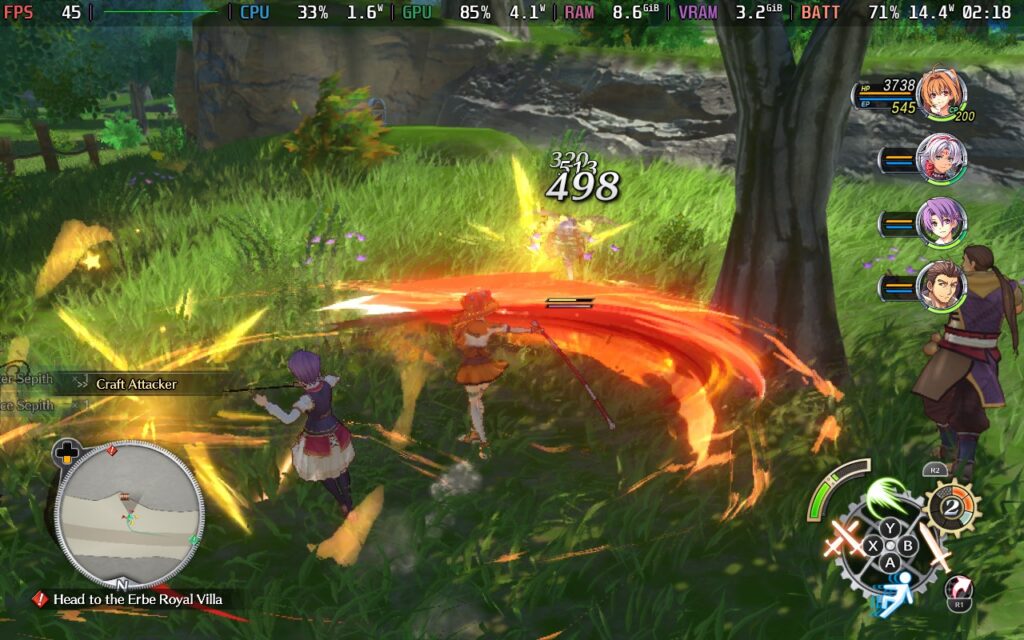
We also have our own ultimate moves called S-Crafts, which we can either activate on our turn or call upon at will whenever we have enough of the resource needed. The more of the resource we accumulate, the more damage we can deal, and because we can call upon it whenever, we can take advantage of enemies that have been stunned to continue doing follow-up attacks and deal even more damage before the enemy can fight back. And if we do this enough, we can deal extra damage when enemies are stunned using the Chain Attack to have an extra character follow up with damage, or a Burst to have every member of our party land strikes. With careful planning to make all of this happen, it can feel extremely satisfying to pull off.
And while it is a little of a learning curve, the progression system is quite fun to play around with. Along with leveling up, we can place 7 Orbments for each character that not only affect their stats, but also give them extra passive effects and access to new and more powerful Arts. The combination of these can vary wildly depending on what you want the character to focus on.
The way these orbments not only influence our stats but also the abilities we have makes each decision about which ones to equip that much more meaningful. The layers of strategy weaving over each other to make our character stronger make it all feel so much more rewarding. We can’t get new equipment and enhance it, which provides bigger improvements to our attack and critical rate, but the Orbments steal the show.
Along with the general exploration and main quest line, there are a bunch of side quests to take part in that can contribute to our bracer score, increase our ranking, and help us get more powerful Orbments. These are fairly easy to accomplish, with the bulk of them involving taking down very strong monsters, but it's worthwhile to take the time and complete them.
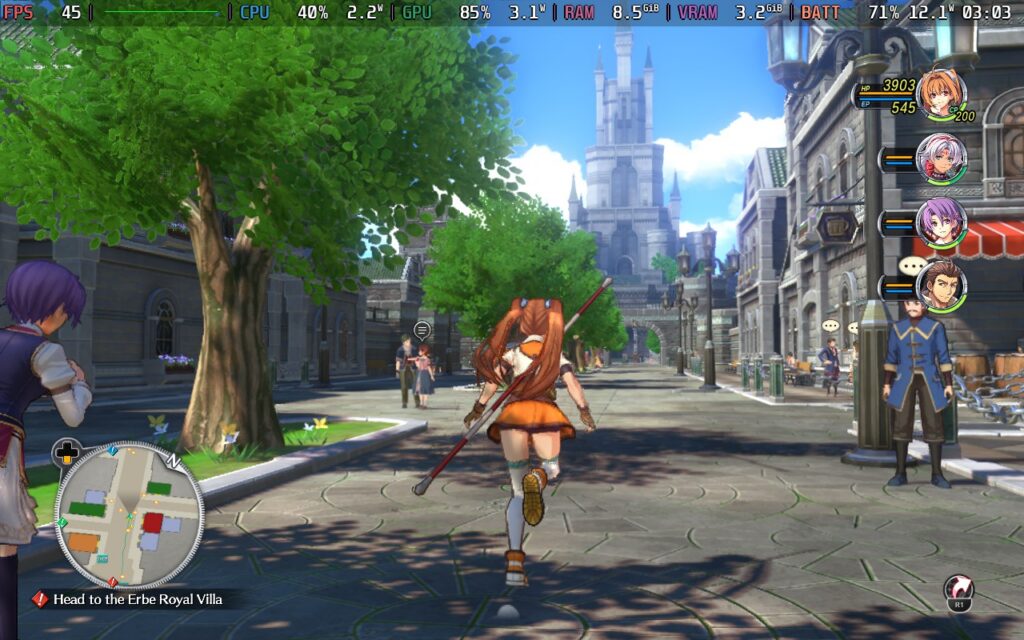
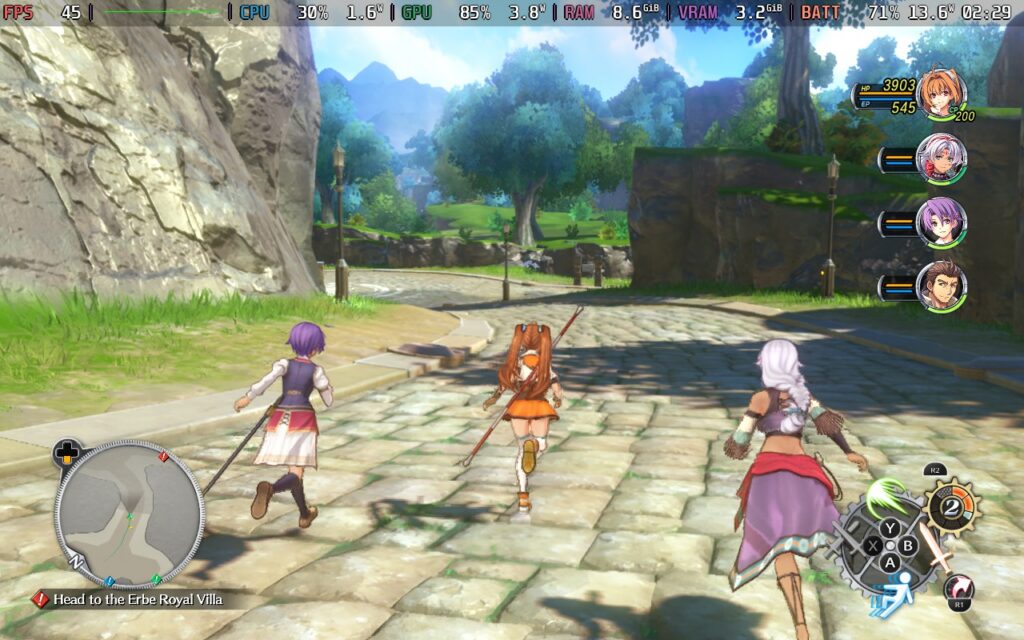
Trails in the Sky 2nd Chapter is a wonderful game to play on the Steam Deck, but there are a few issues. On the surface, the game runs exceptionally well and can hit 60 FPS in a lot of areas at the default settings without any upscaling. However, there are still a few things we can change to make it completely stable and, in my opinion, look better.
To find a balance with good visuals, stable performance, and decent battery life, there are a few changes I recommend making. The first of which is turning upscaling on. Don’t get me wrong, I much prefer games to be optimized without needing upscaling in the slightest, but in this case, the game just looks too sharp. Even when improving the anti-aliasing, it looked a little bit too sharp to me, especially when looking at the grassy fields. So, I recommend turning FSR 2.2 upscaling on and keeping it at a 70% rendering scale. Moving it to 80% hits battery life hard, while I didn’t feel like the reduction to 60% justified the improved battery life.
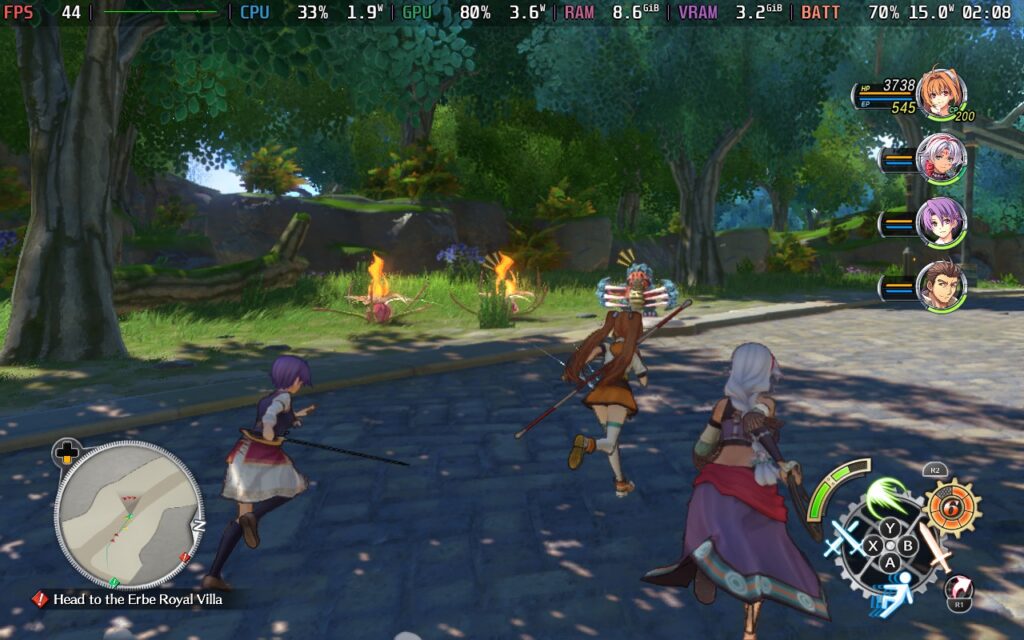
Then, because of the extra power we now have to play with, we can turn some settings up a bit. We can turn up Volumetric Lighting and SSR to Medium, as well as Anisotropic Filtering to High. So, the actual details of the game will look a little bit better, all while saving on battery life and stopping the game from looking too sharp.
This will also keep the game completely stable, even in the hardest-hitting spots of the game, like when we are on the airship going between cities. The battery drain will always stay below 18W, giving us around 3.5-4 hours of battery life on average. To me, this is the best compromise and most enjoyable way to experience the game.
If you want to play the game at 60 FPS, there will also be a good chunk of compromises to make. The default settings don't give a solid 60 FPS, and even at the lowest settings with native resolution, there will still be drops with high battery drain in a majority of spots. So, the best way to play at 60 FPS is going to be using the default settings, but switching upscaling on and keeping it at 70%. This keeps the game looking ok and 95% of the game at 60 FPS, but it will have high battery drain. So, we will only be able to play for around 2.5-3 hours on a full battery.
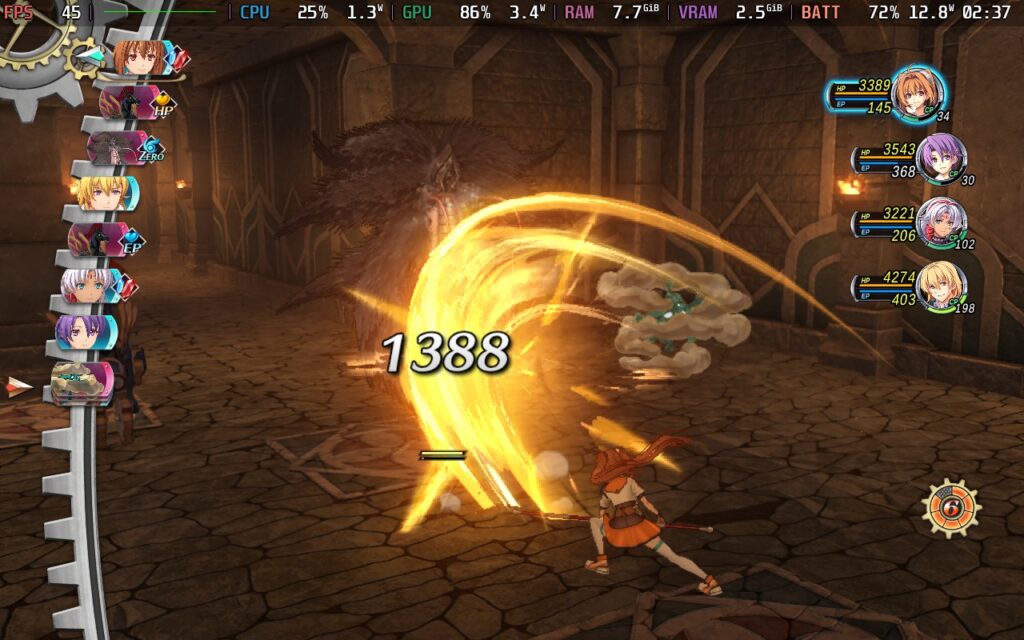
If you want the best-looking game, these are going to be the settings for you. My goal was to push the quality settings as high as I could while keeping native resolution and a stable 30 FPS. This can be achieved by setting the 30 FPS cap and bringing most Settings up to High quality. We do have to keep the Shadow Map on Low and Volumetric Lighting on Medium, but otherwise, we can push everything to the limit. We will also get similar battery life to the recommended settings, with around 3.5-4 hours on a full charge.
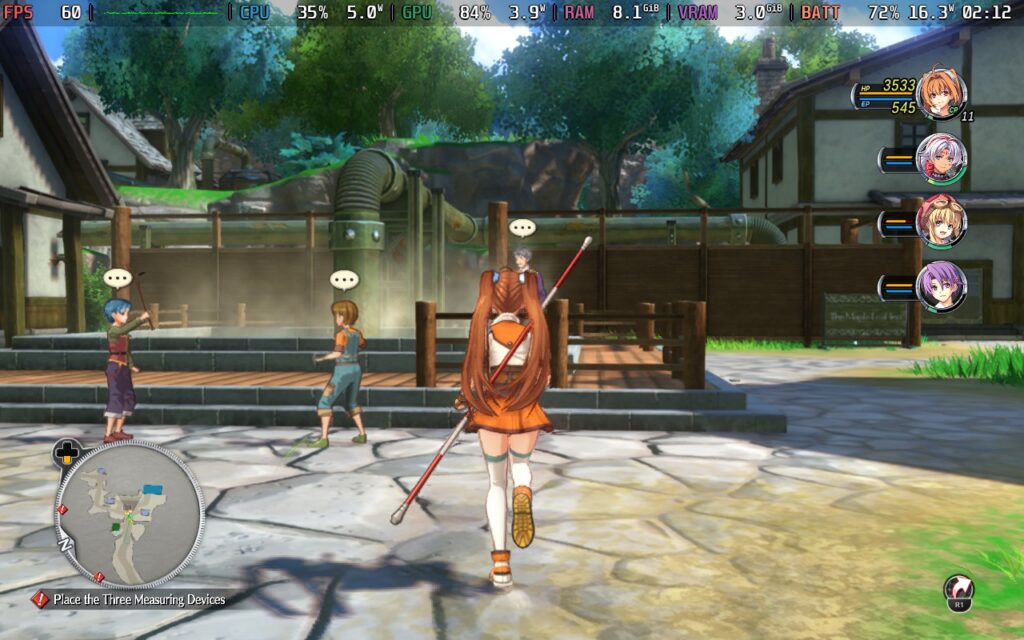
Trails in the Sky 2nd Chapter is a fantastic example of what makes this series so captivating. The incredible story takes the stakes of the previous game and goes further, while the hybrid combat system has great depth and meaning that makes every fight feel worthwhile. Nihon Falcom has done a great job with this remake, making one of the best entries in the series, accessible and fresh in ways that make me enjoy playing from the beginning again.
It’s also wonderfully optimized on the Steam Deck, but we will have to make some changes to get the most out of our experience. Still, there’s enough to play around with to make the experience all our own, and it’s one I can happily recommend playing on the go.
Our review is based on the PC version of this game.
If you enjoyed this review, be sure to check out the rest of the content on SteamDeckHQ! We have a wide variety of game reviews and news that are sure to help your gaming experience. Whether you're looking for news, tips and tutorials, game settings and reviews, or just want to stay up-to-date on the latest trends, we've got your back.
Trails in the Sky 2nd Chapter is a great remake of one of the best titles in the Trails series, and it's very well optimized for the Steam Deck.

No Forced Compatibility
Everything at default except:
Volumetric Lighting: Medium
Anisotropic Filtering: High
SSR: Medium
Upscaling: FSR 2.2
Rendering Scale: 70%
Limit
60
Refresh Rate
60
HRS
NO
TDP Limit
No
Scaling Filter
Linear
GPU Clock
Disabled
No Forced Compatibility
Upscaling: FSR 2.2
Rendering Scale: 70%
18W - 22W
70C - 75C
2.5-3 hours
Limit
30
Refresh Rate
90
HRS
NO
TDP Limit
No
Scaling Filter
Linear
GPU Clock
Disabled
No Forced Compatibility
Draw Distance: High
LOD Distance: High
Lights Distance: High
Shadow Map: Low
Volumetric Lighting: Medium
Anisotropic Filtering: High
Rendering Scale: 100%
SSAO: High
SSR: High
Anti Aliasing: TAA
Upscaling Method: None
12W - 16W
60C - 65C
3.5-4 hours
