If you haven't yet, follow us on X (Twitter), Mastodon, or Bluesky to know when we post new articles, and join our Reddit or Subscribe to us on YouTube to check out our content and interact with our awesome community. Thank you for supporting us!
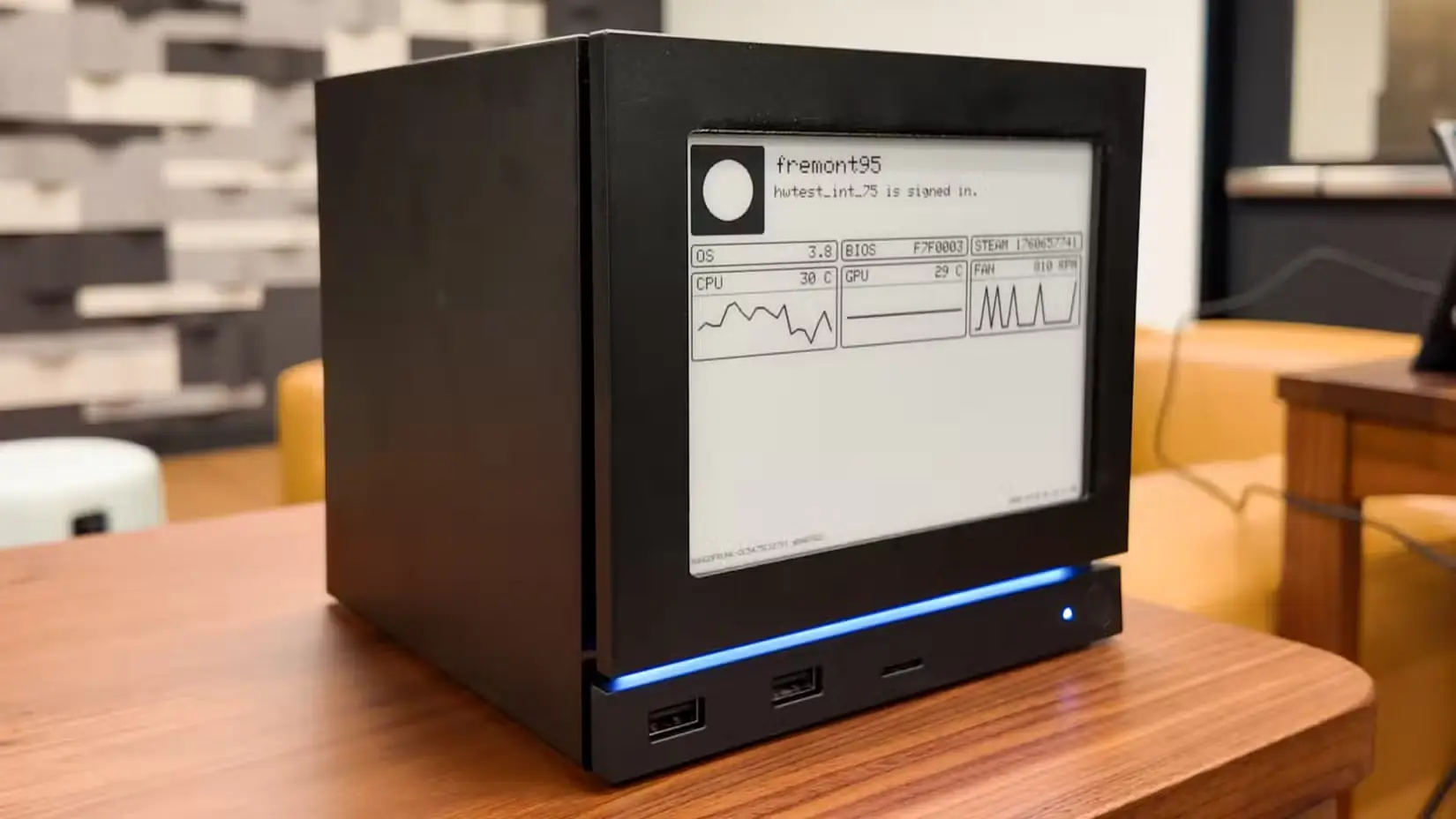
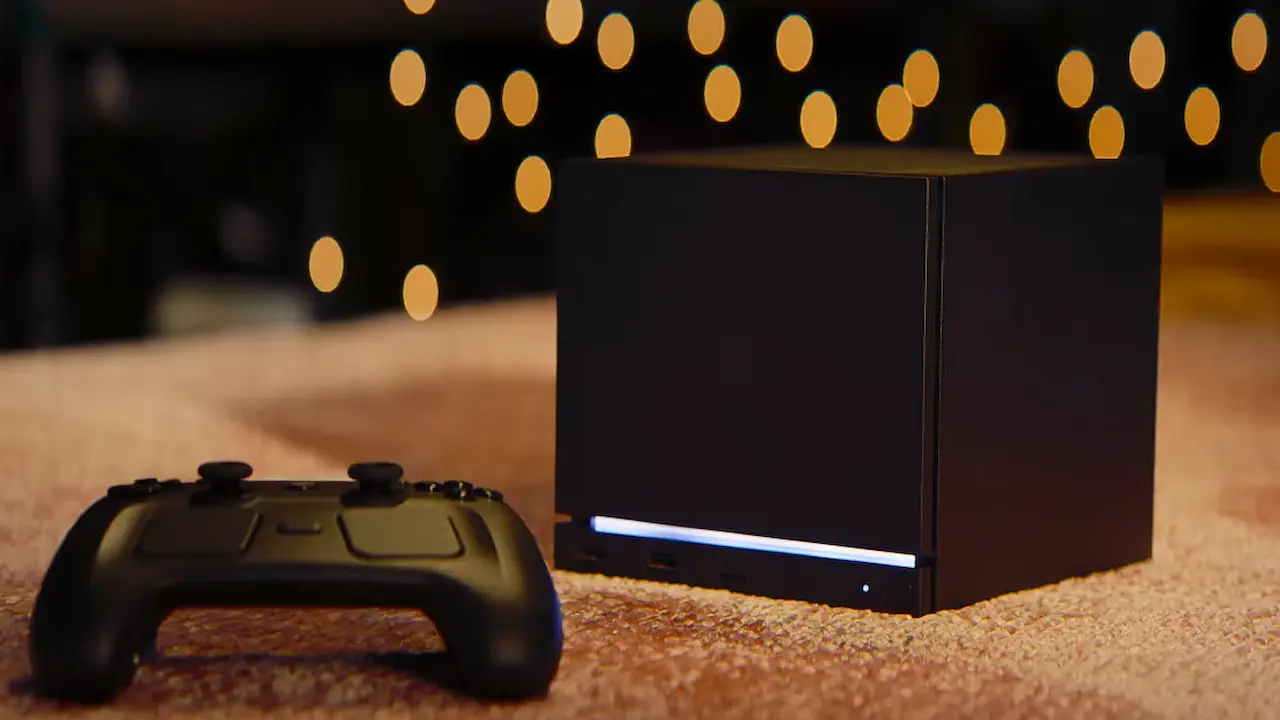
The Steam Machine has officially been out for a little bit now, and people are starting to get their own. Unfortunately, even though I’m in the reservation queue, I still haven’t gotten my email yet. I’m very excited for it and can’t wait to expand my PC gaming ecosystem throughout my home. However, for those who want the device but don’t want to use Linux, you are in luck because Valve released the drivers for Windows OS.
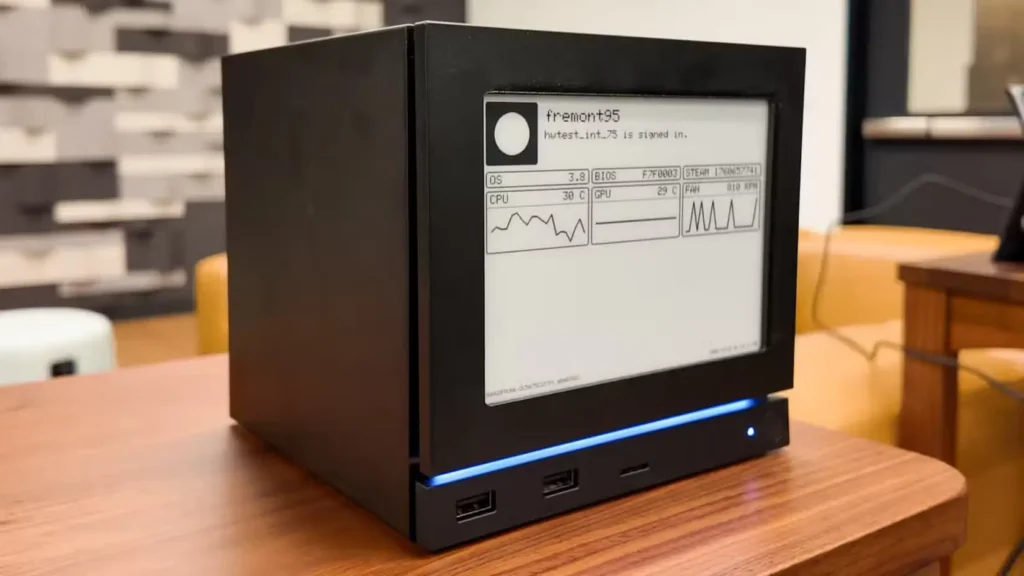
Recently, Valve released the driver so that you can install Windows on the Steam Machine. There are four drivers available for the Graphics, WiFi, Bluetooth, and SD Card Reader. With these, Windows should be able to fully detect and utilize the hardware of the Machine to make the most out of it. This is great, but there are a couple of notes that are worth bringing up.
You will need to use an Ethernet cable during installation since you will need an Internet connection and the WiFi drivers are not available during the first-time setup. On top of that, you can’t officially dual-boot SteamOS on the machine, so you will have to choose to either use Windows or SteamOS. On top of that, the drivers are given as is, and Valve will not offer Windows support on the Machine.
While it is nice to have this as an option, I am a little bit wary of installing Windows on any Valve hardware. Compared to how they continually update their own software, the Windows drivers don’t get nearly as much attention. For example, the Steam Deck OLED driver hasn’t been updated since August 2024, and the LCD driver was last updated in November 2023. So, you might lose out on some support for future games, or they may not run as well due to a lack of driver updates.
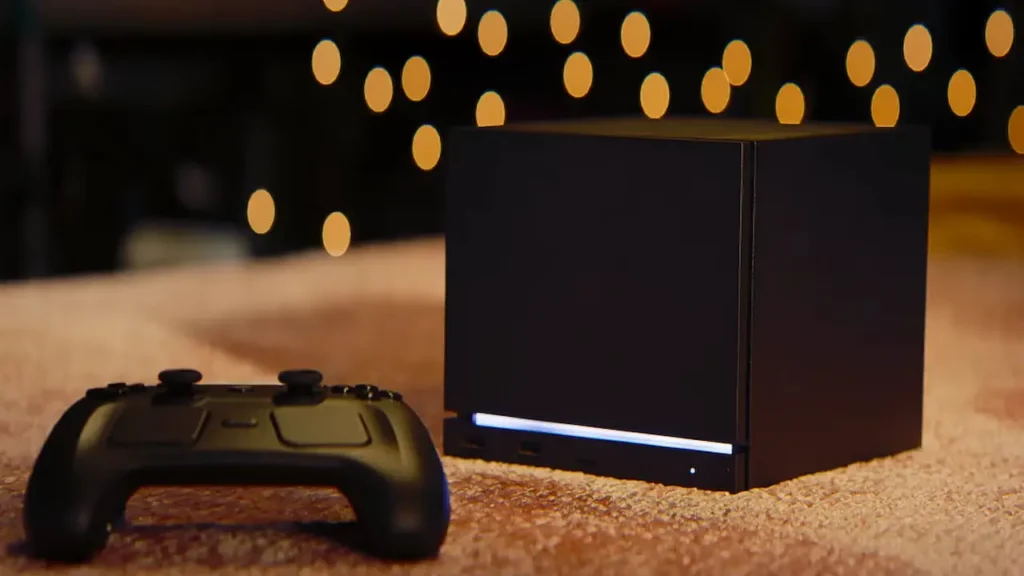
Still, if you hate SteamOS and/or desperately want to play games that won’t run on Linux, including Call of Duty and Battlefield, this is an option, and it will work. It just may not be worth it at the end of the day.
If you enjoyed this article, check out the rest of the content on SteamDeckHQ! We have a wide variety of game reviews and news that will help your gaming experience. Whether you're looking for news, tips and tutorials, game settings and reviews, or just want to stay up-to-date on the latest trends, we've got you covered!

RECENT NEWS
Categories
Accessories
Anbernic
Android
ASUS ROG Ally
ROG Xbox Ally
Classics on Deck
Community
Cryobyte33
Deals
Deck Mods
Emulation
Events
Featured Post
Game News
Game News
General Game News
HandheldHQ
Hardware
Lenovo
Linux
MagicX
MSI
Nintendo
ONE-NETBOOK
Opinion
Other Reviews
Accessory Reviews
Handheld Reviews
PlayStation
Proton
Retro Handhelds
Anbernic
AYANEO
AYN
GPD
MagicX
MANGMI
Miyoo
Retroid
Rumors
TrimUI
SDHQ
Steam
Steam Controller
Steam Frame
Steam Machine
SteamOS
The Unsupported Report
Uncategorized
Uncategorized
VR
Recent Tips & GUIDES
recent reviews