


If you haven't yet, follow us on X (Twitter), Mastodon, or Bluesky to know when we post new articles, and join our Reddit or Subscribe to us on YouTube to check out our content and interact with our awesome community. Thank you for supporting us!
There are tons of great tools that are available to help make our games run better on the Steam Deck. Whether it be in-game options like upscalers or Decky plugins that can inject lossless scaling, there are many ways we can get our games running better on the go. However, one of the more controversial is frame generation. This is an algorithm that can inject artificially made frames into a game, making it appear, though it’s running at a higher frame rate than it actually is. There are some downsides, including major input lag, ghosting, and big issues if the base framerate dips low. Still, there are some scenarios where it can work.
Now, there’s a new Decky plugin that has been released, which promises Multi-Frame Generation. The Decky DLSS Enabler, made by GitHub user xXJSONDeruloXx, can trick games into thinking DLSS is enabled, allowing us to use certain features from Nvidia’s upscaler. In this case, we can use it for Multi-Frame Generation. Multi-Frame Generation is basically tripling or quadrupling your base framerate. While we can do this with lossless scaling, it introduces some major bubbling and input lag, so I never recommend it.
Over the past few hours, I’ve come across multiple YouTube videos claiming this is magical and showing how the games are looking and running with Multi Frame Generation enabled. But none of them showed any meaningful gameplay that would indicate if this is working as intended. Most are just panning the camera around and not moving much in games like Cyberpunk 2077 and Clair Obscur. There was almost no gameplay showing moving parts, which could indicate ghosting, and no indication of any possible input lag. So, I decided to download these games and try them out for myself.
And before I get into my thoughts, I want to say that this is not a judgment on the plugin itself. This is my opinion on the feature of the plugin getting the most attention. It doesn't reflect on xXJSONDeruloXx or his work; this is a judgment of the technology that can be used from it that I am evaluating.
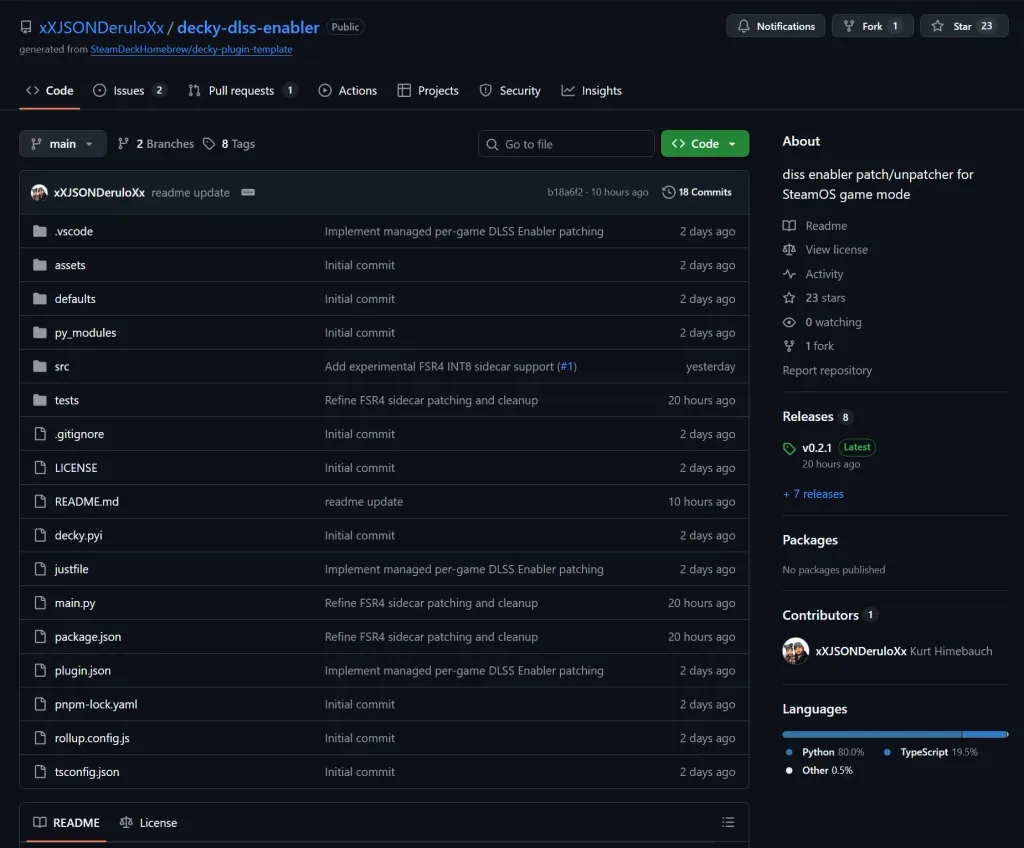
Installing the plugin is relatively easy, but we are going to have to do it manually. If you wanna try this out for yourself, all you have to do is download the newest release from the GitHub page, then go back to game mode, enable developer mode for Decky, and install the plugin from the downloaded ZIP file. It’s also worth knowing that this will not work for every game, but it could be worth testing to see which ones work and which don’t.
However, my results were awful. At first, I could not get games to load at all. I had to go back to the stable SteamOS update and make sure my old lossless scaling files were deleted. It didn’t work for me otherwise. After that, I had to play around with the right DLL to patch. Cyberpunk wouldn’t work right unless it was "dxgi", while Clair Obscur worked with "version." I had to keep testing it to make sure Optiscaler would recognize when upscaling was turned on, so I could try injecting FSR 4.
So finally, everything was working. I was able to turn on DLSS Multi Frame Generation and use FSR 4. And after that, it was not worth it. While the frame rate does look like it’s going up, it actually just feels significantly worse. Immediately, there is awful ghosting that is clear as day when moving the camera around or watching any objects. In Cyberpunk, it is most clear when turning the camera or watching any object move in front of you. There is an option that does eliminate some of the ghosting in one of the setting menus called Ghostbusting, but then moving around makes the entire world look like it’s melting into each other. There is nothing appealing about it.
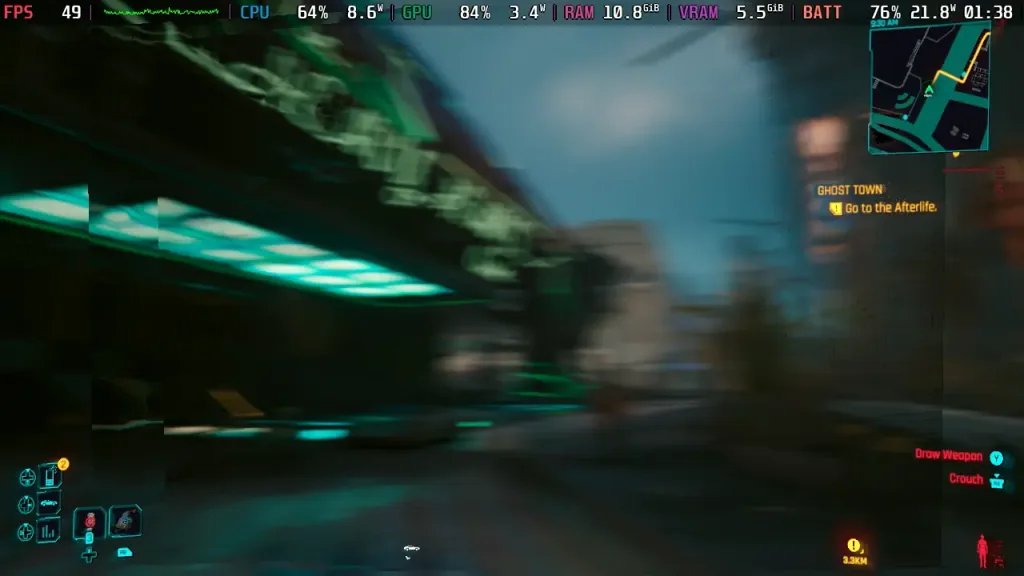
Then we have the insane stuttering. The game cannot and will not hold a stable frame rate, and actually feels so much worse because of all the stuttering. Once we’re moving around and actually playing, it feels like no part has improved. Now, I tested multiple areas of Cyberpunk and Clair Obscur in both 3X and 4X with a combination of upscaling tech, and it all felt terrible.
And all of that is before I get into the input lag. Oh boy, there is a lot of input lag. Even on just 3X, there were clear delays from my button inputs, jumping took half a second longer, and I overshot my targets when running and trying to play any game that has real-time combat, or real-time elements, just felt awful.
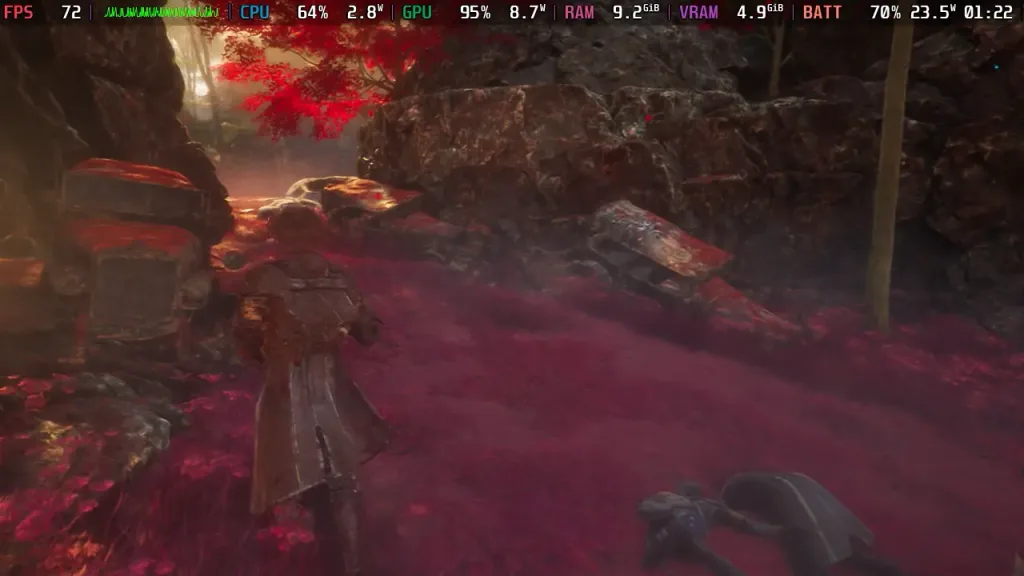
I also tried Stellar Blade, which exhibited all of the same issues that the other games did. The only difference is that when the Ghostbusting setting was turned on, it didn’t make the ghosting from our character model go away. So, I could clearly see bubbles around her. But the stuttering and input lag were there all the same.
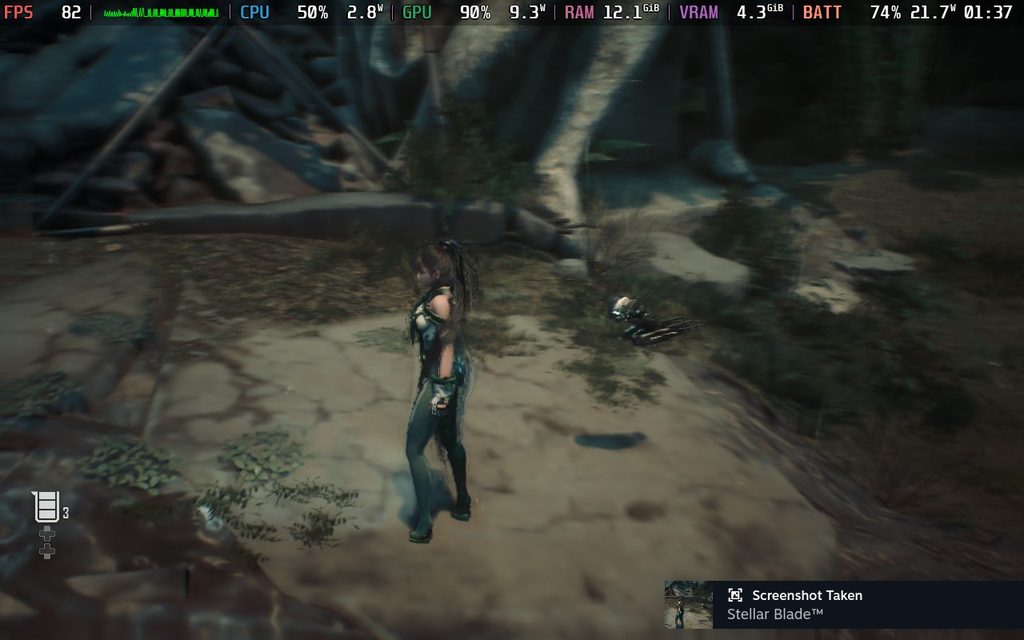
I followed multiple different guides and tried so many different options, and none of them felt good. I already disliked spring generation for these reasons, with lossless scaling being the one exception sometimes, but I can’t see myself using this at all. It was so difficult to enjoy on any level, and I don’t think that there’s any part of me that would recommend this to someone who is genuinely trying to get a game running better on the Deck.
Is it cool that we have an easy way to try this out and integrate FSR 4? Absolutely. I will always be a fan of more options and think it only helps versus hurting, but there’s just no part of this that actually makes the experience better. In its current state, there’s no part of me that can recommend using this tool as a way to make your game more playable.
If you enjoyed this article, check out the rest of the content on SteamDeckHQ! We have a wide variety of game reviews and news that will help your gaming experience. Whether you're looking for news, tips and tutorials, game settings and reviews, or just want to stay up-to-date on the latest trends, we've got you covered!

RECENT NEWS
Categories
Accessories
Anbernic
Android
ASUS ROG Ally
ROG Xbox Ally
Classics on Deck
Community
Cryobyte33
Deals
Deck Mods
Emulation
Events
Featured Post
Game News
Game News
General Game News
HandheldHQ
Hardware
Lenovo
Linux
MagicX
MSI
Nintendo
ONE-NETBOOK
Opinion
Other Reviews
Accessory Reviews
Handheld Reviews
PlayStation
Proton
Retro Handhelds
Anbernic
AYANEO
AYN
GPD
MagicX
MANGMI
Miyoo
Retroid
Rumors
TrimUI
SDHQ
Steam
Steam Controller
Steam Frame
Steam Machine
SteamOS
The Unsupported Report
Uncategorized
Uncategorized
VR
Recent Tips & GUIDES
recent reviews



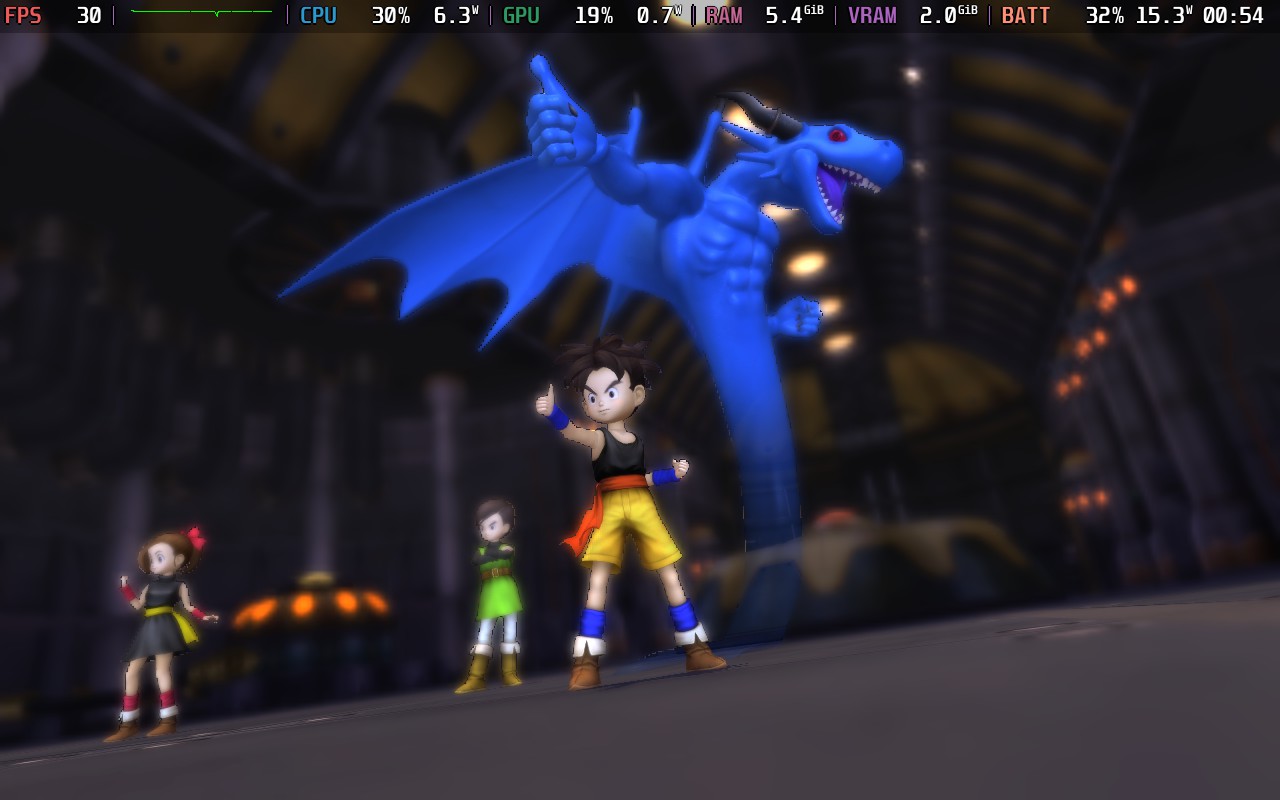

The reason your experience is so awful is your real/base fps is only in the 20's based off of the screenshots you posted and assuming the "70ish" fps you have is with multi frame generation. You ABSOLUTELY need a base fps (BEFORE) frame gen of at least 40, although 60+ is really considered the "sweet spot"
Okay I made a mistake in my first comment. I wasn't using this plugin, I usually use decky-framegen from the same developer for FSR4 enabling fsr4 on the deck or even frame gen - what I usually never use via optiscaler. Now I am confused what's the difference between the one from the article and decky-framegen since both are basing on Optiscaler. I checked the GitHub and I still don't get the difference and feel decky-framegen feels far more polished regarding the integration.
This is actually something I asked him about directly! It makes sense why there are two plugins and I will be going more into detail about the differences in a separate article. Still, if you are just using FSR 4, Decky-FrameGen still works alright.
Thank you for your reply. Yeah I felt that Decky-framegen for FSR4 runs really smooth and almost never cause any problems. But I am looking forward to the article about the difference. Since my interest in computer and games in the early 90s I just love tinkering around... So I'm always happy to try new things to see the outcome 🙂
I like the plugin and already using it for a long time but mainly for the fsr4 option it offers. I usually instantly disable the frame Generation like
I never enable any ingame frame Generation option because it's mostly makes the experience worse. The only thing , of course just in my opinion that can make the game feel nicer is the LSFG decky plugin that enables the frame Generation from lossless scaling on the deck.
You have a few options that can give you different results depending on the game but usually when motion blur is turned off it can help you a lot. Of course it's no magic and it comes with some side effects depending on the game. But in my experience it's usually far more stable and reliable than the game integrated frame Generation on deck or even the Optiscaler option. That often feels really sluggish.
But it's the same experience I have with upscaler. Usually no game integrated upscaler option looks good as the Optiscaler options - even if you're not using fsr4 and let's say just XESS. Depending on the model you use it can look pretty crisp and in the case of death stranding (1) it's the only way to use any upscaling without making transparent effects like the glowing sings blurry.