If you haven't yet, follow us on X (Twitter), Mastodon, or Bluesky to know when we post new articles, and join our Reddit or Subscribe to us on YouTube to check out our content and interact with our awesome community. Thank you for supporting us!
Iron Nest was provided for review. Thank you!
There are games where exploring an open world just adds to the magic behind it, but I’m always impressed when a game can feel just as compelling and enjoyable in a very small space. To my surprise, Iron Nest: Heavy Turret Simulator did justice. It’s a simulator where you’re operating a heavy turret, having to go through specific steps to calculate, coordinate, and prepare your shells to be fired. There’s a lot of planning and strategy involved, and it feels so fulfilling to line up the shot just right. And thankfully, it also feels great on the Steam Deck.
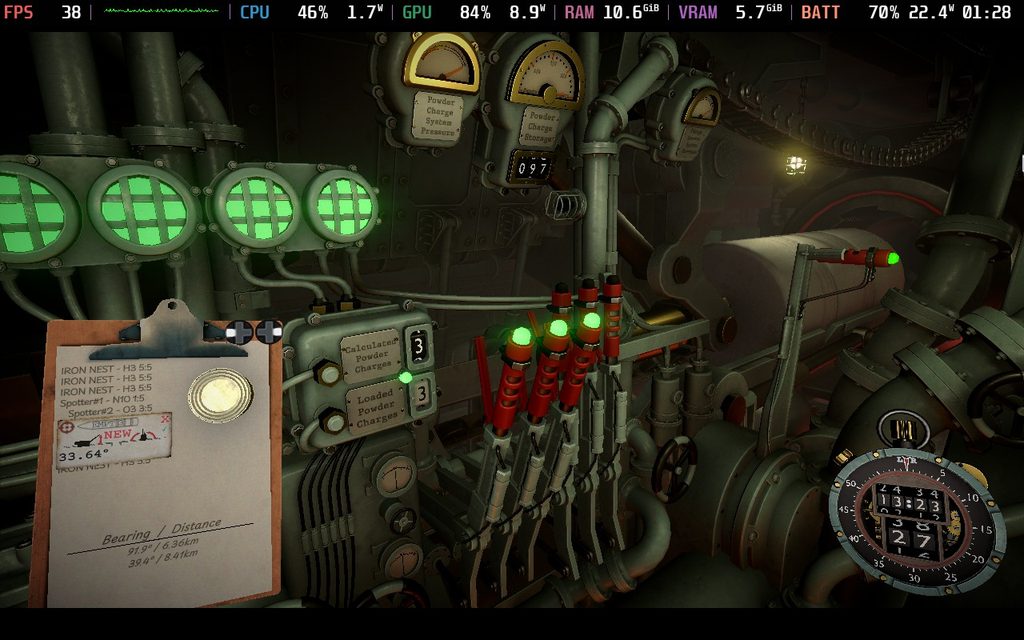
I haven’t played much of the game itself, but what I will say is that the audio design is impeccable. The clanking of metal, the grinding of gears, and the sound of the typewriter giving us our orders all add to the beauty of the era we exist in. It gives off this alternate World War II vibe that I really dig. It’s a treat to play, and I can’t wait to dive deeper into it over the weekend, but what really impressed me is how well it runs on the Steam Deck.
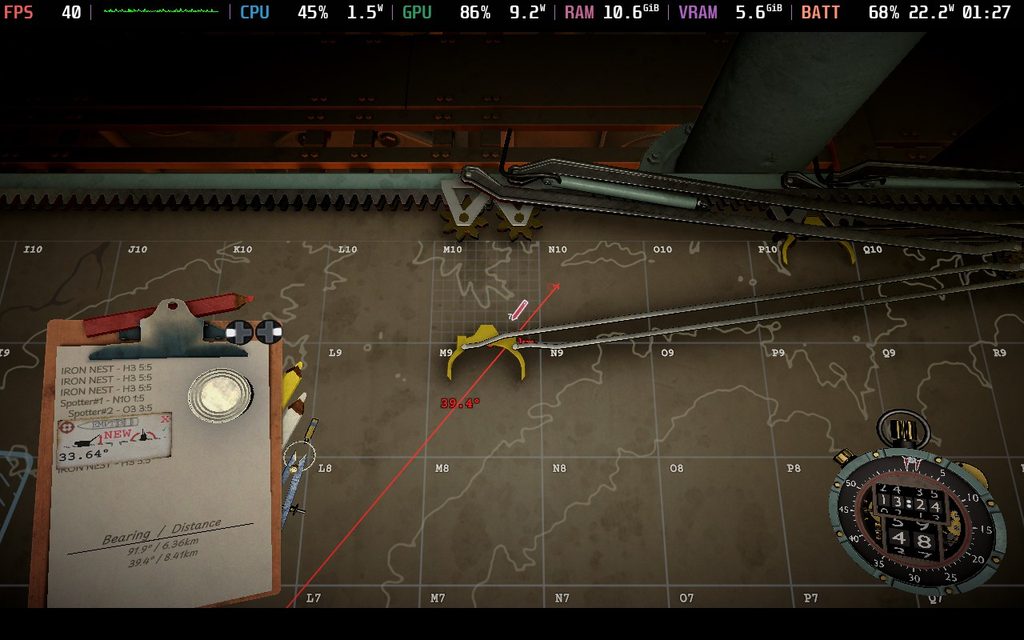
Performance-wise, I expected around 30 FPS, and we definitely get above that on the default settings. We are set to the Medium quality settings with no upscaling whatsoever. This keeps the game looking sharp and detailed, which I really appreciate. A majority of our area will stick to around 37 - 42 FPS, and I can definitely see some changes to settings to keep it above 40 FPS entirely. However, if we set our framerate limit to 30, we should be completely stable without any noticeable drops.
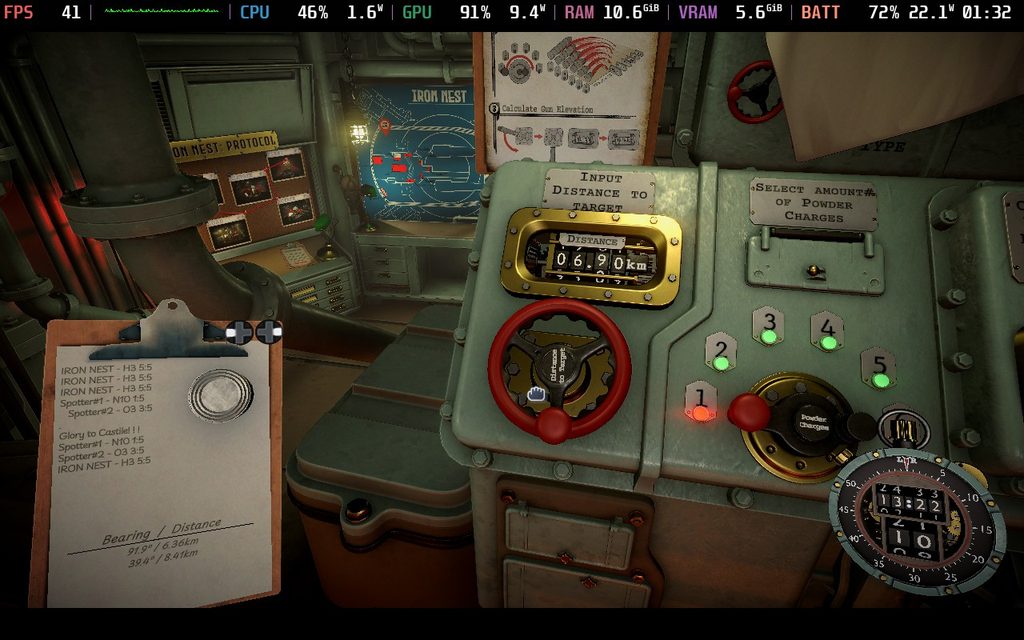
However, what really impressed me was how great the controller support is. I don’t expect good controller support in simulators, but Iron Nest feels great. We do have to move the cursor around with the right joystick, but the rest of the UI and movement all feel natural with the gamepad. It makes me extremely happy because I’m finishing up my review of another simulator, ReStory, and the lack of controller support makes it hard to enjoy certain parts of the game. I don’t see that being an issue for Iron Nest.
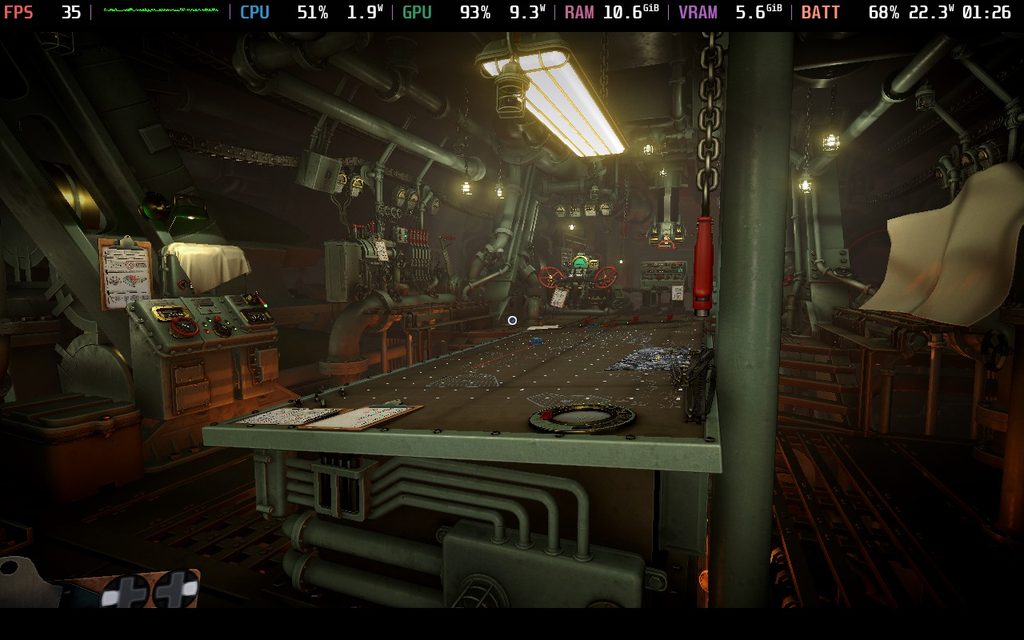
I still need to play a lot more of the game. I’m definitely not that far in, but I can’t say that experiencing this on the Steam Deck is going to be comfortable, perform well, and look great. And while I can’t recommend Settings just yet, it looks like we will have some wiggle room to optimize for higher frame rates and better graphical quality. I can’t wait to find out for myself as I continue playing, but for those who may be on the fence about getting this for your deck, I will say that you won’t be disappointed playing this on the go.
Iron Nest: Heavy Turret Simulator is on sale for $14.99 until August 20th and is rated Steam Deck Verified.
If you enjoyed this article, check out the rest of the content on SteamDeckHQ! We have a wide variety of game reviews and news that will help your gaming experience. Whether you're looking for news, tips and tutorials, game settings and reviews, or just want to stay up-to-date on the latest trends, we've got you covered!

RECENT NEWS
Categories
Accessories
Anbernic
Android
ASUS ROG Ally
ROG Xbox Ally
Classics on Deck
Community
Cryobyte33
Deals
Deck Mods
Emulation
Events
Featured Post
Game News
Game News
General Game News
HandheldHQ
Hardware
Lenovo
Linux
MagicX
MSI
Nintendo
ONE-NETBOOK
Opinion
Other Reviews
Accessory Reviews
Handheld Reviews
PlayStation
Proton
Retro Handhelds
Anbernic
AYANEO
AYN
GPD
MagicX
MANGMI
Miyoo
Retroid
Rumors
TrimUI
SDHQ
Steam
Steam Controller
Steam Frame
Steam Machine
SteamOS
The Unsupported Report
Uncategorized
Uncategorized
VR
Recent Tips & GUIDES
recent reviews