If you haven't yet, follow us on X (Twitter) or Mastodon to know when we post new articles, and join our Reddit or Subscribe to us on YouTube to check out our content and interact with our awesome community. Thank you for supporting us!
Control Resonant is one of the best games I have played this year. Per my review, I fell in love with the unconventional combat and progression systems, which added to the charm of the experience. Coupled with its gorgeous visual style and enticing story, this is a game I can happily recommend. It's not great on the Steam Deck, but I did play it on the Steam Machine as well, and I had a much better time with it. There are still some compromises, but overall, it's a significantly better experience that should be a good time on the Machine.
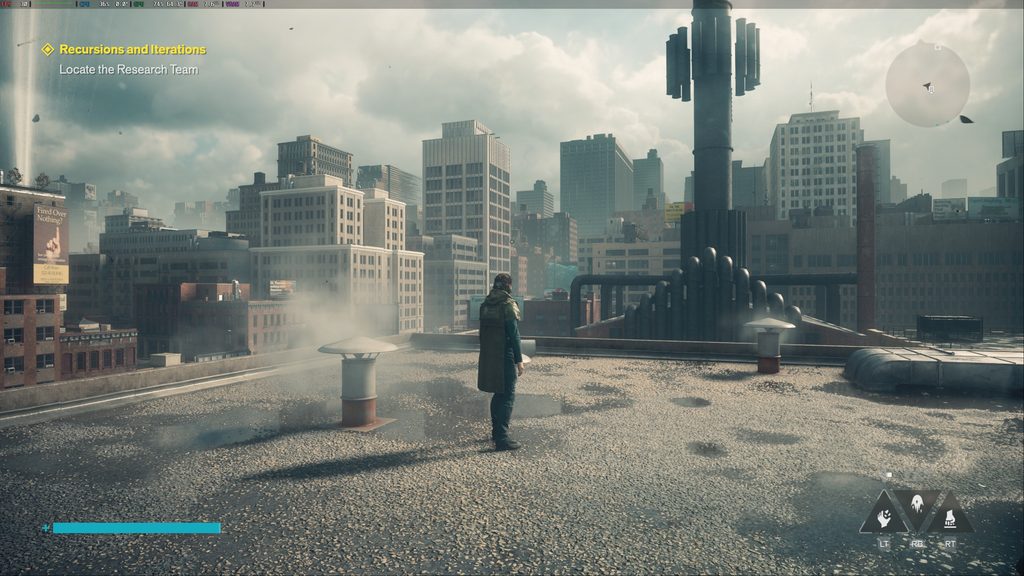
I will say that I had a great time playing the game on the Steam Machine, but I was still a little taken aback by how many compromises need to be made. However, if you are okay with 30 FPS, you will be able to get great visuals with solid performance.
The 4K Test
Control Resonant can run at 4K on the Steam Machine, but it requires some big compromises. The highest I could push it was using the Handheld preset with Performance FSR upscaling, and while the game looks okay with these settings, it’s still a lot of downgrading and upscaling to just barely hit 30 FPS. On top of that, there are some drops here and there that go below 30. We could bring it down to Ultra Performance upscaling to fix that, but at that point, it might be better to just lock it to a lower resolution and increase the quality settings.

The Native Resolution Test
As for our native resolution tests, I can confidently say there’s no chance we could play at 4K resolution natively. 2K resolution is better, but even at the Handheld preset, it gets about the same performance as 4K with FSR upscaling at performance. It definitely looks sharper, but it’s still a lot of sacrifice to play at native resolution. As for 1080p, we can get an average 38-39 FPS at native resolution with the High graphics preset. Ultra quality gives us about the same as 2K at native, so to mitigate those drops, going down to High is the right move.
Can It Run at 60 FPS?
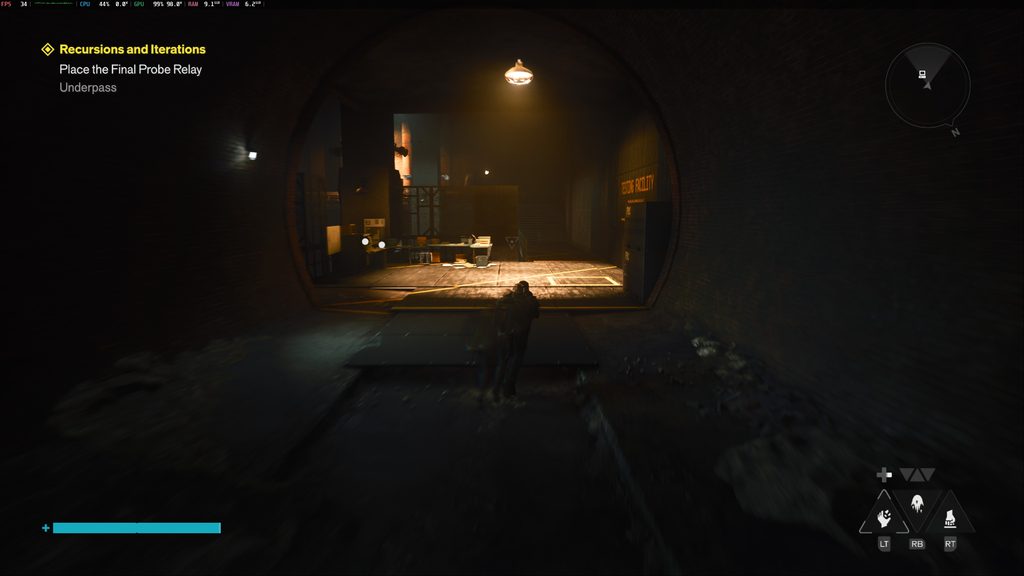
And because this is a big game, I also wanted to see what it would take for us to be able to play at 60 FPS. It’s definitely possible, but there are some big compromises to make it happen. For a solid 60 FPS, we will either need to play at 2K with FSR upscaling at Ultra Performance or 1080p with FSR upscaling at Quality, and both need to use the Handheld preset. Trying to go any higher in terms of upscaling or quality settings will bring drops below 60. If you have a 1080p monitor or screen, this is okay, but it’s tough to justify at higher resolutions.

Recommended Settings
Now, it was very difficult to actually figure out the settings I would recommend for the game. It feels like there was always some compromise that needs to be made to effectively enjoy the experience. However, based on how you wanna play, I’m quite pleased with the results.
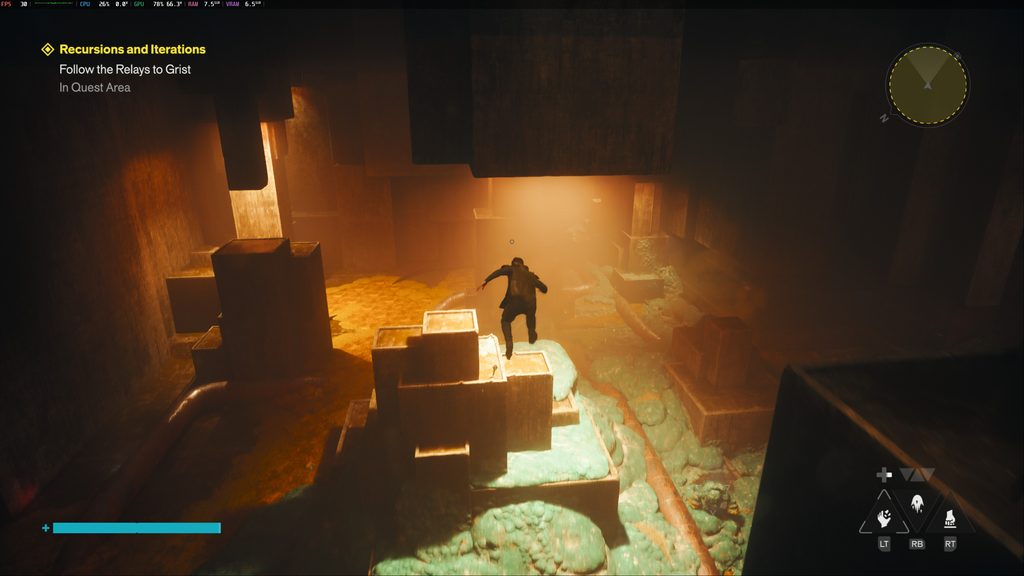
For those who wanna push quality settings, we can get a solid 30 FPS at 2K resolution with the High quality preset and FSR upscaling at Quality. Just keep the game looking as good as possible while also giving us a solid 30 FPS. I didn’t notice any drops throughout my testing with the settings, so this is what I recommend if you want to play with the best visuals possible.
As for 60 FPS performance, the best way for that is going to be playing at 1080p resolution with the Handheld preset and FSR upscaling at Quality. There really isn’t any other way to get 60 FPS from the game on the Steam Machine, so expect major compromises if you want to. However, if you have a 1080p monitor, it still looks quite good and feels fantastically smooth.
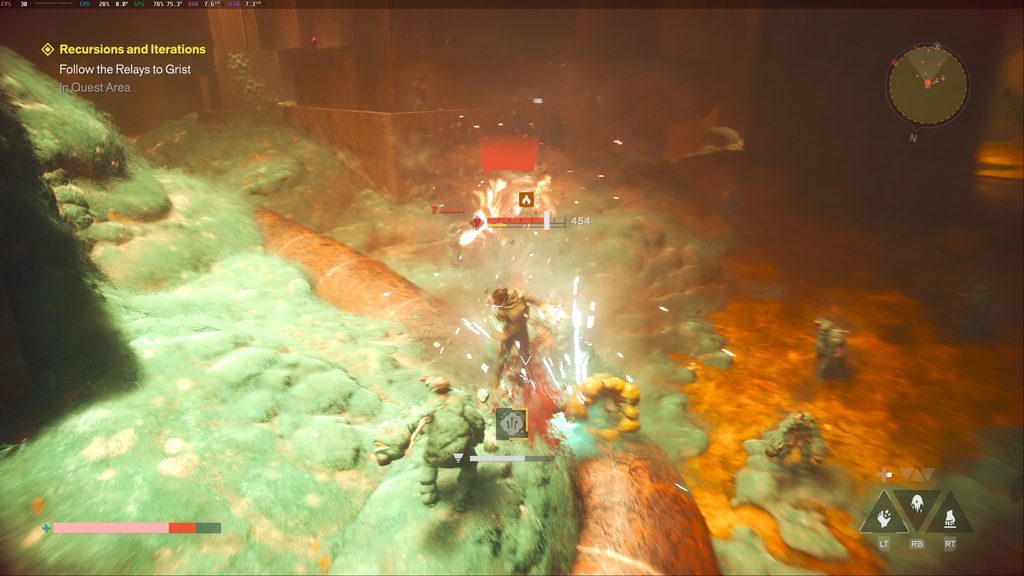
Despite the compromises and the need for upscaling to have the best experience, Control Resonant is a joy to play on the Steam Machine. It can hit 60 FPS at 1080p resolution, or be played at 2K with FSR Quality upscaling and the High graphical preset at 30 FPS, which keeps the game looking and running well. We can't push it further without major compromises, and we definitely can't play at 4K, but for what it is, it's a solid way to play that I enjoyed.
If you enjoyed this article, check out the rest of the content on SteamDeckHQ! We have a wide variety of game reviews and news that will help your gaming experience. Whether you're looking for news, tips and tutorials, game settings and reviews, or just want to stay up-to-date on the latest trends, we've got you covered!

RECENT NEWS
Categories
Accessories
Anbernic
Android
ASUS ROG Ally
ROG Xbox Ally
Classics on Deck
Community
Cryobyte33
Deals
Deck Mods
Emulation
Events
Featured Post
Game News
Game News
General Game News
HandheldHQ
Hardware
Lenovo
Linux
MagicX
MSI
Nintendo
ONE-NETBOOK
Opinion
Other Reviews
Accessory Reviews
Handheld Reviews
PlayStation
Proton
Retro Handhelds
Anbernic
AYANEO
AYN
GPD
MagicX
MANGMI
Miyoo
Retroid
Rumors
TrimUI
SDHQ
Steam
Steam Controller
Steam Frame
Steam Machine
SteamOS
The Unsupported Report
Uncategorized
Uncategorized
VR
Recent Tips & GUIDES
recent reviews