If you haven't yet, follow us on X (Twitter), Mastodon, or Bluesky to know when we post new articles, and join our Reddit or Subscribe to us on YouTube to check out our content and interact with our awesome community. Thank you for supporting us!
A copy was provided by Activision for review. Thank you!
Call of Duty Black Ops seven is finally here, bringing back the return of some fan favorite characters, including Roman Mendez, who's somehow still alive. Of course, this comes with the wealth of multiplayer and zombie modes, and honestly, I'm really excited to try it out for myself. However, I wanted to see if I could get it running on the Steam Deck and whether it would perform, which I not only did, but I would consider it fairly playable.
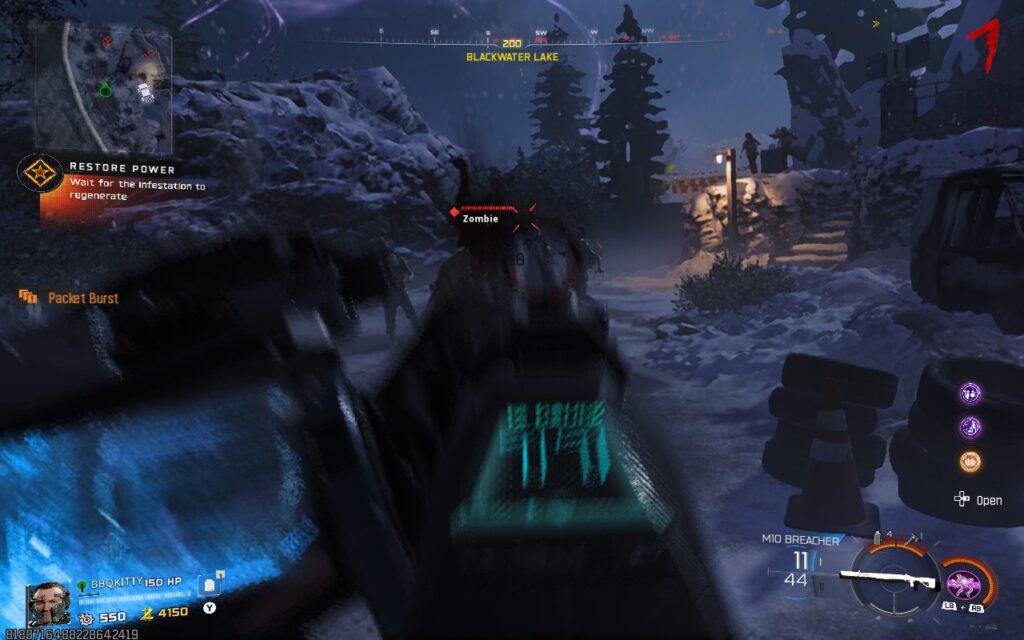
Before getting to performance, I do want to go over some of the issues that will come up. The game has kernel-level anti-cheat and requires secure boot, which is a little obnoxious. The kernel-level anti-cheat eliminates playing the game on SteamOS or any Linux operating system, so to play this on Deck, you will need to either have Windows installed or be dual-booted.
As for Secure Boot, this isn't an option we ultimately have in the Deck's BIOS, but there are a few ways to get around it. I personally used DeckSecureBoot, made by downthecrop on GitHub. This basically allows you to create a flashed USB that can be used to automatically create the keys and enable secure boot. This does work on both Windows and SteamOS, and is relatively easy to do. You just download the .iso, flash it to a USB drive, then boot from it. From there, just enable Secure Boot, let it do its thing, and then reboot.
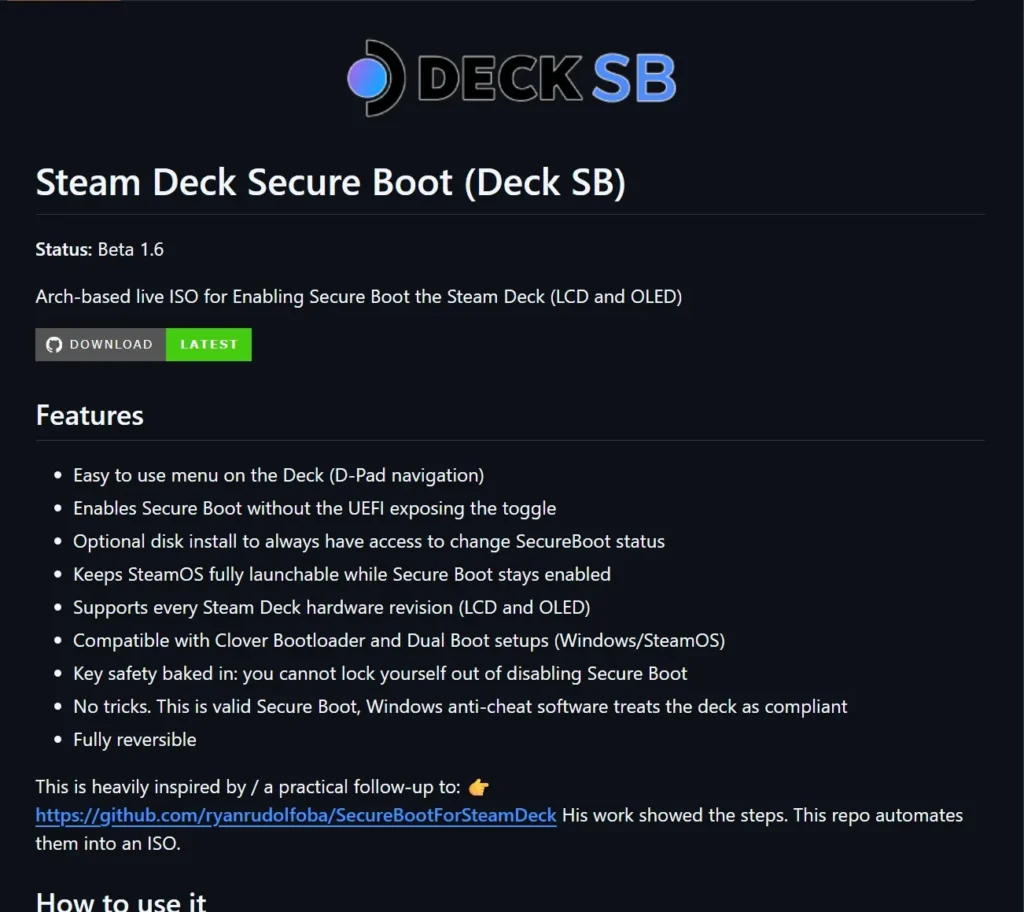
This is a relatively new tool, so be careful using it, but with it being open-source, I have some level of confidence with it. It simplifies the more complicated older steps for enabling secure boot created by 10MinuteSteamDeckGamer, and it really is significantly easier.
After that is done and everything is enabled in the BIOS that needs to be, make sure you have TPM 2.0 turned on as well, and you should be all set.
So, there are three specific modes in Call of Duty, and I wanted to make sure they were all tested initially: Campaign, Multiplayer, and Zombies. Each one has different-ish performance and stuff to keep in mind. However, for the most part, it should be very playable on the Deck, and it still looks pretty decent.
In my testing, I went with the default settings, which is a combination of low settings and FSR 1.0 upscaling. There are more upscaling options, including FSR 3.0, but I found that 1.0 still looked good and saved a little bit of framerate, which we will need in some of the modes. Still, it looks relatively good regardless, and I was able to get kills effectively and see enemies further away without any issues. I also had to manually change the aim mode from mouse to controller to make it work.
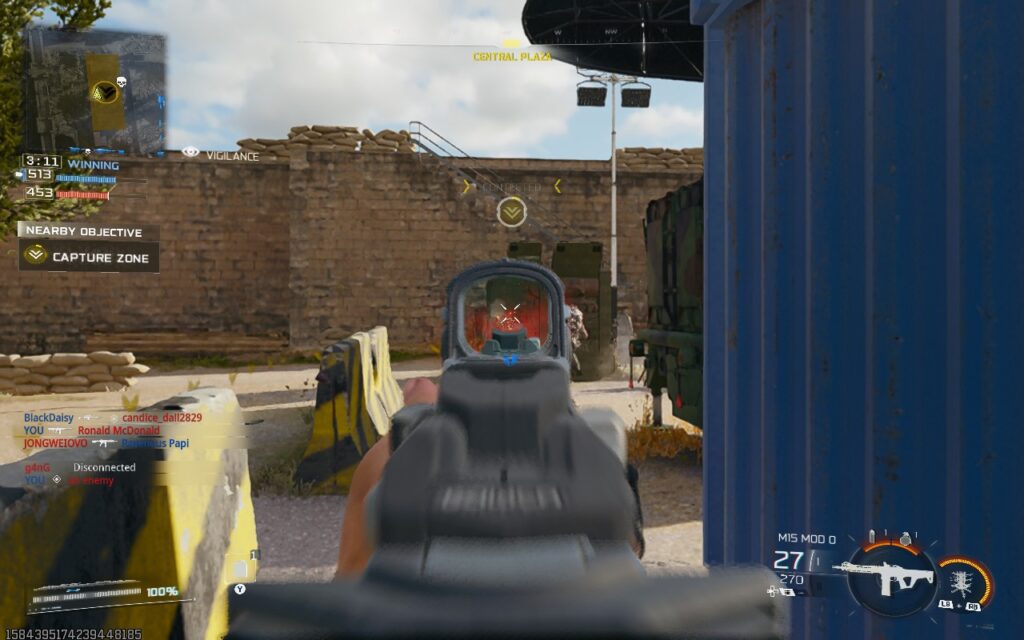
And yes, there is some wiggle room with dynamic resolution and the upscaling quality setting, so it's possible we can improve performance further. This is something I will be testing for the full review of the game.
Starting with the campaign, the performance will vary by mission. The first mission, Exposure, played perfectly at 60 FPS, but the second mission, Inside, brought performance down to the low 40s. It seems that the number of people on screen isn't the issue, but how big and open the map is. This is something consistent I have seen across every game mode.

Moving on to the multiplayer, this is where I got mixed results. Some multiplayer modes will run perfectly at 60 FPS, like Team Deathmatch, and it was just fantastic. However, trying to head into the Skrimish 20v20 mode will tank framerate. It still sticks above 40 FPS, but with how many people are on the larger field, the framerate will dip. Still, I would consider it playable, and I was still able to kill and run around with ease, but it will fluctuate pretty consistently here. Most game modes that don't have this many people should be pretty solid, though!

Now, we have zombies, which are going to be another mixed bag. The actual map for Standard mode is pretty big, which, at certain angles, will cut the framerate down. It still stuck above 40 FPS the whole time, but there were definitely some slowdowns. However, at some angles, it sticks to 60 FPS perfectly fine, even when there are tons of zombies on the screen. And even when there are some minor drops, they aren't felt much, which I appreciated a lot.

There is also a Survival mode on a more confined map, but performance is around the same as the Standard mode.
Ultimately, when all is said and done, Call of Duty: Black Ops 7 is playable on the Steam Deck, but there are some heavy compromises. It can run above 30 FPS the whole time, and a majority of the game will stick to above 40, but only some select modes will hit 60. Luckily, one of those modes is regular multiplayer like Team Deathmatch, but heading into larger maps like Skrimish 20v20 will kill it. Still, if you have nothing else to play on, or just want to get a multiplayer match in here and there, this will do.
The best way to play will be streaming via GeForce NOW or other services, but for what it is, it's very do-able.
If you enjoyed this article, check out the rest of the content on SteamDeckHQ! We have a wide variety of game reviews and news that are sure to help your gaming experience. Whether you're looking for news, tips and tutorials, game settings and reviews, or just want to stay up-to-date on the latest trends, we've got your back.

RECENT NEWS
Categories
Accessories
Anbernic
Android
ASUS ROG Ally
ROG Xbox Ally
Classics on Deck
Community
Cryobyte33
Deals
Deck Mods
Emulation
Events
Featured Post
Game News
Game News
General Game News
HandheldHQ
Hardware
Lenovo
Linux
MagicX
MSI
Nintendo
ONE-NETBOOK
Opinion
Other Reviews
Accessory Reviews
Handheld Reviews
PlayStation
Proton
Retro Handhelds
Anbernic
AYANEO
AYN
GPD
MagicX
MANGMI
Miyoo
Retroid
Rumors
TrimUI
SDHQ
Steam
Steam Controller
Steam Frame
Steam Machine
SteamOS
The Unsupported Report
Uncategorized
Uncategorized
VR
Recent Tips & GUIDES
recent reviews