If you haven't yet, follow us on X (Twitter), Mastodon, or Bluesky to know when we post new articles, and join our Reddit or Subscribe to us on YouTube to check out our content and interact with our awesome community. Thank you for supporting us!
Mortal Shell 2 was provided by Playstack for review. Thank you!
Now that I have the Steam Machine, I can finally start testing games on the device. Honestly, it’s holding up better than I expected, and I have found solid performance in a bunch of games. However, with Mortal Shell 2 out today, I wanted to go over how it’s running on the Steam Machine and how far we can push it.
If you want to see how it's running on the Steam Deck and what we think of the game, check out our full review.
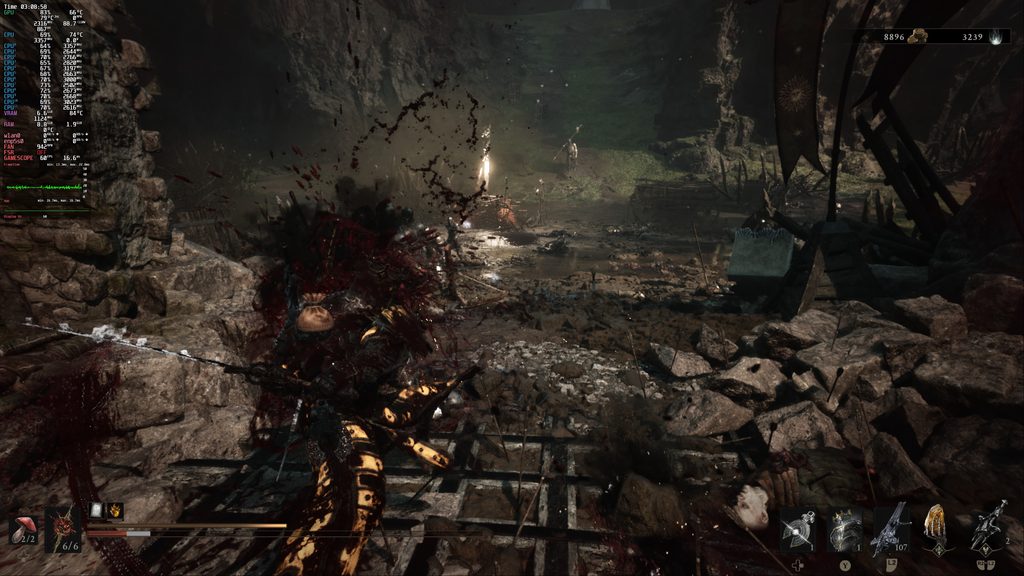
With soulslikes, there are a few priorities that need to be set. We need stable performance, 60 FPS is best, and little to no input lag. Those are going to be the focal point here. I want to know how far we can push the game while still keeping a solid 60 FPS and being able to play without issue.
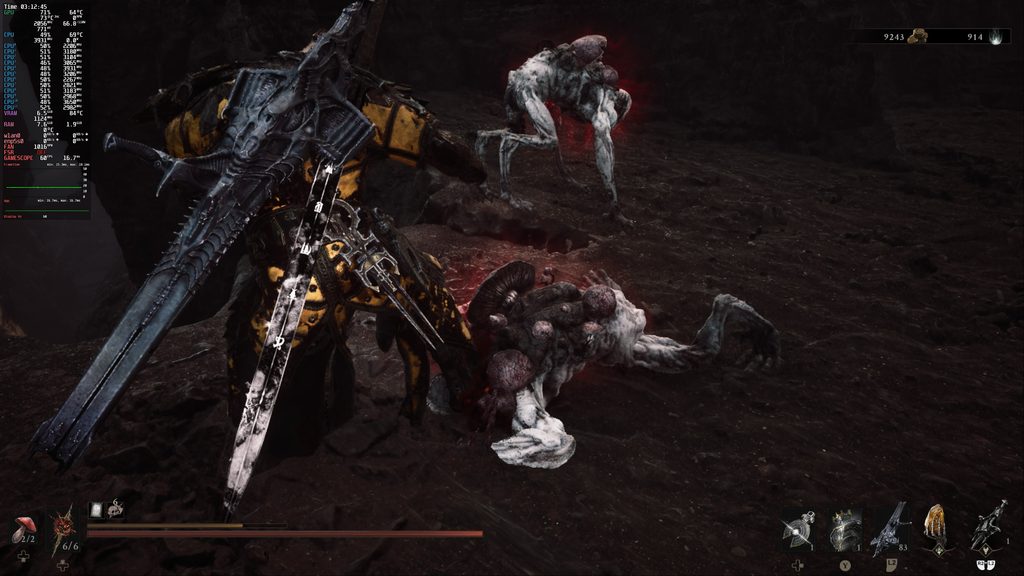
First up is the 4K test. I want to see if the game could run at 4K resolution (3860x2140), and technically, it can. Keeping the game on the High quality preset, we can turn the upscaling to TSR at Ultra Performance. Here, it will keep it mostly stable at 60 FPS with some minor drops here and there. If you’re looking to play at lower framerates, like 40 FPS, it should be possible to do this at 4K using TSR upscaling at Balanced and quality on Medium. It depends on the monitor or TV that you’re using, but for this article, we are focused on 60 FPS.
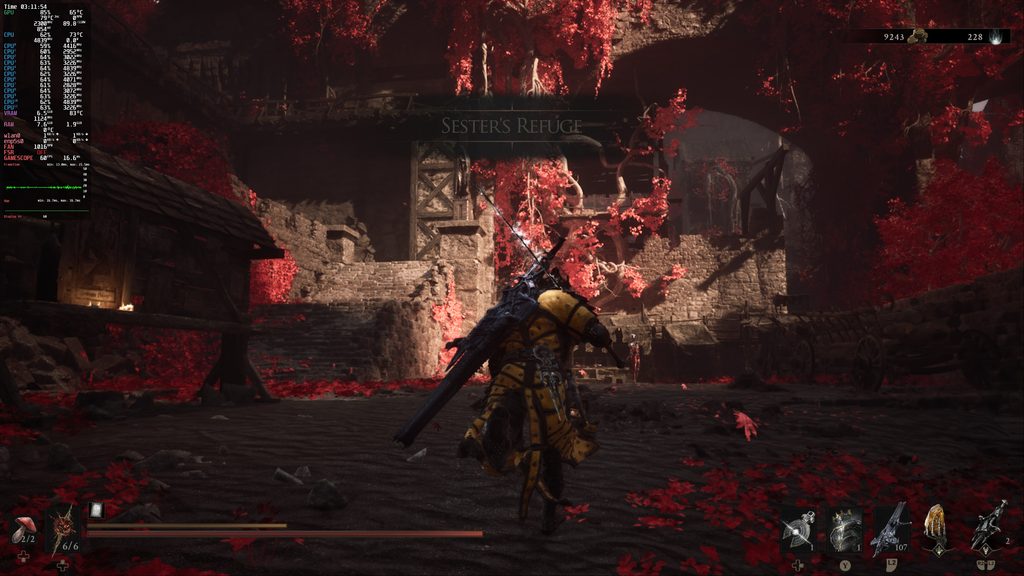
Next, I wanted to see how high we could push the game using the native resolution and no upscaling. Sadly, this is a game where upscaling is going to help us make the most out of this. The most we can get with native resolution is going to be lower than 1080p, as I was still getting drops at 1080p on Medium quality settings.
So, after testing, I found that the game is playable at 60 FPS at 2K resolution (2560x1440) at the High quality preset with TSR upscaling at Balanced. This is about as far as we can push it, as going to the Ultra preset brings it below 60, and turning off upscaling does the same. However, this combination leads to the best quality and best resolution we can get for playing this game on the Steam Machine.
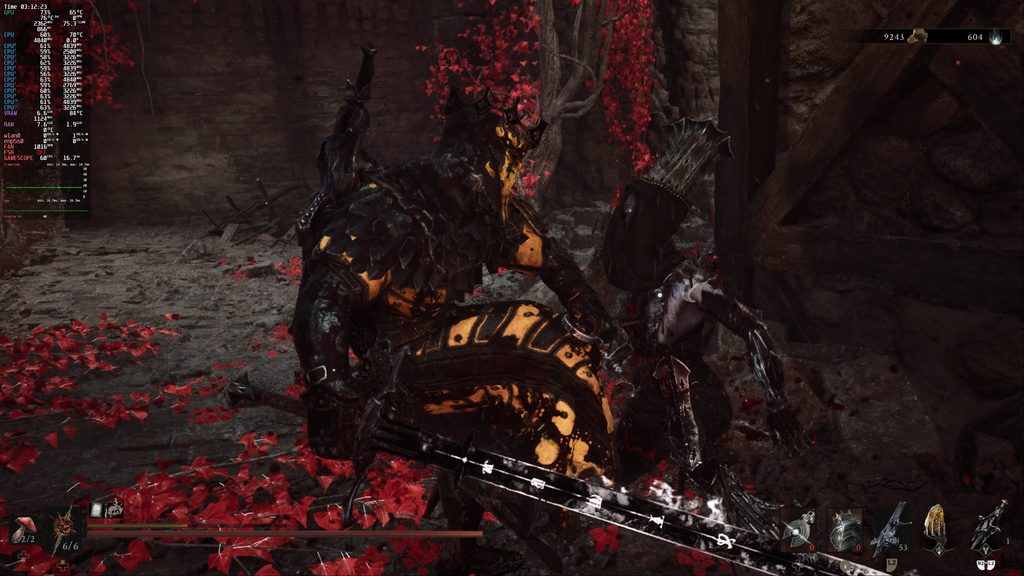
It also looks like we can turn on Hardware Ray Tracing, and it still performs quite well. I did notice a few extra drops at the recommended settings, but if we turn it down a bit, it should be decently playable.
With these settings, I got almost no stutters or drops in Mortal Shell 2, even in the largest fights that would usually cause them. It remains stable and enjoyable, and since we are using the in-game VSync, there is no noticeable input lag. It’s arguably the best way to play the game, and this will be the way I recommend experiencing the game on the Steam Machine.
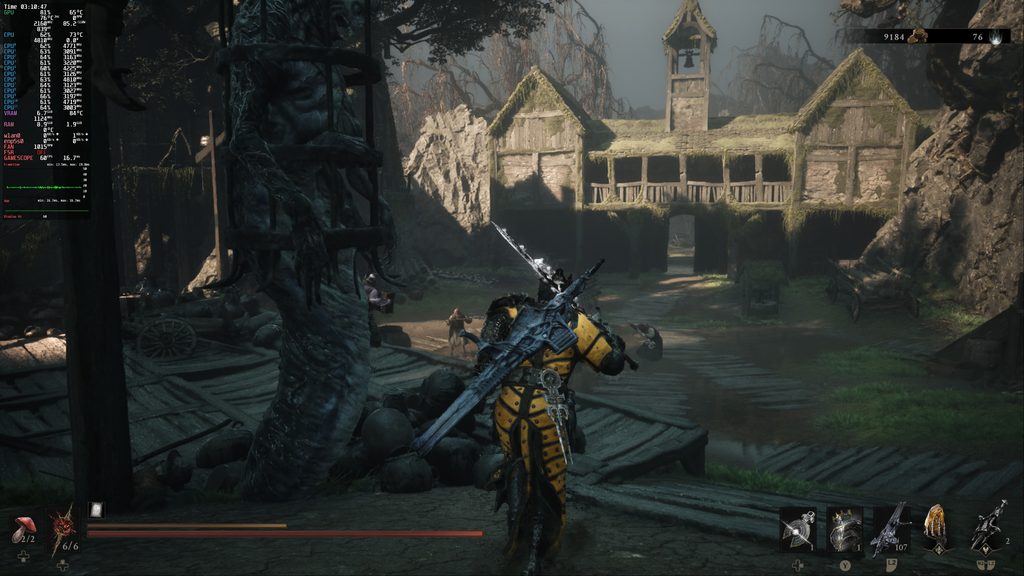
There’s a lot that we can do to customize the experience, but for those who just want to get in and play with settings that they feel confident will work, this is going to be best for you. It’s a very enjoyable game to play on the Steam Machine, so if you have one or a similar PC, you can feel confident that it’s going to be a great experience.
Mortal Shell 2 can be purchased for $49.99 on Steam.
If you enjoyed this article, check out the rest of the content on SteamDeckHQ! We have a wide variety of game reviews and news that will help your gaming experience. Whether you're looking for news, tips and tutorials, game settings and reviews, or just want to stay up-to-date on the latest trends, we've got you covered!

RECENT NEWS
Categories
Accessories
Anbernic
Android
ASUS ROG Ally
ROG Xbox Ally
Classics on Deck
Community
Cryobyte33
Deals
Deck Mods
Emulation
Events
Featured Post
Game News
Game News
General Game News
HandheldHQ
Hardware
Lenovo
Linux
MagicX
MSI
Nintendo
ONE-NETBOOK
Opinion
Other Reviews
Accessory Reviews
Handheld Reviews
PlayStation
Proton
Retro Handhelds
Anbernic
AYANEO
AYN
GPD
MagicX
MANGMI
Miyoo
Retroid
Rumors
TrimUI
SDHQ
Steam
Steam Controller
Steam Frame
Steam Machine
SteamOS
The Unsupported Report
Uncategorized
Uncategorized
VR
Recent Tips & GUIDES
recent reviews