If you haven't yet, follow us on X (Twitter), Mastodon, or Bluesky to know when we post new articles, and join our Reddit or Subscribe to us on YouTube to check out our content and interact with our awesome community. Thank you for supporting us!
When trying to find out which games can be played on the Steam Deck or not, most people will default to Valve's official system: The Steam Deck Verified system. Valve marks games based on their own internal tests to see which are perfectly playable on the Steam Deck, which are playable with some minor issues here and there, and which aren't playable at all. However, the system isn't perfect, and some games that are Verified are not the best to actually play. But it also goes both ways. There are also lots of Unsupported games that actually are playable on the Steam Deck.
So, in this weekly series, I want to focus on those "Unsupported" games. Each week, we will take a look at 2-3 games to see if they are actually unplayable on the Deck, and if they are, we will see if there's a way to make them playable and detail it. With almost 4,800 games rated Unsupported, not counting VR games, I want to take a look and see if these ratings are actually legitimate or if Valve missed something.
Last week, we checked out Batman Arkham Origins, Tabletop Simulator, and Dark Souls: Prepare to Die Edition, and for this week, we have three new games to play and see if they are playable, and if not, how we can make them so.
Starlink: Battle for Atlas
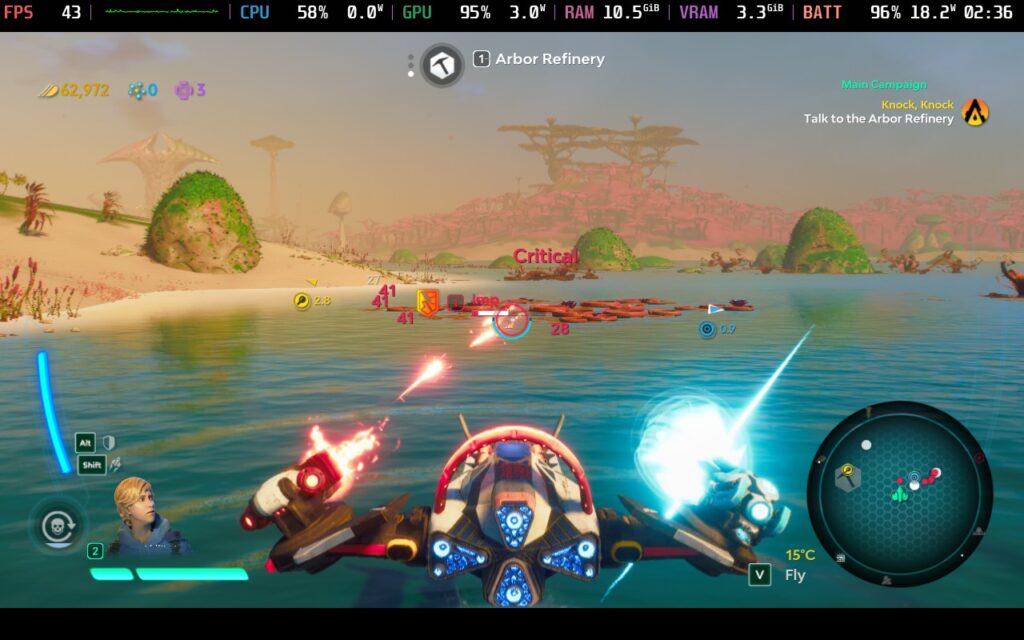
Unlike some of the other games I’ve covered, Starlink: Battle for Atlas does deserve the Unsupported badge. For whatever reason, Ubisoft never made it install Ubisoft Connect along with the game, and with it not installed in the game’s prefix automatically, it will refuse to run. This essentially makes it dead in the water just installing through Steam, but we can fix it.
By using a tool called Protontricks, we can install Ubisoft Connect directly into the game’s prefix. Protontricks can be found on the Discover Store to download, and once it’s installed, open it and select “Starlink: Battle for Atlas.” From there, select the “Install an Application” option, scroll down to “Ubisoft Connect”, and install it. Let the process go through, and once done, you can quit Protontricks and head back into Game Mode. No other changes are necessary, the game will work perfectly after this!
It’s hard to find exact recommended settings so early in the game, but I would say keeping it at high quality with a 45 FPS lock and TDP limit around 10-11 should strike a balance with smooth gameplay, better battery drain, and fantastic visuals. It’s a blast to play on the Steam Deck, and I’m looking forward to reliving one of my favorite games I first played on the Switch.
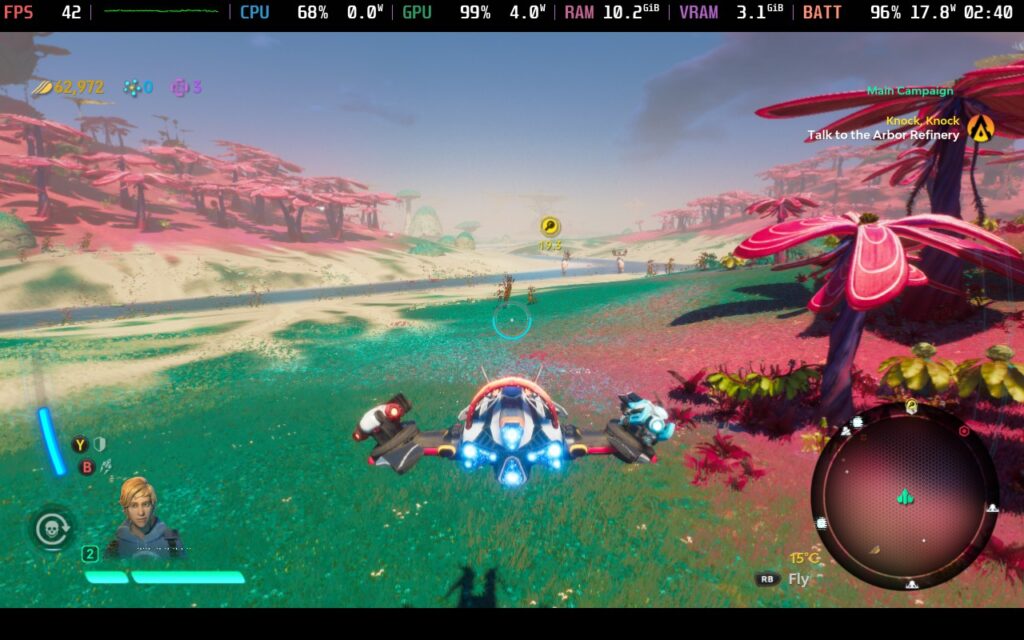
There's not much else I can say about the game. It runs well and I am enjoying playing it on the Steam Deck. If the Ubisoft Connect launcher installed along with it, I would consider this a Verified game.
Sonic Adventure DX

Now, Sonic Adventure DX back to the regular experience I’ve been having with these unsupported games. The game runs perfectly right out of the box with fantastic performance, tons of battery life, and even full controller support (which includes the configuration window). I have yet to run into any issues while playing, and it just doesn’t make sense why this is rated Unsupported.
I did see reports of weird issues stemming from this version of the game in general, not just on the Deck, so they recommend setting up mods to fix it. However, I have yet to encounter these problems, so I would say try it out. There are further fixes, but based on my experience, I didn’t need them.
Ys Origin
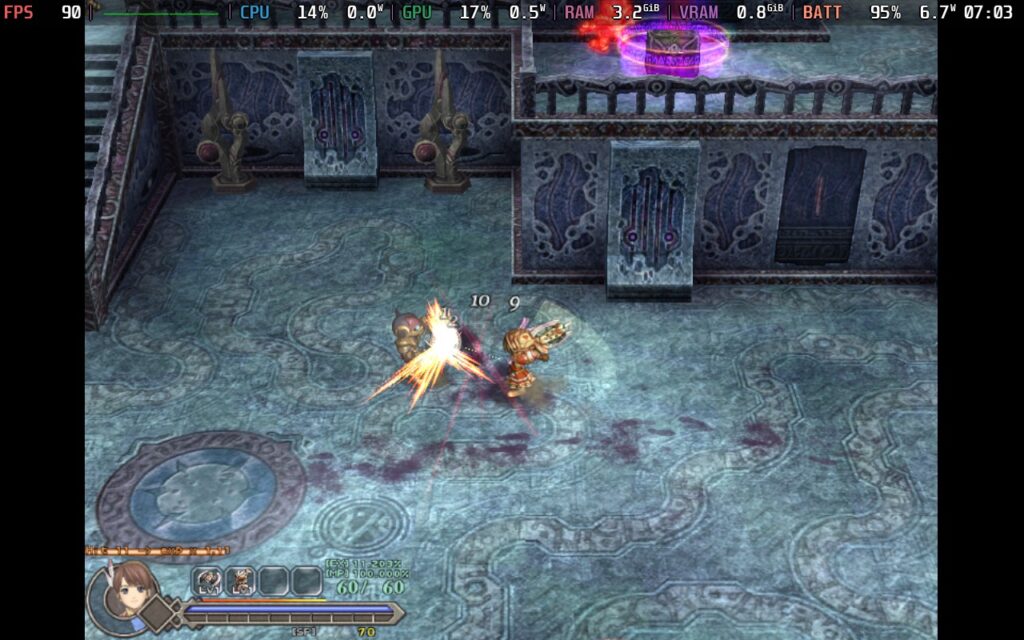
As for Ys Origin, it’s similarly very solid on the Steam Deck and doesn’t need any changes to get working. It runs at a solid 60 FPS and detects the controller without problems. However, while it is perfectly playable, there are some little issues I do feel should be noted.
The aspect ratio for the game is 4:3, so it will not fit the entire screen of the Deck. It will fit vertically, but not horizontally. Controller inputs are also a bit wonky. While the controller is recognized, we can’t skip any cutscenes, pausing is set to clicking the right joystick down, and prompts shown in-game will be keyboard and mouse. It’s not the end of the world, but it did feel awkward when playing it initially.
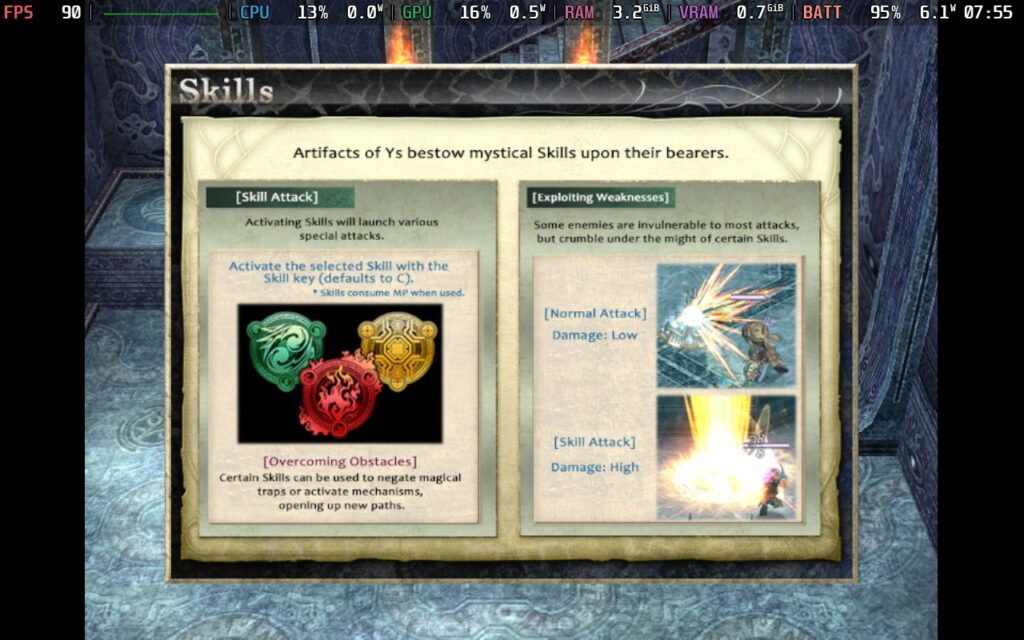
Still, after all is said and done, Ys Origin runs like a charm and is actually playable, despite its Unsupported rating.
And that's all for this week! It's great being able to play all of these games, even though Starlink: Battle for Atlas needs some tweaks to actually get running on the Deck. Still, it ultimately is playable on the go, and I couldn't be happier about that. Check back next week for the third episode of The Unsupported Report.
If you enjoyed this article, check out the rest of the content on SteamDeckHQ! We have a wide variety of game reviews and news that will help your gaming experience. Whether you're looking for news, tips and tutorials, game settings and reviews, or just want to stay up-to-date on the latest trends, we've got you covered!

RECENT NEWS
Categories
Accessories
Anbernic
Android
ASUS ROG Ally
ROG Xbox Ally
Classics on Deck
Community
Cryobyte33
Deals
Deck Mods
Emulation
Events
Featured Post
Game News
Game News
General Game News
HandheldHQ
Hardware
Lenovo
Linux
MagicX
Nintendo
ONE-NETBOOK
Opinion
Other Reviews
Accessory Reviews
Handheld Reviews
PlayStation
Proton
Retro Handhelds
Anbernic
AYANEO
AYN
GPD
MagicX
MANGMI
Retroid
TrimUI
SDHQ
Steam
Steam Machine
SteamOS
The Unsupported Report
Uncategorized
Uncategorized
Recent Tips & GUIDES
recent reviews