


If you haven't yet, follow us on X (Twitter), Mastodon, or Bluesky to know when we post new articles, and join our Reddit or Subscribe to us on YouTube to check out our content and interact with our awesome community. Thank you for supporting us!
The whole idea behind GameNative is pretty amazing. This is an Android application that allows you to sign into your Steam library and download your PC games to play on your Android device. It acts as a compatibility layer, similar to Proton for Linux, that will translate the games to make sure they are playable on Android. It's a wonderful tool that I have fallen in love with, and it just got a new update that fixes an issue that would crop up.
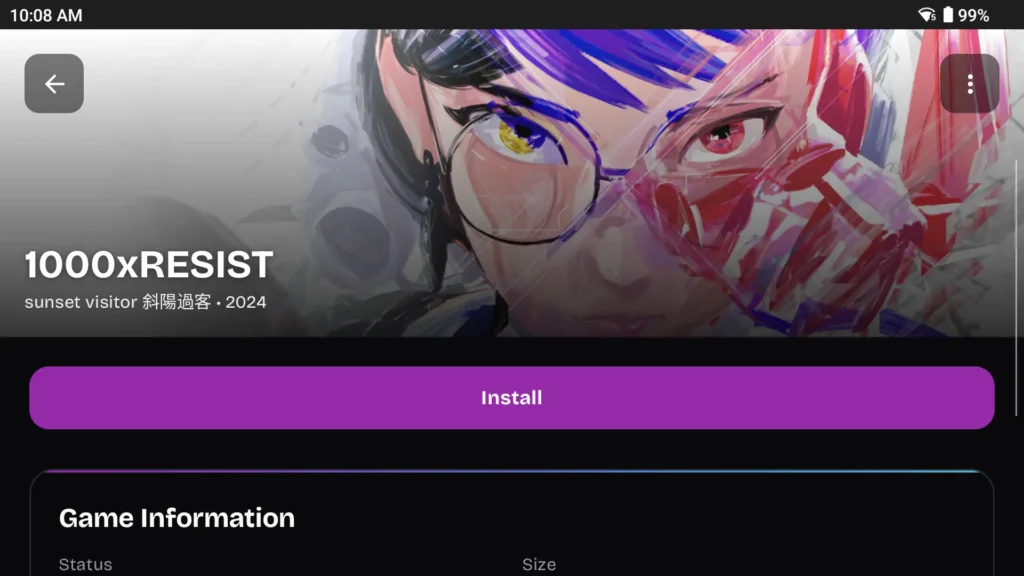
In the new update, there was a huge bug with DXVK that was fixed, which would refuse to install games unless a specific option was checked off and saved. There are also some new presets for Unity games, a new "Reset Container" option, you can now remove environment variables without them coming back, feedback will be submitted as it should, and default configurations will be saved as intended.
GameNative can be installed through GitHub by downloading the newest version of the apk. From there, just navigate to your download folder and install it. All you have to do afterwards is sign in to Steam and bam, download from your library. Not every game will work, but there are a good number that are working decently so far. You can check out what is working so far on the compatibility section of their website.
GameNative 0.5.1 Update Changelog:
- Fixed huge bug where DXVK was not installing for games unless Edit Container was clicked, and configs saved
- Fixed feedback failing to submit
- Fixed default configs not saving for driver under wrapper in bionic
- Added "Reset container" ability
- Added ability to remove env vars without them coming back every time
- Added new box64 presets for Unity games
If you enjoyed this article, check out the rest of the content on SteamDeckHQ! We have a wide variety of game reviews and news that will help your gaming experience. Whether you're looking for news, tips and tutorials, game settings and reviews, or just want to stay up-to-date on the latest trends, we've got you covered!

RECENT NEWS
Categories
Accessories
Anbernic
Android
ASUS ROG Ally
ROG Xbox Ally
Classics on Deck
Community
Cryobyte33
Deals
Deck Mods
Emulation
Events
Featured Post
Game News
Game News
General Game News
HandheldHQ
Hardware
Lenovo
Linux
MagicX
Nintendo
ONE-NETBOOK
Opinion
Other Reviews
Accessory Reviews
Handheld Reviews
PlayStation
Proton
Retro Handhelds
Anbernic
AYANEO
AYN
GPD
MagicX
MANGMI
Miyoo
Retroid
TrimUI
SDHQ
Steam
Steam Machine
SteamOS
The Unsupported Report
Uncategorized
Uncategorized
Recent Tips & GUIDES
recent reviews



Now we have Winlator, GameHub, GameNative. Did I miss anything..?