


If you haven't yet, follow us on X (Twitter), Mastodon, or Bluesky to know when we post new articles, and join our Reddit or Subscribe to us on YouTube to check out our content and interact with our awesome community. Thank you for supporting us!
Classics on Deck is back for another one! Last time we tackled Freelancer and Open Rollercoaster Tycoon 2, today we're taking a look at Impossible Creatures (Michael Baker) and Jurassic Park: Operation Genesis (Oliver Stogden).
Classics on Deck #11:
Impossible Creatures (2003)
- Digital Availability: Steam and GOG.com
- Version Tested: Latest Version of the Steam build
- Wine/Proton Version Used: Proton Experimental
Installation
Impossible Creatures was made by the same folks who created the Homeworld series, and it was a big part of my childhood. Despite its age and Valve saying it is unsupported on the Steam Deck, that wasn’t going to stop me. Impossible Creatures is available on both Steam and GOG.com. Both platforms will suffice, although I used the 2015 Steam release, as it comes with full Steam Workshop support. For the sake of the series, I’ll list both options for Steam and GOG.com.
For Steam users, install the game as you would any other. Whatever way of installation, I recommend using the Proton Experimental compatibility layer. I found that the game performed slightly better with this, although we will discuss performance later.
For GOG, you can install the executable file using Lutris or Heroic Game Launcher. Proceed with the installation as usual, and wait for the game to install. Once you’ve saved the new configuration, you can boot the game as normal from Steam if you made a Steam Shortcut, or from Lutris otherwise. In the controller settings, use a default Keyboard WASD and Mouse profile, but map the Alt key to one of the back buttons: I used R4 as a reference. This allows you to move the camera around.
Steam Deck Performance & Issues
Despite being an RTS with an Unsupported rating by Valve for the Steam Deck, Impossible Creatures plays fairly well, which was a pleasant surprise. Even at the highest settings, the Steam Deck runs the game at 60 FPS. Despite the impressive performance, there are a couple of downsides.
First, the awesome Army Creator mode has some issues, with long loading times, and I even crashed once when trying to pick an animal to splice. Second, those loading times will be an ongoing annoyance, although I only had to wait a couple of minutes as a worst-case scenario. The controls will take some getting used to, but they play surprisingly well for an RTS title.
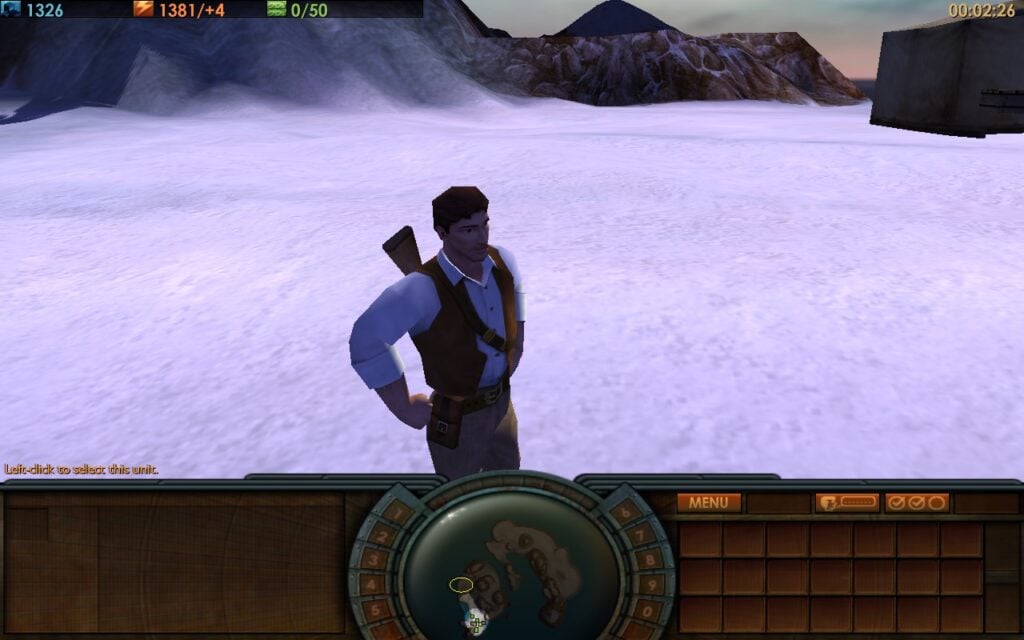
Impossible Creatures is a pretty lightweight game. Even without any TDP tweaks, I found the game to average out around 10 watts, providing an average battery life of 5 hours on the Deck. However, I found that it was perfectly stable with a 4-watt TDP, which lowered the average power draw to 7 watts. Despite its age, Impossible Creatures looks rather nice, and the animal combinations are great fun to experiment with.
Gameplay
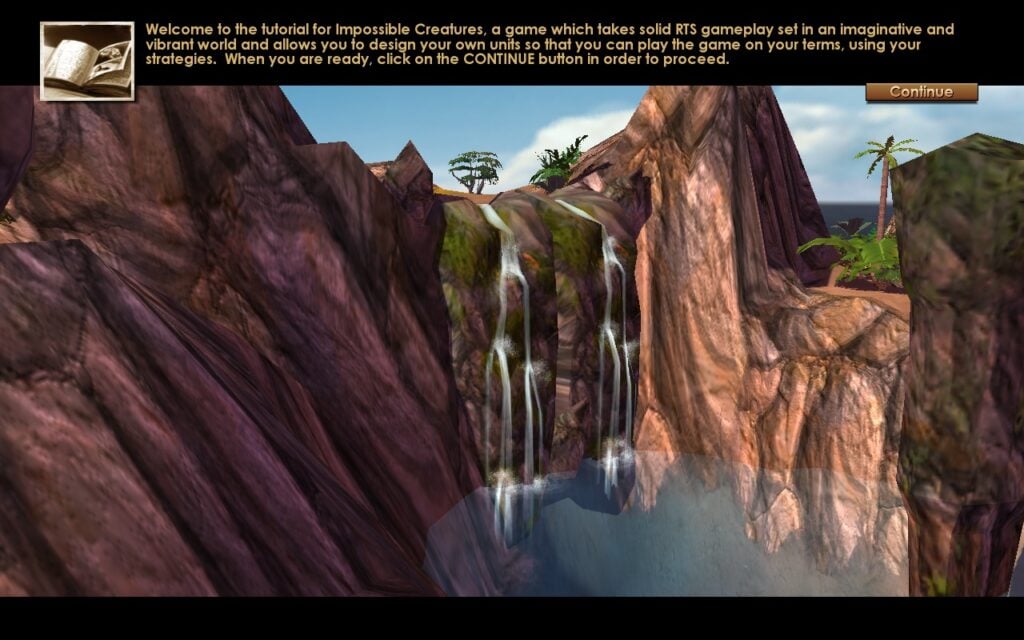
This game was my childhood! Impossible Creatures is an RTS with thousands of possible combinations available for combat animals, with full mod support on the Steam Workshop. I love combining animals like the incredibly fast but fragile cheetah with an electric eel to achieve amphibious and ranged capabilities.
I've always been fond of strategy games. Risk, Age of Empires, Empire Earth, and the Total War games (the early ones, anyway) are all pretty cool. The challenge in this game comes in the army design and implementation. Will you make a cheap army to swarm the opponents, or play a defensive army until you can make the max level monsters? With lots of skirmish maps, mods, and an extensive story campaign, Impossible Creatures still holds up.
Jurassic Park: Operation Genesis (2003)
- Digital Availability: None, Physical disc or ISO required.
- Version Tested: 1.0
- Wine/Proton Version Used: Wine-GE 8-26
Installation
Jurassic Park: Operation Genesis does have a Lutris installer, but it requires a No CD patch that we can't link to here. The installer sets up various overrides that are required, though, so we do recommend this method to get the game working, as it can be quite a challenge otherwise. You will still need a physical disc or ISO of the game to install.
Add a game to Lutris, and use the Search Lutris Website for Installers option, then search for "Operation Genesis" to find the installer. Follow the instructions provided. The installation may appear to have frozen at a couple of points, but please allow it to continue.
Once the installation is finished, right-click the game in your Lutris library, click "Configure", then go to the "Runner Options" tab and change your DXVK version to "2.3.1". Newer versions didn't work for me. Go ahead and boot the game in Desktop mode, as we need it to create some files for some manual configuration. It may boot minimized, so just click it in your taskbar to get it to full screen.
Once the game has booted, quit out from the main menu and navigate to the game's directory. For me, it was /home/deck/Games/jurassic-park-operation-genesis/drive_c/Program Files (x86)/Universal Interactive/Blue Tongue Software/Jurassic Park Operation Genesis/JPOG/
Once here, open the Options.ini file and change the ScreenWidth to "1280" and the ScreenHeight to "800"; this makes the game widescreen and eliminates any black borders.
You can then make sure there is a Steam Shortcut by right-clicking the game again in your Lutris library and clicking "Create Steam Shortcut", then exit to Gaming Mode.
Steam Deck Performance & Issues
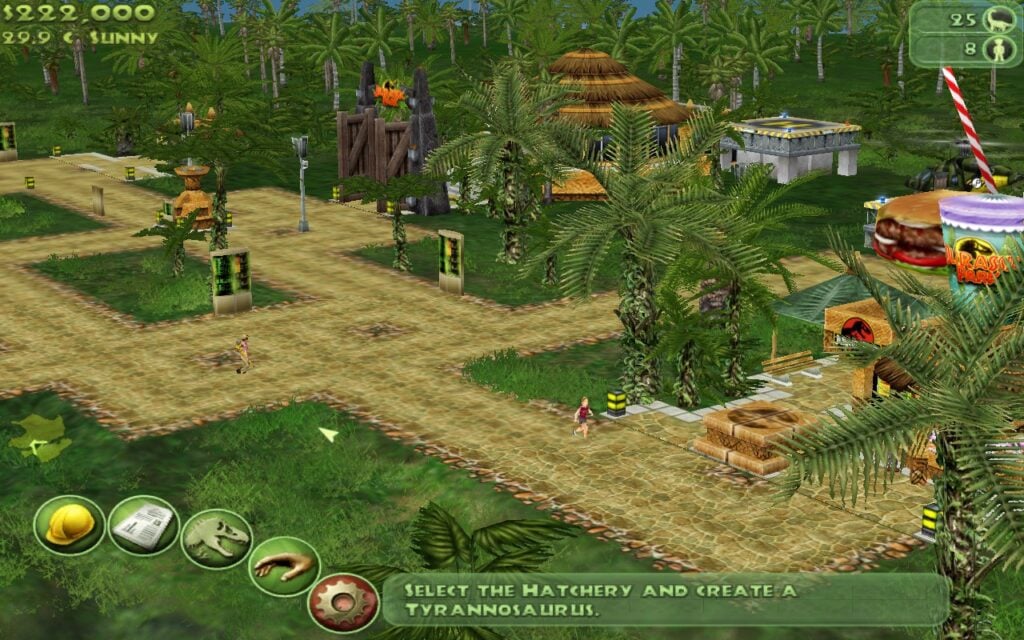
Jurassic Park: Operation Genesis does not support controllers, so we must use the Keyboard (WASD) + Mouse controller template. Fortunately, the controls in the game are relatively basic, and this template works well for them. You will probably want to map a button to the "[" or "]" key, so you can rotate buildables.
Performance is solid, with a 7W TDP Limit, you can maintain 90 FPS for the most part, with some slight stutters occurring when you zoom in the camera all the way and spin it around. The power draw is approximately 10W, although it may increase as your park expands.
Gameplay
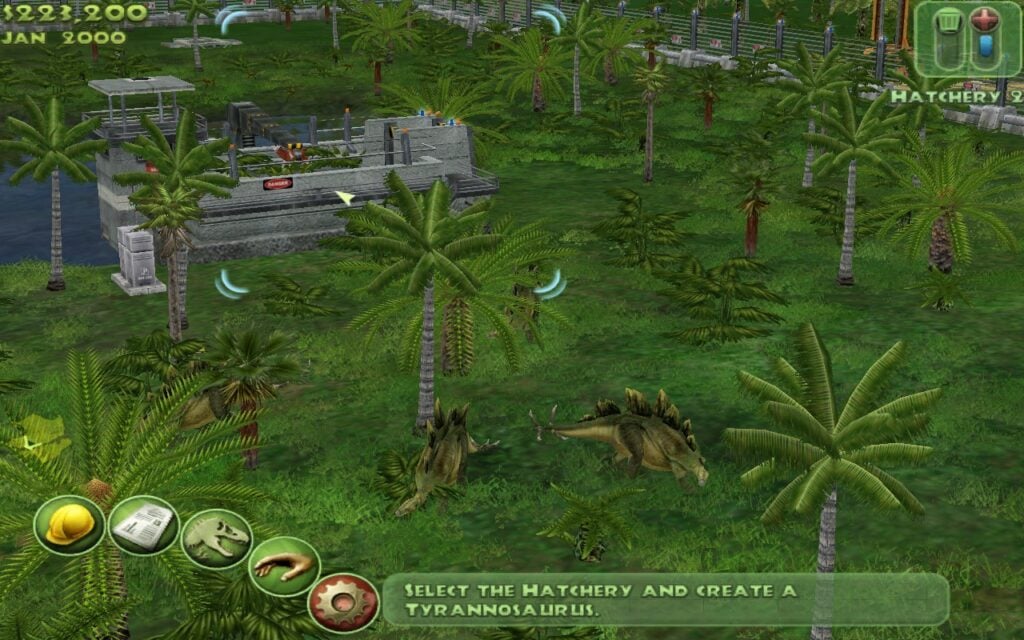
Jurassic Park: Operation Genesis airs on the easier side; newer entries into the genre, like Planet Zoo and Jurassic World: Evolution, definitely have a bit more of a challenge to them, as well as depth. However, there is still a certain charm associated with Operation Genesis, and the game was a blast when it was released. Plus, it's pretty neat that you get to fly a helicopter and drive around a safari jeep, and get up close and personal with the dinosaurs.
That's it for this week's Classics on Deck. We'll return with more classic games on your Steam Deck next week.
Please let us know in the comments below if you'd like us to review any specific games as well, and we'll add them to the list of games we plan to find and test.
If you enjoyed this article, check out the rest of the content on SteamDeckHQ! We have a wide variety of game reviews and news that will help your gaming experience. Whether you're looking for news, tips and tutorials, game settings and reviews, or just want to stay up-to-date on the latest trends, we've got you covered!

RECENT NEWS
Categories
Accessories
Anbernic
Android
ASUS ROG Ally
ROG Xbox Ally
Classics on Deck
Community
Cryobyte33
Deals
Deck Mods
Emulation
Events
Featured Post
Game News
Game News
General Game News
HandheldHQ
Hardware
Lenovo
Linux
MagicX
Nintendo
ONE-NETBOOK
Opinion
Other Reviews
Accessory Reviews
Handheld Reviews
PlayStation
Proton
Retro Handhelds
Anbernic
AYANEO
AYN
GPD
MagicX
MANGMI
Miyoo
Retroid
TrimUI
SDHQ
Steam
Steam Machine
SteamOS
The Unsupported Report
Uncategorized
Uncategorized
Recent Tips & GUIDES
recent reviews


How does operation genesis run compared to PS2 emulated versions? That one obv is built for controller support
The Steam Deck would emulates PS2's fine, but generally the PC versions are always superior. The PS2 version of Operation Genesis lacks water reflections, it also adds loading screens between some menus, as well as having less dig sites for fossils.
I'm not sure what the PS2 ran the game at either, but I know it struggled to maintain a stable framerate, although you could likely overcome that by emulating an overclocked PS2.
Either way, besides having to use the touchpad to control the mouse, the PC version of Operation Genesis will be the superior one.