


If you haven't yet, follow us on X (Twitter), Mastodon, or Bluesky to know when we post new articles, and join our Reddit or Subscribe to us on YouTube to check out our content and interact with our awesome community. Thank you for supporting us!
Borderlands 4 has been an awesome game to play...when it works. Unfortunately, trying to play on the Steam Deck has been a very hard experience and not one I would recommend. It not only feels awful, but it also constantly stutters and drops when loading things in. I am not surprised by it, but still wish it were better. However, there are more powerful handhelds out there, so I wanted to try some out and see if the game is going to be playable on the go at all.
Borderlands 4 On AYANEO 3 - Looking Very Good For Z2 Extreme
Specifically, I want to focus on how Borderlands 4 could be on the next generation of handhelds coming soon. The ASUS ROG Xbox Ally X and Legion Go 2 will be sporting a Z2 Extreme APU, which is a step up from the Z1 Extreme, and while I don't have one yet, I do have an AYANEO 3, which sports a very similar APU inside. So, with that, I want to see just how playable the game could be on the new handhelds coming soon, and after some testing, I left very optimistic.
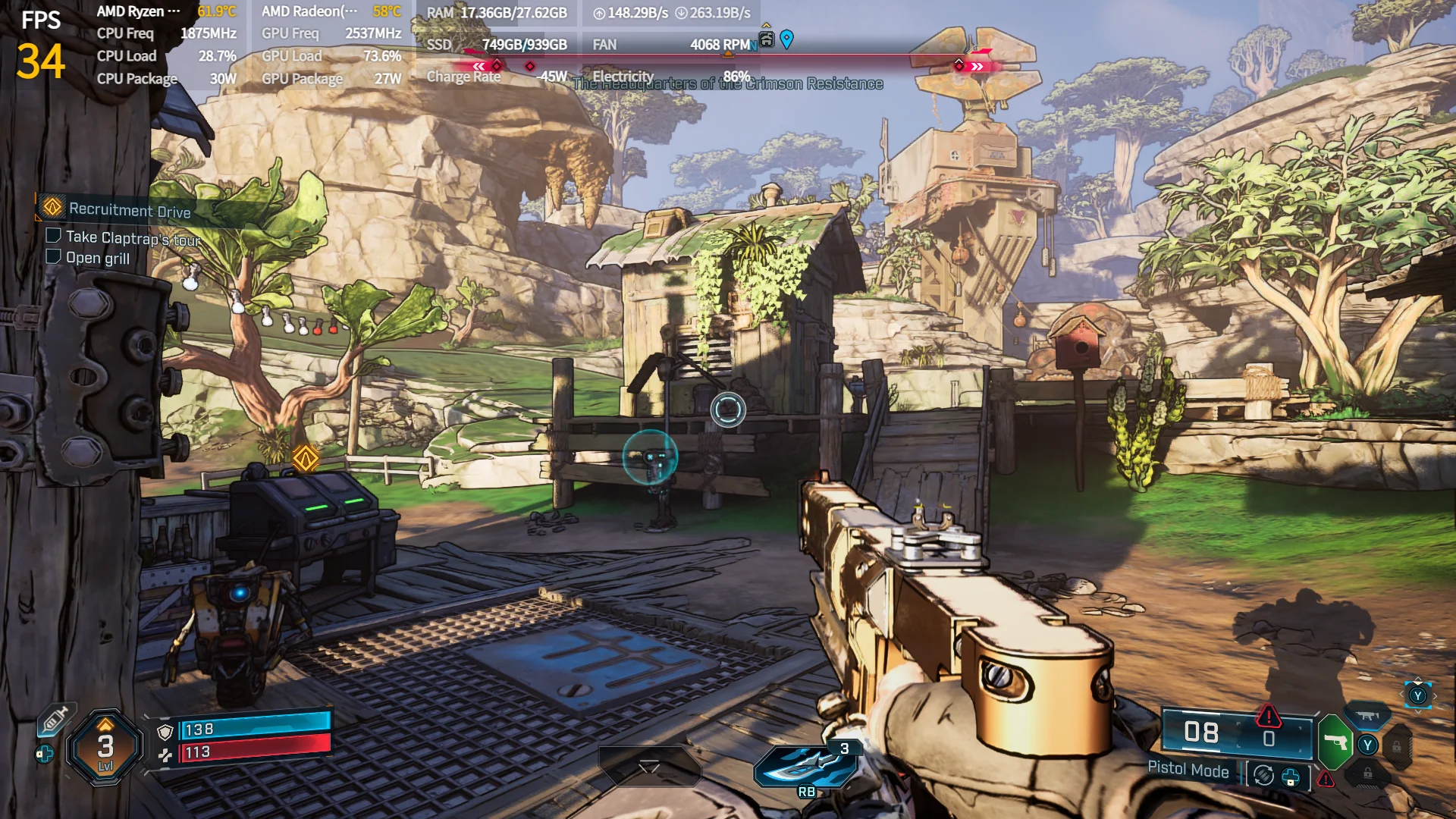
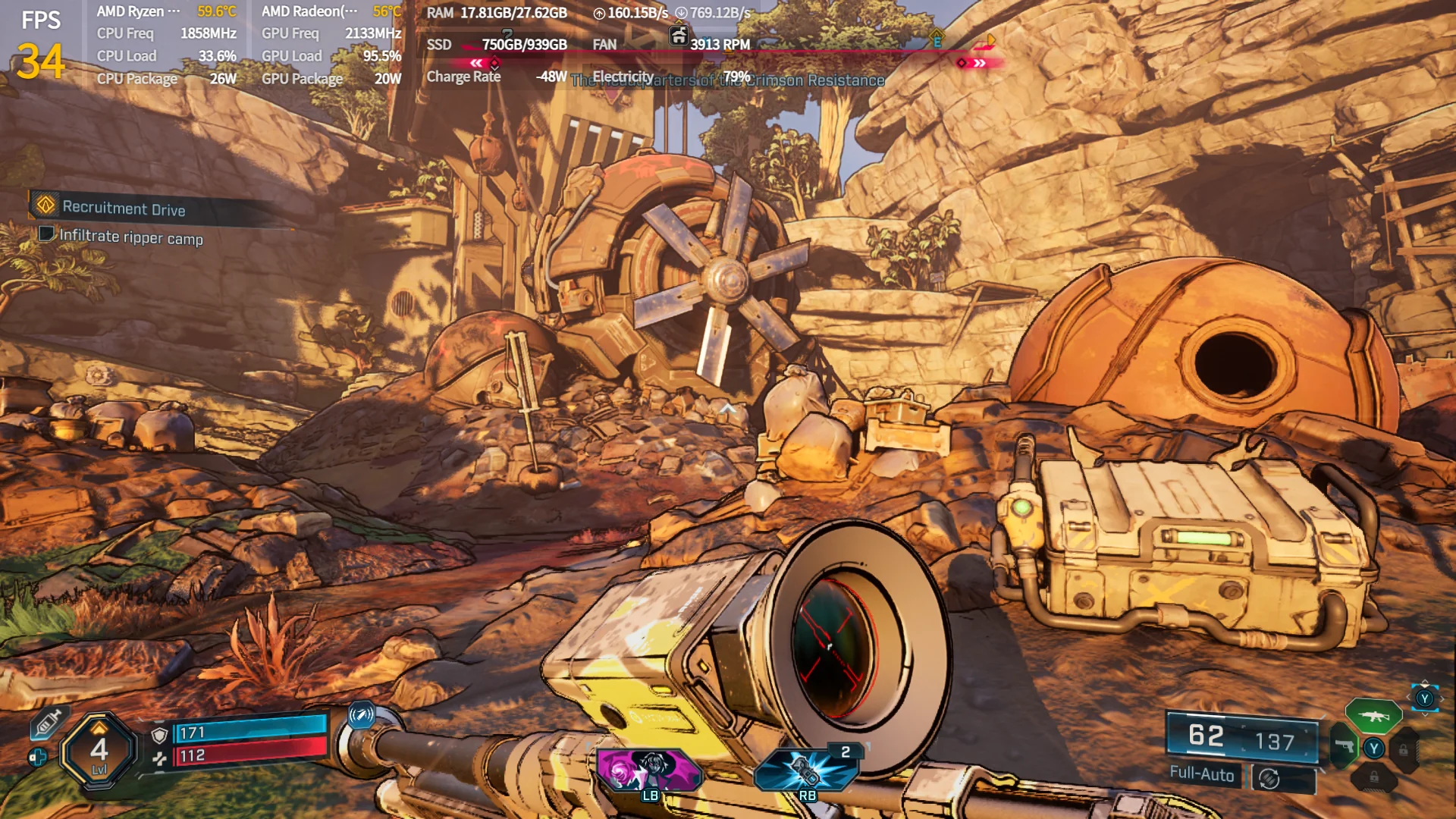
The best case to see how Borderlands 4 will be on the upcoming ASUS Xbox ROG Ally X and other handhelds with a Z2 Extreme APU is going to be looking at the AYANEO 3. This beast of a handheld from AYANEO uses the AMD Ryzen AI 9 HX 370, which is very similar in specs to the Z2 Extreme. Their GPU module is the same, but the HX 370 has 4 extra CPU cores and slightly more L2 and L3 cache. The AYANEO 3 model I have also has 32GB RAM instead of 24GB, which is what the Xbox Ally X will have. While there are some differences, this should give a general gist of how it will run on the Xbox Ally X. So, expect slightly worse performance on the Xbox Ally X.
I was shocked by how well the game runs on the AYANEO 3. I tested Borderlands 4 with a friend for our article yesterday, and he mentioned how iffy the performance is on the regular ROG Ally. So, I went in thinking I would have to play at 720p and might be able to push medium visuals at 30 FPS. However, I was wrong. I started playing the game on low settings with XeSS upscaling at Balanced, and started off at 1080p resolution to see if it was possible. And I am happy to say it is! It regularly holds above 30 FPS, with only one instance I saw that dropped to 29. For an initial test, this is pretty amazing. It could show some drops later in the endgame when things get even more hectic, but I would consider this great initially.

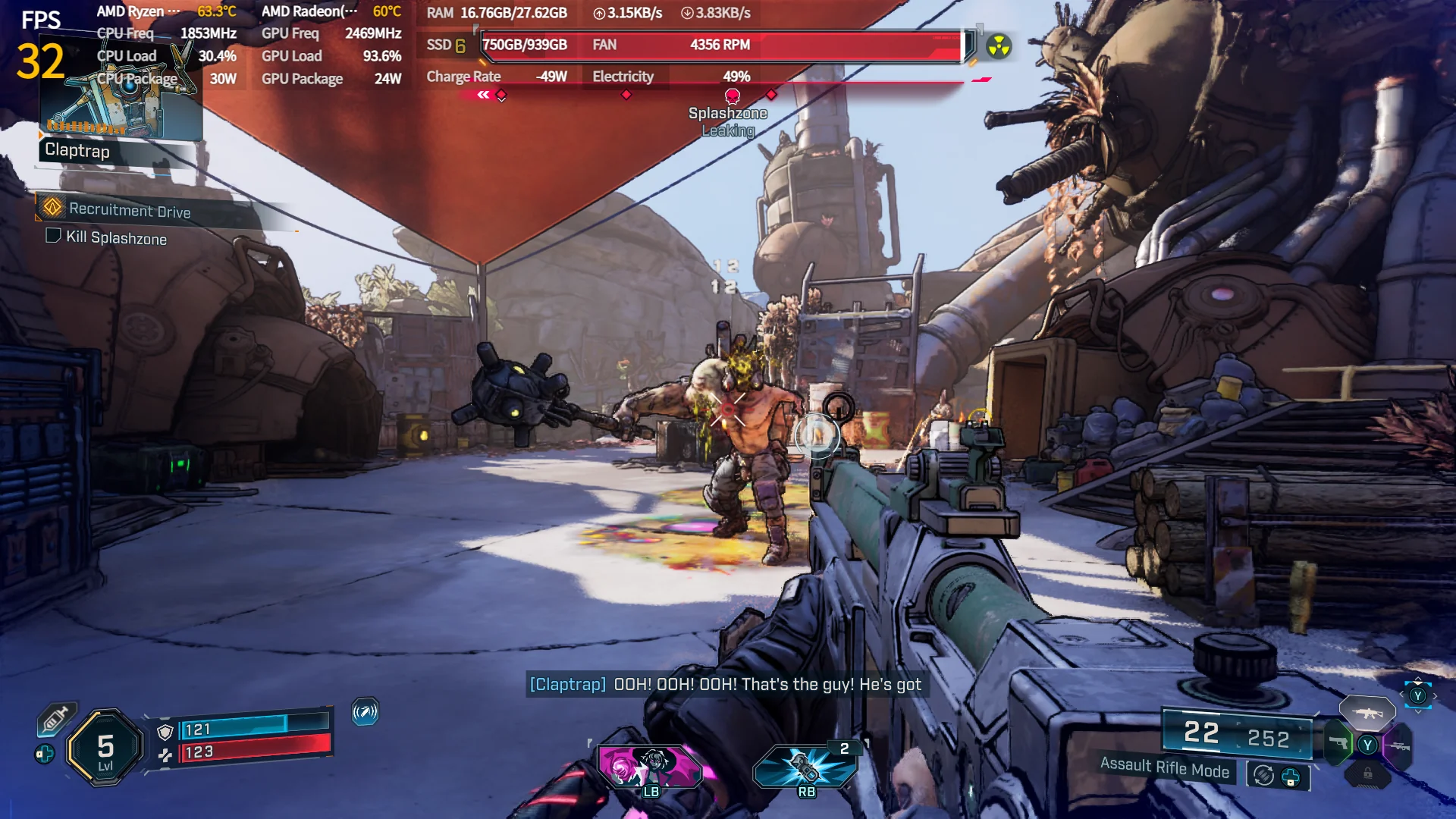
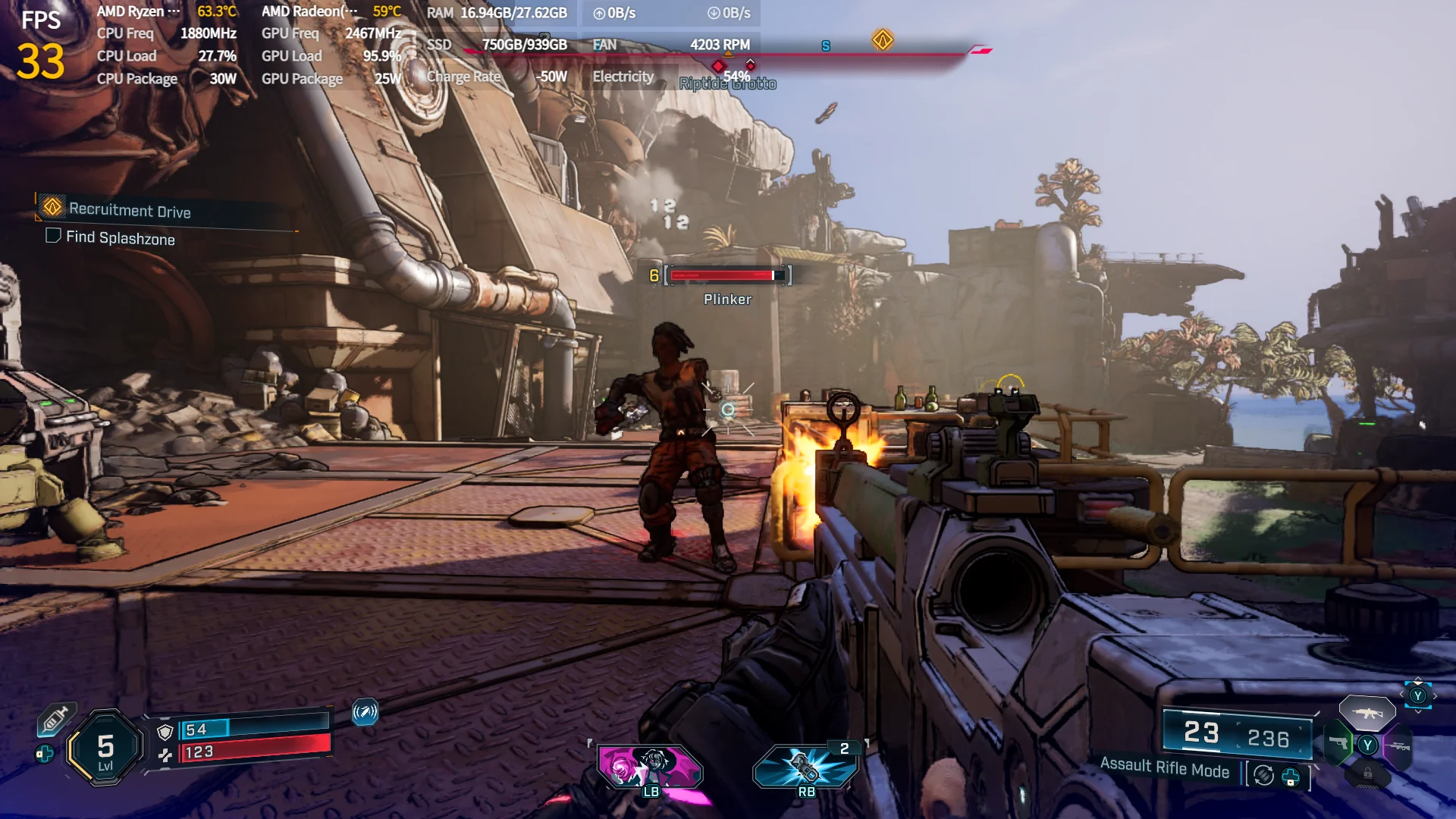
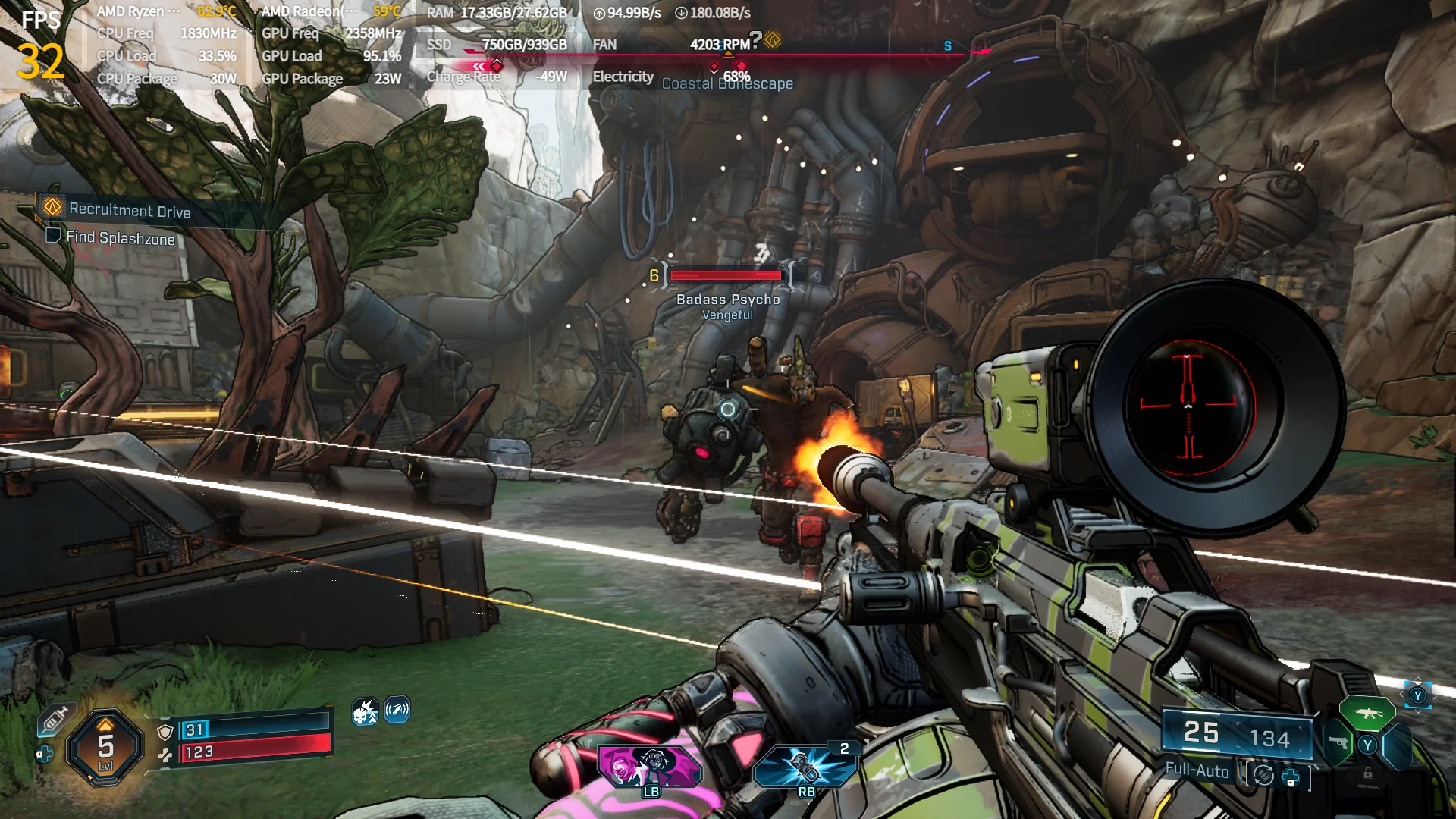

From there, I wanted to check out the visual and performance difference in 720p. Without changing any settings and standing in one spot, I went from 38 FPS to 58 FPS. During fights, I was seeing ranges from around 43 FPS to 51 FPS, with some small downward spikes to 41 FPS. It didn't get below 40 during the fights I was a part of. However, moving to Medium was a little too much. Not only did the framerate fall below 40 more often, but I also experienced my first crash. With the Xbox Ally X being less powerful overall, I would say keeping to Low quality with XeSS upscaling on Balanced at 720p will definitely be playable at 30 FPS, possibly 40. As for 1080p at the same quality, my guess is going to be 30 FPS with some slight dips below.
As for the AYANEO 3, I was blown away by how well it performed. Mixed with its gorgeous OLED screen, I was having a field day, and this may be the way I play Borderlands 4 primarily. I have a full-fledged Desktop to play on, but honestly, I love being able to take it with me, and it performs so well. This is going to be my primary handheld for the game.
Borderlands 4 On ROG Ally and ROG Ally X - Some Concerns
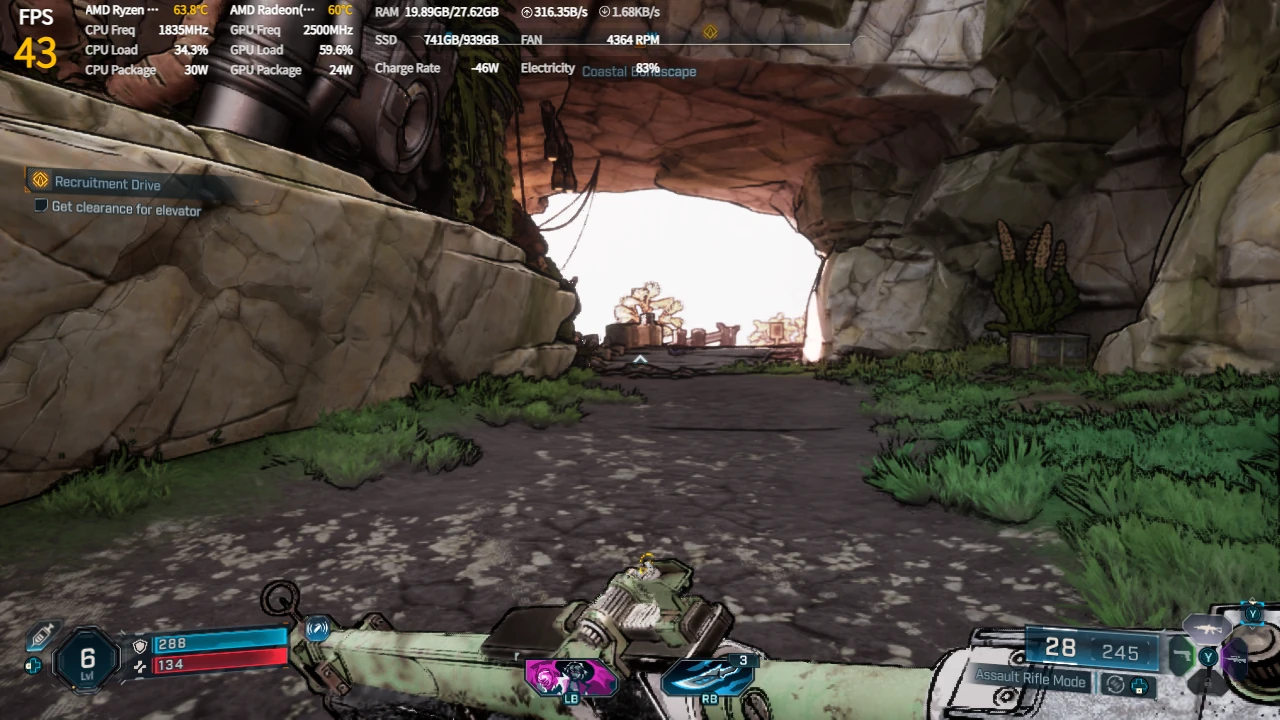
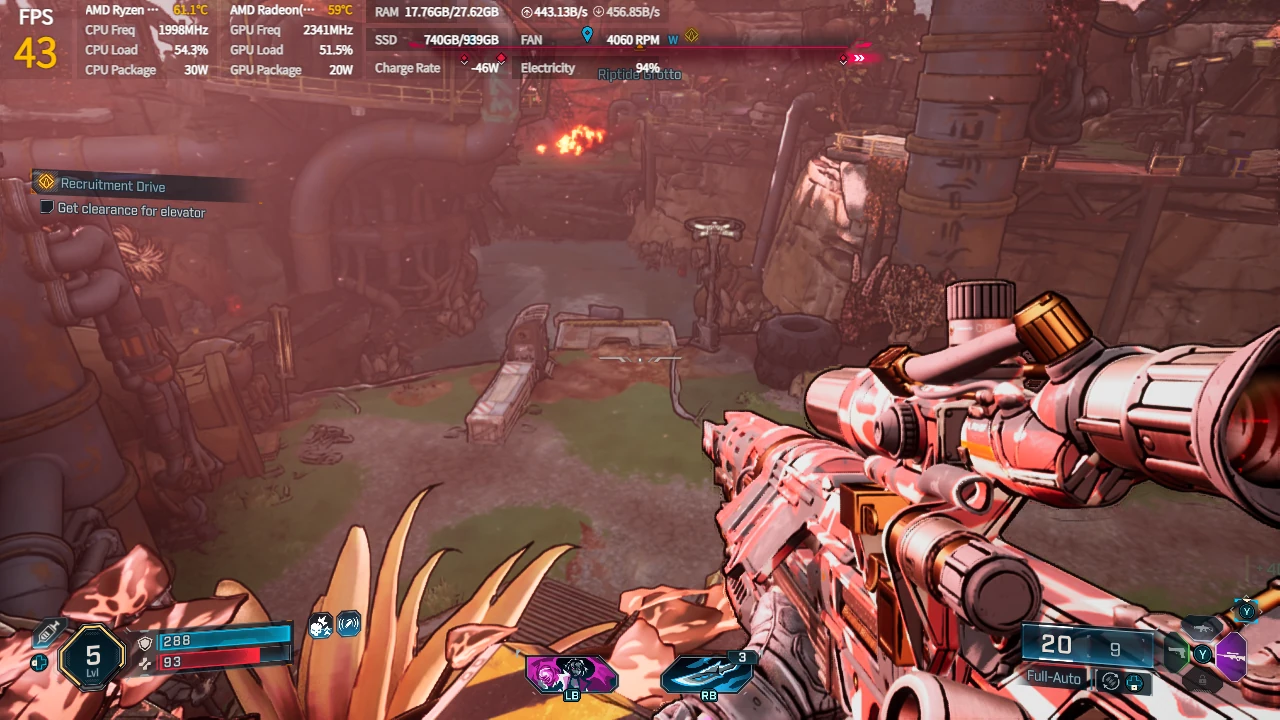
While I was testing the AYANEO 3, I got curious and decided to test the game out on some of the other handhelds I have. Specifically, I wanted to test on the ROG Ally and ROG Ally X. Both have Z1 Extreme APUs with different RAM sizes, and I would say they represent the first generation of devices that use Z1 Extreme, 7840U, and 8840U APUs.
Starting with the ROG Ally, performance was brutal. 1080p at Low settings with TSR on High was around 22 FPS - 25 FPS when standing still, dropping dramatically when in combat. It was about what I experienced on the Steam Deck at the lowest possible quality. So, I decided to change over to 720p resolution, and while it did hit 30 FPS and above, it also introduced a ton of stuttering, and I would consider it relatively unplayable.
After that, I dropped TSR down to ultra performance, which is the best-performing upscaler, and it didn't fix much. It was marginally better, but ultimately not nearly enough. I still had tons of stuttering, coupled with terrible visuals from the watered-down TSR upscaling. It seemed as though it was only getting worse and worse, and from my experience, I can't recommend it on the ROG Ally.
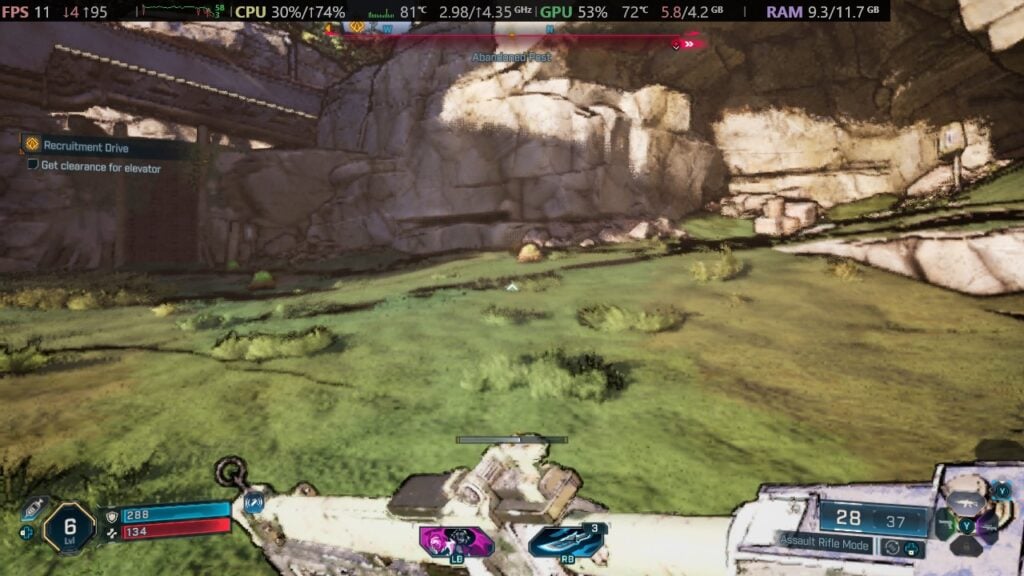
The ROG Ally X was next, and I was hoping that the extra RAM, which can be allocated to VRAM, might help performance a bit. The game started off at 1080p with low settings and TSR upscaling on High, and this was back to sub-30 FPS the entire time. However, going down to 720p started to give some hope. Almost all the fights I was in stuck above 30 FPS, with some moments hitting 40. This was on TSR High upscaling, which did show some washed-out environments from time to time, but it wasn't bad at all.
Though, it does seem like this might get worse later on. When we posted about avoiding Borderlands 4 on the Steam Deck on Twitter/X, the XboxEra team commented, mentioning that the ROG Ally X isn't great with it. Since they reviewed the game, it's safe to assume they tested further areas that I haven't reached. With that in mind, it's very possible the game will experience bigger drops later on and need more compromises. Gliding around started to show more slowdowns getting closer to 30, so I decided to test TSR on Balanced and Performance. TSR balanced and performance were both incrementally better than Quality, but I still experienced drops here and there when having to fight enemies close up or grenades/projectiles exploding in my face.
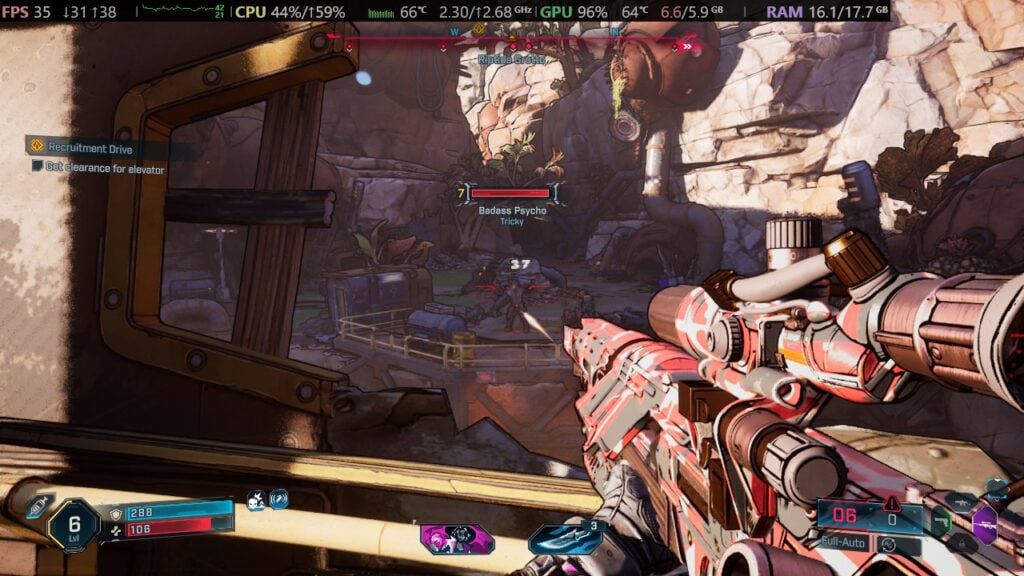
Ultimately, I would say the ROG Ally X is just playable, but I am cautious. It seems to run okay so far, but I am still early on in the game, and it could get a lot worse. It may be possible to play through at 30 FPS, but we will more than likely need to bring TSR upscaling down to Performance or Ultra Performance, which don't look good at all. The ROG Ally wasn't playable for me, which makes me feel like the Ally X's extra RAM is doing some heavy lifting. Still, the endgame is going to be one to watch in this case.

The AYANEO 3 shocked me with how well Borderlands 4 performed on the device. Being able to hit 30 FPS and above in 1080p, while going over 40 FPS in 720p, was amazing. I have doubts it could go above and beyond that with compromises, but it's still great to see. It gives me hope for the ROG Xbox Ally X and other handhelds with a Z2 Extreme APU like the Legion Go 2, but it's going to be tough to know for sure until it comes out.
As for Ally and Ally X, I remain more skeptical. The Ally was just a poor experience for me, and the Ally X, while working in a playable state, makes me worried for the endgame. I would be skeptical of Ally X until we see some endgame gameplay, but in the end, I would consider it cautiously playable. The best way to play on the go is easily going to be the Z2 Extreme, HX 370, and AI Max+ 395 APUs. And honestly, it's pretty amazing to see it so playable in the palm of my hands.
Borderlands 4 can be purchased on Steam for $69.99.
If you enjoyed this article, check out the rest of the content on SteamDeckHQ! We have a wide variety of game reviews and news that will help your gaming experience. Whether you're looking for news, tips and tutorials, game settings and reviews, or just want to stay up-to-date on the latest trends, we've got you covered!

RECENT NEWS
Categories
Accessories
Anbernic
Android
ASUS ROG Ally
ROG Xbox Ally
Classics on Deck
Community
Cryobyte33
Deals
Deck Mods
Emulation
Events
Featured Post
Game News
Game News
General Game News
HandheldHQ
Hardware
Lenovo
Linux
MagicX
MSI
Nintendo
ONE-NETBOOK
Opinion
Other Reviews
Accessory Reviews
Handheld Reviews
PlayStation
Proton
Retro Handhelds
Anbernic
AYANEO
AYN
GPD
MagicX
MANGMI
Miyoo
Retroid
Rumors
TrimUI
SDHQ
Steam
Steam Controller
Steam Frame
Steam Machine
SteamOS
The Unsupported Report
Uncategorized
Uncategorized
VR
Recent Tips & GUIDES
recent reviews



I’m playing this on the MSI claw 8 AI+ and using low settings, XeSS balanced and XeSS frame generation, it’s 55-62 fps.
It’s very playable.