The TrimUI Smart Pro S was provided by GoGameGeek for review. Thank you!
When it comes to finding a cheap sub-$100 retro handheld, there will always be compromises that need to be made. This usually means compromising on power, but it could also mean compromising on design or features. Even still, there are some great handhelds out there worth looking into. In my research with these handhelds, I came across the TrimUI Smart Pro S.
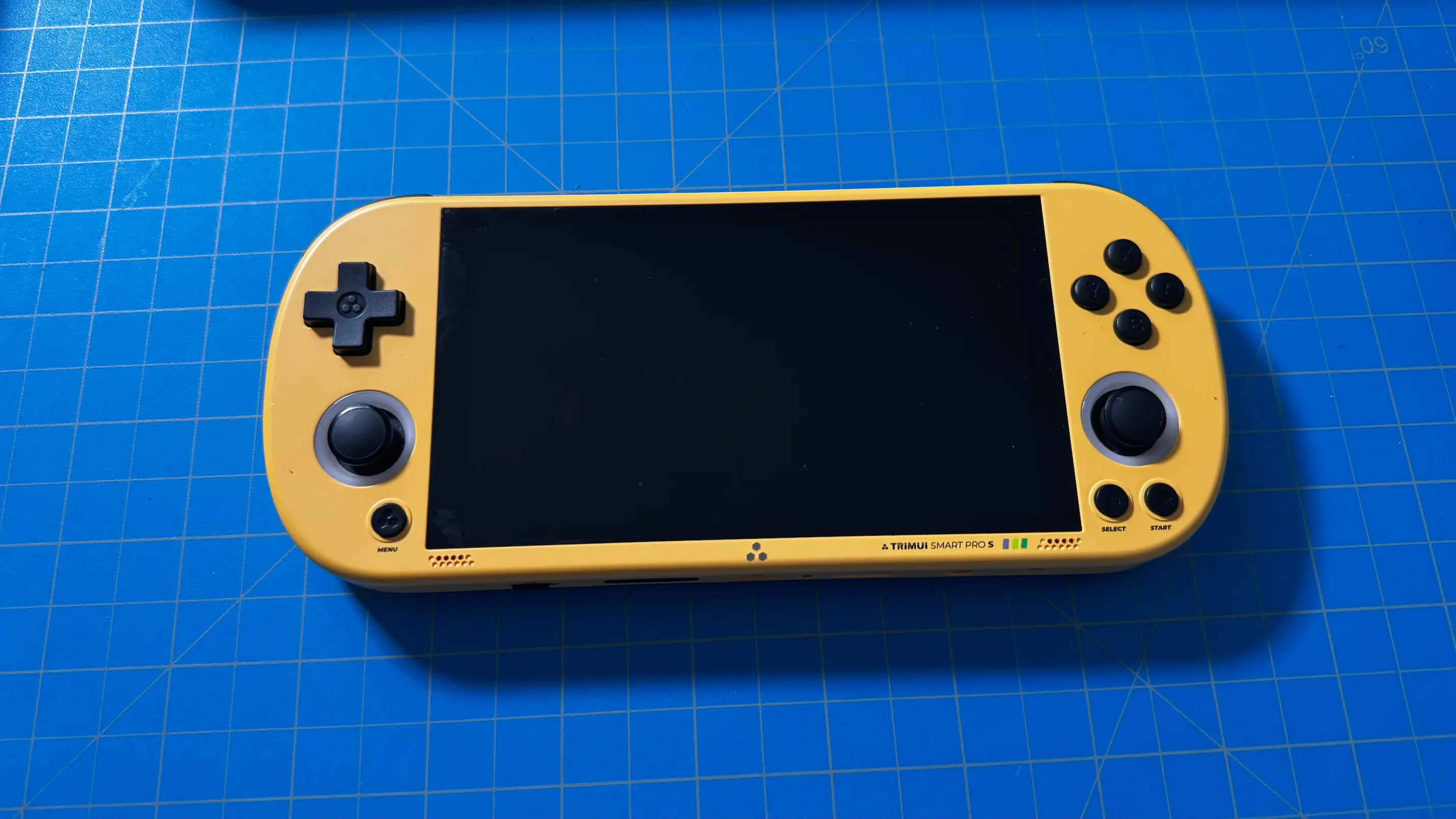
This is an updated version of TrimUI’s Smart Pro, and it brings some great new features that the original was missing. Admittedly, I never used the original, so this is my first time trying a device like this. As someone who is used to more powerful handhelds, whether they be handheld PCs like the Steam Deck, or more expensive, retro handhelds, like the AYN Thor, this was kind of a new experience for me. However, it’s one. I’m glad I tried. The TrimUI Smart Pro S may feel a little clunky at times, but for under $100, the value is obvious.
Specs and Pricing
The TrimUI Smart Pro S only has one model associated with it, with different colorways, or whether it will come with an SD card. So, all of the specs for the device are the same in any circumstance. And as for price, the handheld is around $100 MSRP:
- CPU - Allwinner A523 2.0GHz
- GPU - Arm Mali G57MC1 744MHz
- DRAM - 1GB LPDDR4
- Storage - 8GB eMMC
- Wireless - WLAN 802.11 a/b/g/n/ac/ax (2.4GHz/5GHz)
- Bluetooth - BT 5.4
- Battery - 5000 mAh Li-polymer battery, 3.7V
The improvements over their previous Smart Pro model are pretty significant as well. The older model uses the Allwinner A133 Plus, and with the new A523, we have better PSP performance and better WiFi support. We also have better performance for SEGA Saturn and even a little more into GameCube, though I wouldn't bank on playing most GC games here.
Build Quality
The TrimUI Smart Pro S feels like a very sturdy, well-built device. It’s put together nicely, with no cracks or openings that are obvious when looking at it. The entirety of the device is encased in smooth-feeling plastic that feels against my fingers. And with a nice balance of weight that teeters on the lighter side, I can see myself using the handheld for a longer period of time, while still feeling like the device has good quality. They also made the device relatively thin, further adding to how portable this handheld really is.
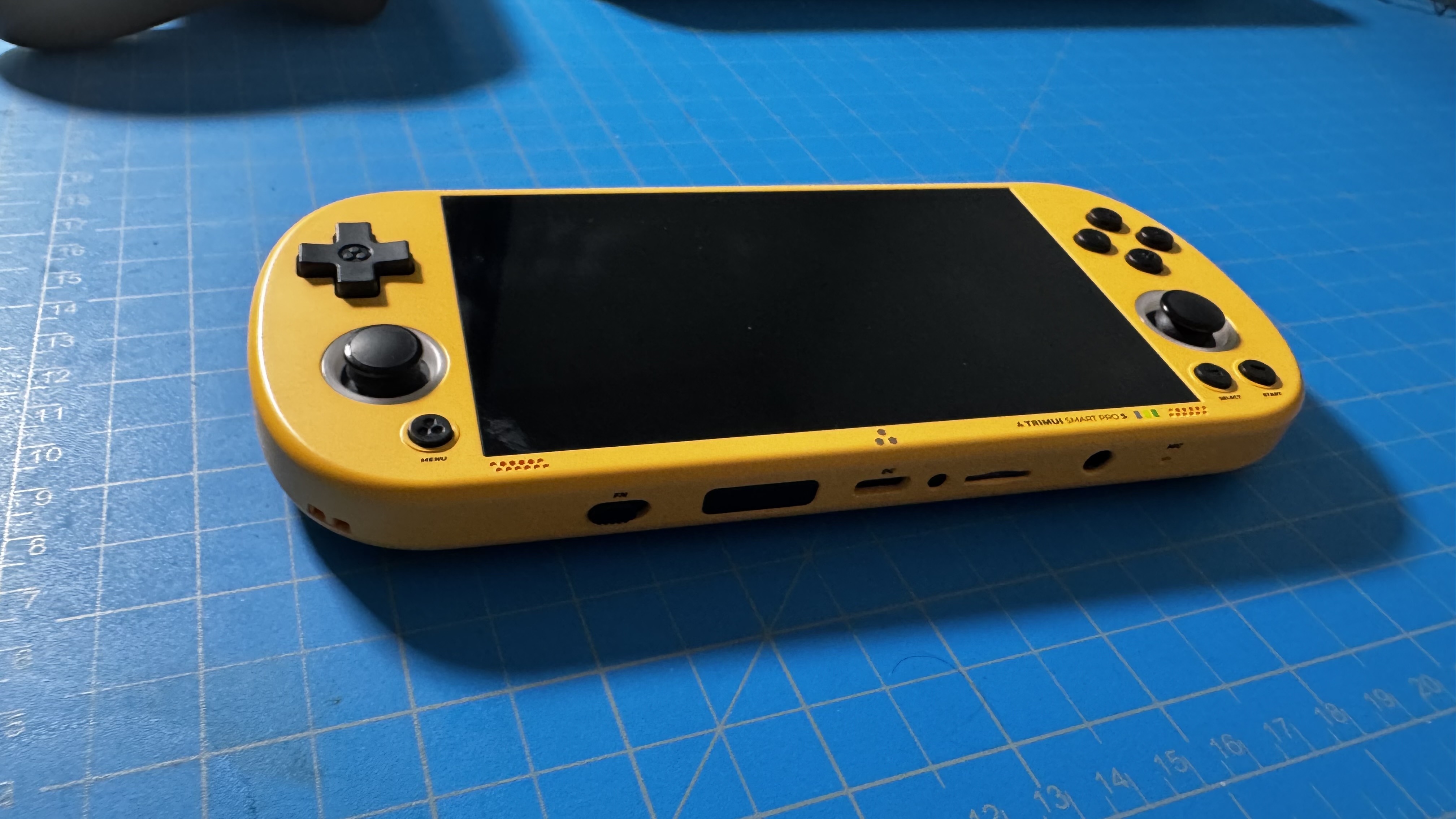
All the buttons needed for gaming are easy to reach and feel good to use. And compared to the previous model, they put in fantastic TMR joysticks that will last longer, a cooling fan that helps keep the device colder under stress (which isn’t perfect), and larger triggers (which my fat fingers appreciate).
Whenever I’m using the device, the actual look and feel make this seem like a high-quality device. Even if it’s not the most powerful, it is built as well as it can be. TrimUI put together a great-looking handheld that balances weight, material, and upgrades to enhance the experience. However, that doesn’t mean there aren’t issues with the design.
Design and Layout
For the most part, I like the design of the TrimUI Smart Pro S. It looks really great, has all the buttons I would need for gaming, and is extremely portable. Combined with the weight, I could see myself putting this in my pocket easily and taking it with me wherever I go. That’s one of the bigger appeals of these retro handhelds, and this is definitely proof of that.
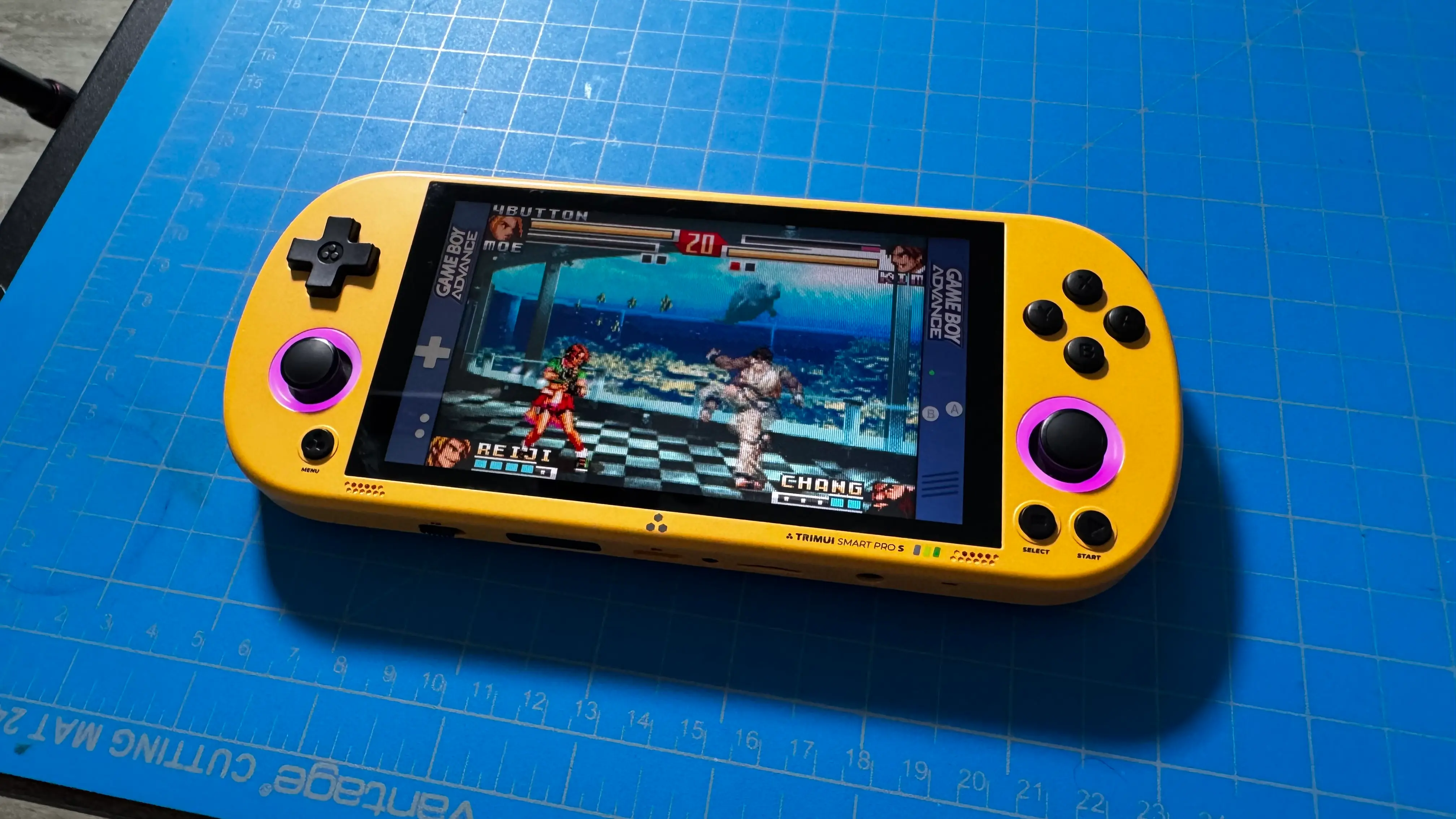
I like the layout of the front-facing buttons a lot. The ABXY, Dpad, and Joysticks are all easy to reach, and I love symmetrical joysticks. I usually dislike having the Start and Select buttons on the same side, but it didn’t bother me with the Smart Pro S. The addition of the menu button on the front of the device instead of the top or bottom is another fantastic design choice. This is the button we will use to access emulator options while we’re in a game, including Netplay capabilities, so having it easily accessible immediately without needing to go to the top or bottom of the device is nice. It’s not the end of the world if it were on the top or bottom, but I found it much easier to navigate with it staring at me the whole time.
However, while the Dpad is exactly what I want to see in terms of design, the joysticks are a little on the small side. I appreciate the upgrade to its quality, and that we can actually push them down for an L3/R3 input, but actually using them is a little uncomfortable. I almost always defaulted to the Dpad, which I can feel being pushed down and doesn’t feel digital at all, and it was much more satisfying to use.
There are also a multitude of buttons on the top and bottom of the device. The top houses the shoulder and trigger buttons, the power button, the home button, and the up and down volume buttons. As for the bottom, we have a function switch that can overclock the CPU, and a small reset button. There’s also a USB-C port at the top and bottom of the device, with a 3.5 mm jack and a MicroSD Card slot on the bottom.
Other than wishing the home button were a little closer to my fingers when holding the device naturally, I like the addition of all these buttons. That toggle for the CPU is a wonderful addition, and the hard reset button did help me out once or twice. These buttons aren’t meant to be used all the time, so I don’t see the placement as a bad thing.
I also love how almost every button feels to press, except for the triggers. ABXY, the Dpad, the shoulder buttons, and everything else feels good to push down. However, the triggers are digital, and I’m not a big fan of that. I do appreciate them being bigger, and I also understand that this is a small device, which could make putting analog triggers on it harder. Still, it doesn’t change the fact that they don’t feel good to use.
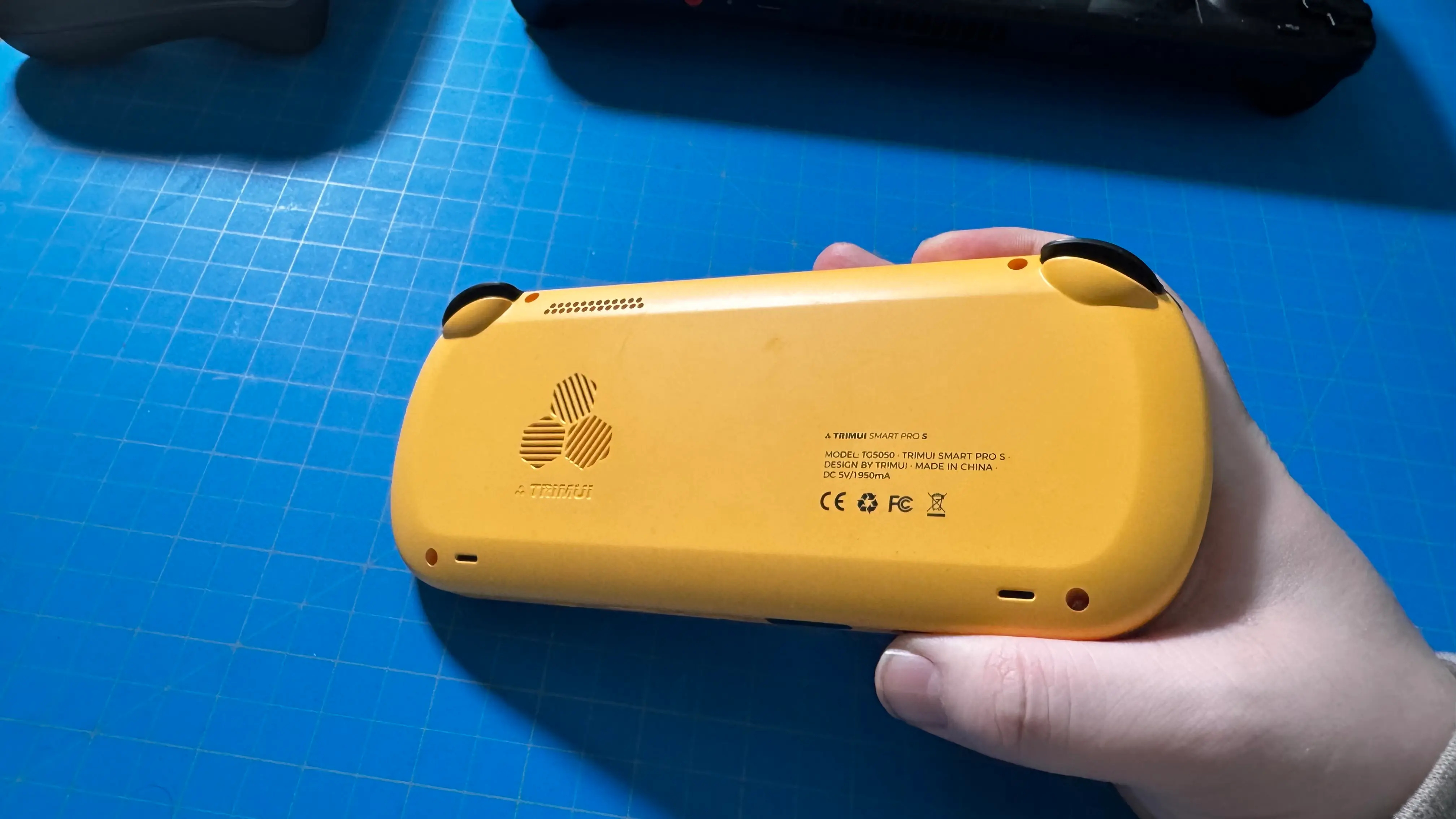
Regardless, I wouldn’t say it was anything that harmed the majority of my experience using the Smart Pro S. Most of the consoles I wanted to emulate with a device like this didn’t need the triggers, and once I set up RetroAchievements, which I had mixed experiences with, I found myself just enjoying playing some games. I actually found myself getting sucked into Mario and Luigi Superstar Saga again, which is a slippery slope for me because I love the game. The only other issue that got in my way was the lack of touchscreen functionality, but it only became an issue when trying to play DS games.
I was also surprised by how comfortable the device felt. I have big hands, so I generally like having solid handles to grab onto. This handheld has none. The back is basically flat, which helps with portability, but I thought it was going to be very uncomfortable to hold. While it isn’t the most comfortable, it is better than I expected. This will probably be the main reason why I’m not going to use the handheld for hours and hours on end, but I do think it’s comfortable enough to hold in general.
When it comes to the look, the design really shines. Even with the issues of small joysticks, digital triggers, and slightly awkward placement of buttons at the top and bottom, I had no issues actually using the device.
Features and OS
My model of the Smart Pro S came with Surwish-Crossmix OS, which is different than the stock OS that the device may ship with. From my research, I would consider this the better OS to use on the Smart Pro S. So, my thoughts on the software are going to revolve around the Crossmix OS specifically.
Overall, the OS does the job, providing an easy, organized, and accessible way to access games and apps. They are sectioned into obvious categories, come with scraped artwork, and I almost never got lost when trying to find what I was looking for. It does feel a little on the slow side when going through the settings, but it’s never enough to turn me off.
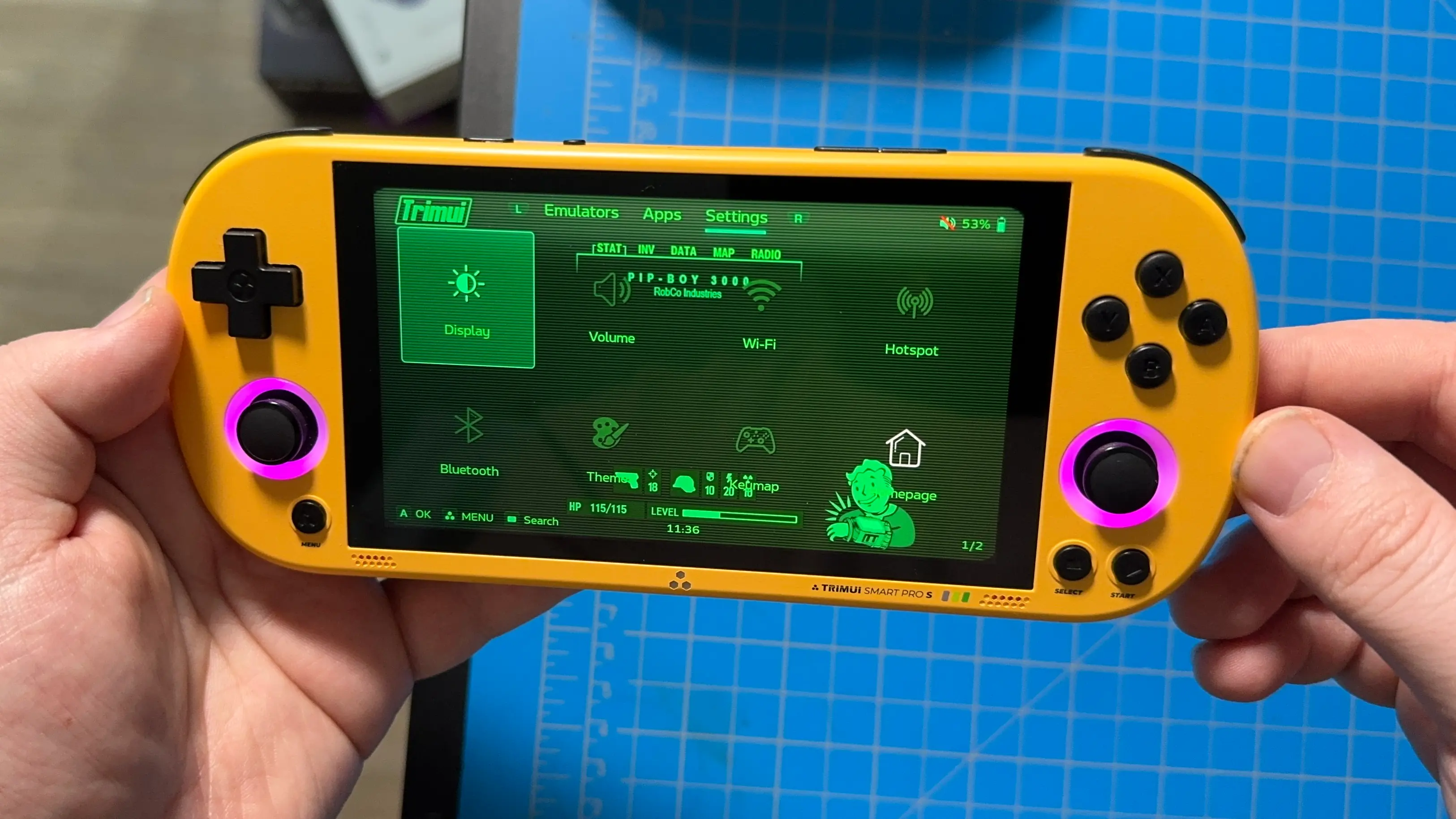
However, my biggest issue is the lack of a virtual keyboard. I love RetroAchievements, and in some emulators, I wasn’t able to type in my details because no virtual keyboard would pop up. RetroArch wasn’t an issue, but I couldn’t get my details into PPSSPP or any other emulator. For general players, this won’t be the end of the world, but it is something I enjoy, so the lack of a virtual keyboard was disappointing.
The quick access menu does have most of the options I would have wanted to see, which is nice. We can toggle some essential settings, like Wi-Fi, Bluetooth, vibration, and the joystick, LED lights, change the volume and brightness, and toggle how fast the internal fan is going or the amount of power the device is using. There’s also a Kill Switch to force quit out of whatever application you’re using, and a fast-forward button, which didn’t always work for me. Admittedly, these are all of the essentials, but I still didn’t like using it. I am so used to moving and toggling things with a touchscreen that not having one at all made me not want to use the quick menu. It’s nice to have, and I do see use for it, but not being able to quickly change settings with my finger really made it more difficult to use.
While I am talking most about Crossmix since it comes with the device, and I always try to review the stock device, we can enhance the experience by installing SpruceOS. The OS is better in general with a cleaner UI, smoother navigation, and a wealth of extra features that work well. You can follow this guide on how to install it, and I do recommend it.
Game/Emulation Performance
As for game performance, it is a big step up from the previous model and is great for the older titles. Any consoles before the GBA should be fantastic, as well as PS1 and N64. PSP should mostly be playable as well, with only a few outliers getting framerate drops (like God of War: Chains of Olympus). It will also be able to handle a good chunk of Dreamcast games, though it starts to show its limits with Sega Saturn and GameCube. Still, this is exactly what I would expect from a handheld with this price, so I am satisfied.
The Smart Pro S can also run DS games wonderfully, but I don’t recommend playing it this way. The handheld has no touchscreen, which heavily limits the DS games we can play. There aren’t many that don’t utilize the touchscreen at all, and I’ve never felt like dual-screen emulation on a single screen was enjoyable. So, while it can be played, I would avoid DS emulation on this one.
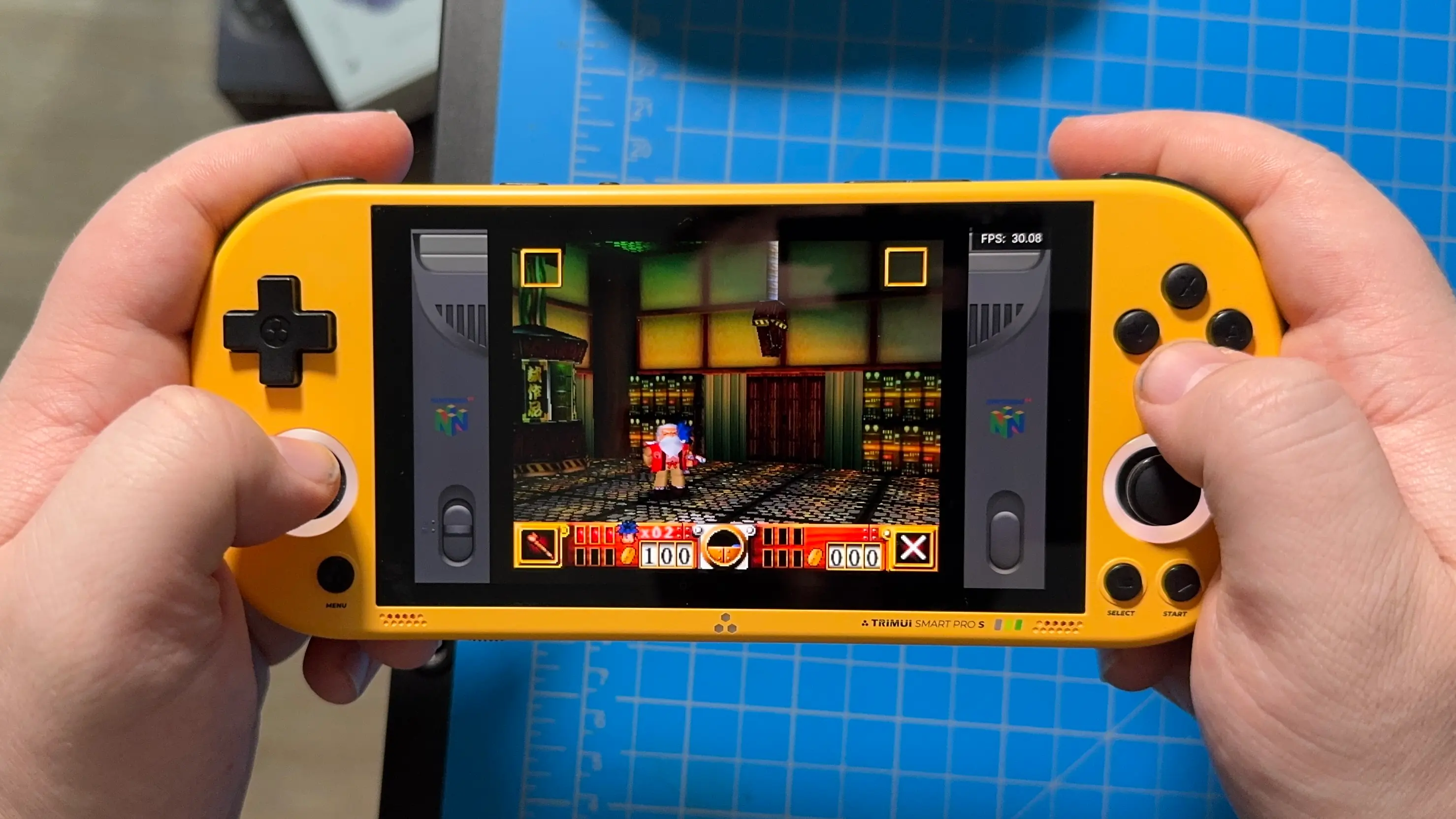
Thankfully, battery life isn’t too bad, and it uses that 5000mAh battery well. It will generally stick to around 3.5-6 hours, depending on the system we are playing. Expect older systems like the NES/SNES and GBA to last on the longer side, while more intensive systems like the PSP and N64 will be on the shorter side. For the price, I would consider this competent.
Conclusion
Despite regularly using much more powerful handhelds in day-to-day use, I was quite impressed by the TrimUI Smart Pro S. It’s solidly built with a great, thin, light build that is perfect to take on the go and surprisingly comfortable despite some design issues. The OS does exactly what it needs to do, though it is missing a few features that would’ve made it feel complete, and the handheld is powerful enough to play a great library of games from the pre-GameCube era. For under $100, it’s hard not to consider this a great deal.
If you were looking for a companion to the Steam Deck that focuses on older games that won’t weigh as much and still be pretty comfy to hold, this will be the perfect handheld for you.
The TrimUI Smart Pro S links above are using an affiliate link from GoGameGeek, the supplier of the handheld for this article. The affiliate link gives us a little back from sales at no extra charge to you. All proceeds go back into SDHQ and its development.
If you enjoyed this article, check out the rest of the content on SteamDeckHQ! We have a wide variety of game reviews and news that will help your gaming experience. Whether you're looking for news, tips and tutorials, game settings and reviews, or just want to stay up-to-date on the latest trends, we've got you covered!

RECENT NEWS
Categories
Accessories
Anbernic
Android
ASUS ROG Ally
ROG Xbox Ally
Classics on Deck
Community
Cryobyte33
Deals
Deck Mods
Emulation
Events
Featured Post
Game News
Game News
General Game News
HandheldHQ
Hardware
Lenovo
Linux
MagicX
MSI
Nintendo
ONE-NETBOOK
Opinion
Other Reviews
Accessory Reviews
Handheld Reviews
PlayStation
Proton
Retro Handhelds
Anbernic
AYANEO
AYN
GPD
MagicX
MANGMI
Miyoo
Retroid
Rumors
TrimUI
SDHQ
Steam
Steam Controller
Steam Frame
Steam Machine
SteamOS
The Unsupported Report
Uncategorized
Uncategorized
VR
Recent Tips & GUIDES
recent reviews