


If you haven't yet, follow us on X (Twitter), Mastodon, or Bluesky to know when we post new articles, and join our Reddit or Subscribe to us on YouTube to check out our content and interact with our awesome community. Thank you for supporting us!
After a long and complicated time in development, Hytale has finally been released. The open-world, sandbox RPG has seen its ups and downs, and after being reacquired by Hypixel Studios, it has been reworked into a working version. And today, we get the chance to check it out for ourselves and see just how well it is running on the Steam Deck. So far, I am quite impressed.
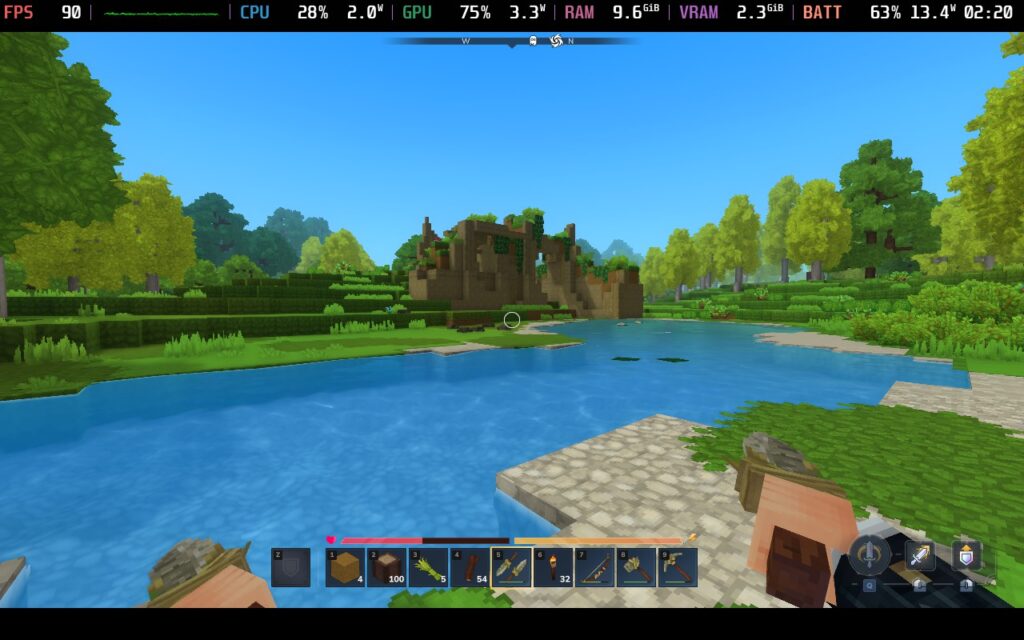
It's worth noting that this is essentially early access and is still under heavy development. The game's Survival Mode is here, as well as Creative Mode, modding, and multiplayer for all of them. But there's still a lot to come, like Adventure Mode, minigames, better world gen, social features, and more. Still, I wanted to check and see just how well it can play in its current state, and if it's worth getting on the Steam Deck right now.
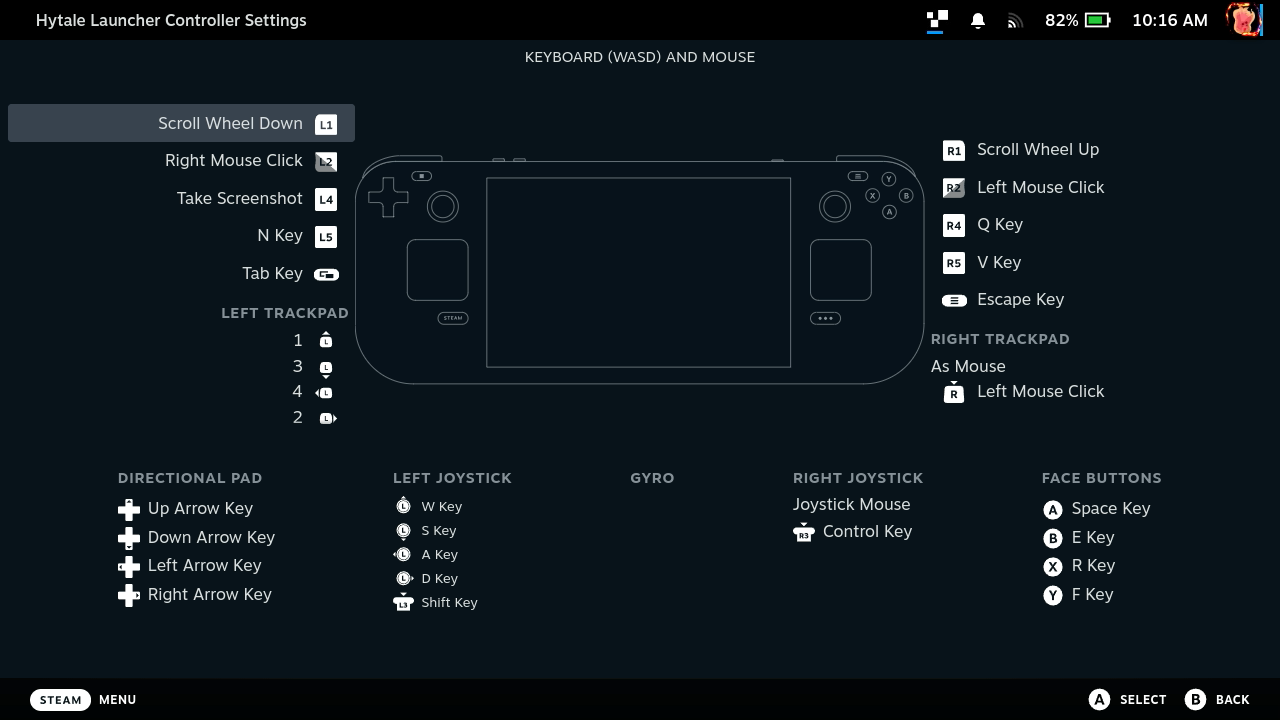
Since the game isn't on Steam, there is a little bit of a process to get it running on Deck. We will have to download the launcher from the Hytale website, which comes in a Flatpak. It will need to be installed, and once done, run it and download the game. Before launching it, we can add the Hytale Launcher to Steam manually, which allows us to run the game in Game Mode. And since the game doesn't have controller support yet, I recommend switching to the Keyboard and Mouse controller scheme.
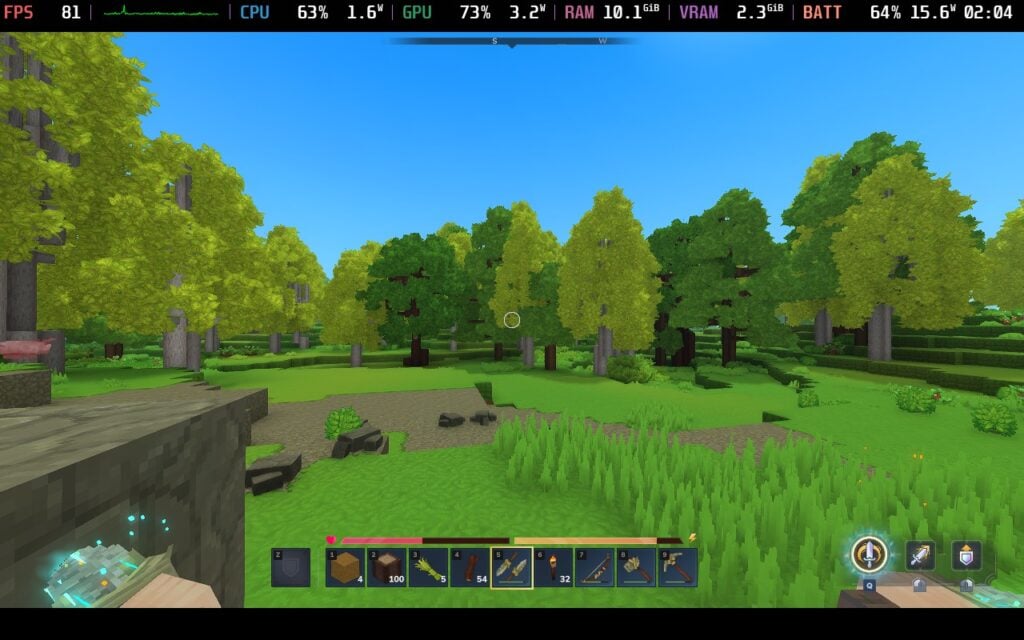
Now, as for performance, it runs quite well so far, with some minor issues here and there. The game defaults to a mix of Medium settings, but its performance is horrible. It will go to the 15-20 FPS range without any changes, and I would consider it unplayable. Luckily, fixing this is extremely easy. In the settings, all you have to do is lower the view distance. Setting it to around 200 brought the framerate up to 90 FPS, with some minor drops to 60-70 sometimes.
I did notice that when running around the world, there were some moments where the framerate would dip into the sub-30 range, but it quickly got out of it. I believe this is due to the world generating as we explore it, but it didn't stay around for long.
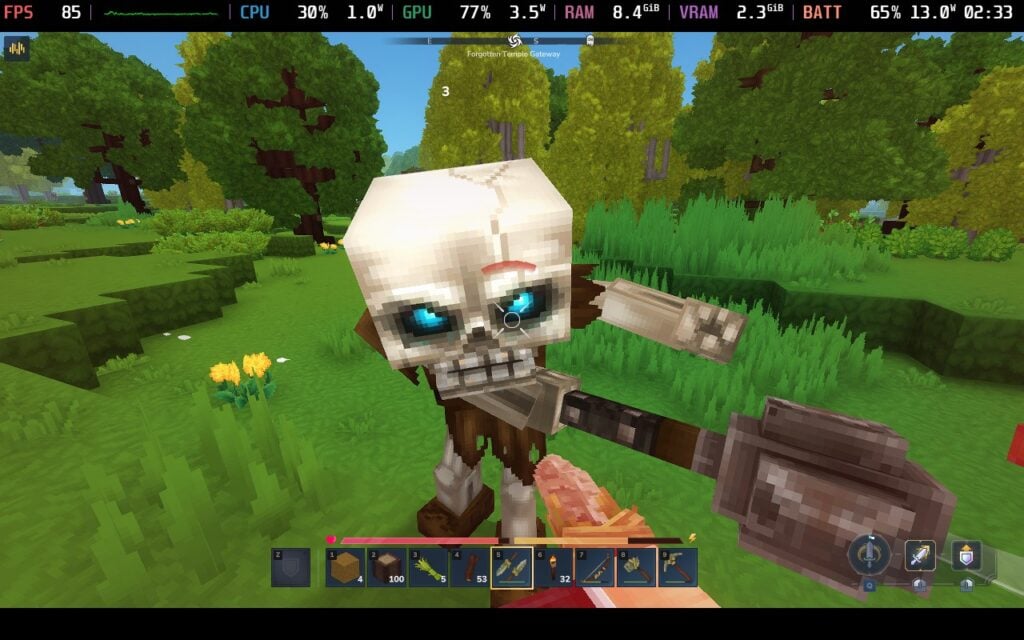
No matter what I did, performance stuck strong. I ran around the world, going mining, fighting enemies, building, and nothing I did brought performance down. It's possible that bringing in more people to your server or a more populated world with tons of buildings will bring down the performance, but it ultimately should be very playable on the Steam Deck in Exploration Mode. This all sticks to a relatively low battery drain as well, staying between 11W - 16W battery drain.
The only other issue I have with the game is going to be the controls. As I mentioned, controller support is not yet implemented in Hytale, which means it isn't super intuitive, and some controls are missing. We will have to map more controls to the Keyboard and Mouse layout, like setting the Q (ability) button, V (camera change), "Left Ctrl (crouching), and we will need to use the mouse a lot to navigate all menus. I will need more time to create a better controller layout, as I have yet to come up with a good idea for mapping the three different ability buttons, but it will still be relatively playable with some minor changes. I also recommend changing the sprinting and crouching to "toggle" in the in-game settings.

Ultimately, I would say Hytale is a pretty great experience so far on the Steam Deck. By just bringing the view distance down to 200, we can boost framerate all the way past 60 FPS, and going even further down can stabilize framerate further. I do wish controls were a little better, but the team is working on proper controller support, so this will be improved in the future. It's relatively playable as it is right now. However, for $19.99, I would consider this a pretty great investment for what could be a fantastic experience that will only get better.
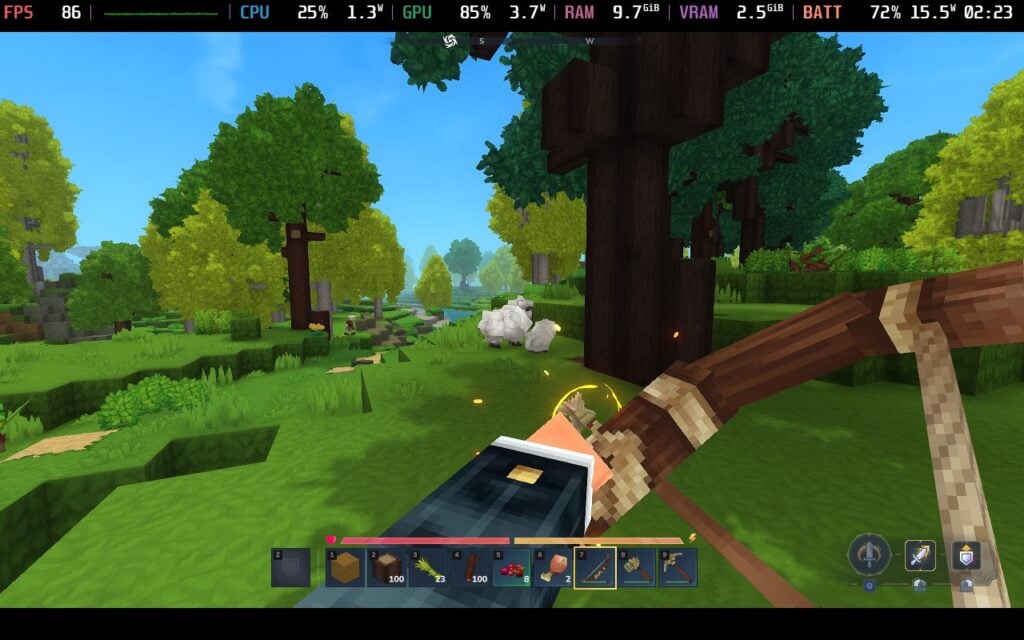
Hytale can be purchased on their website starting at $19.99.
If you enjoyed this article, check out the rest of the content on SteamDeckHQ! We have a wide variety of game reviews and news that will help your gaming experience. Whether you're looking for news, tips and tutorials, game settings and reviews, or just want to stay up-to-date on the latest trends, we've got you covered!

RECENT NEWS
Categories
Accessories
Anbernic
Android
ASUS ROG Ally
ROG Xbox Ally
Classics on Deck
Community
Cryobyte33
Deals
Deck Mods
Emulation
Events
Featured Post
Game News
Game News
General Game News
HandheldHQ
Hardware
Lenovo
Linux
MagicX
Nintendo
ONE-NETBOOK
Opinion
Other Reviews
Accessory Reviews
Handheld Reviews
PlayStation
Proton
Retro Handhelds
Anbernic
AYANEO
AYN
GPD
MagicX
MANGMI
Retroid
TrimUI
SDHQ
Steam
Steam Machine
SteamOS
The Unsupported Report
Uncategorized
Uncategorized
Recent Tips & GUIDES
recent reviews





Tbh, mapping the ability keys to the back paddles (L4/R4) saves so much headache. Combat feels way less clunky that way until we get official support.
Absolutely! I am looking forward to how they map everything with official gamepad support.