


If you haven't yet, follow us on X (Twitter), Mastodon, or Bluesky to know when we post new articles, and join our Reddit or Subscribe to us on YouTube to check out our content and interact with our awesome community. Thank you for supporting us!
Recently, there has been a fantastic trend of decompiling old games and making native PC ports with some big enhancements. Most of them have been for Nintendo 64 games, and I have seen some progress on PS2, but this is the first one I have seen for the GameCube. Earlier today, I found a native PC port of Animal Crossing working on Windows, so I decided to check it out and try it on the Steam Deck, and I am glad I did.
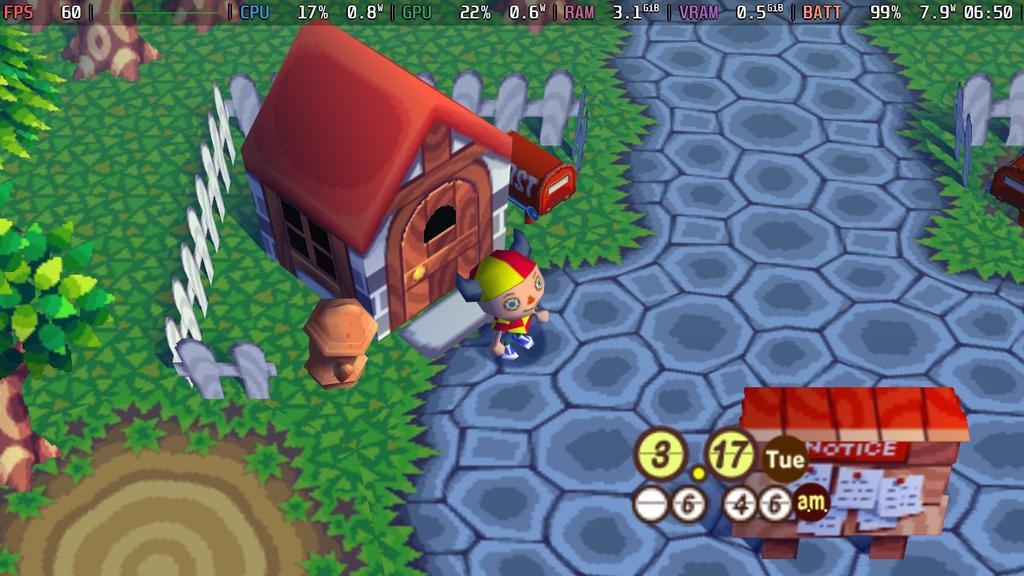
The native PC port was built by flyngmt on GitHub, and can be downloaded directly during the Playtest. It isn't fully released into 1.0 yet, so there are still some features that need to be implemented, like GBA connectivity support, town visiting, and NES emulation for the in-game NES games. It's also worth mentioning that AI coding tools like Claude were used specifically in this PC Port project. It was not used in the Animal Crossing decompilation itself.
It's relatively easy to set up, too. Just download the PC port and move the files to your Desktop in their own contained folder. Then, take your legally dumped Animal Crossing ISO (USA version) and put it in the "rom" folder. After that, all you have to do is start the exe. On the Steam Deck, we will have to add the exe to Steam and force Proton compatibility. I forced GE-Proton 10-32, and then I was good to go.
The only other thing we really need to do on the Steam Deck is manually changing the resolution of the game. It defaults to 640x480, so we will need to change it to 1280x720 and it will fill the screen without any stretching whatsoever. This is one of the big issues playing by emulation via Dolphin, which can stretch the image. The native port also supports MSAA and Vsync to help it look and feel a little better.
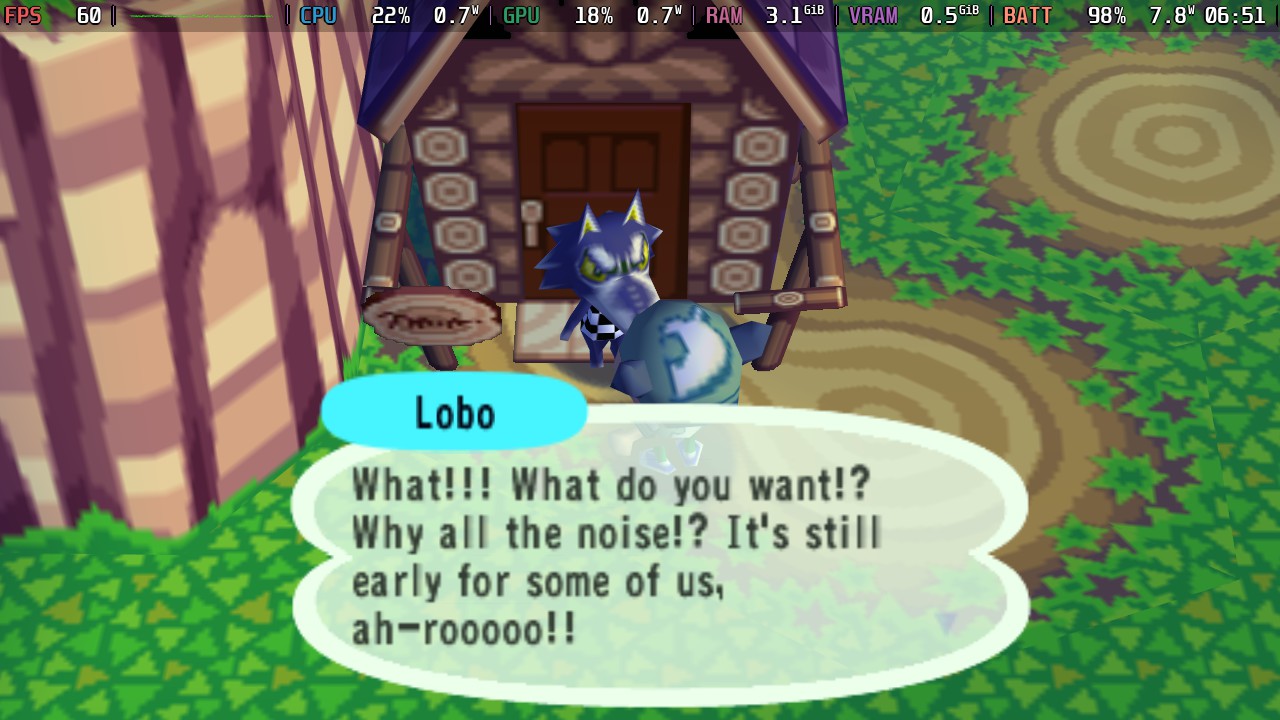
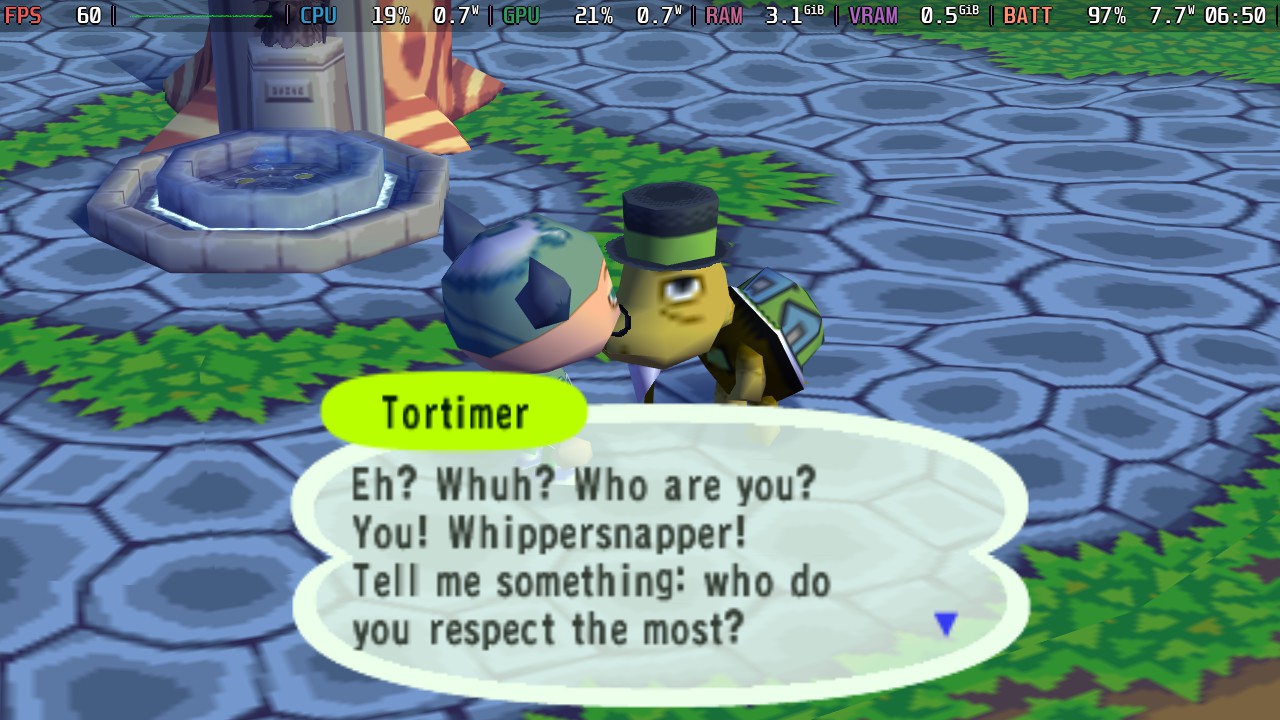
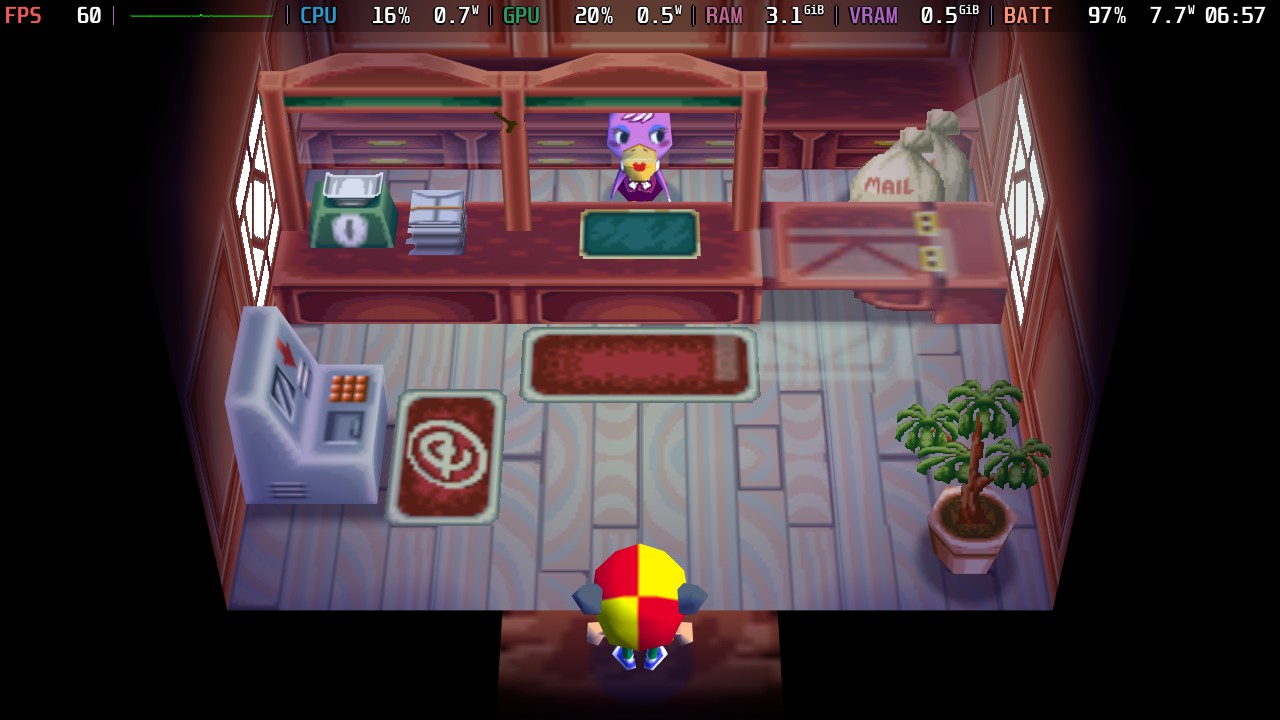
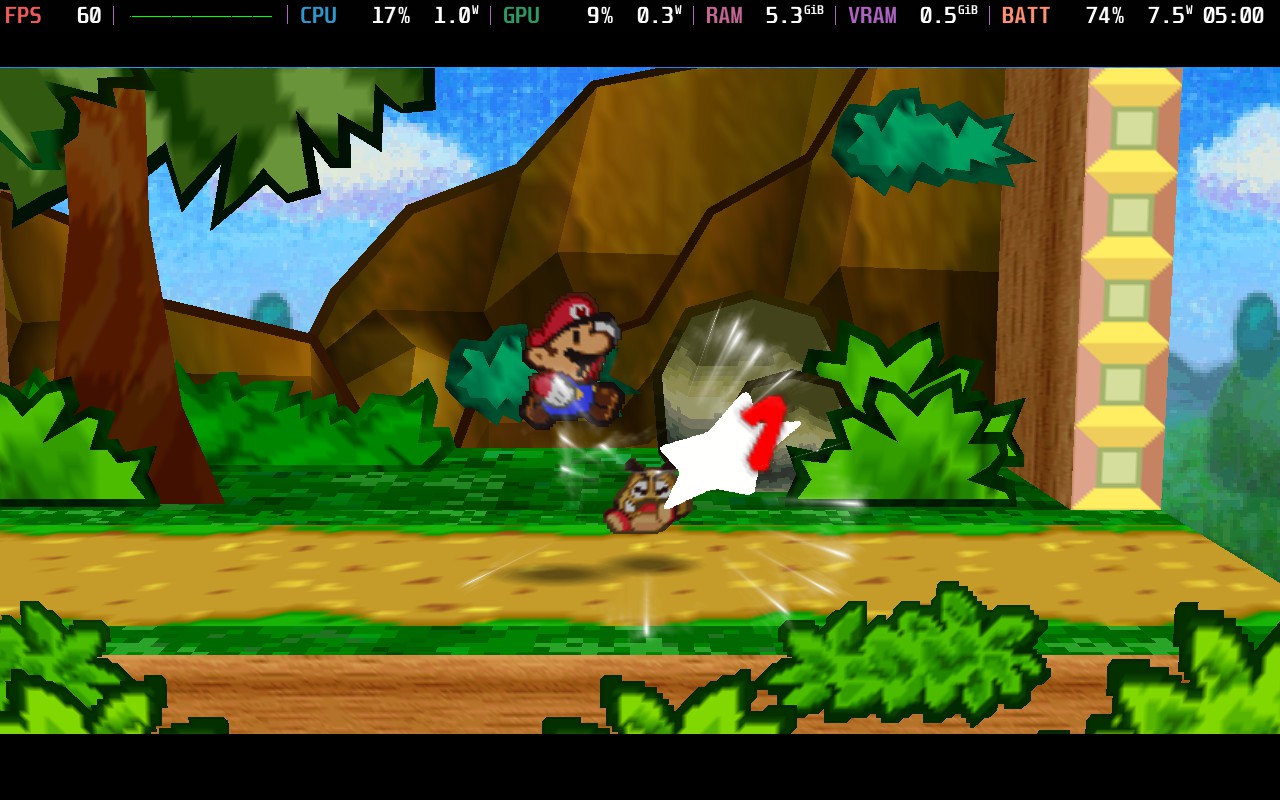
As for performance, it's flawless. It runs at 60 FPS, sticks around 7W-8W battery drain, and needs no change to its control scheme to work. It just works already, and you can start immediately. There isn't much more to say, other than I can't wait to get back in and keep playing. This is an amazing way to experience the iconic GameCube game that I have so many memories playing through, and I can't wait to see which GameCube ports come next.
If you enjoyed this article, check out the rest of the content on SteamDeckHQ! We have a wide variety of game reviews and news that will help your gaming experience. Whether you're looking for news, tips and tutorials, game settings and reviews, or just want to stay up-to-date on the latest trends, we've got you covered!

RECENT NEWS
Categories
Accessories
Anbernic
Android
ASUS ROG Ally
ROG Xbox Ally
Classics on Deck
Community
Cryobyte33
Deals
Deck Mods
Emulation
Events
Featured Post
Game News
Game News
General Game News
HandheldHQ
Hardware
Lenovo
Linux
MagicX
MSI
Nintendo
ONE-NETBOOK
Opinion
Other Reviews
Accessory Reviews
Handheld Reviews
PlayStation
Proton
Retro Handhelds
Anbernic
AYANEO
AYN
GPD
MagicX
MANGMI
Miyoo
Retroid
Rumors
TrimUI
SDHQ
Steam
Steam Controller
Steam Frame
Steam Machine
SteamOS
The Unsupported Report
Uncategorized
Uncategorized
VR
Xbox
Recent Tips & GUIDES
recent reviews



fuck AI
Hey, if you care at all, you should know the code for the PC port was written using AI.
We mention it specifically in the article.
Gonna be honest. In its current state, as a steam deck player, it's much better to use a widescreen and HD patch on the actual GameCube game and run it in emulation on Dolphin. This looks promising, but it's far from there. Glad seeing something come out of the decompilation though