


まだの方は、X(Twitter)、Mastodon、Blueskyでフォローし、新しい記事が投稿されたらお知らせください。また、Redditに参加したり、YouTubeに登録して、私たちのコンテンツをチェックしたり、素晴らしいコミュニティと交流してください。応援ありがとうございました!
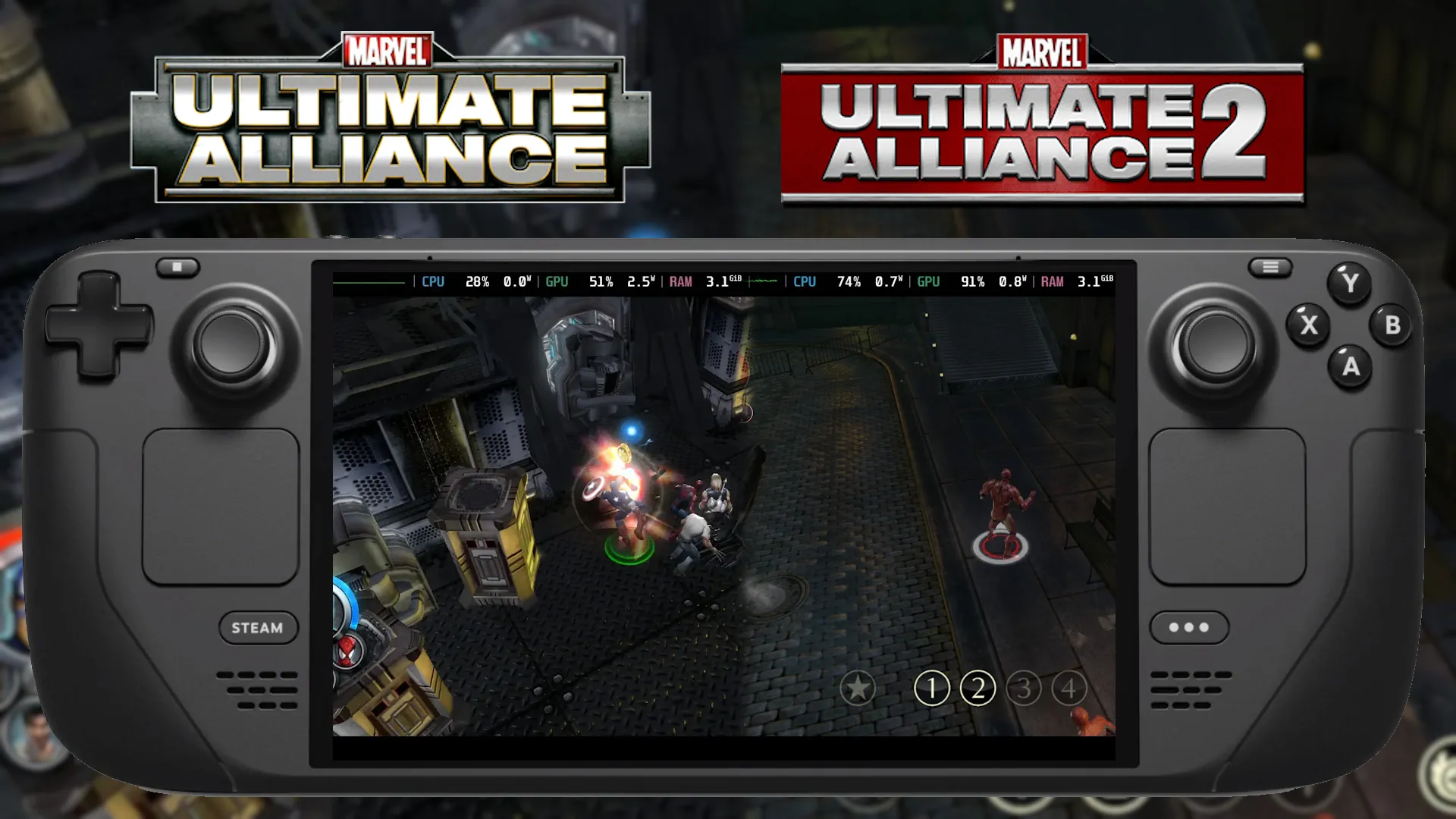
This time on Classics on Deck, we're taking a look at two Action RPGs that are no longer available digitally: Marvel: Ultimate Alliance (Oliver Stogden) and Marvel: Ultimate Alliance 2 (Michael Baker).
Classics on Deck #15:
Marvel: Ultimate Alliance (2006)
- Digital Availability: None, Disc or ISO Only
- Version Tested: Repack by MagiPack
- Wine/Proton Version Used: WineGE-8-26
Installation
Getting hold of Marvel Ultimate Alliance can be difficult. The game is not available for sale anywhere digitally due to licensing agreements. You can get a hold of a DVD, but it's rare and expensive. I opted to use a Repack by MagiPack, which comes with its own installer.
Once you have the Repack, open Lutris and select to add a game to your library, and then the "Install a Windows Game from an Executable" option.
Name your game, and keep the settings as they are. Proceed through the steps, changing nothing until you reach the point where it asks for the setup file. At this point, click the "..." button and direct it to the Repack's setup EXE file. Click install, and proceed through the setup process.
Once the game is installed, make sure you create a Steam shortcut by right-clicking the game in your Lutris Library and clicking "Create Steam Shortcut". You can now go back to gaming mode and enjoy!
Steam Deck Performance & Issues
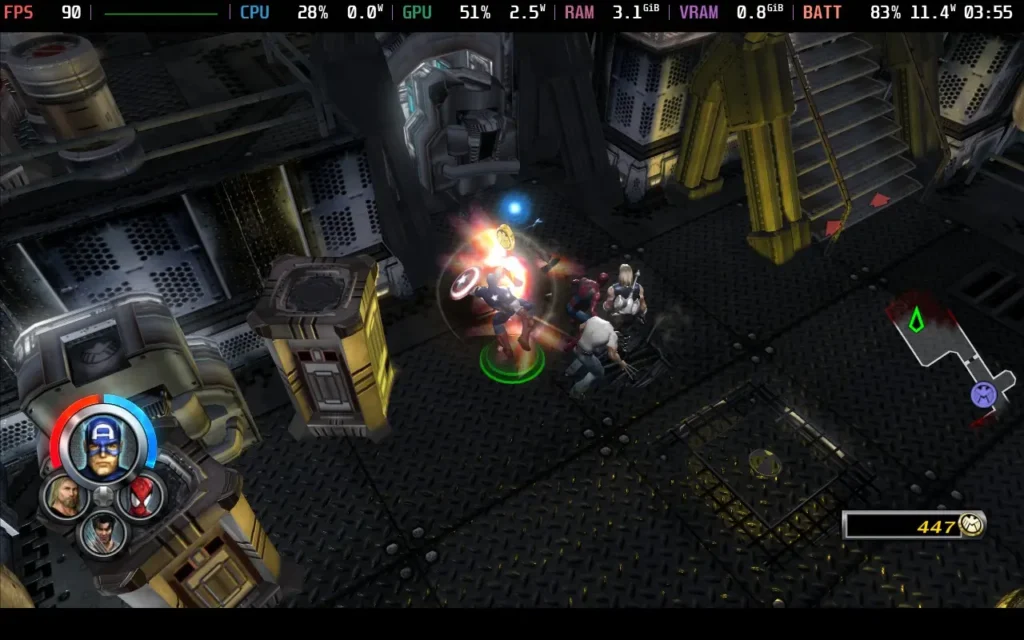
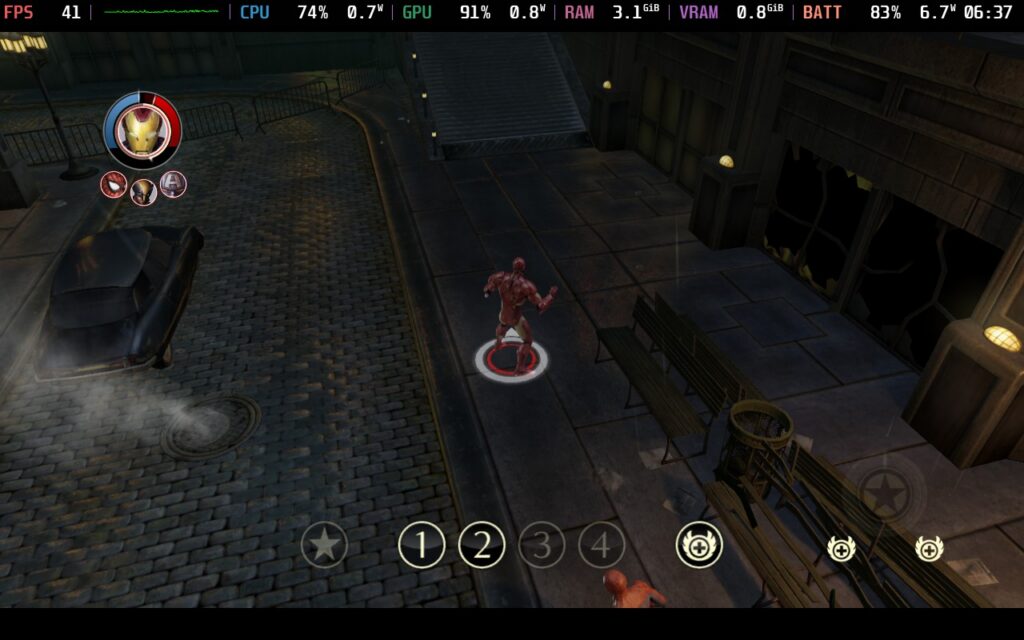
Marvel: Ultimate Alliance does have controller support, although you may have to press the "Start" button on the main menu to enable it. The game also defaulted to 800x600, but you can change this to 1280x720 in the in-game Video Options menu to get a better picture.
As for performance, the game does stutter when first loading cutscenes or any video files, such as the main menu background video, but otherwise it runs perfectly, even on maximum settings. You should turn on V-Sync in the Video Options; otherwise, the game will run with an uncapped framerate, draining unnecessary battery.
Gameplay
Marvel: Ultimate Alliance isn't a game I was overly familiar with before tackling it for Classics on Deck, but it's a really interesting one. A solid and enjoyable Action RPG, if a little dated by today's standards. Best of all, it supports co-op play, so you can dock your Steam Deck and connect extra controllers for some good old couch co-op. Visually, it still has some nice features too, with dynamic shadows and lighting. You might find the combat a little stilted compared to how fluid modern games are in this genre.
It can also be a little jarring if you're used to the Marvel Cinematic Universe; however, as some characters were redesigned at that point, and MUA was released before the Avengers movies, some things are a little out of sync with what you might be expecting.
Marvel: Ultimate Alliance 2 (2009)
- Digital Availability: None, Disc or Iso
- Version Tested: Repack by Rohankar
- Wine/Proton Version Used: Proton Experimental
Installation
Getting hold of Marvel Ultimate Alliance 2 can be a challenge due to it no longer being available. Disc versions are always available, of course, but they can be pricey. I highly recommend using a repack from RohanKar, an awesome guy who has been focusing on classic game preservation over the past year.
Once you have the Repack, open Lutris and select to add a game to your library, and then the "Install a Windows Game from an Executable" option.
Name your game, and keep the settings as they are. Proceed through the steps, changing nothing until you reach the point where it asks for the setup file. At this point, click the "..." button and direct it to the Repack's setup EXE file. Click install, and proceed through the setup process.
Once the game is installed, make sure you create a Steam shortcut by right-clicking the game in your Lutris Library and clicking "Create Steam Shortcut". You can now go back to gaming mode and enjoy! If the game does not boot, Proton Experimental will work.
If, for some reason, this does not work, another method that works for me is to install the game on another system and then transfer the installation folder that way.
Steam Deck Performance & Issues
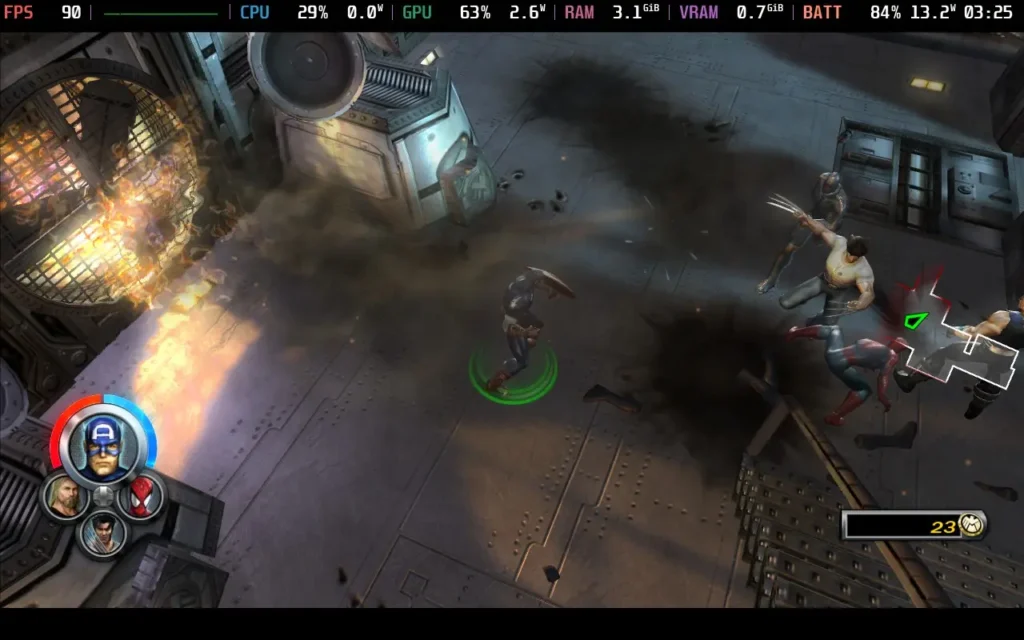
Marvel: Ultimate Alliance 2 has controller support out of the box, although you may have to press the "Start" button on the main menu to enable it. Besides this, the game defaults to 720p resolution, and the game runs well out of the box. Given the minor struggles with the predecessor, this was a welcome surprise!
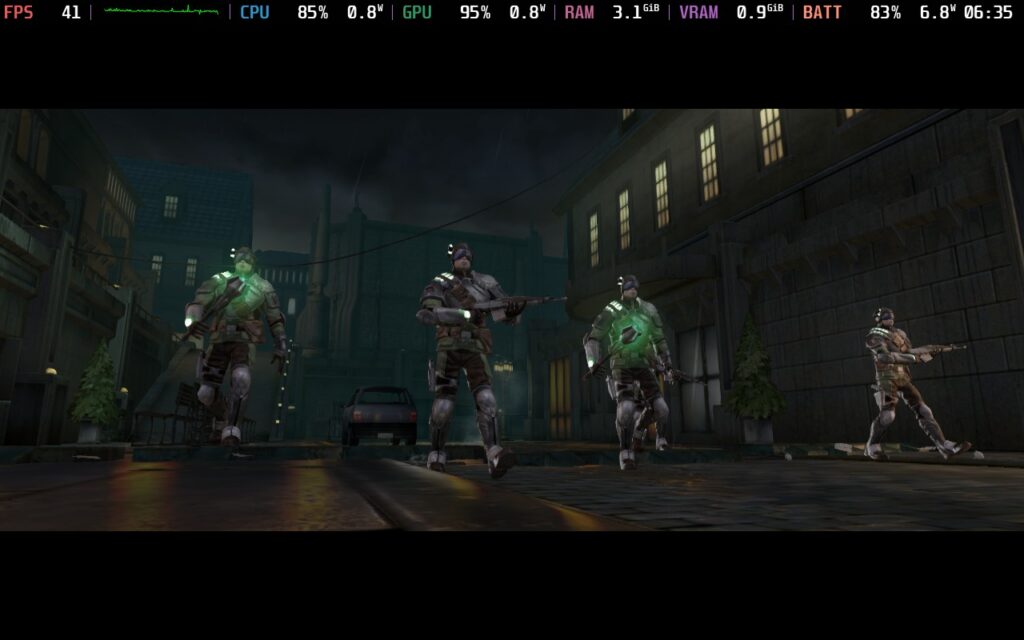
Even on maximum settings, the game held a stable 60FPS during intense battle sequences. On the Steam Deck OLED, you should expect around 5 hours of battery life.
Gameplay
My dislike for Marvel is notorious amongst our team, so I’ll admit I wasn’t looking forward to trying this out. I was pleasantly surprised with Ultimate Alliance 2 with its solid combat and fun power-ups. The game holds up relatively well in terms of visuals, although I wish the map design were a little more open.
That's it for this week's Classics on Deck. We'll return with more classic games on your Steam Deck next week.
Please let us know in the comments below if you'd like us to review any specific games as well, and we'll add them to the list of games we plan to find and test.
この記事を楽しんでいただけたなら、SteamDeckHQ の他のコンテンツもチェックしてみてください!あなたのゲーム体験に役立つゲームレビューやニュースを幅広く取り揃えています。ニュース、ヒントやチュートリアル、ゲーム設定やレビュー、最新のトレンド情報など、あらゆる情報をお届けします。 カバーしています!

最近のニュース
カテゴリー
Accessories
Anbernic
Android
ASUS ROG Ally
ROG Xbox Ally
Classics on Deck
Community
Cryobyte33
Deals
Deck Mods
Emulation
Events
Featured Post
Game News
Game News
General Game News
HandheldHQ
Hardware
Lenovo
Linux
MagicX
MSI
Nintendo
ONE-NETBOOK
Opinion
Other Reviews
Accessory Reviews
Handheld Reviews
PlayStation
Proton
Retro Handhelds
Anbernic
AYANEO
AYN
GPD
MagicX
MANGMI
Miyoo
Retroid
Rumors
TrimUI
SDHQ
Steam
Steam Controller
Steam Frame
Steam Machine
SteamOS
The Unsupported Report
Uncategorized
Uncategorized
VR
Xbox
最近のヒント&GUIDES
新着レビュー

Getting a non-Marvel person to review Marvel games is an interesting move. Possibly a quite clever one.
I'll certainly be trying these out as I've not played them since release and I, conversely, am a huge Marvel fan.
Also, I just want to say, being more aligned with the comics over the movies should be seen as a HUGE plus!
Well neither of these are reviews, just checking out the games to make sure they run!