


まだの方は、X(Twitter)、Mastodon、Blueskyでフォローし、新しい記事が投稿されたらお知らせください。また、Redditに参加したり、YouTubeに登録して、私たちのコンテンツをチェックしたり、素晴らしいコミュニティと交流してください。応援ありがとうございました!
After some exclusivity on GOG, the original Resident Evil games were released on Steam. This means we can add the original releases to our Steam library and experience them more easily on the go. However, the games have issues, and out of the box, they will not run on the Steam Deck, making it impossible to play on the go.
Thankfully, we can’t fix this and get the games to a playable state, even if they have some minor issues here and there. So, I want to create this guide to show how we can get them all running through Steam.
How To Play The Original Resident Evil 1 And 2 On Steam Deck
I figured out how to do this thanks to PALADEVIN's video where he fixed Dino Crisis.
ステップ1:
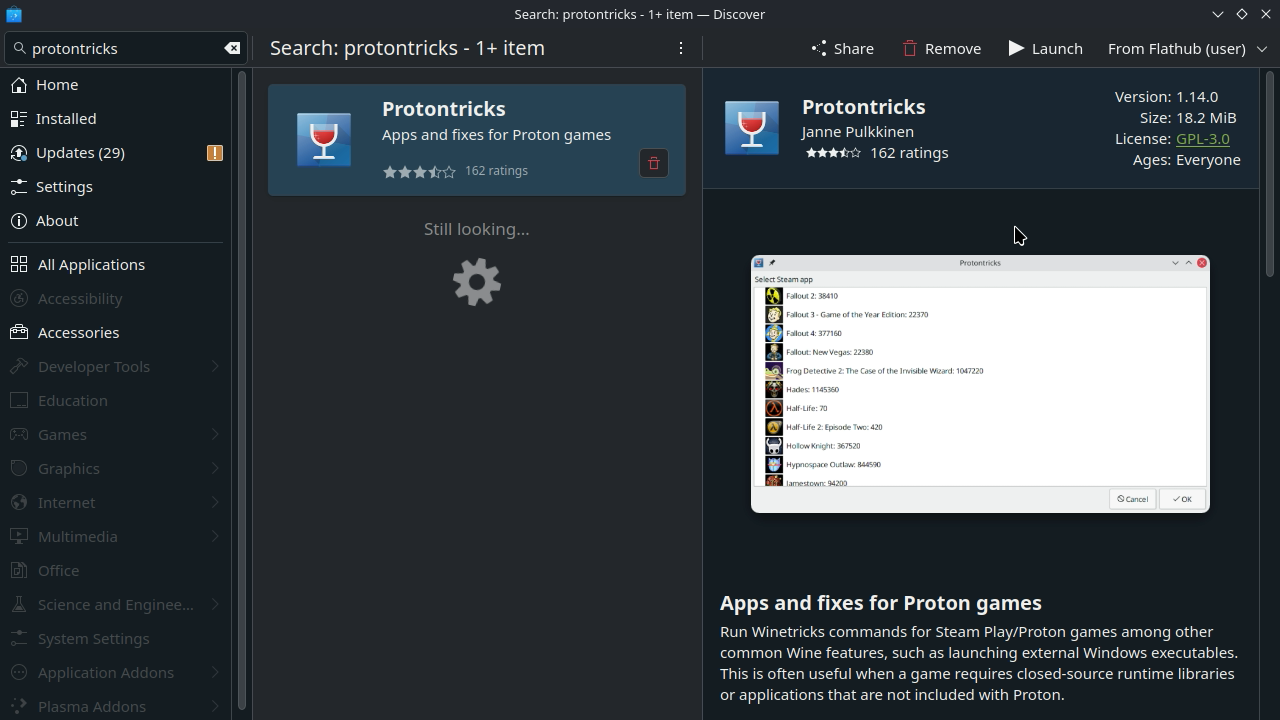
Head to desktop mode and open the Discover store. Here, we’re going to download a tool called Protontricks.
ステップ2:
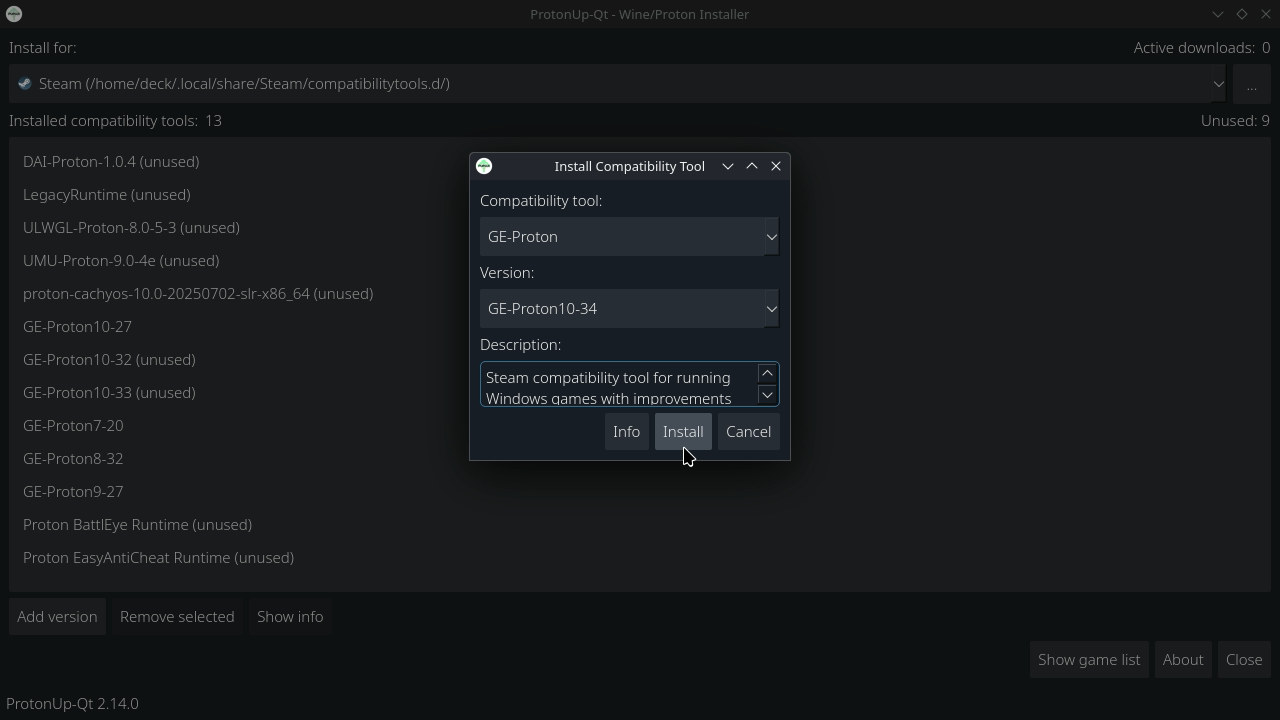
If you haven’t yet, install the newest version of Proton GE. You can do this using ProtonUp-QT, another program on the Discover Store, and you can follow our guide on how exactly to get it up and running.
ステップ3:
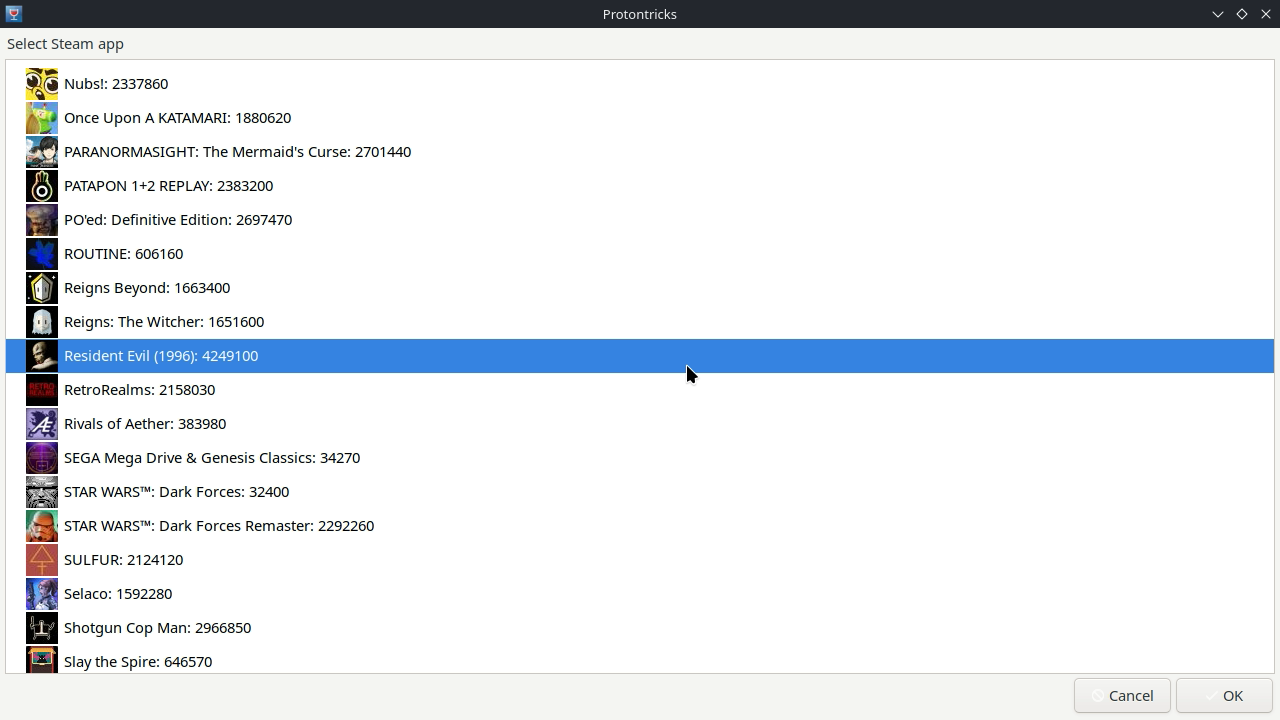
Open up Protontricks from your list of installed apps and select the games you want to fix. In this case, I am going to use Resident Evil 1.
ステップ4:
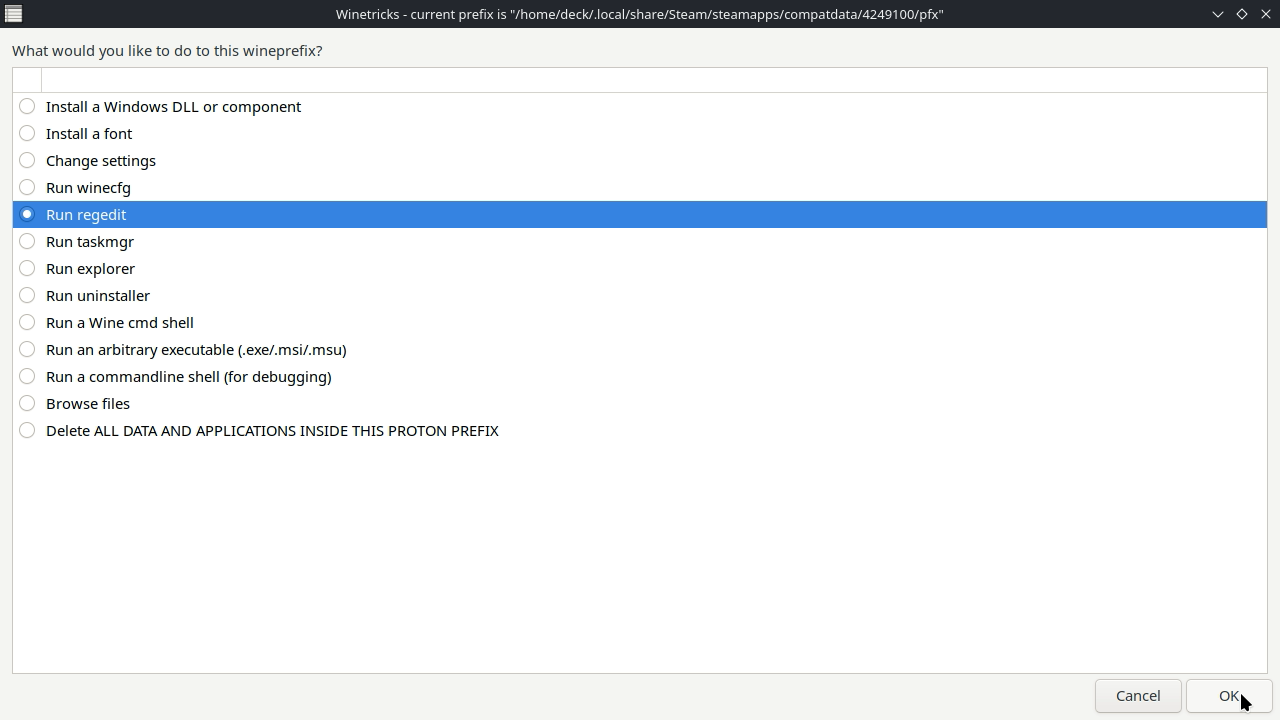
Click on “Select the Default Prefix” and then “Run Regedit.”
ステップ5:
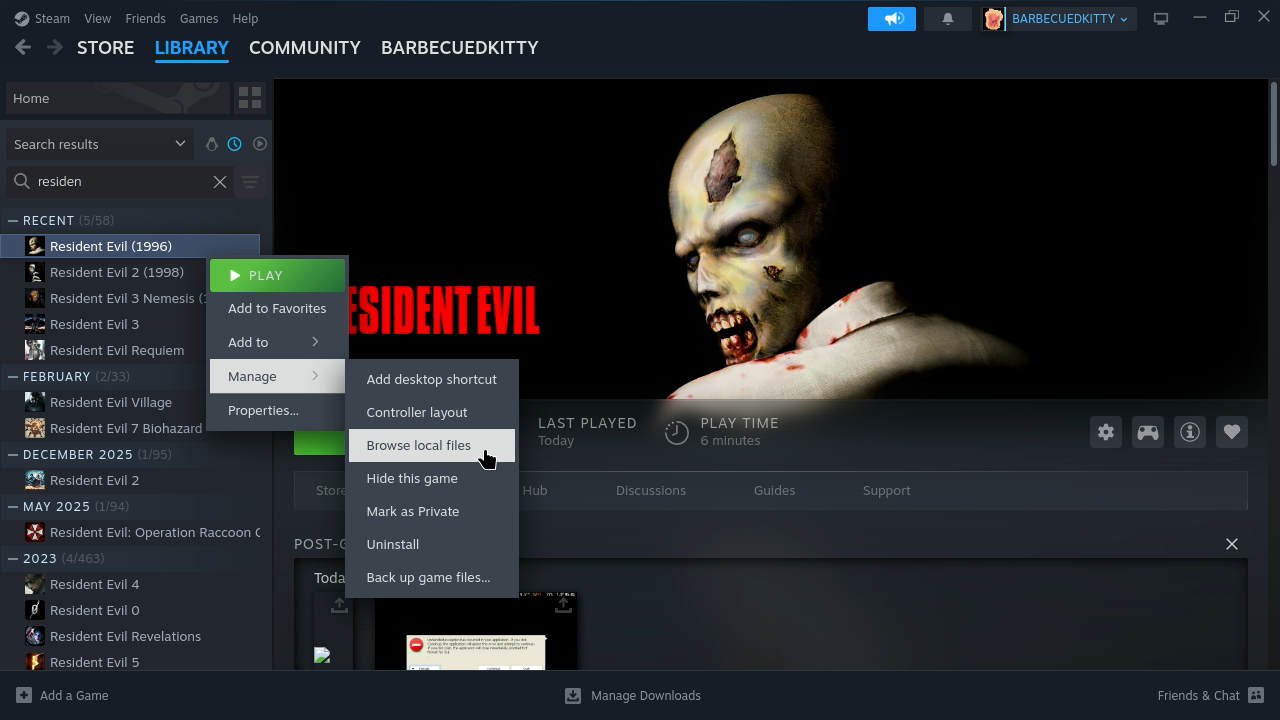
While that’s opening, head to Steam and find the games you want to get fixed. This could be Resident Evil 1 or 2. Right-click on their names, go to the Manage tab, and click on Browse Local Files.
ステップ6:
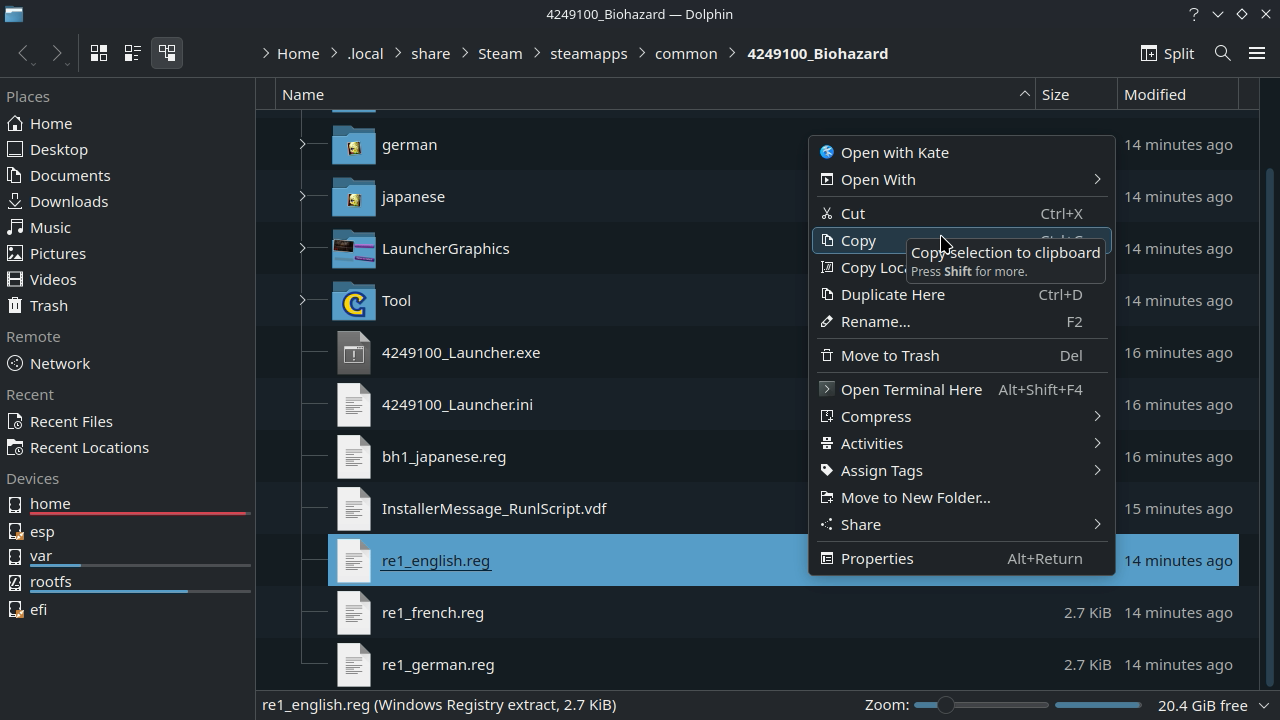
From here, you will have to find the correct .reg file to go along with it. Once you find it, copy it to your desktop. It will usually have the name, and an underscore with "english" after it. Copying to your desktop will make it easier to find and import the file in Regedit.

ステップ7:
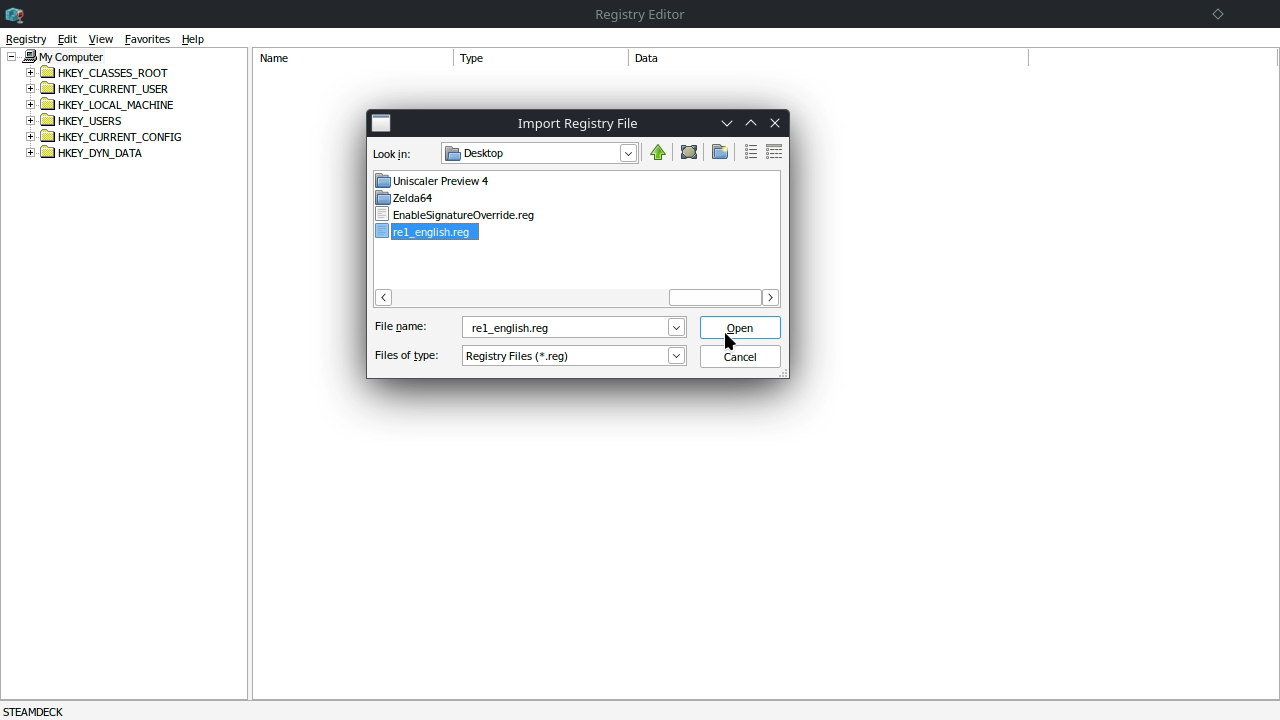
Now, back in Regedit, click on the “Registry” tab and click on “Import Registry File.” Find the appropriate file for the game you are fixing and import it.
ステップ8:
After that is done, you can close Regedit and head back to Steam.
ステップ9:
Back in Steam, go to whichever of the games you’re fixing, head to its properties, and add this launch option to the game. This will fix FMV cutscenes:
WINEDLLOVERRIDES=ddraw.dll=n,b %command%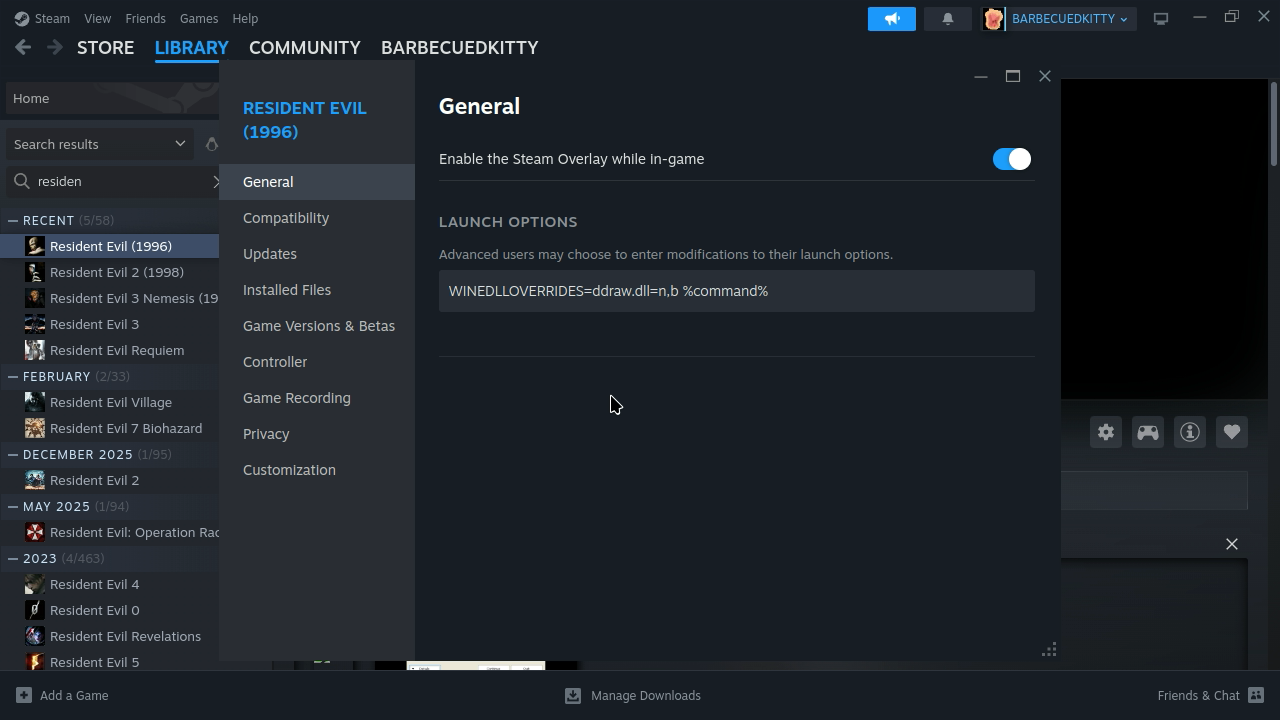
ステップ10:
After that, go ahead and back into game mode and enjoy!
How To Fix Resident Evil 2 Crashing When Saving
Follow steps 1-4 above and open up Regedit for Resident Evil 2 in Desktop Mode. Once there, go to a specific folder, which you can find under: HKEY_CURRENT_USER > Software > CAPCOM > STEAM_R EVIL2. Click on the STEAM_R EVIL2 folder and find the "Save Path" file. Double click on it and modify the "Value Data" to now say "C:\RE2Save" and hit ok. This should fix the saving for Resident Evil 2.
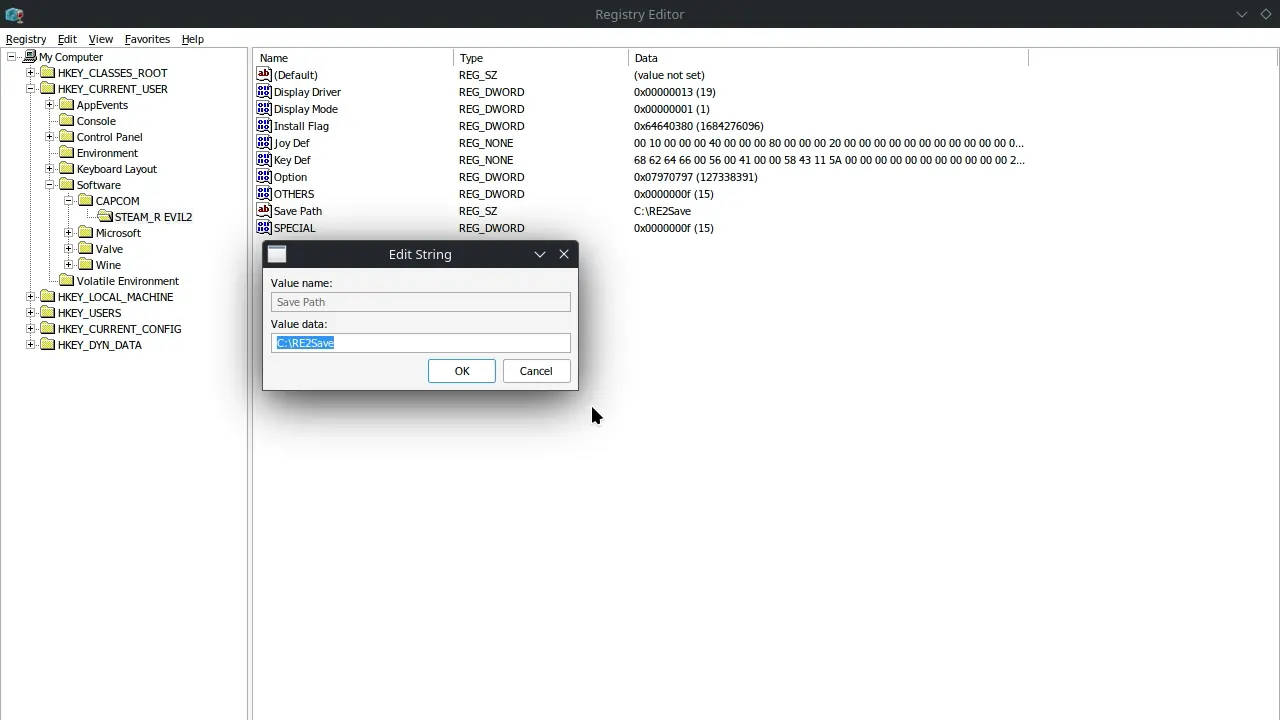
After that, head to this filepath and create the RE2Save folder. This is something that will need to be done manually or it won't save correctly:
/home/deck/.steam/steam/steamapps/compatdata/4249110/pfx/drive_c/Now, this doesn't mean the games are free of all problems. Resident Evil 1 has small cutscenes, and Resident Evil 3's controls are way off and need a community configuration. I think all games would benefit from a community configuration, but Resident Evil 1 and 2 are at least playable with the default. And ultimately, these changes make the first two games actually playable, which is great.
If you want to know our thoughts on the games themselves, you can check out our other article where we go through them.
このガイドを楽しんでいただけたなら、SteamDeckHQ の他のコンテンツもチェックしてみてください!あなたのゲーム体験に役立つゲームレビューやニュースを幅広く取り揃えています。ニュース、ヒントやチュートリアル、ゲーム設定やレビュー、最新のトレンド情報など、あらゆる情報をお届けします。 カバーしています!


That's a great guide I think 🙂
Since I just have the gog games the steam versions feel far more complicated than the GOG version. In the gog version I just needed the Rebirth patches and the ddraw command line to make the game run. Even the controls are fitting. The only thing is with resident evil 2 I have tk go one time into the control settings to rebind the "aim" button because that will be reset with every start. Not an issue but aside from that the games runs really nice. But it's weird that the games are really different depending on the storefront.