まだの方は、X(Twitter)、Mastodon、Blueskyでフォローし、新しい記事が投稿されたらお知らせください。また、Redditに参加したり、YouTubeに登録して、私たちのコンテンツをチェックしたり、素晴らしいコミュニティと交流してください。応援ありがとうございました!
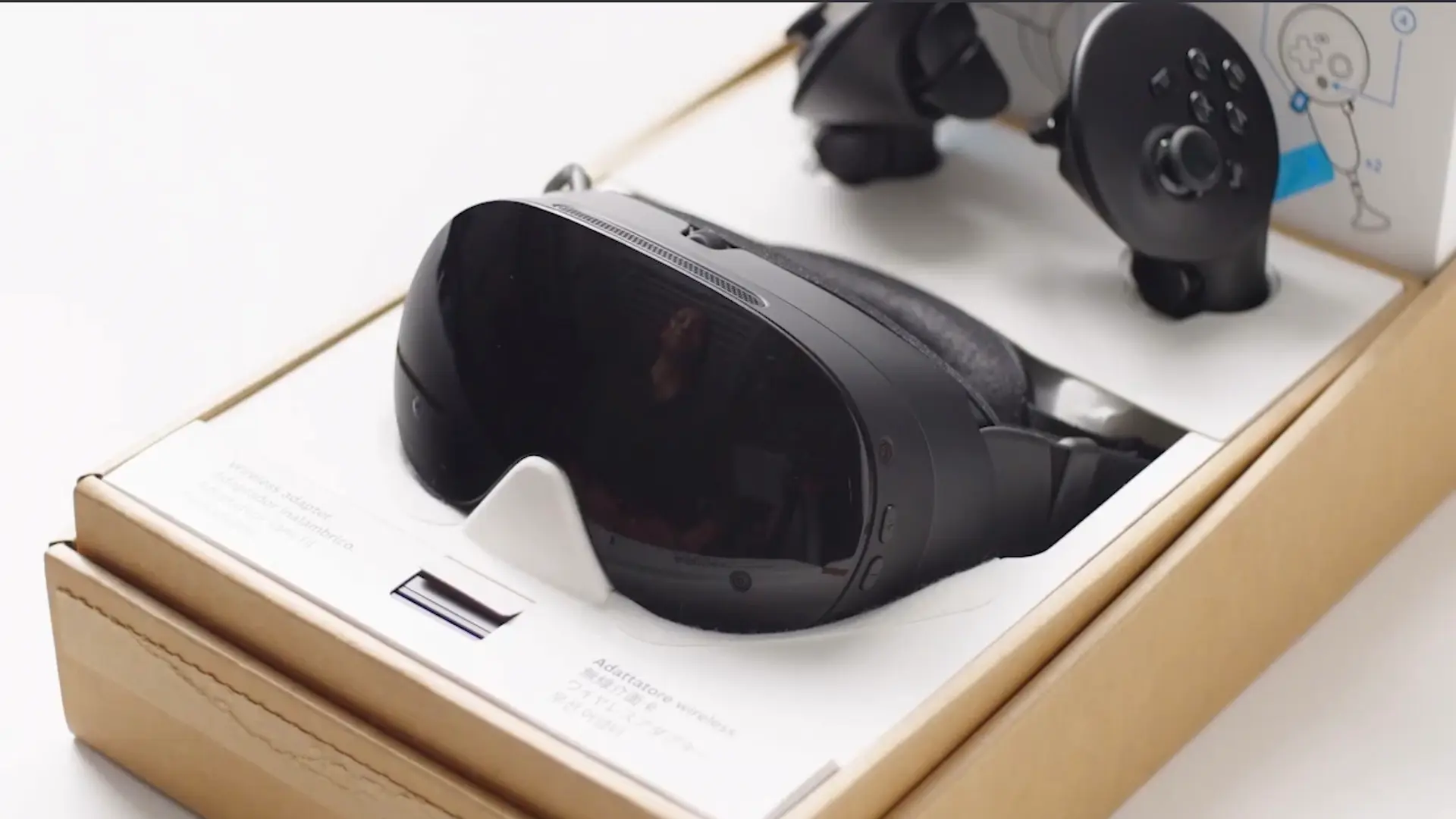
My excitement for the Steam Frame has only been growing every day, and I can’t wait to hear the announcement. I’m so curious what Valve will be pricing at, but I can’t see myself not purchasing it. I’ve been quite curious about what ways we will be able to configure and customize the experience, though, and it sounds like we’re going to be getting a very similar layout and situation to the Steam Deck.
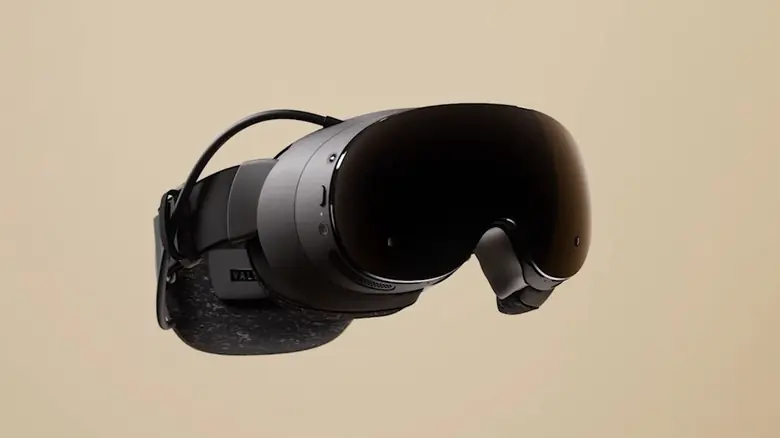
Uncovered by Brad Lynch, the Steam Frame will have performance settings similar to the Steam Deck. It will be located in the quick access menu and be tailored to the device. These can include enabling or disabling Foveated Eye Tracking rendering (if the game supports it) and tweaking ARM Memory compatibility. It also appears that we may be able to change the game resolution, similar to how we do from the game properties on the Steam Deck, and enable or disable Desktop rendering techniques.
I already knew a menu like this wouldn’t be the same as the deck, but it’s interesting seeing some of the options that we would have. Being able to quickly enable or disable eye tracking is interesting, though of course, it’s not gonna be supported in every game. Still, I’m always someone who prefers customizing my experience to my liking with each game, it’s part of why I love doing what I do for this website, so knowing I’ll be able to do something similar is exciting. I’m curious to know what other options we will have, and I’m sure we will find out in the coming days or weeks leading up to its announcement.
この記事を楽しんでいただけたなら、SteamDeckHQ の他のコンテンツもチェックしてみてください!あなたのゲーム体験に役立つゲームレビューやニュースを幅広く取り揃えています。ニュース、ヒントやチュートリアル、ゲーム設定やレビュー、最新のトレンド情報など、あらゆる情報をお届けします。 カバーしています!

最近のニュース
カテゴリー
Accessories
Anbernic
Android
ASUS ROG Ally
ROG Xbox Ally
Classics on Deck
Community
Cryobyte33
Deals
Deck Mods
Emulation
Events
Featured Post
Game News
Game News
General Game News
HandheldHQ
Hardware
Lenovo
Linux
MagicX
MSI
Nintendo
ONE-NETBOOK
Opinion
Other Reviews
Accessory Reviews
Handheld Reviews
PlayStation
Proton
Retro Handhelds
Anbernic
AYANEO
AYN
GPD
MagicX
MANGMI
Miyoo
Retroid
Rumors
TrimUI
SDHQ
Steam
Steam Controller
Steam Frame
Steam Machine
SteamOS
The Unsupported Report
Uncategorized
Uncategorized
VR
最近のヒント&GUIDES
新着レビュー