


まだの方は、X(Twitter)、Mastodon、Blueskyでフォローし、新しい記事が投稿されたらお知らせください。また、Redditに参加したり、YouTubeに登録して、私たちのコンテンツをチェックしたり、素晴らしいコミュニティと交流してください。応援ありがとうございました!
UPDATE 5/28/26 - We are currently investigating reports that this Paper Mario ReCut project is AI generated and possibly unsafe. For now, we will keep this article up and remove links to the project. Since we can't confirm its safety, we recommend not using this recompilation for now.
Recompilations feel like the best way to play classic games now. These projects take decomplicated versions of older games and repack them into native ports that can be played on PC. The majority of these have been seen with Nintendo 64 games, and they have been quite compatible with the Steam Deck. Now, a new port is on the horizon, and it’s another one. I’m very excited for.
A few days ago, the first public release of Paper Mario ReCut was posted. Made by SMCGames, this project is a recompilation of Paper Mario from the Nintendo 64. And just like other recompilation projects, the goal is to create the best version of the classic game that we could play with modern enhancements. These include things like modern controller support, higher resolution support, aspect ratio support, higher framerate support, and more.
While SteamDeckHQ does support legal emulation and preservation, we do not support piracy. All games discussed are legally purchased and dumped.
This is a pre-release, so there are features that haven’t been implemented yet and some that just aren’t working properly. On the GitHub page, they know some current issues, like widescreen not working and save states breaking the game. However, it is in a working, playable state where we can boot it up and play. This includes being able to play it on the Steam Deck, but it has some issues right now.
Installing is relatively easy. All you have to do is download the recompilation from GitHub, add the exe to Steam, force it to use Proton, then find your legally dumped copy of Paper Mario (US version), and that’s it. It should automatically detect the gamepad controls when playing on the Deck in Game Mode, and you should be all set to go.
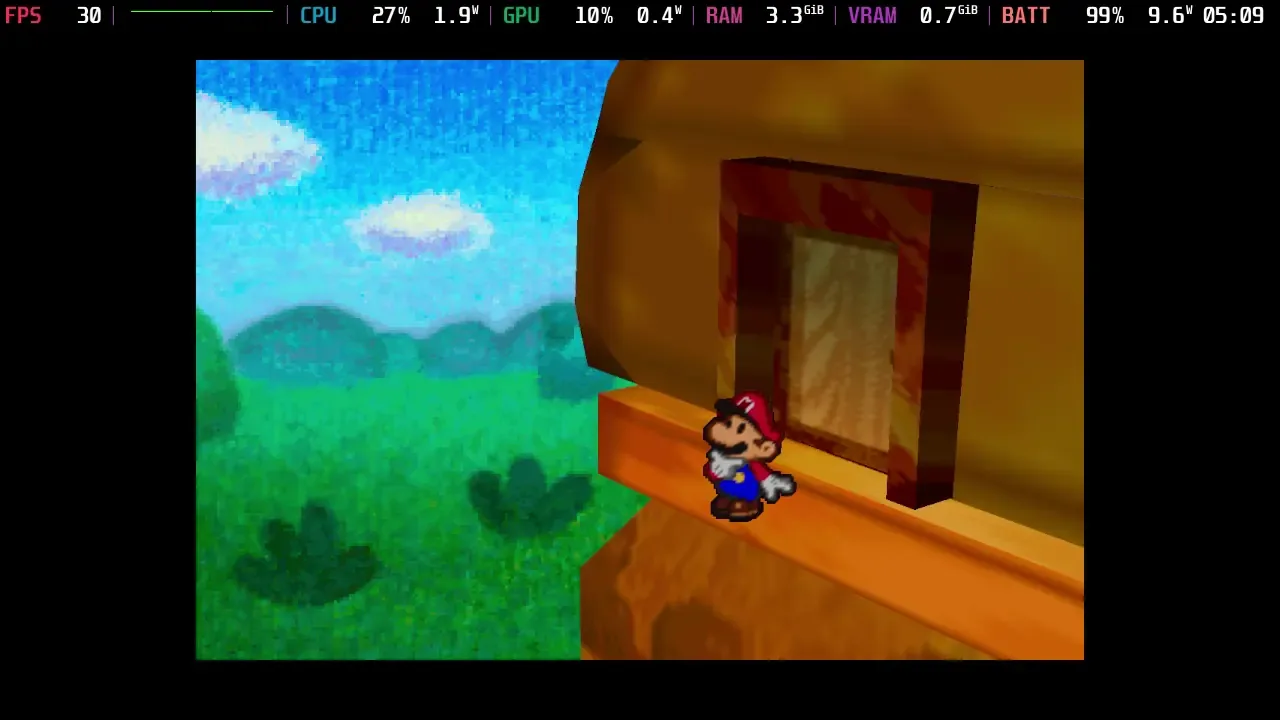
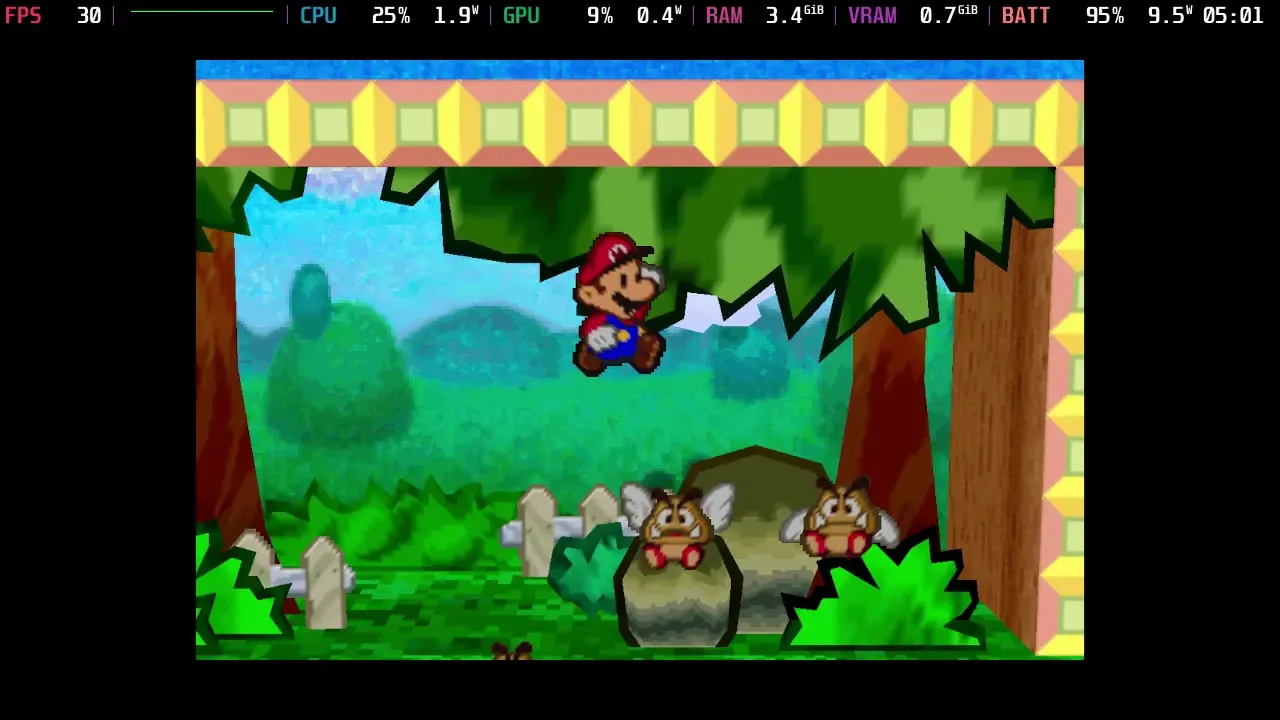
Some of the biggest reasons to use a recompilation of emulation aren’t implemented in this one yet, but still great to see a project like this coming to fruition. We can see some major improvements in resolution from emulation to the recompilation; it’s clear as day when you look at the edges of models. I would also say performance is slightly more stable with the recompilation, but not enough to feel a huge difference.
However, as I mentioned, there are some missing features or some that are just not working. Two of the biggest reasons I would use a recompilation over emulation are true aspect ratio support and higher framerates. Sadly, the recompilation doesn’t have either of those yet. On top of that, there’s no way to access the menu to increase the resolution further or improve other graphical settings like Anti-Aliasing. This also means that we might not be able to use the texture replacement feature that the game has and works.
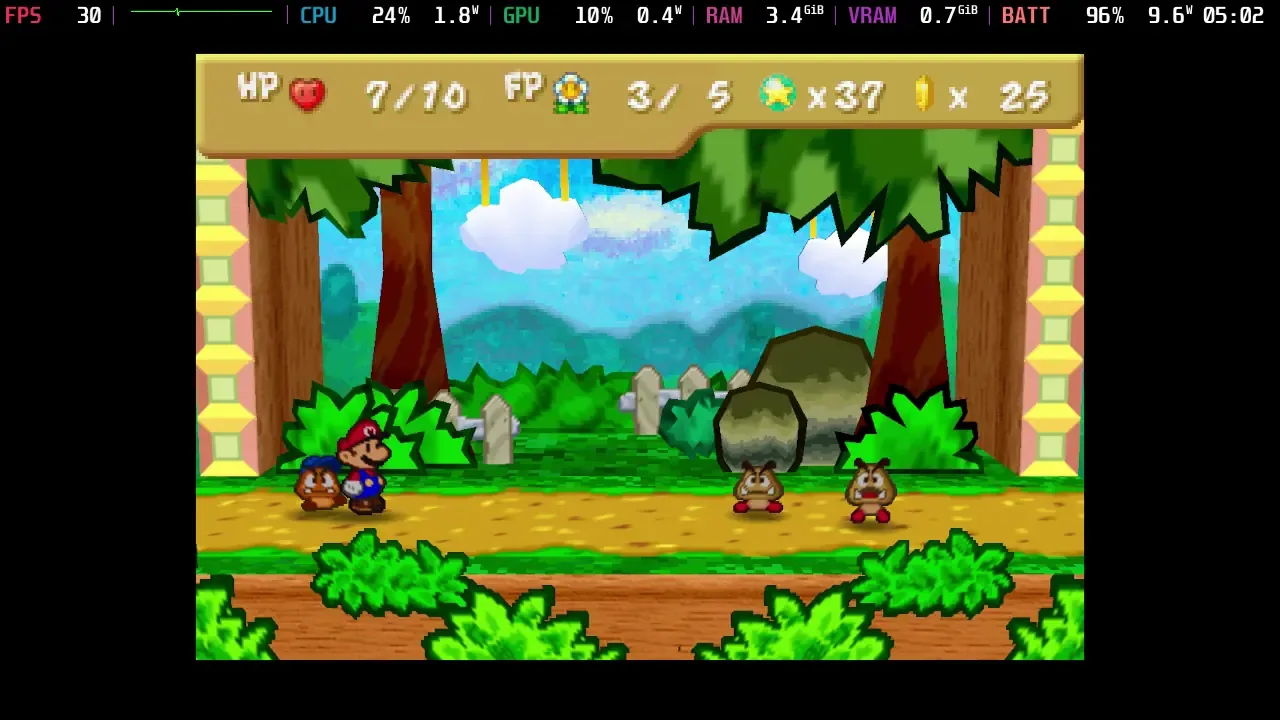
So, while the graphical improvements are blatantly obvious when looking at side-by-side with emulation, the recompilation project is still a little rough around the edges. I’m not surprised, considering that this is a pre-release, but it’s still great to see the progress that it has made so far. I’m looking forward to seeing how it will improve with each update, and hopefully, we will get a proper Linux release or AppImage we can use on the Steam Deck. And I look forward to seeing widescreen support, because I want to see the entire screen of the Deck filled.
この記事を楽しんでいただけたなら、SteamDeckHQ の他のコンテンツもチェックしてみてください!あなたのゲーム体験に役立つゲームレビューやニュースを幅広く取り揃えています。ニュース、ヒントやチュートリアル、ゲーム設定やレビュー、最新のトレンド情報など、あらゆる情報をお届けします。 カバーしています!

最近のニュース
カテゴリー
Accessories
Anbernic
Android
ASUS ROG Ally
ROG Xbox Ally
Classics on Deck
Community
Cryobyte33
Deals
Deck Mods
Emulation
Events
Featured Post
Game News
Game News
General Game News
HandheldHQ
Hardware
Lenovo
Linux
MagicX
MSI
Nintendo
ONE-NETBOOK
Opinion
Other Reviews
Accessory Reviews
Handheld Reviews
PlayStation
Proton
Retro Handhelds
Anbernic
AYANEO
AYN
GPD
MagicX
MANGMI
Miyoo
Retroid
Rumors
TrimUI
SDHQ
Steam
Steam Controller
Steam Frame
Steam Machine
SteamOS
The Unsupported Report
Uncategorized
Uncategorized
VR
最近のヒント&GUIDES
新着レビュー




Please don't promote this port. I'll copy paste what I wrote in ResetEra.
- It is not buildable from source. Crucial patches are missing, likely because the recompiled output was edited directly.
- It excludes all currently supported platforms other than Windows on all N64 Recomp projects because it chose to throw away the entire existing frontend, and instead has a Win32 only UI. It also claims to not support features that are already supported by the existing frontend because it chose to do this, which is an incredibly strange decision for a human to do.
- Issues tab is disabled so nobody can call out the project for the obvious issues it has.
- It clones the libraries in its source tree directly, and does very strange modifications to them for little reason. Once again one of those things that LLM always do during an automated process because it keeps claiming libraries have "known issues".
- The repository doesn't include all of the project's source code, and the source code that is available isn't under a license which makes it all rights reserved, so it's not actually open source. This means it's doubly in violation of the GPLv3 that the recomp runtime is licensed under, which mandates that projects deriving from a GPLv3 project must also be open source and licensed under another compatible open source license.
My recommendation is to avoid this. Nobody can validate how this works as it's not buildable from source, it's missing crucial files to generate the recompilation, and there's only a Windows executable. Keep in mind there's been cases of malicious PC ports being spread around these days so it's important to be careful.
Interesting. Thank you for bringing it to our attention. I will investigate and update the article accordingly.
Thank you Noah, I understand it sucks to spend time on writing coverage for things like these, but AI generated projects are rampant and hurting the space quite a lot lately while giving the appearance of being legitimate projects.
There's nothing to apologize for. I understand why and appreciate you taking the time to comment and inform us.