If you haven't yet, follow us on X (Twitter), Mastodon, or Bluesky to know when we post new articles, and join our Reddit or Subscribe to us on YouTube to check out our content and interact with our awesome community. Thank you for supporting us!
Battlefield 6 was provided by EA for review. Thank you!
There are a few huge franchises that I used to love growing up, and Battlefield topped that list. I enjoyed Call of Duty's fast-paced multiplayer, but longed for larger levels that allow us to utilize vehicles and strategize to take down the enemy. Battlefield was that game for me. It has been a while since I was able to sit down and play a game in the franchise, with the last one being Battlefield 4. However, I got a chance to try out Battlefield 6, and it roped me back in.
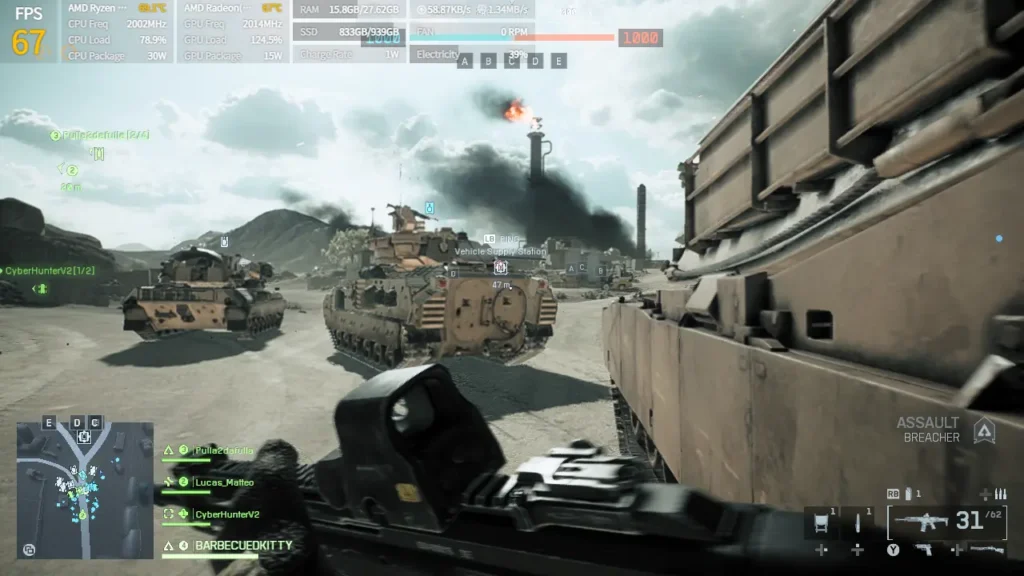
I vaguely remembered how chaotic Battlefield was, but it feels like Battlefield 6 takes it up a notch. Buildings and houses being destroyed in real time, changing up the battlefield with debris flying everywhere, was just surreal. I was standing on top of a building in one match, and the ceiling just completely caved in randomly, allowing me to shoot people who were taking a control point out of nowhere. It was an amazing moment I won't forget anytime soon.
It convinced me to play more and more, which led me to think about how it could run on handhelds. This includes the Steam Deck, though I would have to install Windows. So I did just that. And in this article, I want to go over whether it runs on the Deck, as well as test it with the major handhelds to see if they can play it as well. And, as it turns out, Battlefield 6 is awesome to play on the go.
Can Battlefield 6 Run On The Steam Deck?
With us being SteamDeckHQ, of course, I had to try getting the game to run on the Steam Deck. However, it unfortunately can't. I installed Windows on one of my OLED Decks to test it out, and while I can install it and it starts loading Javelin, the game requires Secure Boot to be enabled. This is a feature that will only allow verified and trusted software to boot on the device. Essentially, the goal is to prevent malicious programs that could contain malware from booting by only allowing trusted software.
Unfortunately, the Steam Deck technically doesn't support Secure Boot and is missing the essential keys it needs to enable it, even on Windows. There does seem to be a way to enable Secure Boot, and I will definitely look into it more, but it seems very loose, and I don't fully trust it yet. So, I would rather not rush and try to get Battlefield 6 running on the Steam Deck just to include it in this article and possibly risk the integrity of my system.
Battlefield 6 should be available on GeForce NOW for cloud streaming the game, and this can be used to play on the Steam Deck. You also won't need to change to Windows, just boot up the GeForce NOW native app, sync the game, and you should be good to go.
Is Secure Boot Enabled On Other Handhelds?
With Battlefield 6 being such a big game, I assumed they would make it as easy as possible to just get in and play the game, but I was wrong. Not every handheld automatically enables Secure Boot, which means we have to go in and enable it ourselves. This means we will have to go into our BIOS and enable it after we have made sure all the prerequisites are enabled as well.
Luckily, it seems that the more popular handhelds like the ROG Ally/X and Legion Go already have Secure Boot enabled, so there won't be much needed to launch the game (though I did have to run the game 3 times to get it to launch on the ROG Ally X).
As for the handhelds outside of that, like AYANEO and GPD, we will have to enable it ourselves. This is a bit of a bummer and requires us to go into the BIOS to enable. Luckily, it is pretty straightforward, and the option can be found in the Security or Boot section of your BIOS, but this still means going into your BIOS. Be careful when changing settings around here, since one misstep could cause harm to the computer. But as long as you are careful, you should be okay.
Battlefield 6 on the ROG Ally
Outside of the Steam Deck, the first handheld I really got to play Battlefield 6 on is the ROG Ally. Of all the handhelds I have, I generally choose to test on the ROG Ally and ROG Ally X first. They represent a bulk of the handhelds that are out now, with the ROG Ally being similar to any handheld with a Z1 Extreme APU or 7840U or 8840U APU with 16GB RAM, and the ROG Ally X being similar to any handheld with that same APU and more RAM.
On the ROG Ally, Battlefield 6 is very playable, more than I expected. It runs relatively well, keeping to 40-50 FPS the entire time, with a few drops here and there on the lowest possible settings and 1280x720 resolution. The 16GB RAM does have more stutters than handhelds with more RAM, but not nearly enough to hurt the experience. I was actually surprised by how playable it is this way, and I can see the game being very enjoyable on the go, even with the base ROG Ally.
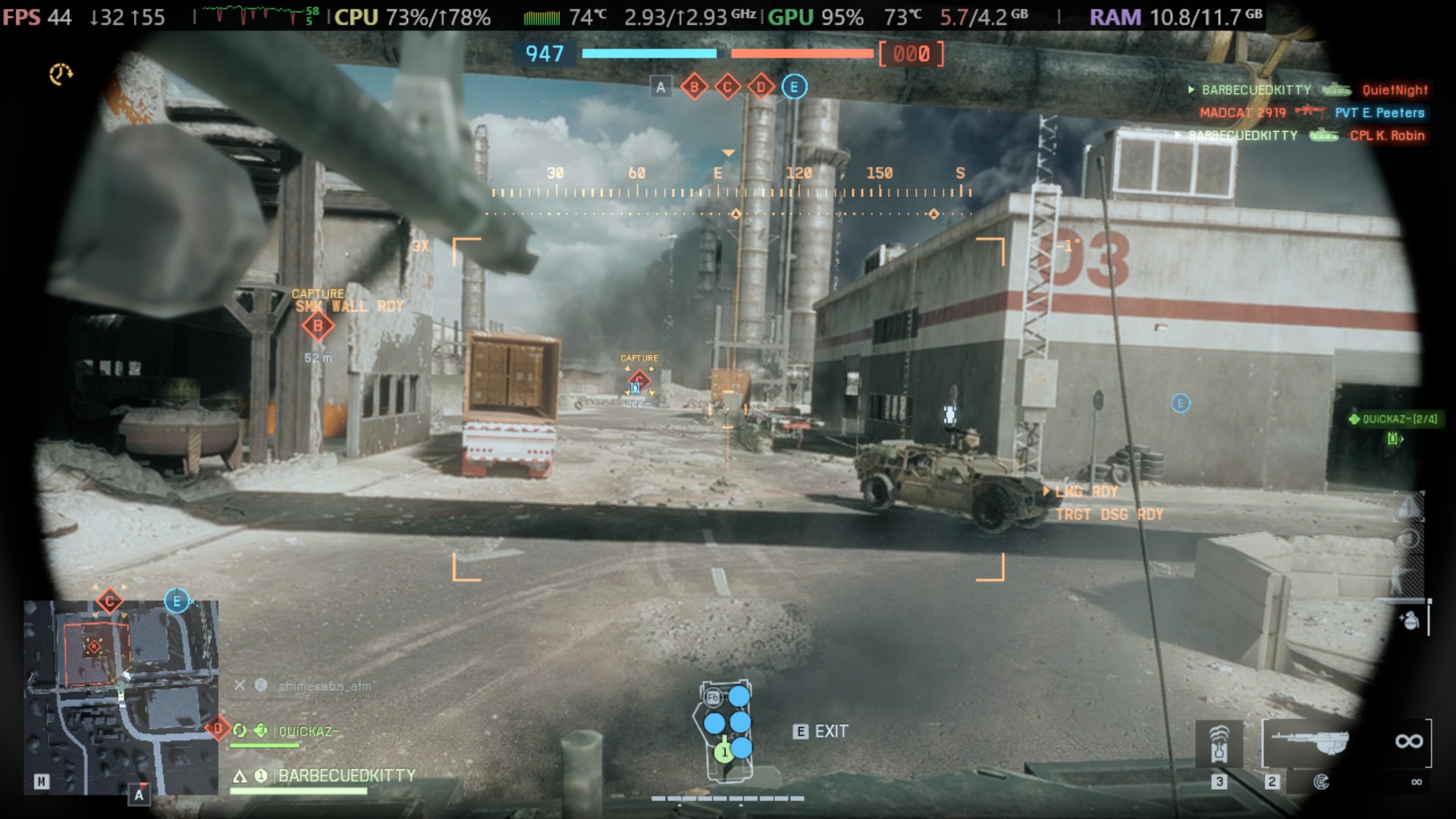
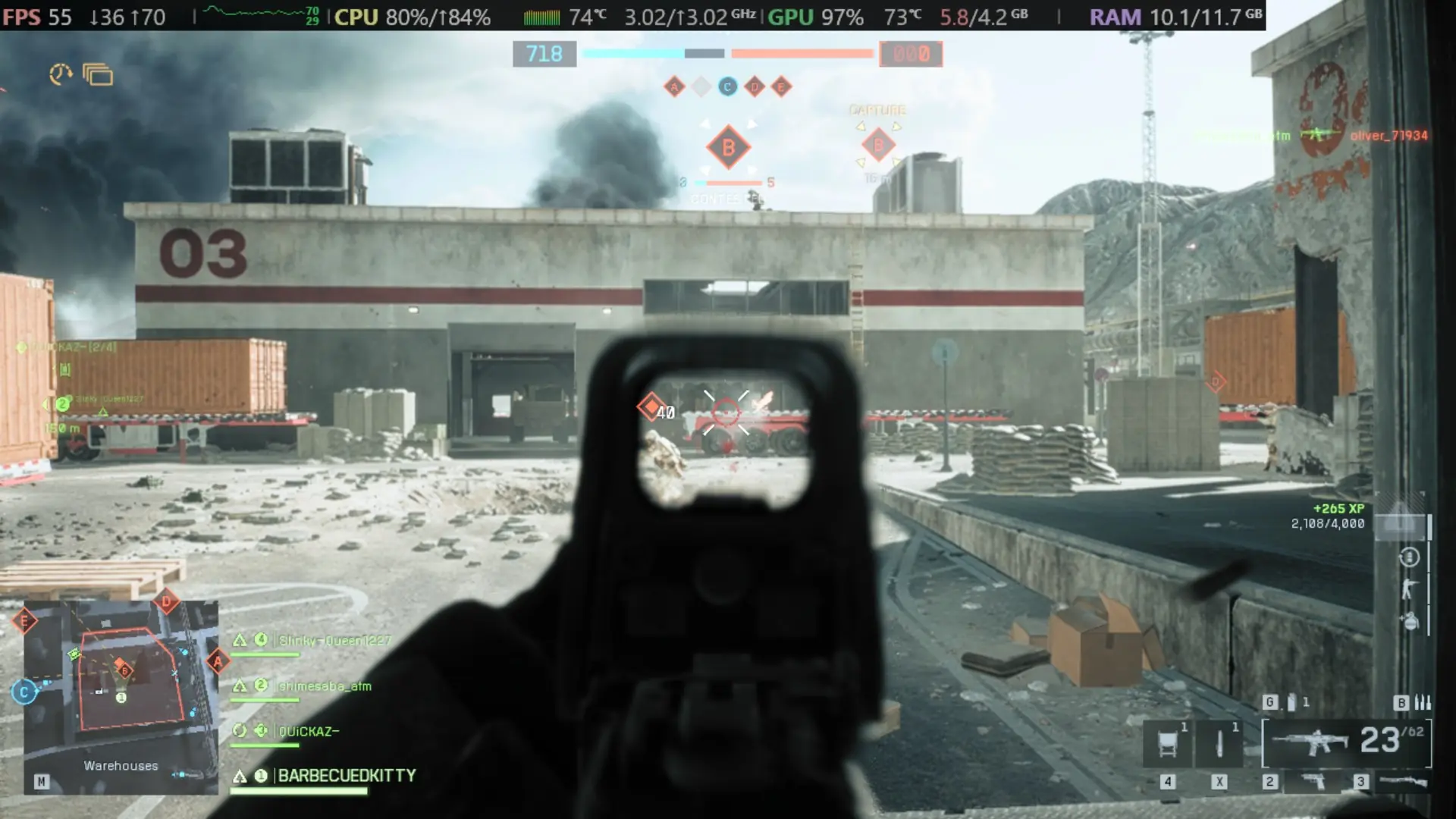
And on the ROG Ally X, performance was pretty solid. I wasn't hitting 60 FPS on the lowest settings at 1280x720, but I did hover around 45-55 FPS most of the time. There were some moments where performance would drop to 40, and even some where it hit 60, but the bulk stuck around 45-55. It didn't feel as bad as I thought, and with some slight jitteriness, I could get kills. We can also get to 90 FPS by bringing down the resolution to 640x480, but I couldn't make anyone out.

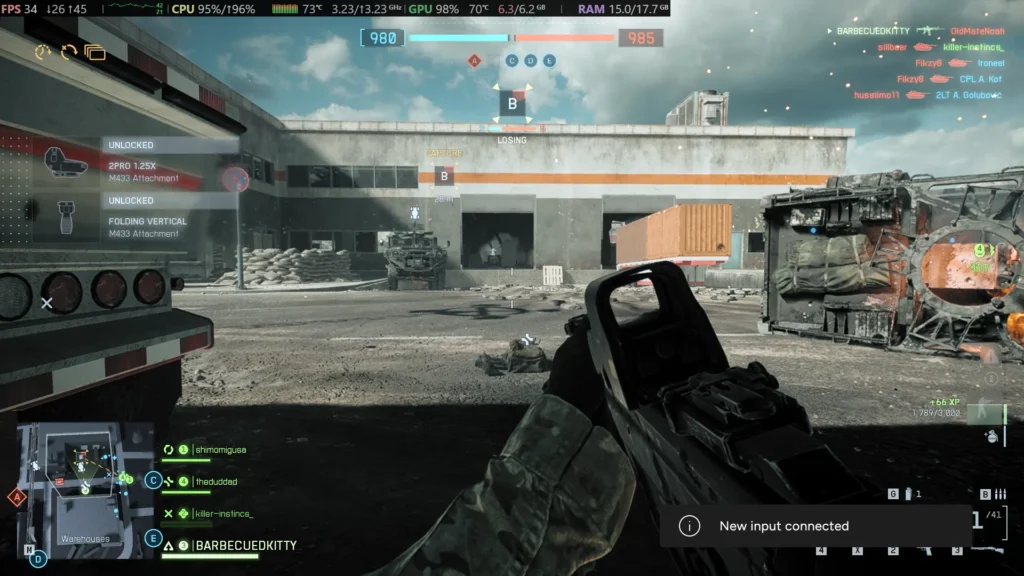
I also tried playing at 1920x1080 on the Ally X to see if it would be possible to play at the higher resolution, and while it is somewhat playable, it does have more drops. It sticks around 30-40 FPS on average, but can drop below 30 with a ton of action and destruction going on. I would still somewhat consider it playable, but with those drops and lower framerate overall, I would just stick to 1280x720.
Battlefield 6 on the AYANEO 3
On the AYANEO 3, I expected better performance overall, and I was not disappointed. On the same settings as the ROG Allys, lowest at 1280x720, and it regularly stuck above 60 FPS, going to 70 every now and then. There were still some drops below in the 45 range when the action got very heavy, but it was still very playable. I was quite impressed with how wonderful the game looked at 720p on the lowest settings, and still could be enjoyed like this.
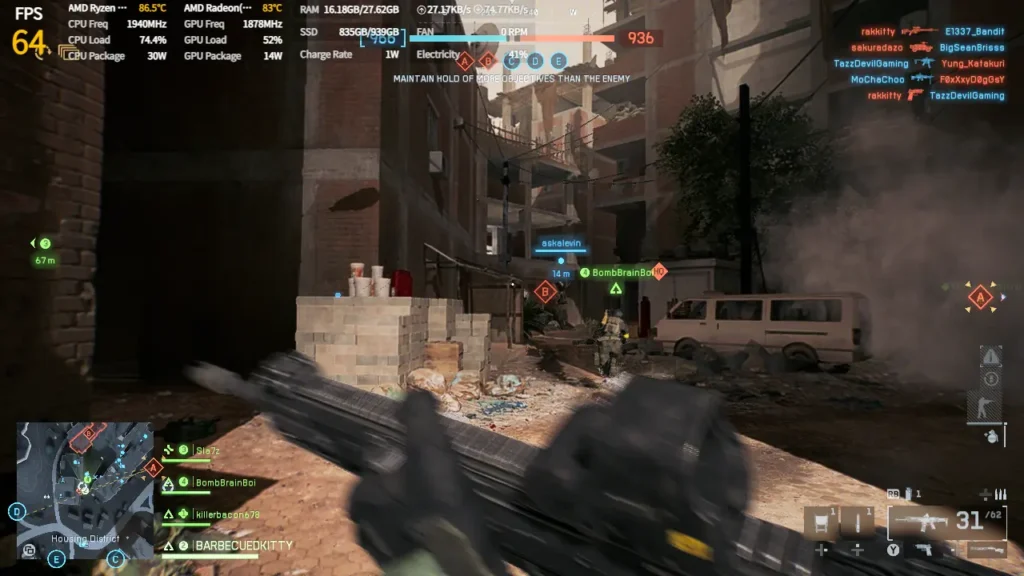
There was some weird behavior when playing on the AYANEO 3, though. There were times when the action got heavy and the framerate dropped down, but never came back up, sticking around 40 FPS. With the game launching soon, I would say this isn't a deal breaker, but it is good to keep it in mind.
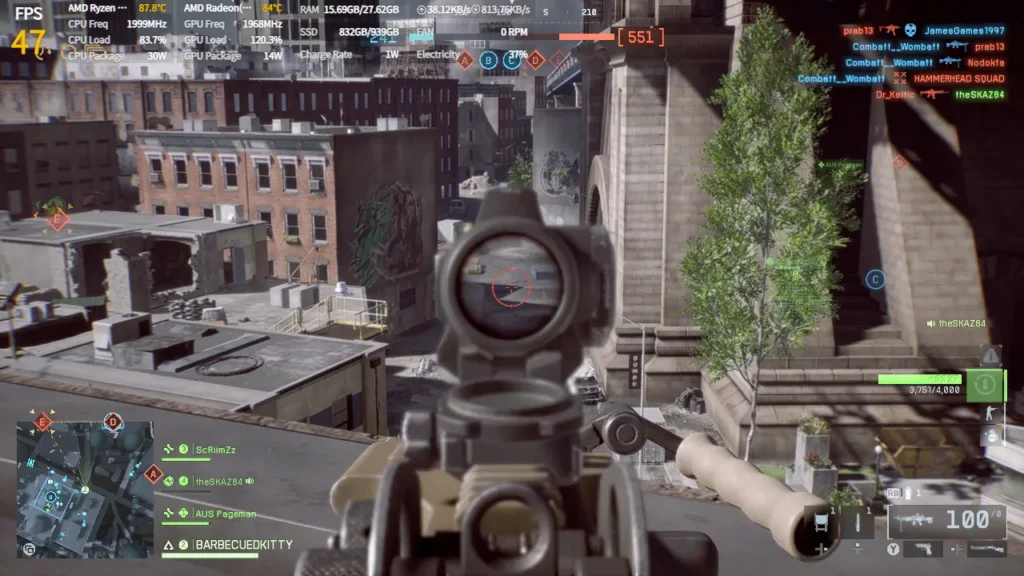
This also bodes well for newer handhelds with the Z2 Extreme APU, like the ROG Xbox Ally X and Legion Go 2. The AYANEO 3's HX 370 APU is a little more powerful, but has a similar GPU module. So, if you are planning on getting the game and want to play on the upcoming Z2E handhelds like the ROG Xbox Ally X, it's going to be a damn good time. I would say you can expect 60 FPS with some slight drops below when action hits, but you will have to play near the lowest quality settings at 720p resolution.
So, the big question I wanted to answer is whether Battlefield 6 is viable and playable on a handheld, and the answer is yes. Even if it doesn't hit 60 FPS on the ROG Ally, I was still able to play and have a good time. The AYANEO 3 showed much more promise, though, hitting 60 FPS, staying there, and making a good case for where the Z2 Extreme APU handhelds like the Xbox Ally X are going to make a difference. It was pretty awesome to play a game like this in the palm of my hands, and although this would be how I would want to play in general, using a controller is just way too difficult.
Battlefield 6 can be purchased on Steam for $69.99.
If you enjoyed this article, check out the rest of the content on SteamDeckHQ! We have a wide variety of game reviews and news that will help your gaming experience. Whether you're looking for news, tips and tutorials, game settings and reviews, or just want to stay up-to-date on the latest trends, we've got you covered!

RECENT NEWS
Categories
Accessories
Anbernic
Android
ASUS ROG Ally
ROG Xbox Ally
Classics on Deck
Community
Cryobyte33
Deals
Deck Mods
Emulation
Events
Featured Post
Game News
Game News
General Game News
HandheldHQ
Hardware
Lenovo
Linux
MagicX
MSI
Nintendo
ONE-NETBOOK
Opinion
Other Reviews
Accessory Reviews
Handheld Reviews
PlayStation
Proton
Retro Handhelds
Anbernic
AYANEO
AYN
GPD
MagicX
MANGMI
Miyoo
Retroid
Rumors
TrimUI
SDHQ
Steam
Steam Controller
Steam Frame
Steam Machine
SteamOS
The Unsupported Report
Uncategorized
Uncategorized
VR
Recent Tips & GUIDES
recent reviews