まだの方は、X(Twitter)、Mastodon、Blueskyでフォローし、新しい記事が投稿されたらお知らせください。また、Redditに参加したり、YouTubeに登録して、私たちのコンテンツをチェックしたり、素晴らしいコミュニティと交流してください。応援ありがとうございました!
One of my favorite features of Steam, which is widely used on the Steam Deck, is Steam Input. This is a feature where you can bind specific inputs to a controller. This is extremely helpful for games that don’t have native controller support, allowing us to bind keyboard and inputs to a controller to make a compatible experience without native support. That’s the beauty of the system, though I have always yearned for an easier way to find layouts that the community has made for some of my favorite games. That is where SteamInputDB comes in.
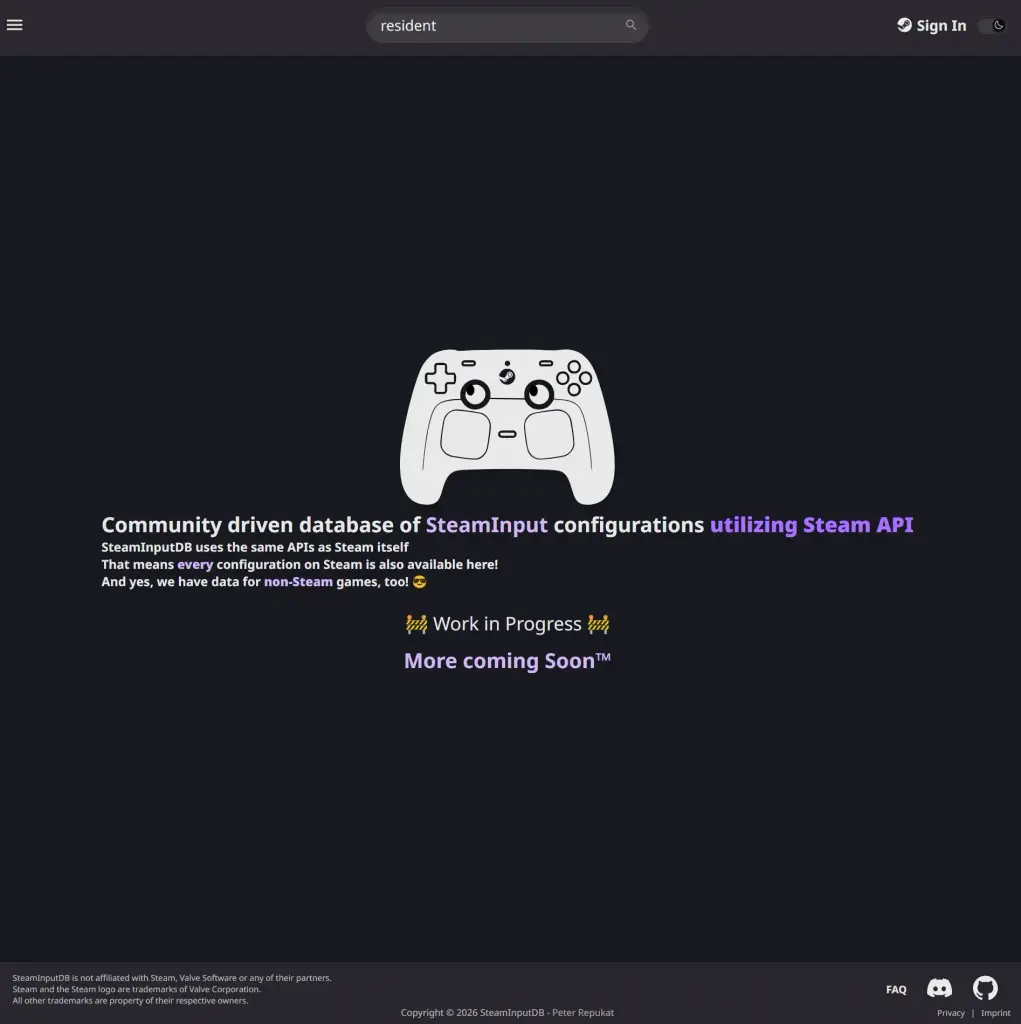
SteamInputDB is an open-source website made by Peter Repukat (Alia5) that takes community layouts and puts them into an easily searchable database with a great UI. It’s extremely helpful to find layouts for games you are planning on purchasing, and it will be especially useful for the upcoming Valve hardware that will most likely all take advantage of Steam Input. It’s still very new, and there are a lot of features that will need to be added to make this a must-use website. However, a new feature just got added that takes a huge step forward toward that goal.
Now, you can actually preview the layouts in the same format that you can on Steam. This means you can see the image of a controller and check what bindings are set with all of its inputs. On top of that, you can change the controller type manually, so you can see how it would look when applied to your own controller. Whether that’s a PS5 DualSense, Xbox One, DualShock 4, or even the upcoming Steam Controller, they can all be changed with ease.
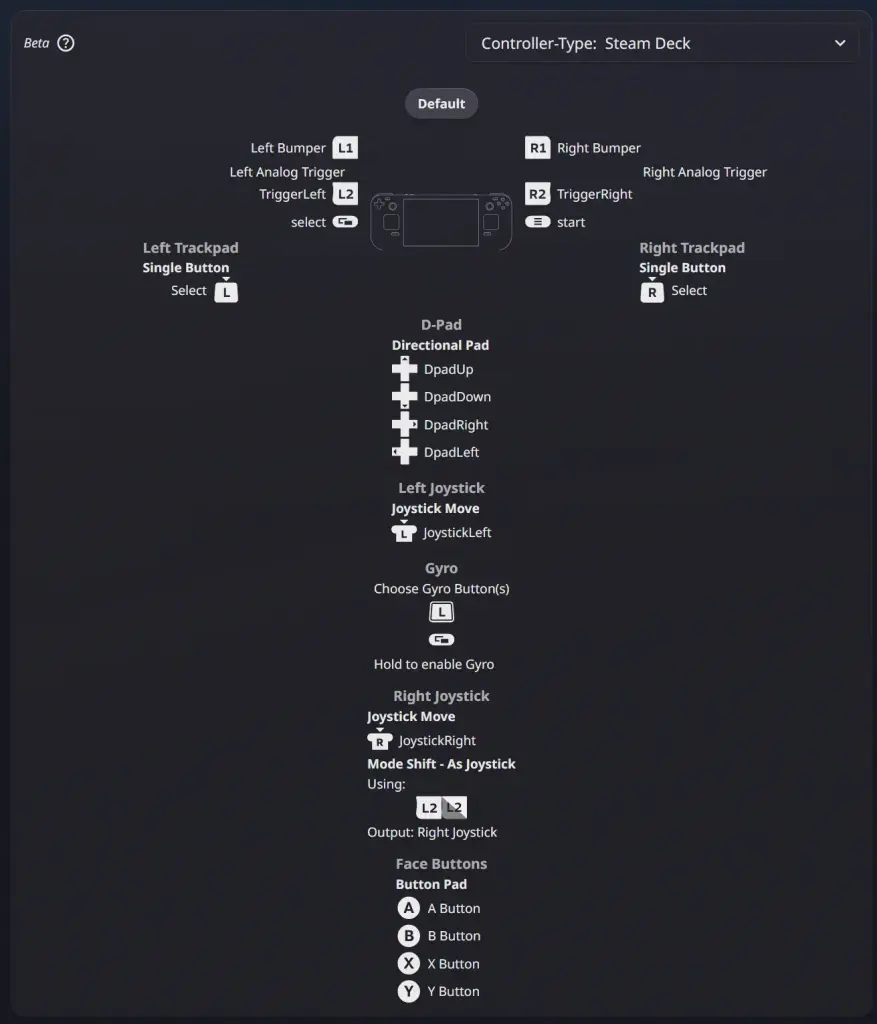
This is probably the biggest feature I found that was missing from the website, and I’m very glad to see that it was prioritized. In the Reddit post that Peter made to announce this feature, he mentioned that you can actually scroll and see every input, even if it’s complicated, in that preview. Steam clips, the inputs, so you have to go into the details to actually see everything, so this is an improvement over the system itself. He also says to treat this as a beta while he looks through to clean up any edge cases that may have gone through.
Still, I would consider this a major upgrade that makes me recommend SteamInputDB more than I would have before. Being able to see and preview the layouts we could use is essential, and I am overjoyed that it’s now here.
この記事を楽しんでいただけたなら、SteamDeckHQ の他のコンテンツもチェックしてみてください!あなたのゲーム体験に役立つゲームレビューやニュースを幅広く取り揃えています。ニュース、ヒントやチュートリアル、ゲーム設定やレビュー、最新のトレンド情報など、あらゆる情報をお届けします。 カバーしています!

最近のニュース
カテゴリー
Accessories
Anbernic
Android
ASUS ROG Ally
ROG Xbox Ally
Classics on Deck
Community
Cryobyte33
Deals
Deck Mods
Emulation
Events
Featured Post
Game News
Game News
General Game News
HandheldHQ
Hardware
Lenovo
Linux
MagicX
MSI
Nintendo
ONE-NETBOOK
Opinion
Other Reviews
Accessory Reviews
Handheld Reviews
PlayStation
Proton
Retro Handhelds
Anbernic
AYANEO
AYN
GPD
MagicX
MANGMI
Miyoo
Retroid
Rumors
TrimUI
SDHQ
Steam
Steam Controller
Steam Frame
Steam Machine
SteamOS
The Unsupported Report
Uncategorized
Uncategorized
VR
最近のヒント&GUIDES
新着レビュー