


まだの方は、X(Twitter)、Mastodon、Blueskyでフォローし、新しい記事が投稿されたらお知らせください。また、Redditに参加したり、YouTubeに登録して、私たちのコンテンツをチェックしたり、素晴らしいコミュニティと交流してください。応援ありがとうございました!

A new Steam Deck Beta Client update was released yesterday, and it’s one that will be surprisingly helpful for me. The new update adds a way to manage downloads from remote Steam clients, which theoretically means that we can manage our downloads happening on the Steam Deck from other computers. This is especially helpful for me, because I’m almost constantly downloading something new on the Deck while I’m working on my computer.
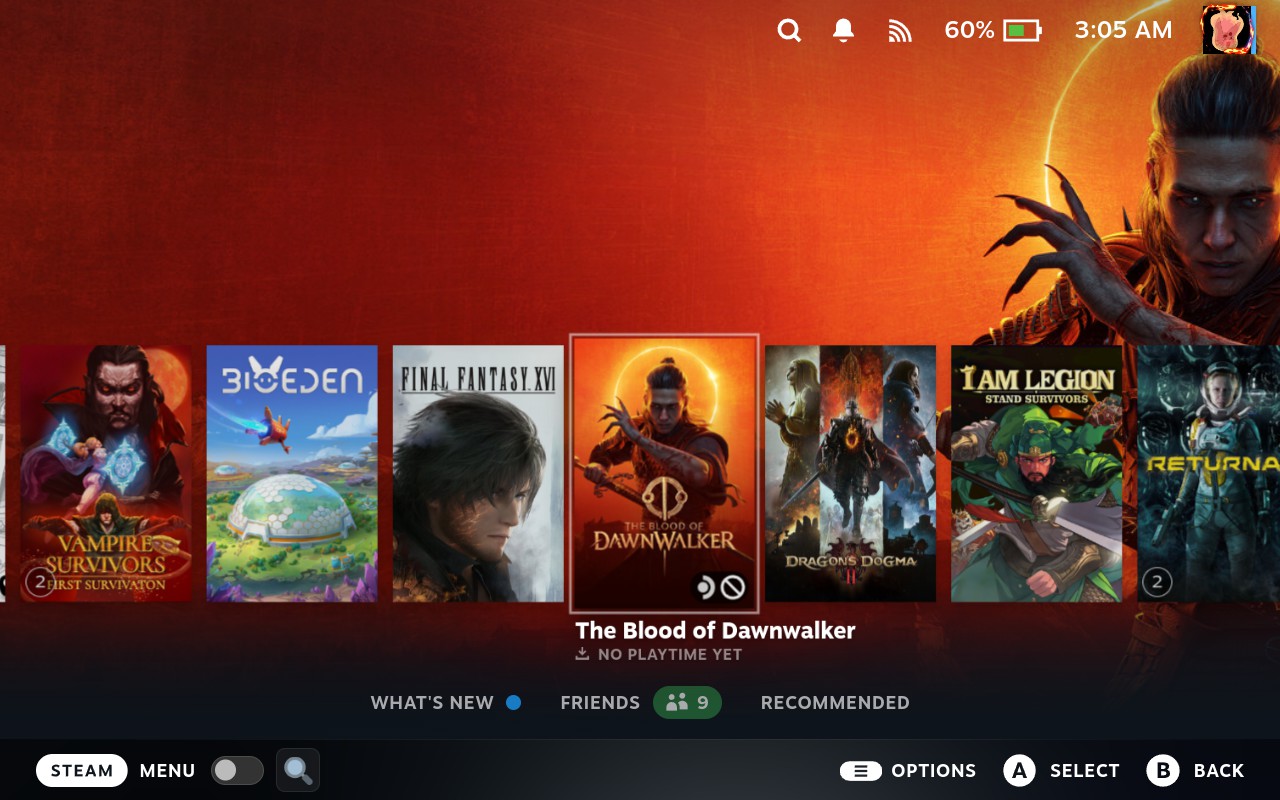
On top of that, the App Details page now has the same statuses and options for both the local and remote clients, and there have been some adjustments to the new Steam homepage, which rolled out from the last beta update.
アップデートはSteamデッキのシステム設定から自分でダウンロードできます。アップデートチャンネルがベータまたはプレビューに設定されていることを確認してください。
Steam Deck Beta Client 4/2/26 Update Changelog:
Downloads
- Added Remote Downloads Management. This allows you to manage downloads on Remote Steam Clients from the downloads page. You can select different clients by pressing Y on the downloads page.
- The App Details page now has the same options and statuses for remote clients as the local client.
- Both the local and remote clients must be updated to enable this feature.
Store Home Beta
- Fixed "..." context menu in Discounts & Events section
- Increased number of capsules per page in various carousels
- Smoothed the Featured & Recommended carousel transitions
- Updated the Recently Updated section's capsules to link to the corresponding announcement for the game
蒸気入力
- Fixed a case where radial menus would fail to dismiss after releasing the joystick on Steam Deck
この記事を楽しんでいただけたなら、SteamDeckHQ の他のコンテンツもチェックしてみてください!あなたのゲーム体験に役立つゲームレビューやニュースを幅広く取り揃えています。ニュース、ヒントやチュートリアル、ゲーム設定やレビュー、最新のトレンド情報など、あらゆる情報をお届けします。 カバーしています!

最近のニュース
カテゴリー
Accessories
Anbernic
Android
ASUS ROG Ally
ROG Xbox Ally
Classics on Deck
Community
Cryobyte33
Deals
Deck Mods
Emulation
Events
Featured Post
Game News
Game News
General Game News
HandheldHQ
Hardware
Lenovo
Linux
MagicX
MSI
Nintendo
ONE-NETBOOK
Opinion
Other Reviews
Accessory Reviews
Handheld Reviews
PlayStation
Proton
Retro Handhelds
Anbernic
AYANEO
AYN
GPD
MagicX
MANGMI
Miyoo
Retroid
Rumors
TrimUI
SDHQ
Steam
Steam Controller
Steam Frame
Steam Machine
SteamOS
The Unsupported Report
Uncategorized
Uncategorized
VR
最近のヒント&GUIDES
新着レビュー





I'm. It sure but typing in gaming mode is still a mess. We own two Steamdecks and typing in gaming mode is extremely slow and if you type to fast it starts to skip characters -no issues on Desktop mode regarding that.
There's also a strange behavior on both in our decks when you are navigate in the steam community, open a topic or a picture and go back, scrolling down with the stick let you scroll to the top. Just when you arrived at the top it starts scroll down again.
Overall the keyboard feels pretty unstable in ganemode but also desktop mode. I know that depending on the desktop environment on Screen Keyboards are always a real issue on Linux - especially compared to windows - but since valve is working mainly on their own stuff and steam deck integration of software it would be nice to see some real improvements when using the deck in handheld mode .
Also when switching multiple times from desktop to game mode (in example when modding and trying something) the games start to run pretty slow until you completely restart your deck. That's also a thing that's happening since the release of the deck and was never fixed. It seems something is not really closing in the background when going back to the gaming mode l.
But it's nice to see updates still coming regarding features