まだの方は、X(ツイッター)またはマストドンでフォローし、新しい記事の投稿をお知らせください。また、Redditに参加したり、YouTubeに登録して、私たちのコンテンツをチェックしたり、素晴らしいコミュニティと交流してください。応援ありがとうございます!
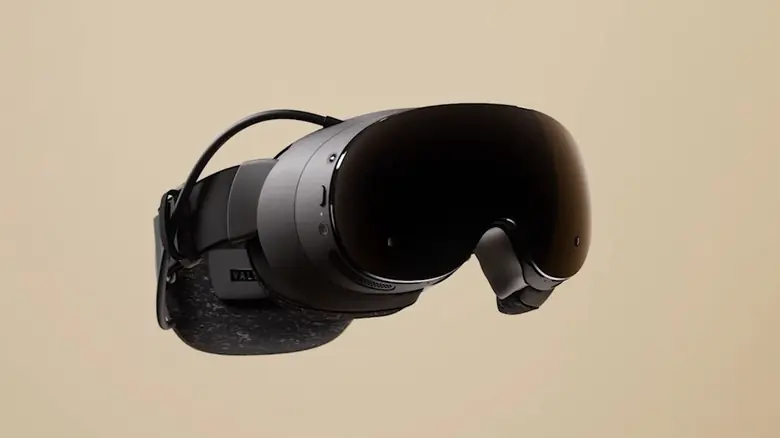
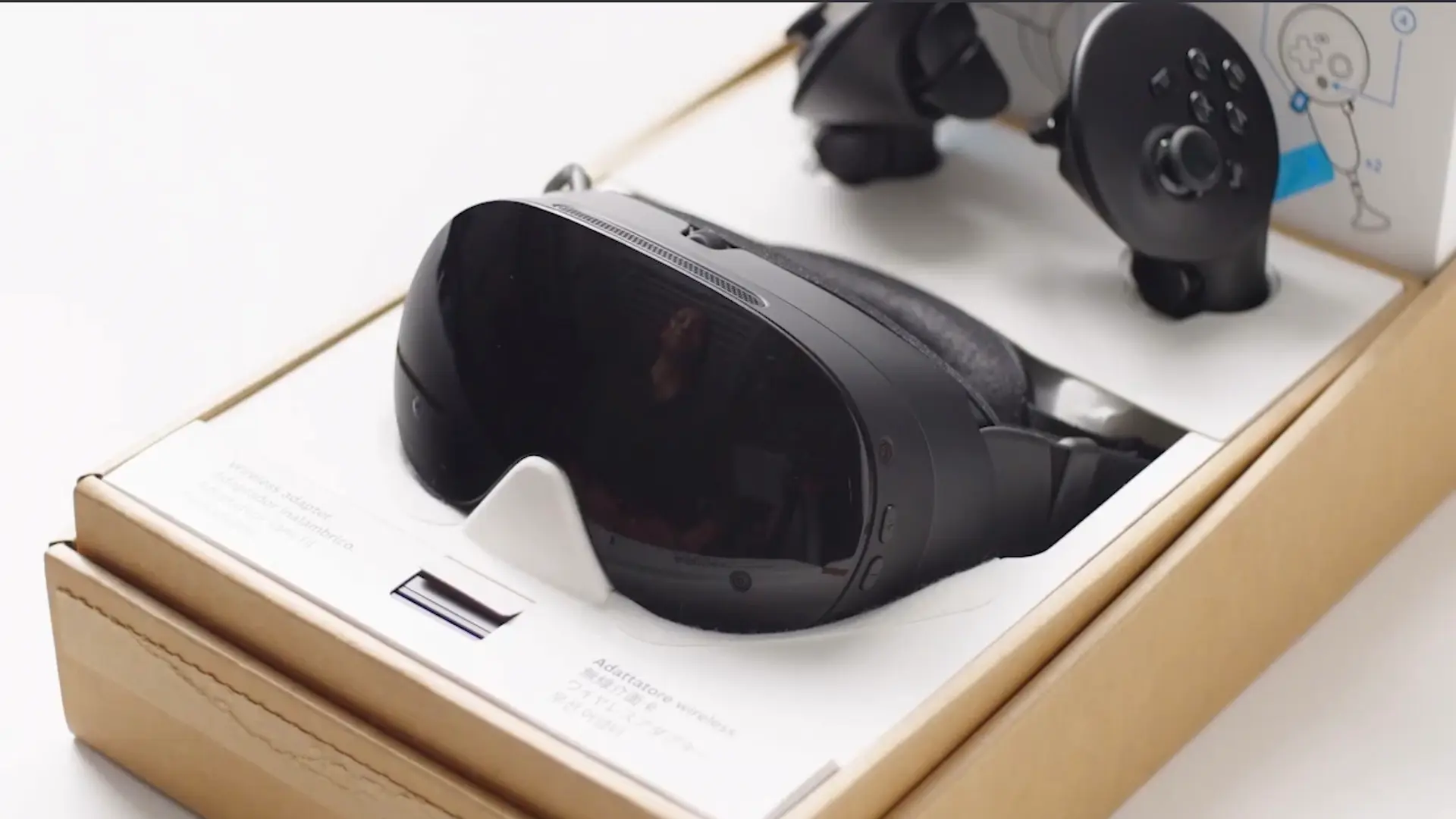
The Steam Frame has only been out... a few days at this point, and we're already seeing apps to improve ease of use. This app was created by an XR developer who has had access to the Steam Frame for a few months now, but that's beside the point!
The FrameDrop app aims to reduce the number of steps users have to go through to bring an app over from their PC to their shiny new VR headset. Once you've paired your headset with the app, a simple drag-and-drop and you can install APKs, EXEs, and native ARM binaries onto your Steam Frame; it will add them straight to your Steam library.
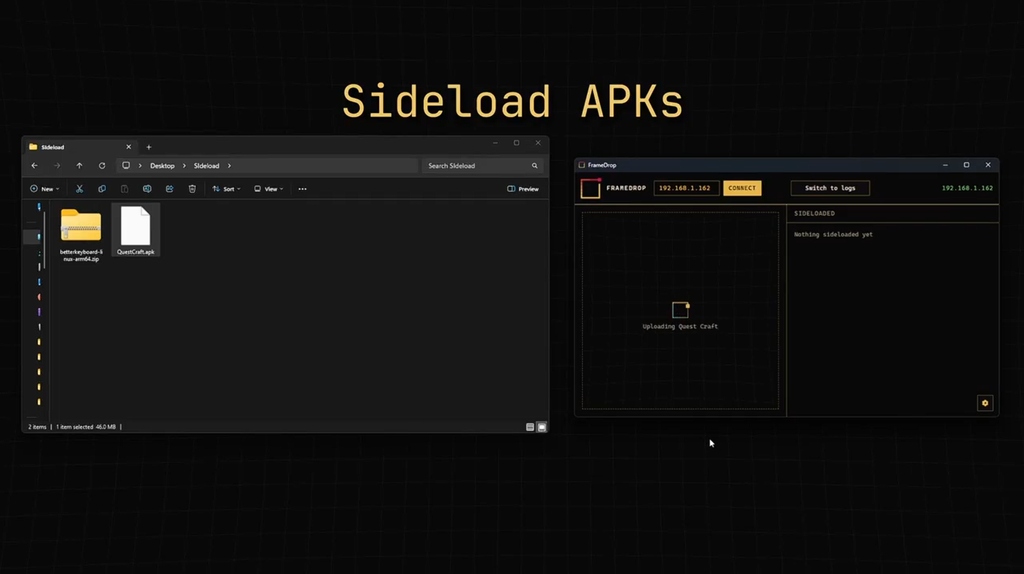
An X user by the name of CadeXR is the one responsible for the FrameDrop app, announcing it along with a trailer showing how easy the app is to use, as well as a website that details why they created the app and what exactly the app does.
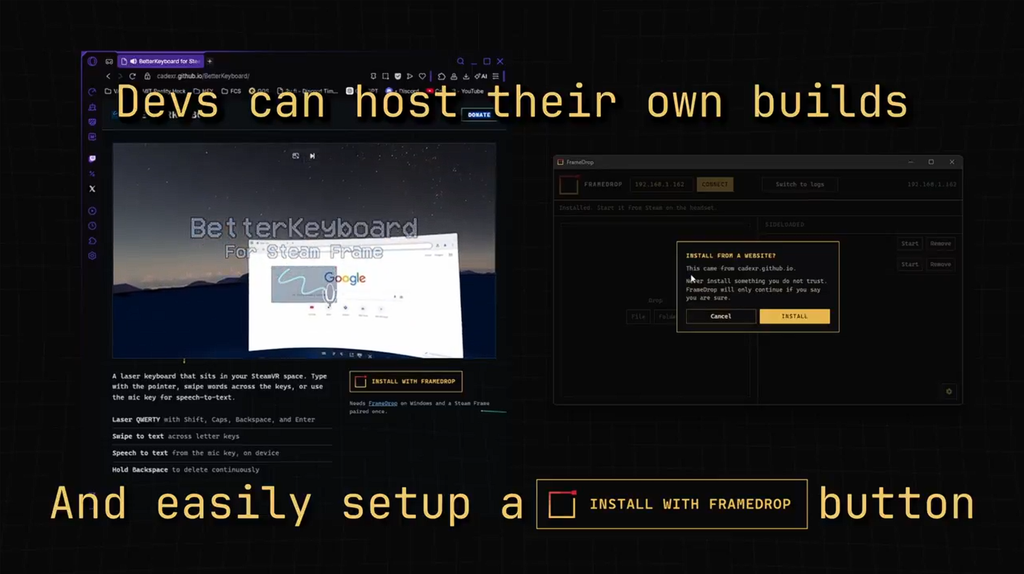
There's also a useful feature for app developers too, with the ability to add an "Install with FrameDrop" button on their website, which, if clicked, will guide users through installing the app straight to their headset from their browsers.
Something that breaks down the barrier to starting a VR session is always a good thing, as I personally find that the biggest hamper to using a VR device is setup time, both installing new apps with the headset on and actually setting up your space. This should at least allow users to set up new apps quickly and easily, even without wearing the headset.
Do you think you would use the FrameDrop app when you get a Steam Frame?
この記事を楽しんでいただけたなら、SteamDeckHQ の他のコンテンツもチェックしてみてください!あなたのゲーム体験に役立つゲームレビューやニュースを幅広く取り揃えています。ニュース、ヒントやチュートリアル、ゲーム設定やレビュー、最新のトレンド情報など、あらゆる情報をお届けします。 カバーしています!

最近のニュース
カテゴリー
Accessories
Anbernic
Android
ASUS ROG Ally
ROG Xbox Ally
Classics on Deck
Community
Cryobyte33
Deals
Deck Mods
Emulation
Events
Featured Post
Game News
Game News
General Game News
HandheldHQ
Hardware
Lenovo
Linux
MagicX
MSI
Nintendo
ONE-NETBOOK
Opinion
Other Reviews
Accessory Reviews
Handheld Reviews
PlayStation
Proton
Retro Handhelds
Anbernic
AYANEO
AYN
GPD
MagicX
MANGMI
Miyoo
Retroid
Rumors
TrimUI
SDHQ
Steam
Steam Controller
Steam Frame
Steam Machine
SteamOS
The Unsupported Report
Uncategorized
Uncategorized
VR
最近のヒント&GUIDES
新着レビュー