


Remnant 2 was provided by Gearbox Publishing for review. Thank you!
Remnant 2 has been out for a bit and it is so much fun. The game is a massive improvement over the original in almost every category with more varied worlds, revamped systems, and finely-tuned combat that makes this souls-like with guns aggravating and exciting at the same time. I love the game a ton and being able to play on-the-go was something I really hoped for. Unfortunately, optimization had other plans.
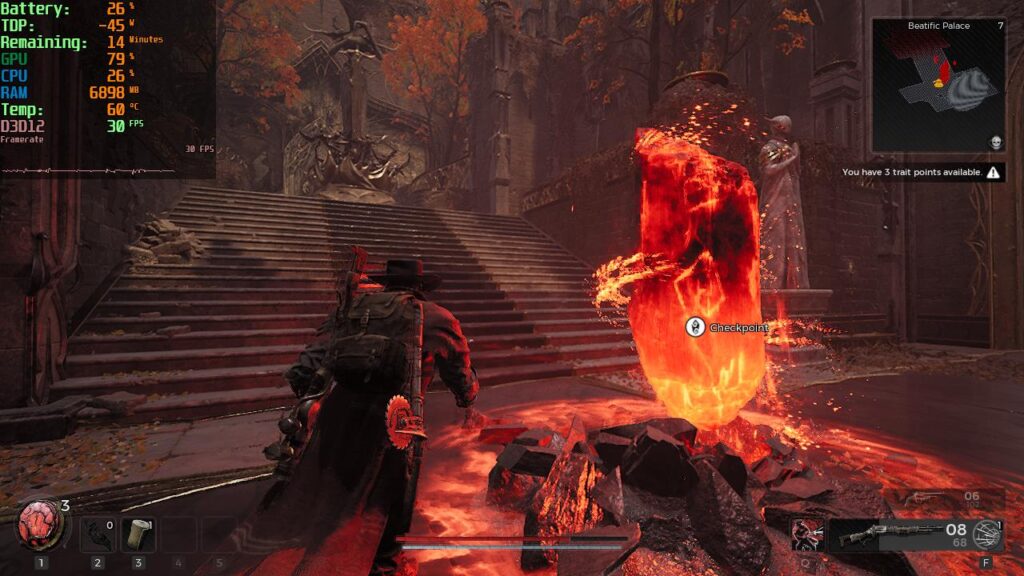
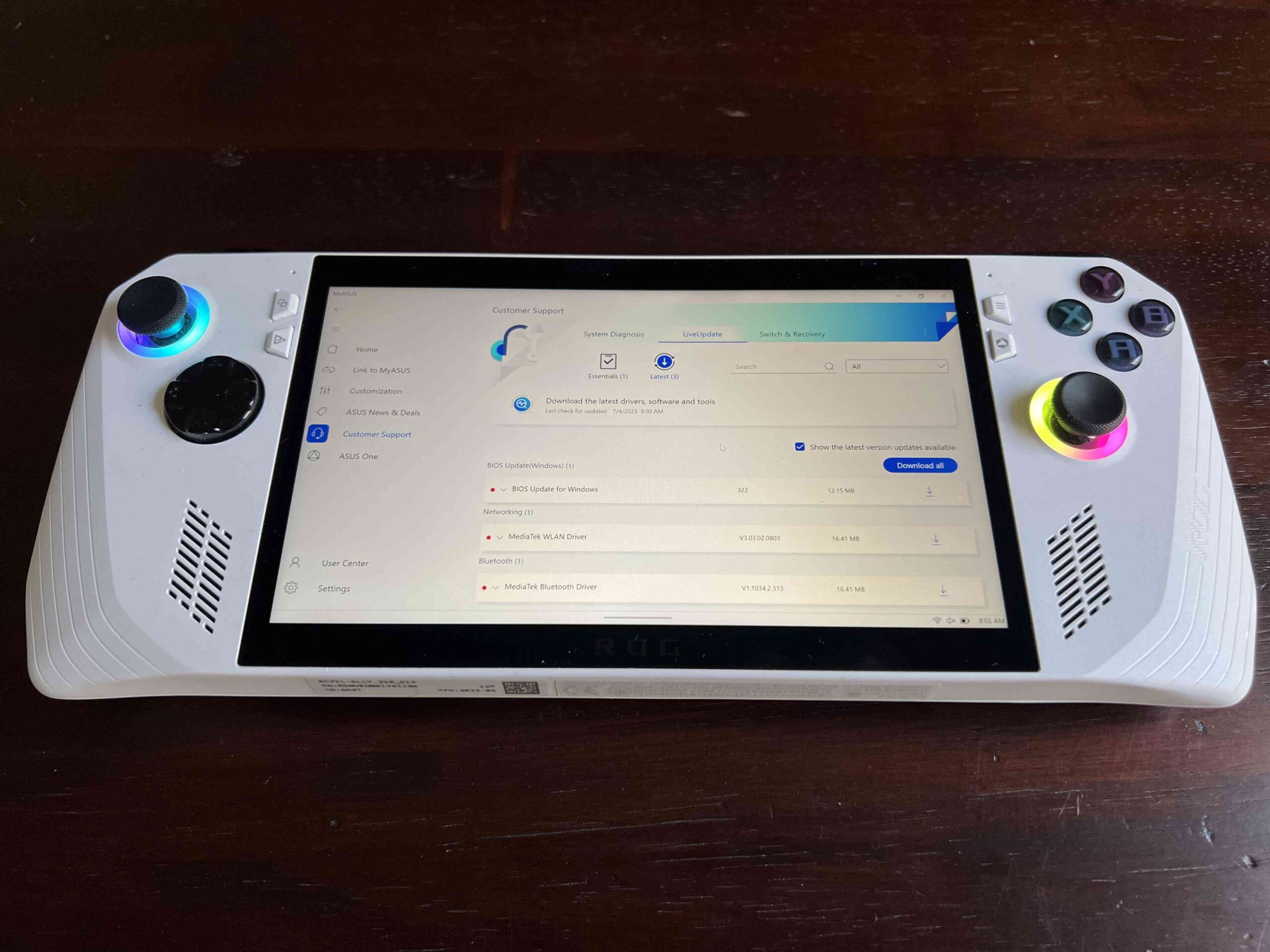
On the Steam Deck, Remnant 2 needs a ton of compromises to get it running at a playable 30 FPS and it results in a bit of a blurry image, as well as a some drops here and there. This is running it at 960x600 with FSR as well, which is a shame. So, with the extra power the ROG Ally has, I was excited to dive in and get it running. I had every feeling that the game would be much more stable there, and to some degree it is, but it has one major flaw that actually makes the Deck experience better.
Remnant 2 - ROG Ally Performance and Settings
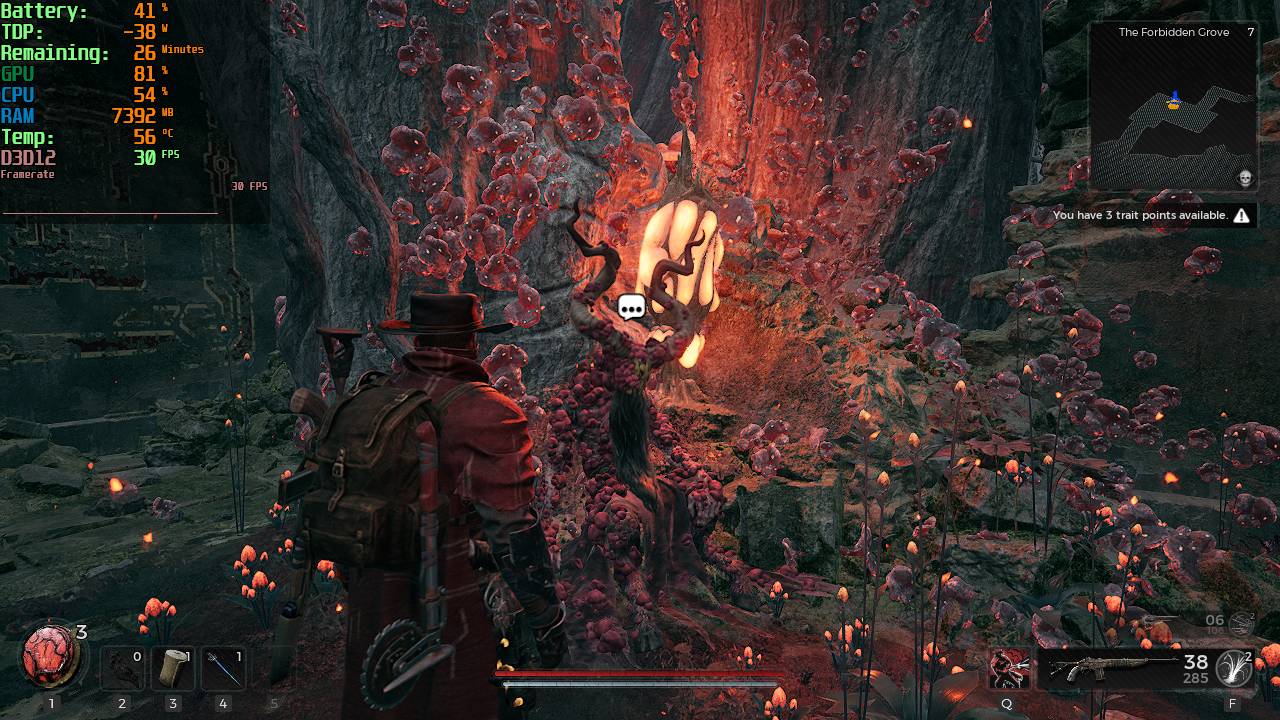
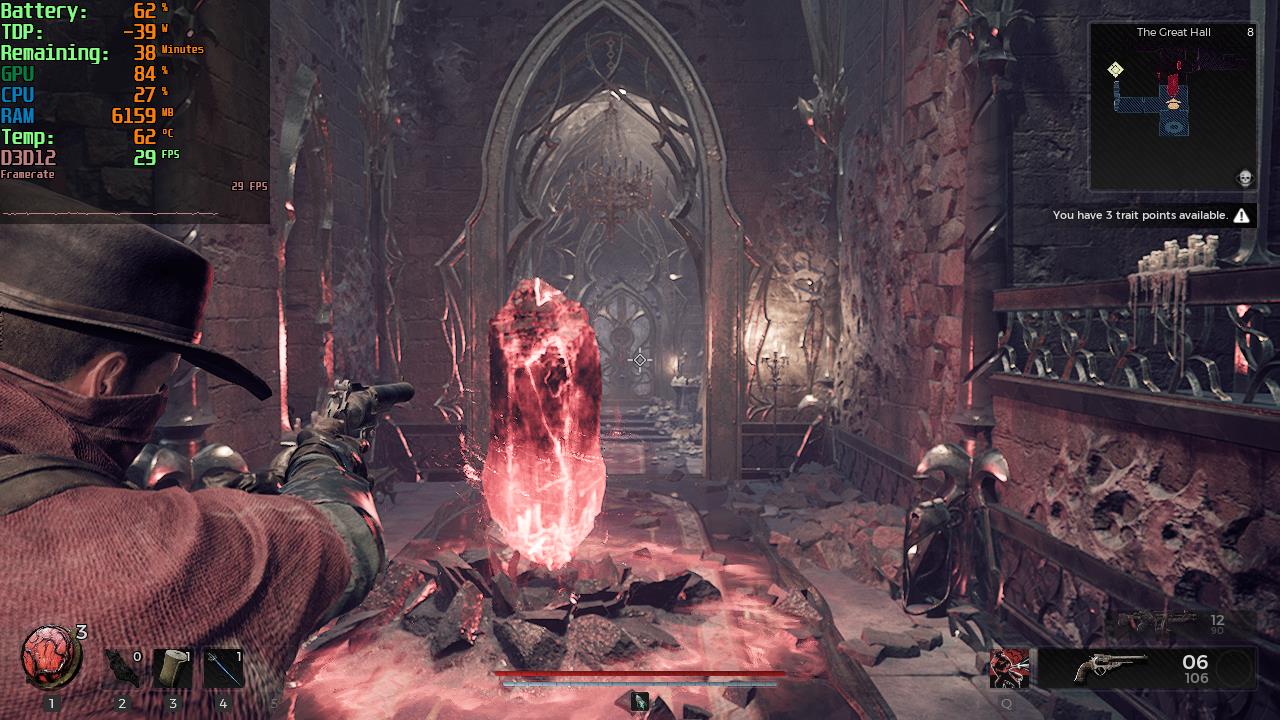
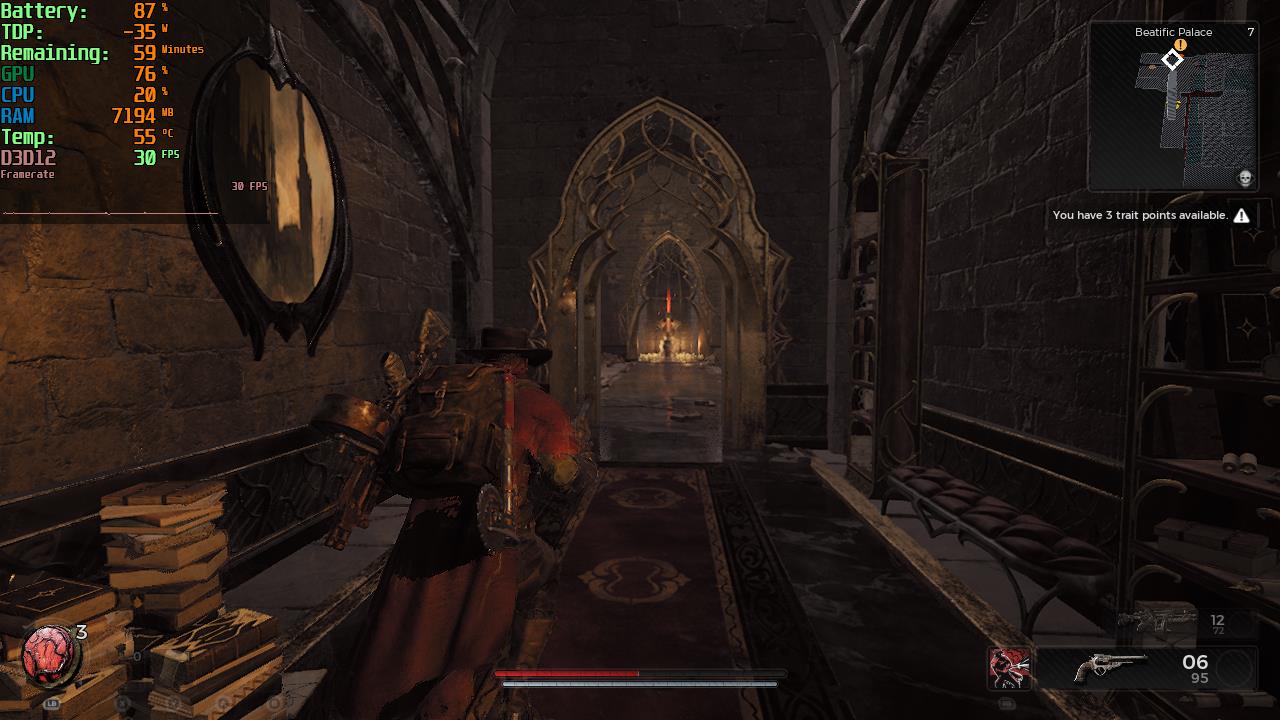
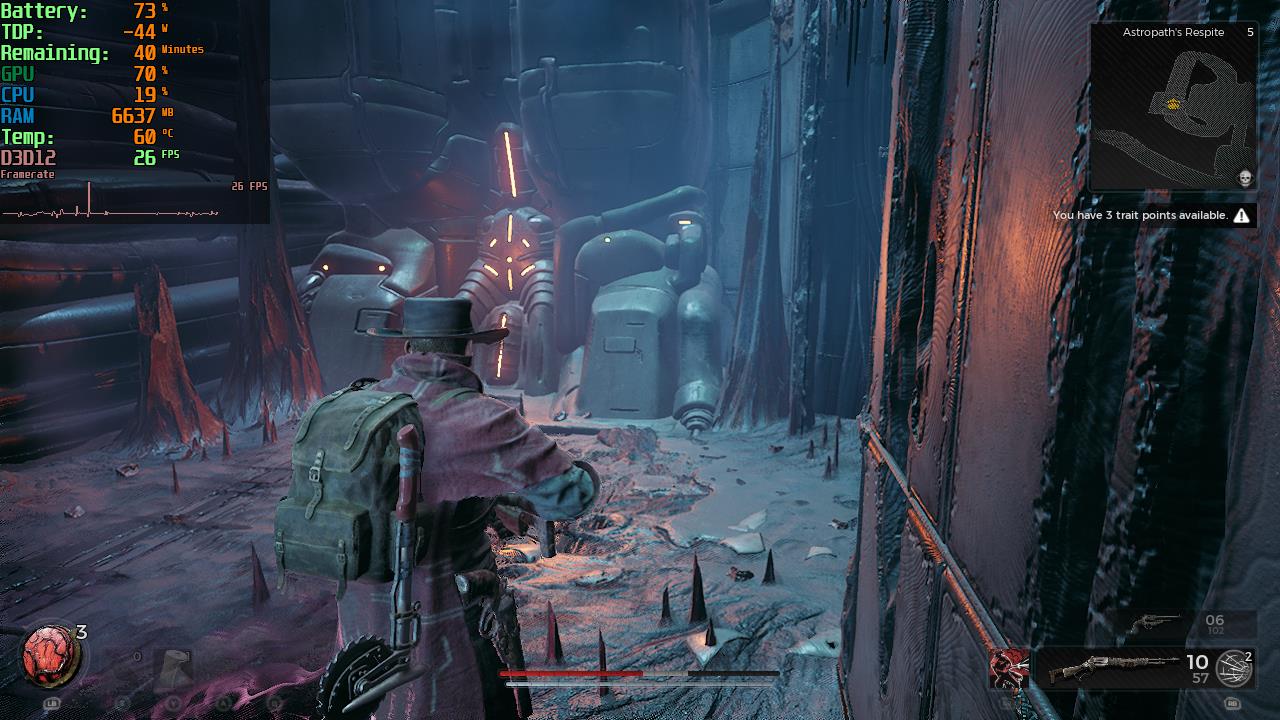
I will get this out of the way, running Remnant 2 at 1080p is not possible. Even with Turbo Mode, there is no way to get it to a stable framerate. But at 720p, we can get to a stable 30 FPS on a mix of low and medium settings with NO UPSCALER. Even at 1280x720, the game looks sharp and phenomenal. This is on Turbo Mode as Performance mode can't keep 30 FPS. This is definitely the way I want to experience the game, but there is one big thing stopping me: Remnant 2 crashes constantly.
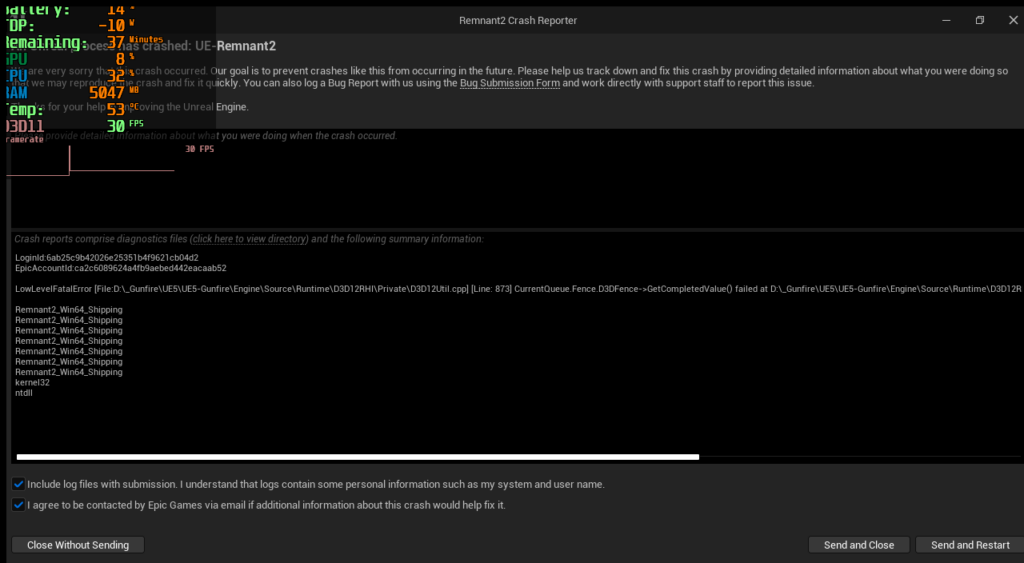
When I first booted it up, I got about 3 crashes within 20 minutes of playing. I actually posted a tweet about it and someone suggested changing the GPU memory to 8gb, and that worked initially. I stopped getting specific memory crashes, but then, I got new crashes. In my 8 hours of playing on the ROG Ally specifically, I had a crash on average every 15 minutes. I believed it was because I would open the Armoury Crate overlay and change settings, but it ended up doing this randomly.
There is also a small issue with the menu cursor not showing up. I was able to get it up by enabling Steam Input in Big Picture mode, but this didn't work every time. You can use your finger to navigate the inventory and main menus fairly easily since the icons are big enough thankfully.
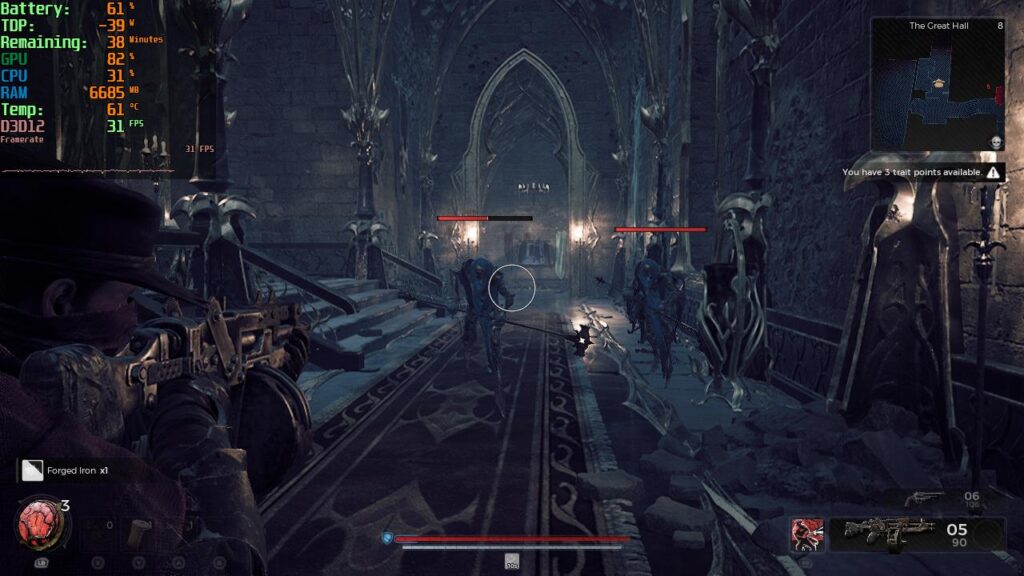
I love playing Remnant 2 this way, it is absolutely phenomenal when it works, but unfortunately, crashes prevent me from enjoying it fully. It got so bad that I had 3 crashes that happened as soon as I was about to beat a boss. With this being a souls-like and how difficult these enemies are, and how bad I am at souls-like games, I was near furious. I would never wish this to happen upon my greatest enemy.
If you are still interested in playing on the ROG Ally though, here are the settings I used for my experience:
Armoury Crate Settings:
- 720p Resolution
- AMD RSR Off
- Frame Limiter Off
- 60Hz
- Turbo Mode
ゲーム設定:
- Video
- Display Mode: Fullscreen
- 解像度1280x720
- Framerate: 30 FPS
- Upscaler: None
- 影の質:低い
- 後処理:低い
- 葉の質ミディアム
- エフェクトの質:ミディアム
- View Distance Quality: Low



結論
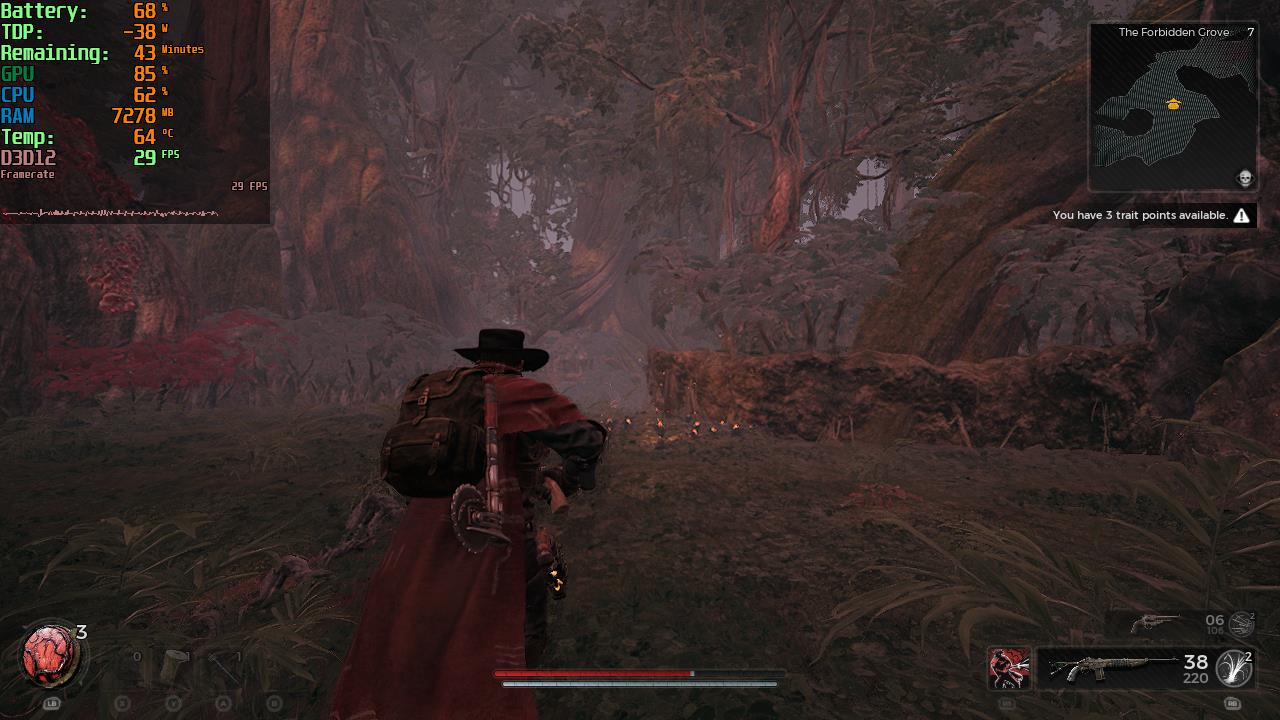
Unfortunately, this is a case of a game that can run really well, but is marred by crashes. This is a shame considering how amazing Remnant 2 is at its core. The game is addicting and one I can't put down, and when it works, playing on the ROG Ally is THE way to go. 720p at Turbo with no upscaler is gorgeous, sharp, and stable. But with so many crashes, it is hard to enjoy it. As soon as Gunfire Games releases some patches, and hopefully fix these issues, I can see playing it on the Ally will be the way to go.
この記事を楽しんでいただけたなら、ぜひSteamDeckHQ の他のコンテンツもチェックしてみてください!私たちは、あなたのゲーム体験に役立つこと間違いなしの様々なゲームレビューやニュースを取り揃えています。ニュース、ヒントやチュートリアル、ゲーム設定やレビューをお探しの方も、最新のトレンドを知りたい方も、ぜひご利用ください!

最近のニュース
カテゴリー
Accessories
Anbernic
Android
ASUS ROG Ally
ROG Xbox Ally
Classics on Deck
Community
Cryobyte33
Deals
Deck Mods
Emulation
Events
Featured Post
Game News
Game News
General Game News
HandheldHQ
Hardware
Lenovo
Linux
MagicX
Nintendo
ONE-NETBOOK
Opinion
Other Reviews
Accessory Reviews
Handheld Reviews
PlayStation
Proton
Retro Handhelds
Anbernic
AYANEO
AYN
GPD
MagicX
MANGMI
Miyoo
Retroid
Rumors
TrimUI
SDHQ
Steam
Steam Controller
Steam Machine
SteamOS
The Unsupported Report
Uncategorized
Uncategorized
最近のヒント&GUIDES
新着レビュー





The note should be revisited after the few update that the game received.
The performance is great out of the box, no setting change needed at all. it's a pretty enjoyable game on the deck now. I can't say anything about the battery since I play exclusively plugged in.
"I had every feeling that the game would be much more stable there, and to some degree it is, but it has one major flaw that actually makes the Deck experience better."
then
"The game is addicting and one I can't put down, and when it works, playing on the ROG Ally is THE way to go."
Why is the writing on this site so inconsistent?
The key word is "when it works". Throughout the article, I mention Remnant 2 works really well except for the crashes. So when I mention that playing on the ROG Ally when it isn't crashing being the best way to play, I believe it is very consistent with the message throughout the article and still representative of my feelings with the game on the Ally.
Try using 8vram, settings on low, 30 frame cap vsync off
I did. Still same issues on my end.