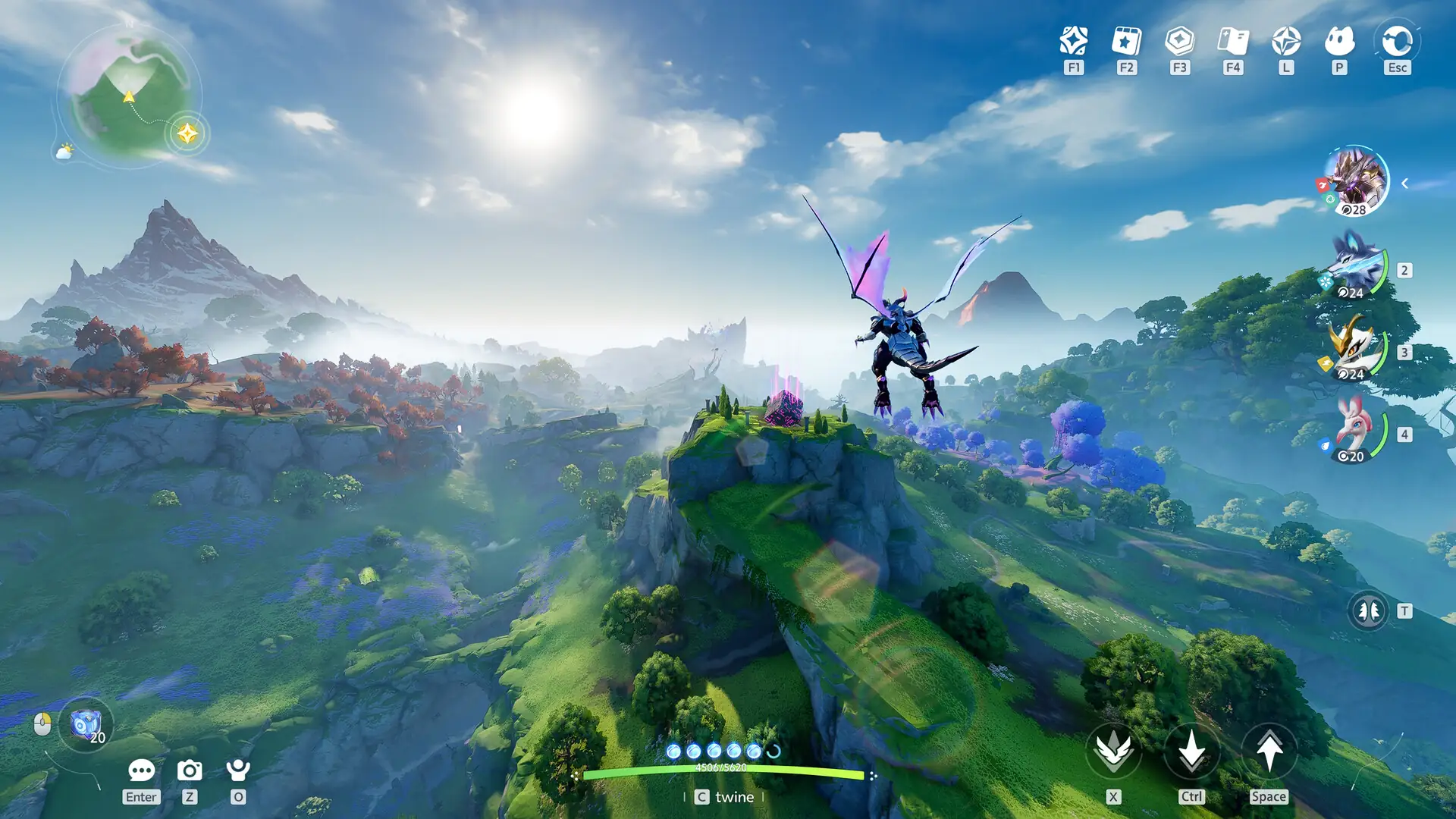
Update 3/8/24 - The Proton Hotfix branch now works with Apex Legends. You no longer need to force compatibility and can use the default selected layer.
Have you been wanting to play Apex Legends on the Steam Deck but have been encountering an unfortunate black screen from stopping you from getting in on the action? Well, your luck is about to change as a new update has been deployed to fix this!

Announced on X by Pierre-Loup Griffais, a new hotfix was deployed specifically to help Apex Legends run again. While he doesn't mention which compatibility layer you need to be on, it seems this will be on the Proton Hotfix layer due to the game defaulting to it now. So, you should be able to start the game and play without needing to force compatibility.
After testing for myself, I actually ended up encountering the black screen still, which was a bit disheartening. Luckily, there is a way around it. By searching Proton Experimental in the Steam store, you can opt into a beta for the layer by going to its properties and changing it to the "bleeding-edge." This is a very early untested version of the layer, and I wouldn't recommend using it in general, but it does fix the Apex Legends black screen.
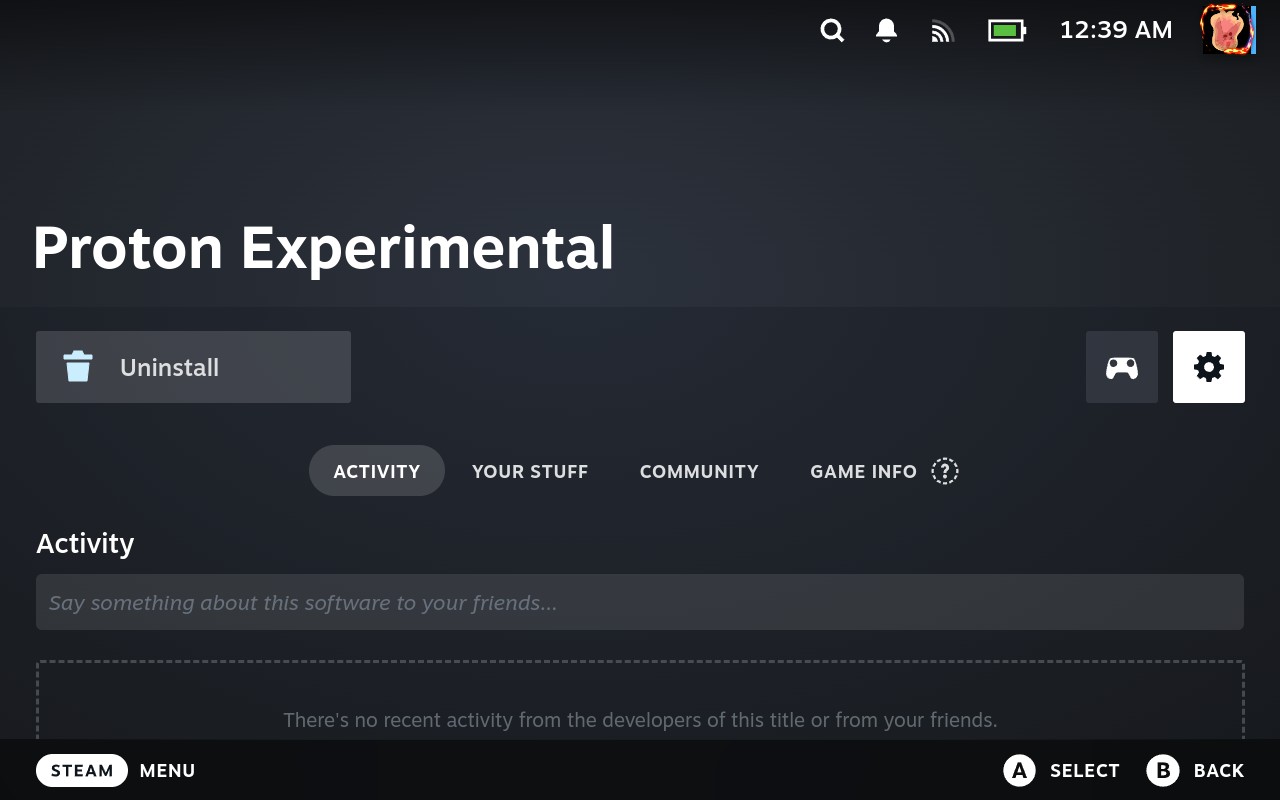
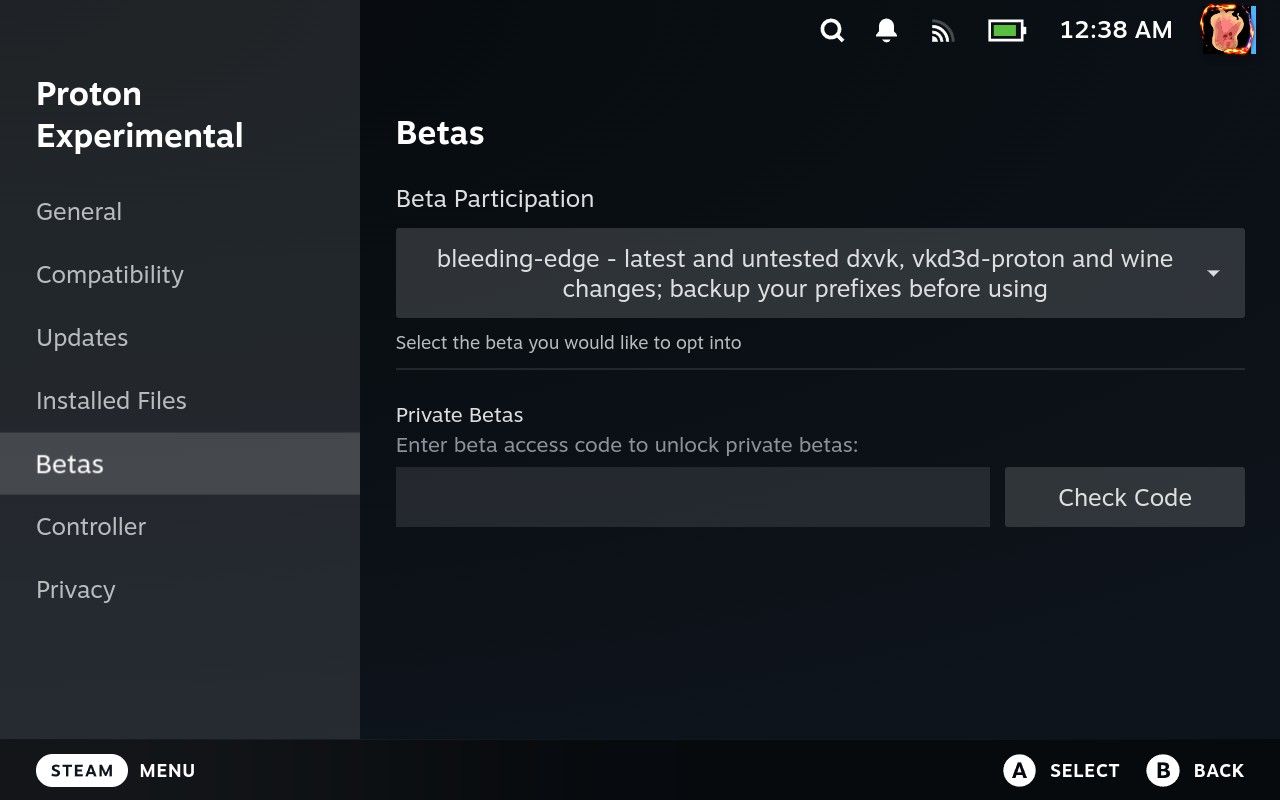
This will most likely be fixed soon, but for now, if you want to play the game on Steam Deck, you will need to use Proton Experimental's Bleeding Edge beta.
この記事を楽しんでいただけたなら、SteamDeckHQ の他のコンテンツもチェックしてみてください!あなたのゲーム体験に役立つゲームレビューやニュースを幅広く取り揃えています。ニュース、ヒントやチュートリアル、ゲーム設定やレビューをお探しの方も、最新のトレンドを知りたい方も、ぜひご利用ください!

最近のニュース
カテゴリー
Accessories
Anbernic
Android
ASUS ROG Ally
ROG Xbox Ally
Classics on Deck
Community
Cryobyte33
Deals
Deck Mods
Emulation
Events
Featured Post
Game News
Game News
General Game News
HandheldHQ
Hardware
Lenovo
Linux
MagicX
MSI
Nintendo
ONE-NETBOOK
Opinion
Other Reviews
Accessory Reviews
Handheld Reviews
PlayStation
Proton
Retro Handhelds
Anbernic
AYANEO
AYN
GPD
MagicX
MANGMI
Miyoo
Retroid
Rumors
TrimUI
SDHQ
Steam
Steam Controller
Steam Frame
Steam Machine
SteamOS
The Unsupported Report
Uncategorized
Uncategorized
VR
最近のヒント&GUIDES
新着レビュー