まだの方は、X(Twitter)、Mastodon、Blueskyでフォローし、新しい記事が投稿されたらお知らせください。また、Redditに参加したり、YouTubeに登録して、私たちのコンテンツをチェックしたり、素晴らしいコミュニティと交流してください。応援ありがとうございました!
It has been a joy seeing Hytale grow from its release. The voxel sandbox RPG is a ton of fun, and it works like a charm on the Steam Deck. However, there’s still a little bit of work to be done to make it very playable on the go. And yesterday, they took a big step forward in making it significantly better to play on the Steam Deck with their first pass at controller support.
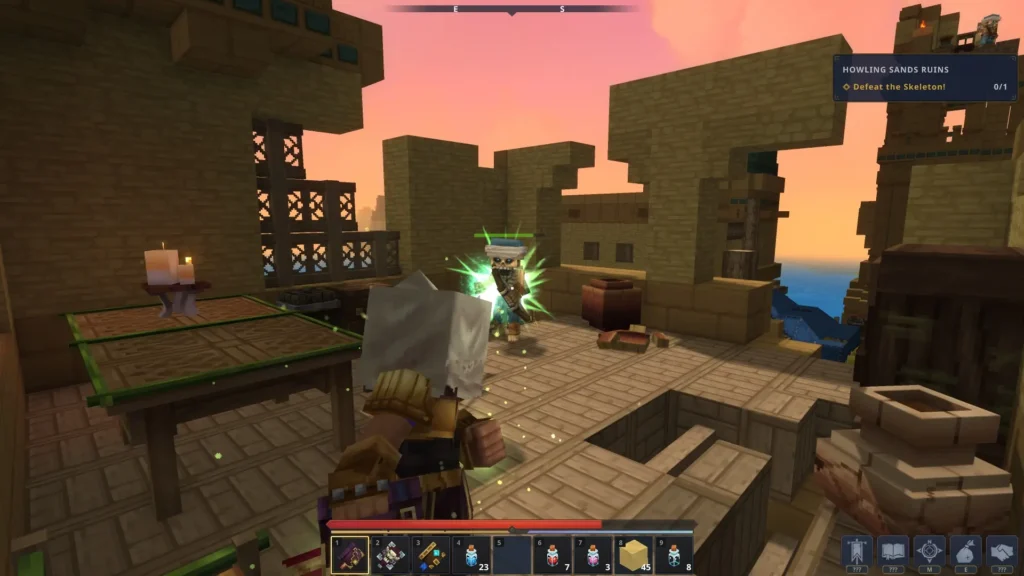
In the new Update 5, one of the big features they added was the first iteration of controller support. The team originally planned to wait until they had a better UI that is more controller-friendly and ready to go before adding controller support. However, they decided to instead ship temporary controller support with the current UI so that players wouldn’t have to wait long. This means that, while controller support should work, there may be some issues here and there or advanced features that may still need a keyboard and mouse.
Thankfully, it seems like they have the right idea in mind about where to go next. They are working on the UI to make sure it’s comfortably designed for controllers and has better flow, but they also plan to expand controller compatibility with features like gyro aiming and even Steam Input. All of this will make it even better to play on the Steam Deck, but I would say this is a great start, no matter what.
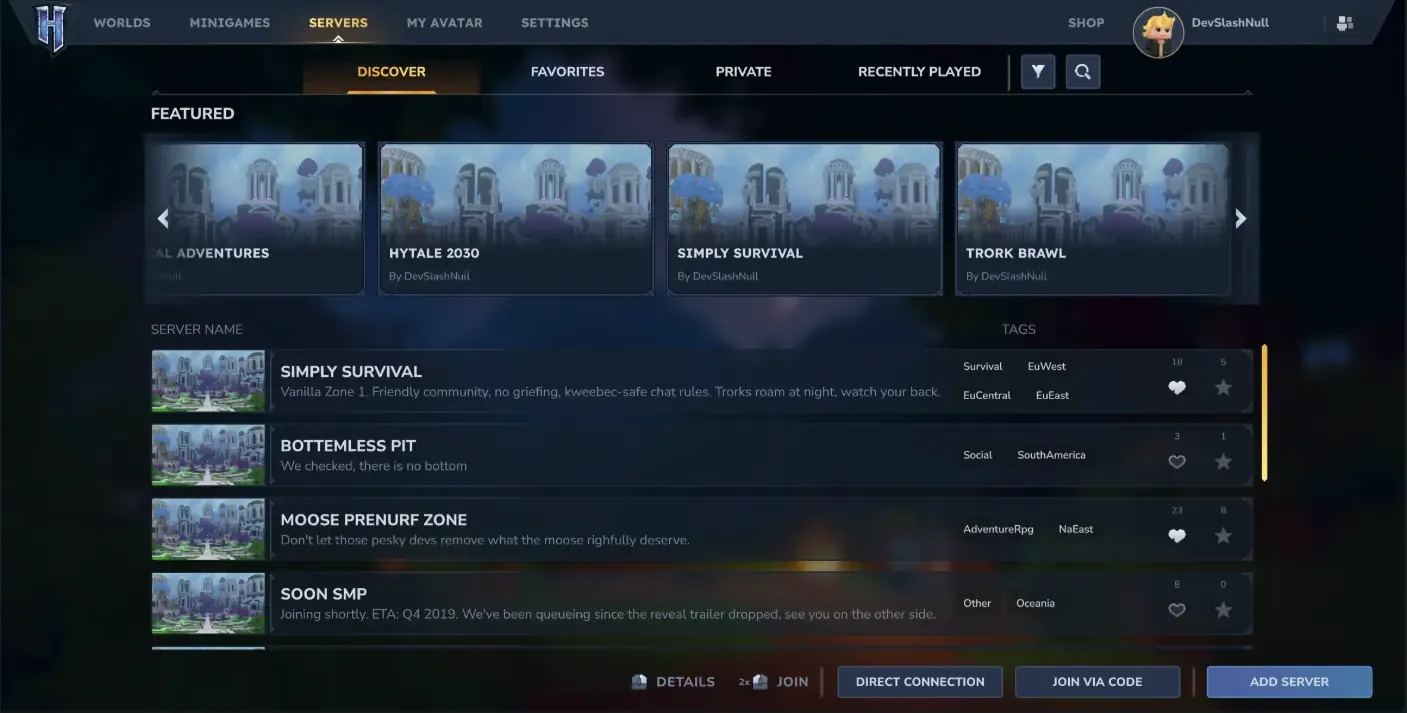
As for the rest of the update, there are some pretty big new features outside of the controller. There is now a Trigger Volume Tool that allows modders to create their own scripted encounters, a new social sidebar to stay connected with friends, a server discovery tool to allow us to find new servers to play on, Audio Occlusion and Diffraction have been implemented, new placement settings have been added to creative mode, and we have new emotes and over an hour of new music.
You can check out the full changelog for the update on their website.
You can purchase Hytale for $19.99 on their website and download the Linux AppImage once you have.
この記事を楽しんでいただけたなら、SteamDeckHQ の他のコンテンツもチェックしてみてください!あなたのゲーム体験に役立つゲームレビューやニュースを幅広く取り揃えています。ニュース、ヒントやチュートリアル、ゲーム設定やレビュー、最新のトレンド情報など、あらゆる情報をお届けします。 カバーしています!

最近のニュース
カテゴリー
Accessories
Anbernic
Android
ASUS ROG Ally
ROG Xbox Ally
Classics on Deck
Community
Cryobyte33
Deals
Deck Mods
Emulation
Events
Featured Post
Game News
Game News
General Game News
HandheldHQ
Hardware
Lenovo
Linux
MagicX
MSI
Nintendo
ONE-NETBOOK
Opinion
Other Reviews
Accessory Reviews
Handheld Reviews
PlayStation
Proton
Retro Handhelds
Anbernic
AYANEO
AYN
GPD
MagicX
MANGMI
Miyoo
Retroid
Rumors
TrimUI
SDHQ
Steam
Steam Controller
Steam Frame
Steam Machine
SteamOS
The Unsupported Report
Uncategorized
Uncategorized
VR
最近のヒント&GUIDES
新着レビュー