まだの方は、X(Twitter)、Mastodon、Blueskyでフォローし、新しい記事が投稿されたらお知らせください。また、Redditに参加したり、YouTubeに登録して、私たちのコンテンツをチェックしたり、素晴らしいコミュニティと交流してください。応援ありがとうございました!
Halo: Campaign Evolved has officially entered early access for the public, and I can finally talk about it. Despite this only including a remade campaign of the original, along with some bonus missions, it was extremely enjoyable and a blast to play. The campaign remix gives a good reason to go back and play again after finishing the game, and doing it all with friends makes a huge difference.
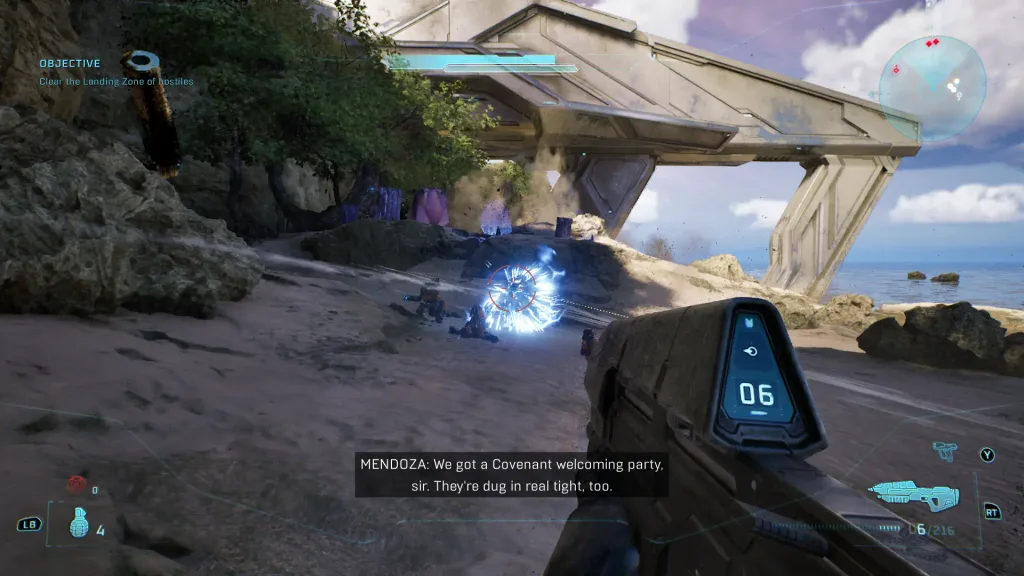
You can read my full thoughts on the game's content in our review, but in this article, I want to focus on how the game plays on the ROG Xbox Ally X. The review access I got was for the Xbox PC app, so I didn’t have a chance to try it on the Steam Deck yet. However, that does mean I had a chance to play it on the Xbox Ally X, which is where I primarily played the game.
Since I usually play games on the Steam Deck, I expected Campaign Evolved to run this scheme extremely well. If it was able to run on the Steam Deck and is rated Verified, then the significantly more powerful Xbox Ally X should be able to handle it with ease. However, my experience was a little more disappointing than I expected.
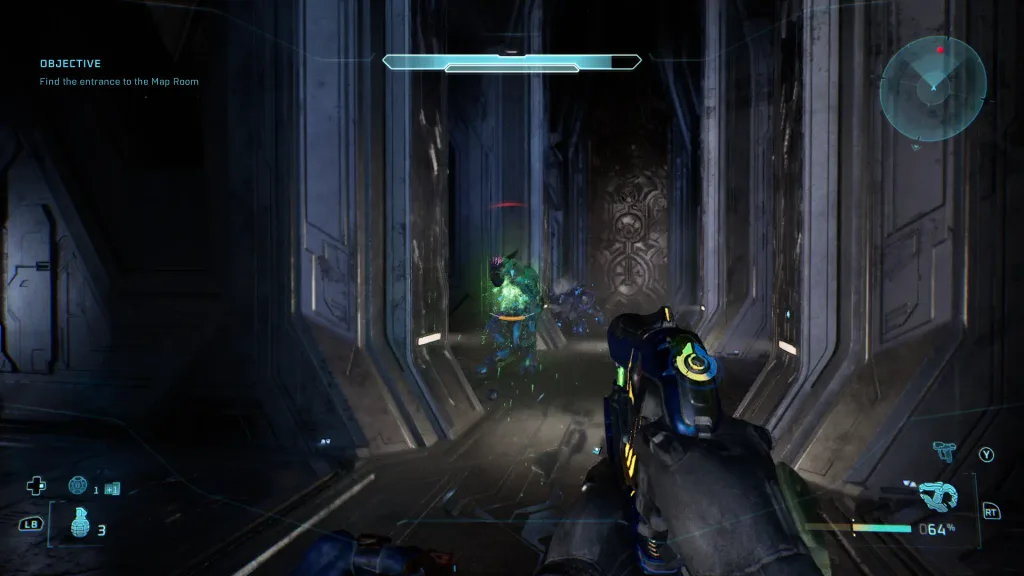
When I first started playing the game, it defaulted to using the optimized game profile, which automatically sets the battery drain and framerate lock. The battery drain regularly hovered around 27-28W, while the framerate was locked to 30 FPS. I was a little surprised by this, but what made it even more surprising was that the game defaults to the Very Low preset with 100% render scale.
It felt like I was making some major compromises to play this on the Xbox Ally X, which is a little weird, seeing as how much more powerful this device is compared to the Steam Deck.
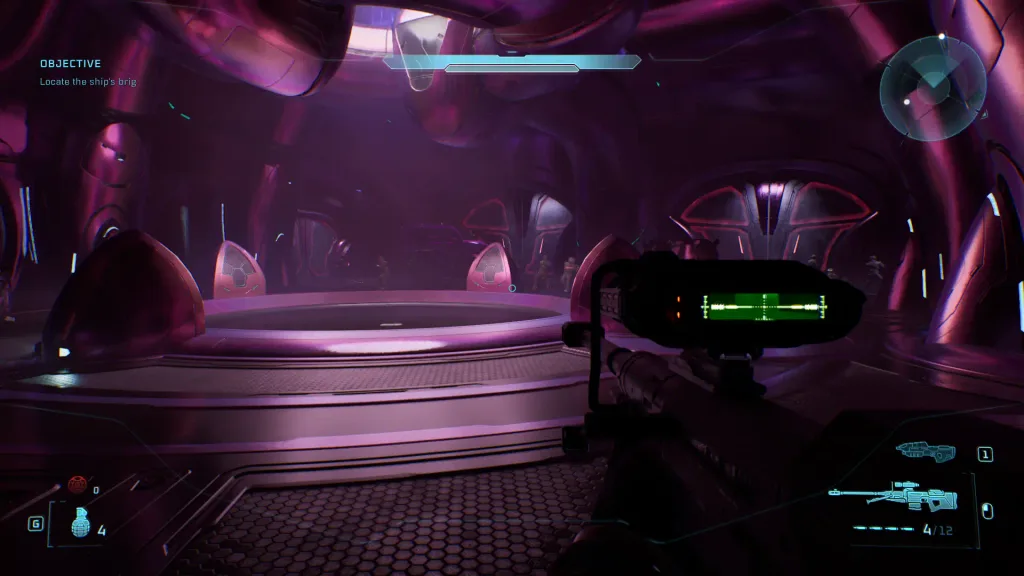
I played around with the settings a bit, and I found that for whatever reason, this is a rough game to run on the Xbox Ally X. The default settings would still sometimes fall below 30 FPS in some missions, and this persisted even when I lowered the resolution scale to TSR at 80%. And yes, I made sure my device was completely updated and using Xbox mode after restart.

The only way I found to dramatically increase framerate is using FSR upscaling in-game. Even when the game is set to FSR on “High”, the frame rate will jump up to the 50s from 38. It’s a pre-significant bump, but there is a major drawback: shimmering pixelation. TSR upscaling is magnificent in Campaign Evolved, but the game doesn’t perform as well. On the other hand, FSR upscaling is significantly better for performance, but the visual quality will dip, even at the highest FSR setting. It’s a pretty big compromise on both ends, and it sometimes doesn’t feel worth it.
Despite the compromises and Very Low preset, this is still a great way to play the game. I was traveling a lot in the car earlier today, and I’ll admit, Captain in the game to 30 FPS with TSR upscaling still keeps the game looking great and stable. Yes, there are going to be a few moments where it drops to 28 FPS, but the majority will stick to a playable state and stay relatively stable. I do wish there weren’t so many compromises, especially after comparing how the game looks on my PC with the highest quality settings at 4K resolution, but to continue playing it on the go this way is still going to be enjoyable and fun.
Halo: Campaign Evolved is $69.99 on the Xbox App and will be coming to Game Pass.
この記事を楽しんでいただけたなら、SteamDeckHQ の他のコンテンツもチェックしてみてください!あなたのゲーム体験に役立つゲームレビューやニュースを幅広く取り揃えています。ニュース、ヒントやチュートリアル、ゲーム設定やレビュー、最新のトレンド情報など、あらゆる情報をお届けします。 カバーしています!

最近のニュース
カテゴリー
Accessories
Anbernic
Android
ASUS ROG Ally
ROG Xbox Ally
Classics on Deck
Community
Cryobyte33
Deals
Deck Mods
Emulation
Events
Featured Post
Game News
Game News
General Game News
HandheldHQ
Hardware
Lenovo
Linux
MagicX
MSI
Nintendo
ONE-NETBOOK
Opinion
Other Reviews
Accessory Reviews
Handheld Reviews
PlayStation
Proton
Retro Handhelds
Anbernic
AYANEO
AYN
GPD
MagicX
MANGMI
Miyoo
Retroid
Rumors
TrimUI
SDHQ
Steam
Steam Controller
Steam Frame
Steam Machine
SteamOS
The Unsupported Report
Uncategorized
Uncategorized
VR
最近のヒント&GUIDES
新着レビュー