


Are you still using a Steam Deck LCD but don't want to invest another $500 - $600 in getting the OLED screen? Well, I don't blame you. It is about the same amount of power, and while it is worth it, this is a big investment. There is another option, though: you could buy a 1200p screen for the Steam Deck from DeckHD that has a significantly better color production, but unfortunately, you would have needed to install the screen yourself. But this doesn't look like it will be an issue much longer.
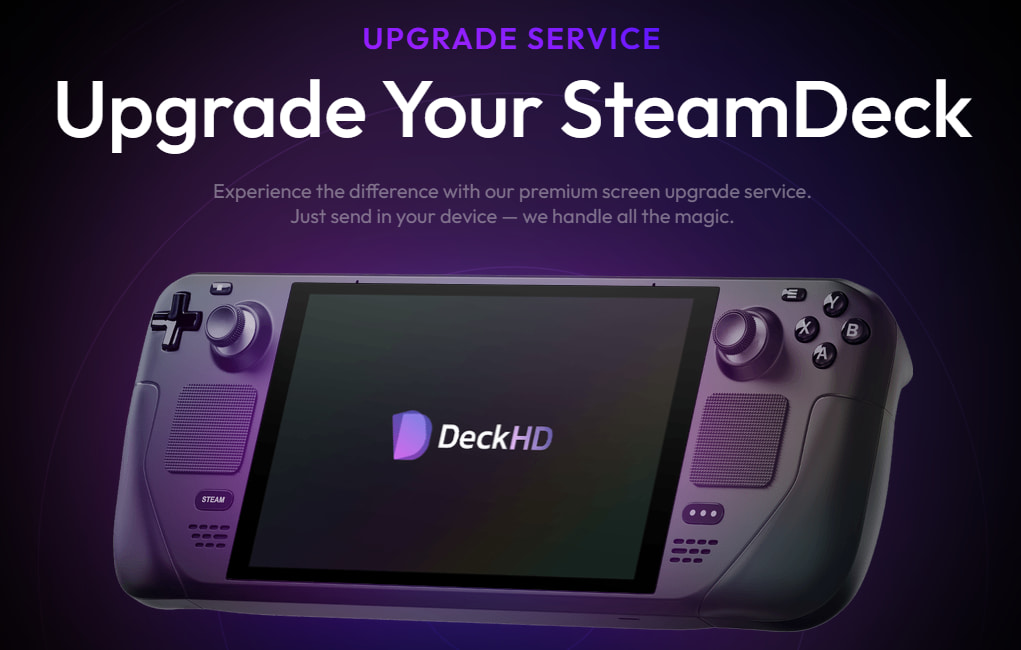
Announced on the DeckHD Discord today, the manufacturer has teamed up with The Spark Angels, who are iPhone repair specialists, to offer a service to install the screen for you! All you have to do is send them your Steam Deck and pay the $198, and they will install the new screen and return the device within 7 days! If you already have a screen but never installed it, you can send both your screen and Deck for $99, which makes sense since the screen itself is $99. Both of these have return shipping included.
The DeckHD screen itself is a pretty nifty upgrade over the original screen. The base resolution jumps to 1920x1200, over the original 1280x800, an improved color gamut covering 87% of sRGB, the Deck covers 67% of sRGB, and it comes with anti-glare! It also supports up to 60Hz refresh rate, has improved touch responsiveness, and has experienced some better Flicker-free images on lower resolutions. While this sounds fantastic, it isn't as cut and dry as it seems.
For the screen itself, you will need to patch your BIOS to make the screen fully work. There is a tool for this now, which makes it significantly easier, but you will need to re-patch whenever a BIOS update is released. Modifying the BIOS of a device is always a risk unless you completely trust the one supplying it, but with it on Github, the tool is much more transparent now. It also looks like the BIOS update will be done during installation, so you don't have to do it yourself. What worries me the most, though, is actually sending the device.
When sending the device, you will need to pay for shipping there yourself. You don't have to pay for return shipping, which is nice, but for $200, I would hope shipping would be included in general. The biggest worry is if something happens during upgrade service or shipping.
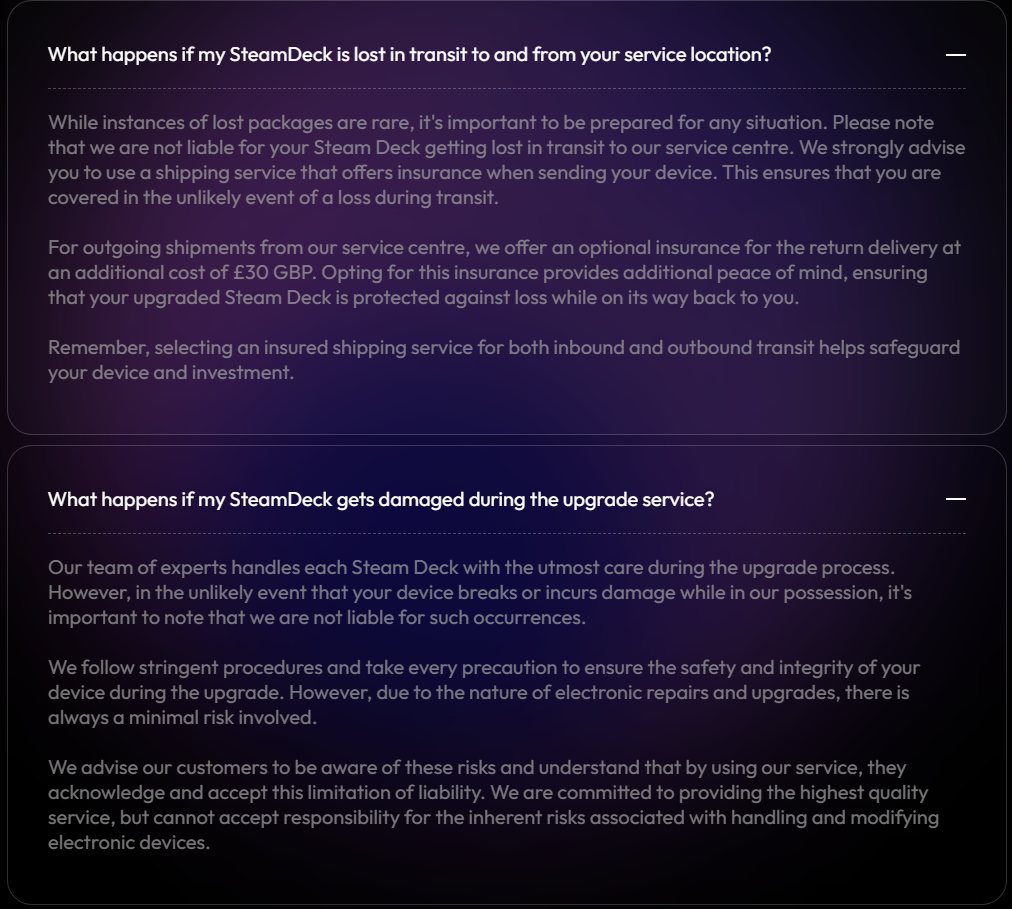
In the FAQ on the upgrade service page, DeckHD notes that they are not liable for lost packages or any damages done during the upgrade service. So, if your package gets lost or the Deck is damaged by them, you are out of luck. You can insure your package for shipping there or pay 30 pounds to get the insurance on the return package, but since the screen change voids the Steam Deck's warranty, you will have to purchase another device yourself.
In the end, this is a pretty risky service, which could see you losing your Deck and being out of money, but if you really want this screen upgrade and are willing to take the risk, this may be worth it to you.
You can purchase this service and the screen on DeckHD's website.
この記事を楽しんでいただけたなら、SteamDeckHQ の他のコンテンツもチェックしてみてください!あなたのゲーム体験に役立つこと間違いなしのゲームレビューやニュースを幅広く取り揃えています。ニュース、ヒントやチュートリアル、ゲーム設定やレビューをお探しの方も、最新のトレンドを知りたい方も、ぜひご利用ください。

最近のニュース
カテゴリー
Accessories
Anbernic
Android
ASUS ROG Ally
ROG Xbox Ally
Classics on Deck
Community
Cryobyte33
Deals
Deck Mods
Emulation
Events
Featured Post
Game News
Game News
General Game News
HandheldHQ
Hardware
Lenovo
Linux
MagicX
MSI
Nintendo
ONE-NETBOOK
Opinion
Other Reviews
Accessory Reviews
Handheld Reviews
PlayStation
Proton
Retro Handhelds
Anbernic
AYANEO
AYN
GPD
MagicX
MANGMI
Miyoo
Retroid
Rumors
TrimUI
SDHQ
Steam
Steam Controller
Steam Frame
Steam Machine
SteamOS
The Unsupported Report
Uncategorized
Uncategorized
VR
最近のヒント&GUIDES
新着レビュー





Great site! I really like the content and reviews here. It’s very helpful for Steam Deck users, especially when it comes to game compatibility, performance tips, and honest guides. The information is clear and easy to understand, which makes it very useful for both beginners and experienced users.
I also explore similar useful resources and came across https://jojoyhub.com/
which shares interesting content about apps, tools, and digital topics. It’s always good to learn from different platforms and stay updated.
Thanks for sharing such helpful content 👍
OR... Sell your deck for $400 and use the $200 you'd use for this to get an OLED version. Bigger display, better panel and higher refresh rate. The clarity in OLED more than makes up for the lesser resolution AND you don't lose any frames from jumping up to 1200p.
Actually you loose or not, because on 1200p you can do integer scaling to 960x600.
Yet still - it's not worth it IMO. For such price - as you wrote - it's better to sell the current and buy OLED instead. The only drawback is, that because of "pro consumer" (refub) pricing policy (what an irony) our LCD used decks lost a lot of value on the used market. It's especially bad for those, who have bought their LCDs just 2-3m before OLED kicked in (even that interviews with Valve was giving impression, that nothing like that is i the works).