


まだの方は、X(Twitter)、Mastodon、Blueskyでフォローし、新しい記事が投稿されたらお知らせください。また、Redditに参加したり、YouTubeに登録して、私たちのコンテンツをチェックしたり、素晴らしいコミュニティと交流してください。応援ありがとうございました!
The Legend of Zelda series has had a ton of great entries, but one of my favorites is Twilight Princess. There was something I fell in love with in this more mature look, with some fantastic gameplay elements that I have never forgotten. I love the game, and recently, I had heard of a native PC port project that was being worked on for it. I was super excited and had followed the project as much as I could. And yesterday, the project finally finished.
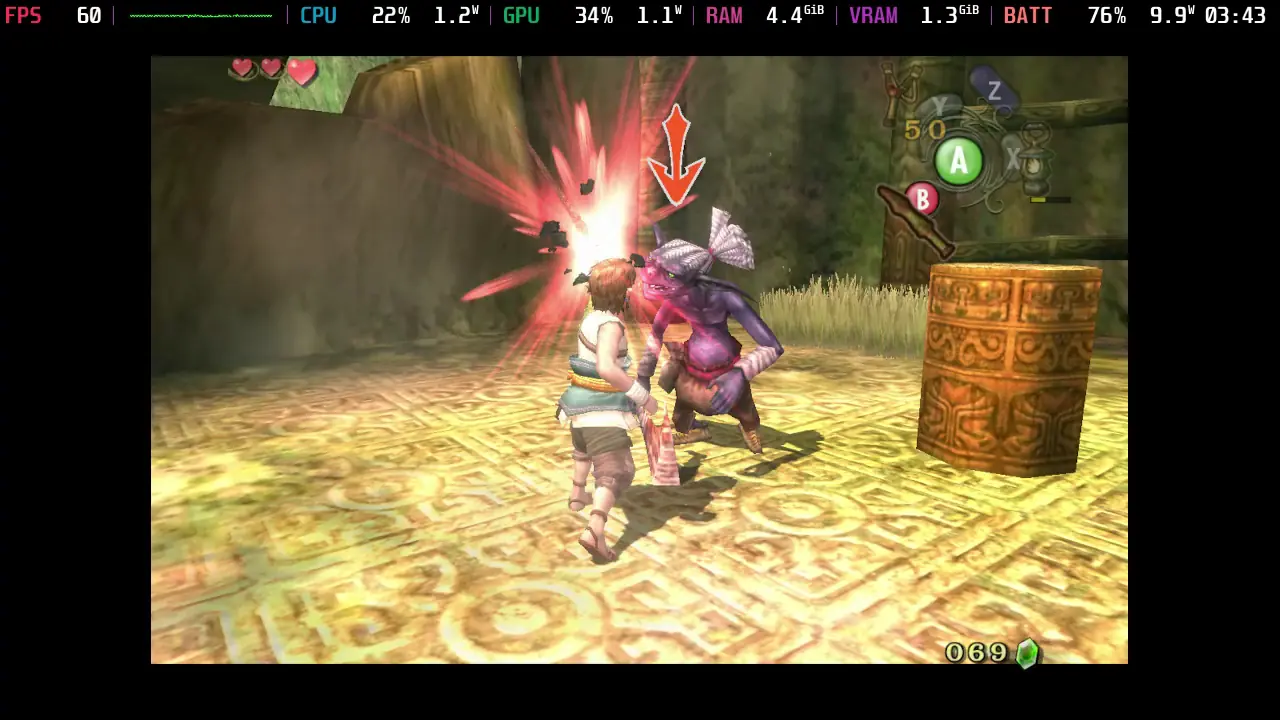
Dusk is a recompilation/native PC port of Twilight Princess. Made by TwilitRealm, this is a fully finished, reverse-engineered port of the GameCube version of the game, packing it with better support, quality of life improvements, enhancements, and a wealth of features that elevate the experience further. And it does just that, which feels very surreal. On top of that, it’s got some great support, even for iPhones; it has support and works on the Steam Deck very well.
You can follow our dedicated guide on how to set it up if you haven’t yet, but it’s fairly easy to do, with the hardest part being legally dumping your copy of the game onto your computer. But once that’s done, it’s a simple matter of adding it to Steam and starting it up in game mode.
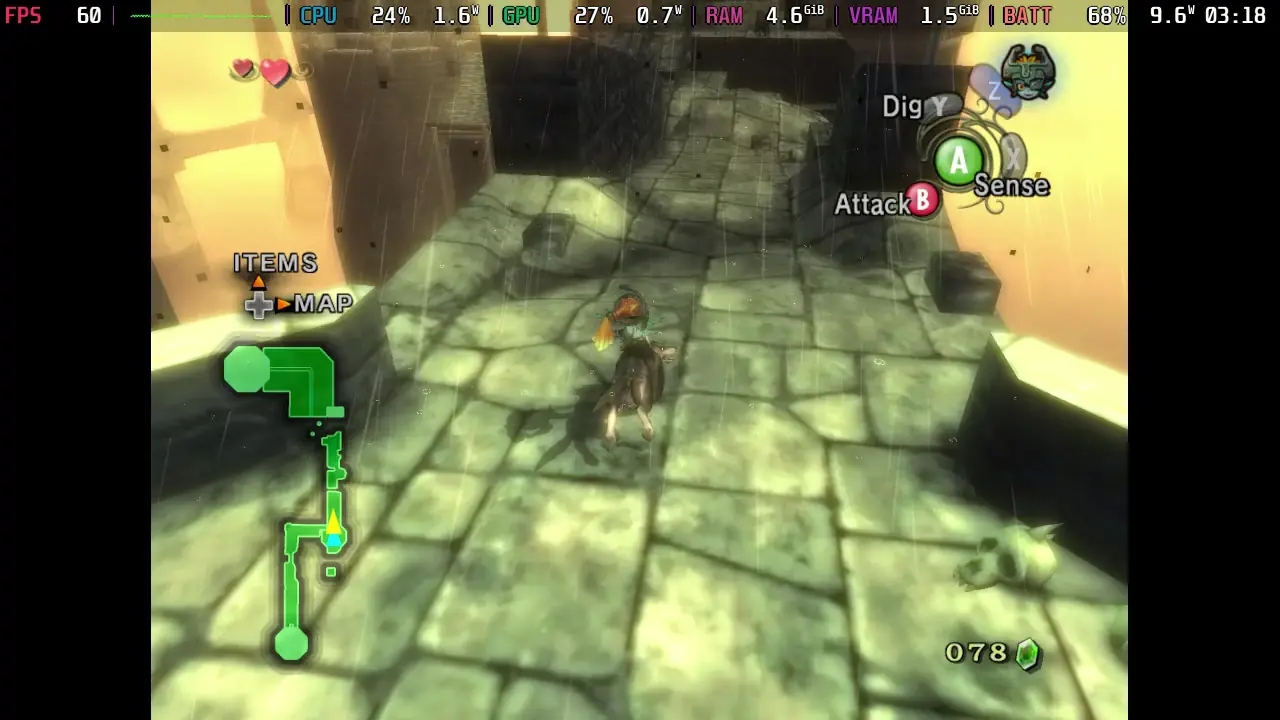
On the more obvious side, resolution and frame-rate support have been greatly improved. Not only can we fill our entire screen with correct aspect ratio support, but we can also play at higher framerates. There are also some settings we can change, a choice of whether or not to take improved visuals or stick with visuals closer to the original release, rebind input, enable Gyro aiming, and even change some gameplay settings to make the game easier, harder, or even make the game behave similarly to the Wii version by mirroring the world and restoring glitches. It’s pretty crazy to have these options, and with how well they all were, it’s hard not to love it.
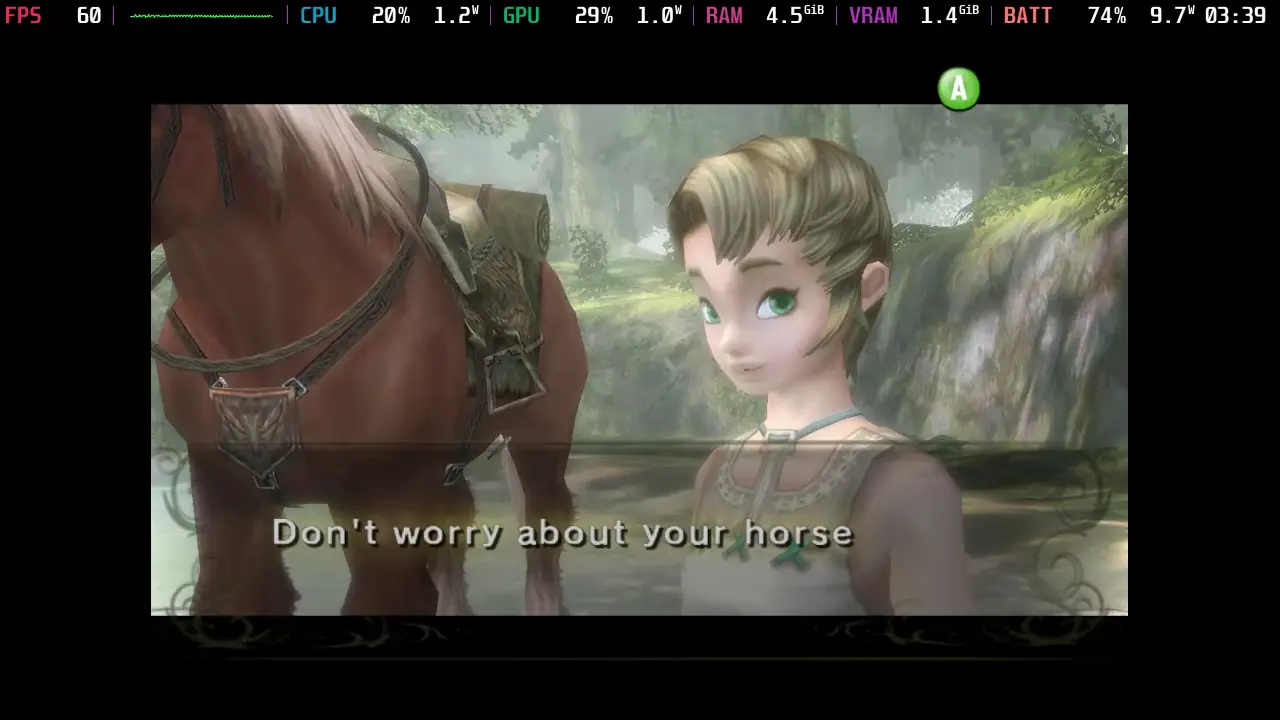
And once it’s all set up, it works so well. I did have to make one change, which I have detailed in the guide, but it ultimately runs like a charm and feels fantastic on the gamepad. Battery drain tends to stay relatively low as well. Even when pushing it to 90 FPS, it will still stick below 11W battery drain. The game even comes with its own achievements, which we can see by pressing the select button at any time. This brings up the port menu, so we can easily change settings whenever we want.
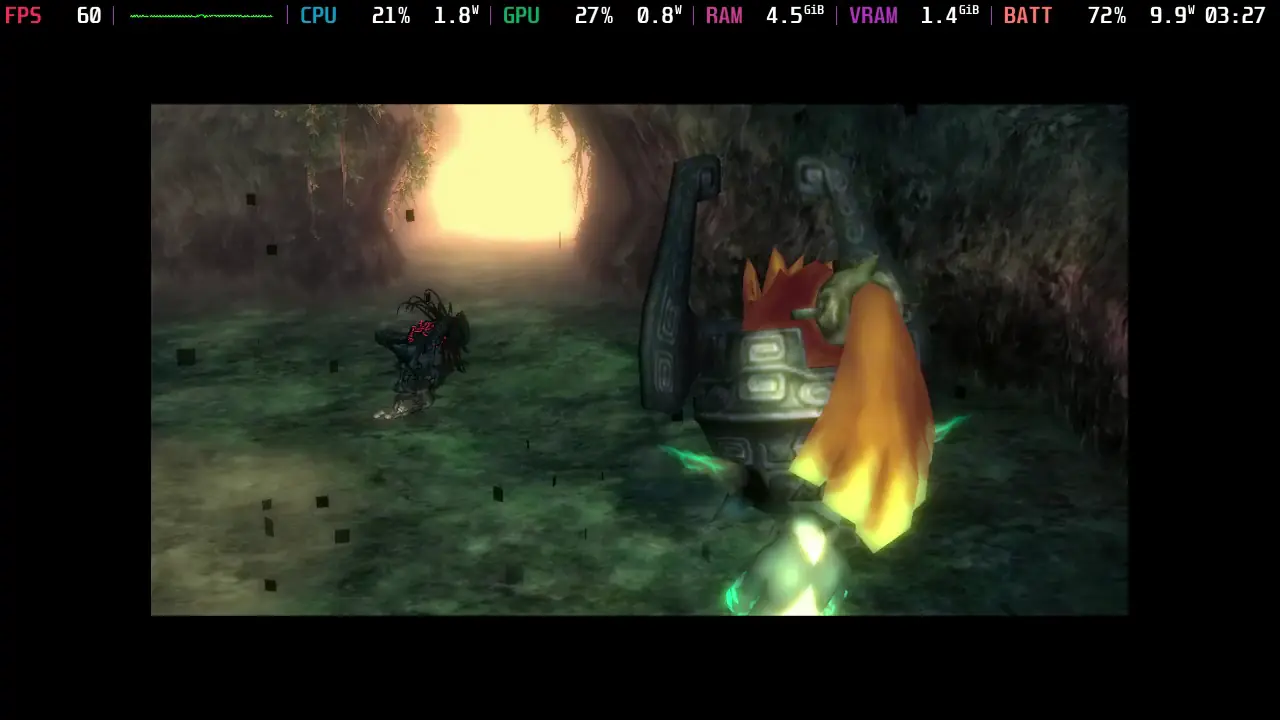
If you’re looking for a reason to play one of my favorite Zelda games again, with tons of enhancements and features that elevate the experience past what it originally could do, this is going to be the way to do it. TwilitRealm did an amazing job with this port, and it feels like we are truly living in an incredible era. There are tons of PC ports for older games, and enhances the experience so well that it feels like a brand new game. As someone who loves to go back and play games from the past that I loved growing up, I could not be happier that people are doing this now.
この記事を楽しんでいただけたなら、SteamDeckHQ の他のコンテンツもチェックしてみてください!あなたのゲーム体験に役立つゲームレビューやニュースを幅広く取り揃えています。ニュース、ヒントやチュートリアル、ゲーム設定やレビュー、最新のトレンド情報など、あらゆる情報をお届けします。 カバーしています!

最近のニュース
カテゴリー
Accessories
Anbernic
Android
ASUS ROG Ally
ROG Xbox Ally
Classics on Deck
Community
Cryobyte33
Deals
Deck Mods
Emulation
Events
Featured Post
Game News
Game News
General Game News
HandheldHQ
Hardware
Lenovo
Linux
MagicX
MSI
Nintendo
ONE-NETBOOK
Opinion
Other Reviews
Accessory Reviews
Handheld Reviews
PlayStation
Proton
Retro Handhelds
Anbernic
AYANEO
AYN
GPD
MagicX
MANGMI
Miyoo
Retroid
Rumors
TrimUI
SDHQ
Steam
Steam Controller
Steam Frame
Steam Machine
SteamOS
The Unsupported Report
Uncategorized
Uncategorized
VR
Xbox
最近のヒント&GUIDES
新着レビュー


It's exciting to see how well The Legend of Zelda: Twilight Princess runs on the Steam Deck! The graphics and performance improvements really enhance the experience. While diving back into this classic, I find myself reminiscing about the amazing adventures I had with my pets during those gaming sessions. Speaking of which, if anyone is looking to capture those nostalgic moments, transforming pet photos into AI portraits can be a fun way to celebrate those memories. You can try it out at PetPortraitHub!
it's cool
Wow, that sounds amazing. The hardest part will be finding where my copy of TP has got to, I haven't played it in so long.
Now's the time to find it!