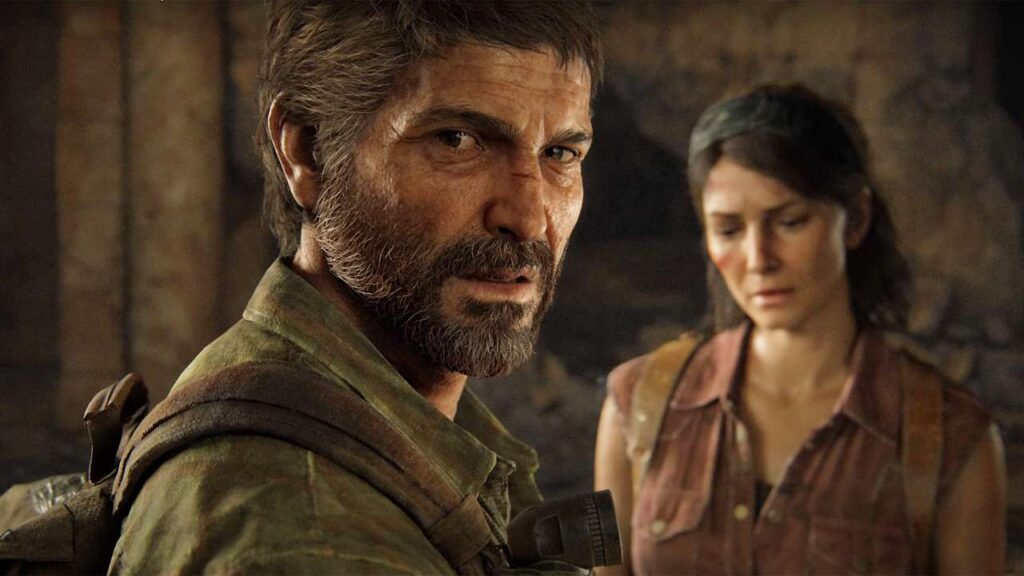
Earlier today, a new minor patch was pushed for The Last of Us Part 1 on Steam that brings with a bunch of fixes, as well as a Steam Deck-specific fix along with it. For the most part, the update focused on crashes that could occur at different segments of the game, but there are some other texture, photo mode, and translation issues that were looked at.
On the Steam Deck side, there was only one minor issue that was looked at: Directional button controls for behind-the-scenes podcast navigation. This is nothing game changing on the Deck just yet, but it is nice seeing Naughty Dog and Iron Galaxy still working out Steam Deck issues and doing what they can to fix them.
The Last of Us is rated Verified for the Steam Deck. There are still some minor issues while playing and you will need to compromise for stable performance, but the game is playable on the Deck. You can buy it for Steam from multiple different outlets including:
- Steam - $60
- Humble - $51 (with Humble Choice Subscription)
- Fanatical - $49.79 (with coupon code FANATICAL17)
- GameBillet - $48.90 (with coupon code 2023GB5)
The Last of Us Part 1 - v1.1.1 Changelog:
- Fixed a crash that could occur when restarting a Permadeath Speedrun after dying
- Fixed a crash that could occur when rapidly switching through available skins
- Fixed an issue where reflections were not appearing in vehicles' rear-view mirrors when Real-Time Reflections are disabled (Options > Graphics > Real-Time Reflections Quality)
- Fixed missing rock and rock wall textures in several areas
- Fixed issues where players could see outside the game world in some locations
- Fixed quick turn animations when zooming without a gun equipped
- Fixed VRAM usage indicator when resetting graphics settings to default after restarting the game
- Corrected several in-game, menu, and text-to-speech translation errors
- Fixed an issue where monitor resolution was not correctly adjusted when using the “Reset to Defaults” command (Options > Display > Reset to Defaults)
- Fixed the bow's UI icon overlapping with arrow counts when a melee weapon is also equipped
- Updated ‘Loading %’ user interface (UI) so loading progress is tracked more evenly
- Fixed an issue that could cause graphic settings preview images not to appear
- Fixed several camera-related issues that could occur when running the game at high framerates
- [Photo Mode] Fixed an issue blocking full selection of presets when using Gaze Direction
- [Photo Mode] Fixed an issue where arrow icons were not interactable when using a mouse to change the color of frames
- [Model Viewer] Fixed an issue that resulted in multiple models to be highlighted at once
- [The Outskirts] Fixed the appearance of water when Image-Based Lighting is disabled (Options > Graphics > Image-Based Lighting)
- [Tommy’s Dam] Fixed a crash that could occur in a cutscene during extended play sessions
- [The University] Adjusted the visual appearance of fog
- [Bus Depot] Fixed a camera issue that also led to a crash when traversing across the bus while the game is running at high framerates
- [Bus Depot] Fixed a crash that could occur in a cutscene during extended play sessions
Left Behind Standalone
- Fixed a crash that could occur if Ellie is wearing the Seattle Wear skin when starting Left Behind
- [Mallrats] Fixed an issue where the health bar could become stuck on-screen
- [Mallrats] Fixed a crash that could occur when switching through multiple skins before loading into the level
アクセシビリティ
- Fixed Screen Magnifier zoom functionality when using accessibility chord inputs (Options > Accessibility > Alternate Controls > Input Remap > Accessibility Chord Inputs)
Steam Deck
- Fixed directional button controls for behind-the-scenes podcast navigation (Extras > Behind The Scenes)
AMD
- Fixed checkerboard patterns that appear on screen when using Motion Blur on AMD RX 580 and RX 590 series GPUs
The Fanatical, GameBillet, and Humble Bundle links above are using an affiliate link which gives us a little back from sales at no extra charge to you. All proceeds go back into SDHQ and its development.
このレビューをお楽しみいただけたなら、SteamDeckHQ の他のコンテンツもぜひご覧ください!私たちはあなたのゲーム体験に役立つこと間違いなしの様々なゲームレビューやニュースを取り揃えています。ニュース、ヒントやチュートリアル、ゲーム設定やレビューをお探しの方も、最新のトレンドを知りたい方も、ぜひご利用ください。

最近のニュース
カテゴリー
Accessories
Anbernic
Android
ASUS ROG Ally
ROG Xbox Ally
Classics on Deck
Community
Cryobyte33
Deals
Deck Mods
Emulation
Events
Featured Post
Game News
Game News
General Game News
HandheldHQ
Hardware
Lenovo
Linux
MagicX
MSI
Nintendo
ONE-NETBOOK
Opinion
Other Reviews
Accessory Reviews
Handheld Reviews
PlayStation
Proton
Retro Handhelds
Anbernic
AYANEO
AYN
GPD
MagicX
MANGMI
Miyoo
Retroid
Rumors
TrimUI
SDHQ
Steam
Steam Controller
Steam Frame
Steam Machine
SteamOS
The Unsupported Report
Uncategorized
Uncategorized
VR
Xbox
最近のヒント&GUIDES
新着レビュー