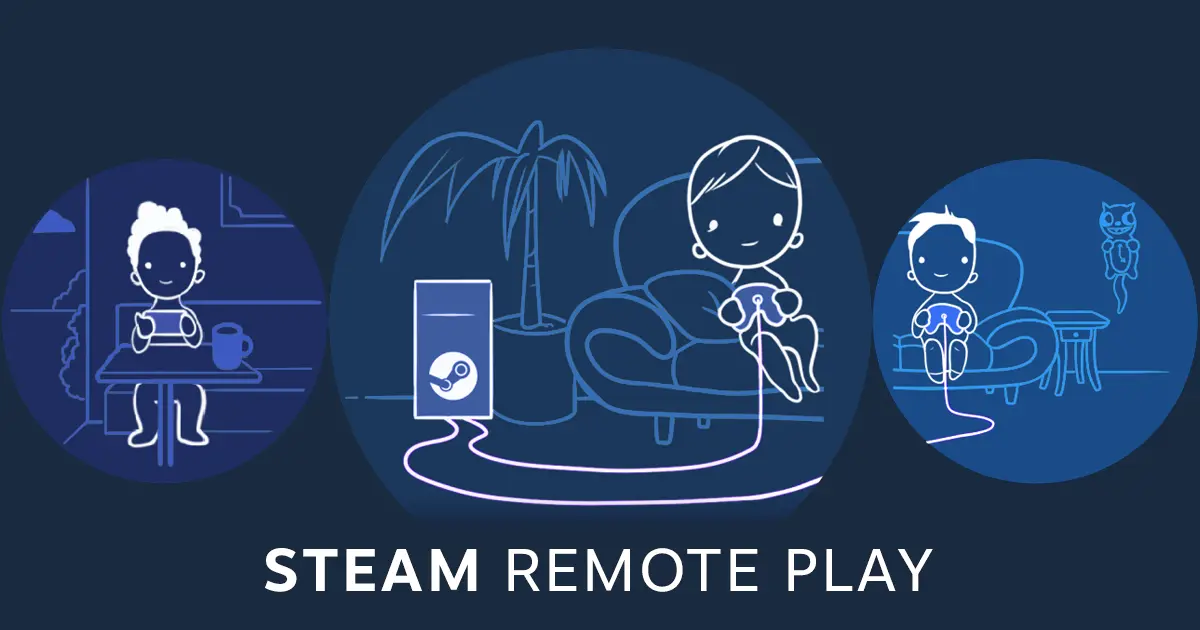
A new Steam Deck Beta Client update was released today that brings in some fixes across the board and adds a new mode for Remote Play. There are some fixes for Steam Input for the FlickStick and jolts of gyro movement, external SD card reader errors, and a TDP limit toggle issue. There was also a new low latency network setting, which can reduce latency for Remote Play, but it costs bandwidth. There was also a new dropdown option for Gyro to Mouse mode in Steam Input called "2D Conversion Style".
Steam Deck Beta Client 9/25/23 Update Changelog:
一般
- Fixed external sdcard readers without an sdcard inserted showing up in Settings->Storage
- Fixed a case where turning on the TDP limit toggle for the first time could result in a bad TDP value being set for the system.
Remote Play
- Fixed black screen when streaming from another computer
- Fixed black screen when streaming to another computer which has enabled the high quality streaming preset
- Added a low latency network setting, which reduces latency at the cost of bandwidth
蒸気入力
- Fix: Gyro to Mouse preferences can be overridden in action layers.
- Fix: FlickStick Pixels per 360 value was defaulting to 2000 the first time it opened.
- Fix: Periodic jolts of gyro movement should be reduced/fixed in Gyro to Mouse mode.
- Gyro To Mouse mode now has a "3DOF to 2D Conversion Style" dropdown.
- Yaw, Roll, and Yaw + Roll - legacy settings brought forward for easier onramp.
- Yaw + Roll is slightly different from "Yaw & Roll Combined" in the previous mode. It has been re-written to avoid "ping-pong" horizontal output response during figure 8 movement.
- Local Space (Advanced) gives access to more parameters for expert tweaking.
- Player Space (Experimental). Vertical output uses local pitch, as usual, but horizontal output comes from rotation around the gravity axis due to local yaw and roll. Many thanks to Jibb Smart.
- A note on gyro orientation convention in the new Gyro To Mouse mode: Previously we considered "pitch", " yaw" and "roll" to be relative to the hardware - Yaw is considered the axis that rotates about a joystick's central axis on any controller. Moving this convention over to handhelds (i.e. SteamDeck or mobile) has caused confusion for many due to how the controller is tilted in order to look at the screen. To address this, we now compensate for that tilt, and consider "yaw" to be "Human Oriented". So, on Handhelds: "Yaw" is the axis that goes from the top to the bottom of the screen (so turning the handheld around that axis generates "Yaw") & "Roll" is considered the rotation axis through the screen (steering wheel motion). This only changes the expected axes on Handhelds - standalone controllers have the same orientation as ever.
この記事を楽しんでいただけたなら、SteamDeckHQ の他のコンテンツもチェックしてみてください!あなたのゲーム体験に役立つこと間違いなしのゲームレビューやニュースを幅広く取り揃えています。ニュース、ヒントやチュートリアル、ゲーム設定やレビューをお探しの方も、最新のトレンドを知りたい方も、ぜひご利用ください。

最近のニュース
カテゴリー
Abxylute
Accessories
Anbernic
Android
ASUS ROG Ally
ROG Xbox Ally
Classics on Deck
Community
Cryobyte33
Deals
Deck Mods
Emulation
Events
Featured Post
Game News
Game News
General Game News
HandheldHQ
Hardware
Lenovo
Linux
MagicX
MSI
Nintendo
ONE-NETBOOK
Opinion
Other Reviews
Accessory Reviews
Handheld Reviews
PlayStation
Proton
Retro Handhelds
Anbernic
AYANEO
AYN
GPD
MagicX
MANGMI
Miyoo
Retroid
Rumors
TrimUI
SDHQ
Steam
Steam Controller
Steam Frame
Steam Machine
SteamOS
The Unsupported Report
Uncategorized
Uncategorized
VR
Xbox
Accessories
Anbernic
Android
ASUS ROG Ally
ROG Xbox Ally
Classics on Deck
Community
Cryobyte33
Deals
Deck Mods
Emulation
Events
Featured Post
Game News
Game News
General Game News
HandheldHQ
Hardware
Lenovo
Linux
MagicX
MSI
Nintendo
ONE-NETBOOK
Opinion
Other Reviews
Accessory Reviews
Handheld Reviews
PlayStation
Proton
Retro Handhelds
Anbernic
AYANEO
AYN
GPD
MagicX
MANGMI
Miyoo
Retroid
Rumors
TrimUI
SDHQ
Steam
Steam Controller
Steam Frame
Steam Machine
SteamOS
The Unsupported Report
Uncategorized
Uncategorized
VR
Xbox
最近のヒント&GUIDES
新着レビュー