


まだの方は、X(Twitter)、Mastodon、Blueskyでフォローし、新しい記事が投稿されたらお知らせください。また、Redditに参加したり、YouTubeに登録して、私たちのコンテンツをチェックしたり、素晴らしいコミュニティと交流してください。応援ありがとうございました!
During the THQ Nordic showcase not long ago, there were many great games shown, but one of them completely caught my eye. Fatekeeper blew my mind when I saw it. Not only were the visuals stunning, but the combat looked very enjoyable, combining physics, brutality, and magic. I was so excited for the early access release, and now I don’t have to wait any longer to try it out. So I decided to do so on the Steam Deck and see for myself if it will perform as expected or better.
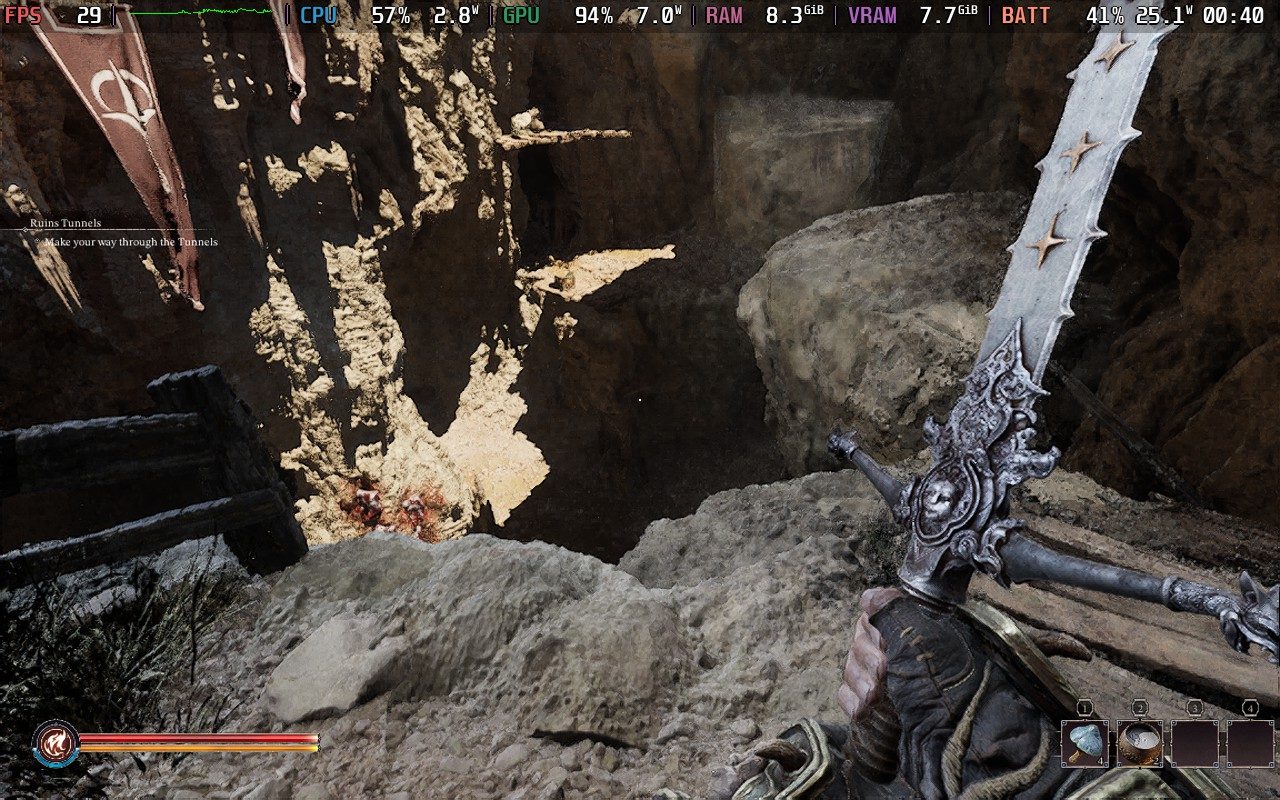
Fatekeeper performs about as I expected on the Steam Deck, and it’s not great. There are a few key issues when trying to play the game on the device, which makes it almost impossible to enjoy. Still, I couldn’t help myself, so I did everything I could to see how playable it could actually be.
First and foremost, the game will not run unless you do the 4GB UMA Buffer from the BIOS menu. I tried running the game normally, different compatibility layers, SteamOS beta, and even CryoUtilities swap files, but all of them led to a crash when trying to load into the game. The only thing that worked was the 4GB UMA Buffer change. This is pretty insane to do just to get a game running.
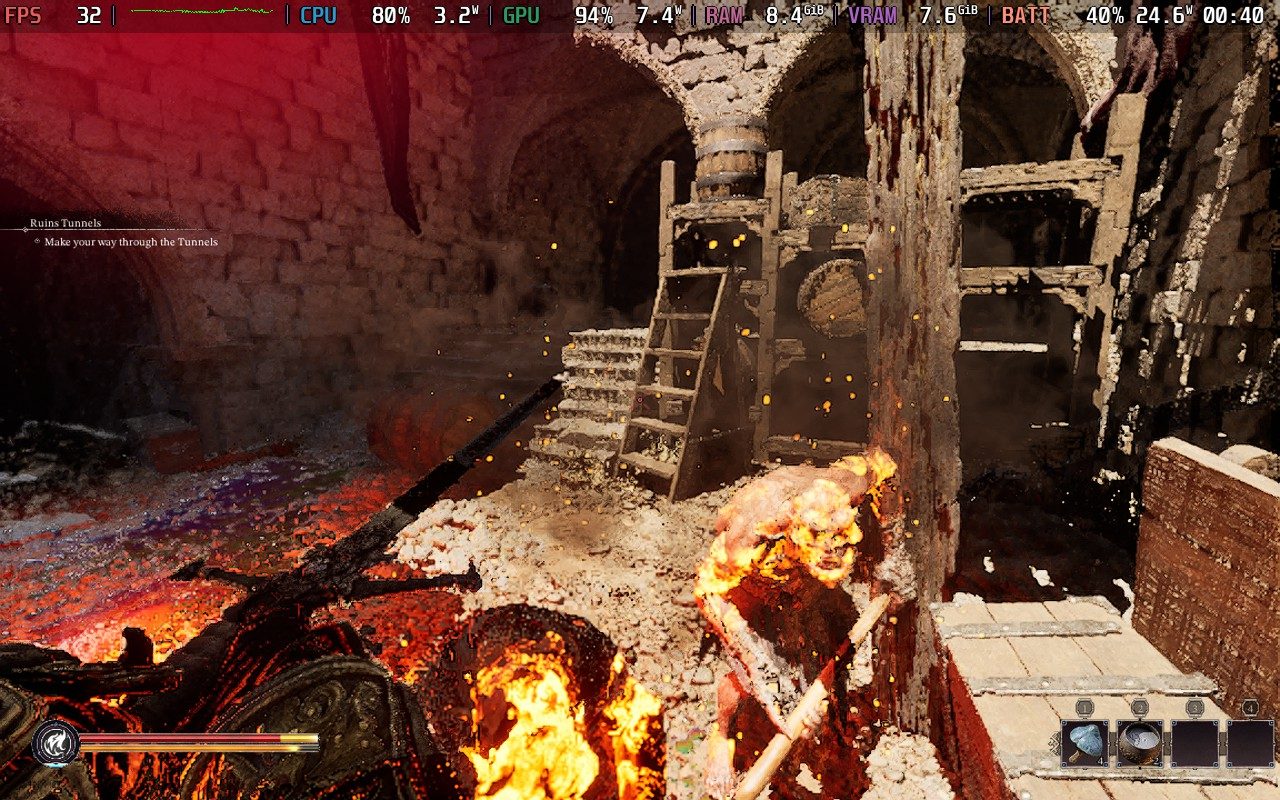
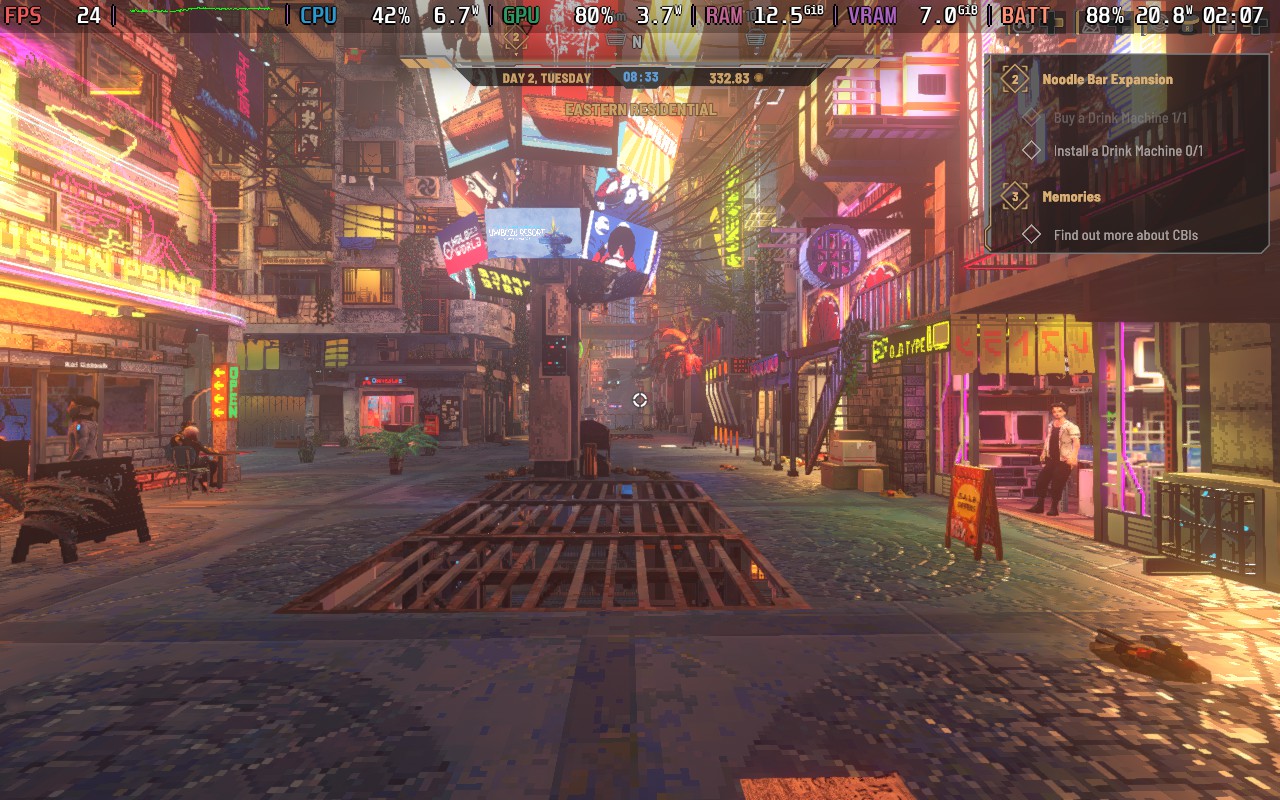
After that, the game is running, but there are some other issues. There is no controller support, so there will need to be some modifications to utilize all the bindings of the game. The game also defaults to higher quality settings, so we need to bring them down. For whatever reason, the Global Illumination setting has huge issues when set to Low, dropping performance more than on High, so we need to manually bring down all the settings to Low except for Global Illumination, which should be at Medium. I also noticed in-game that Reflections set to Low look horrible, so I recommend keeping that at Medium.
However, this is all just to run the game at the lowest settings, and it still isn’t great. It looks like a lot of the performance cost comes from detail in the environment, especially inside buildings. Outside areas at the lowest settings with FSR performance were able to hit 30 FPS and above, and combat in these areas was great as well. However, there were major dips when running around the sides of buildings, which brought down the framerate to around 22 FPS. It’s not great, and it feels much worse in combat, coupled with the lack of proper controller support.
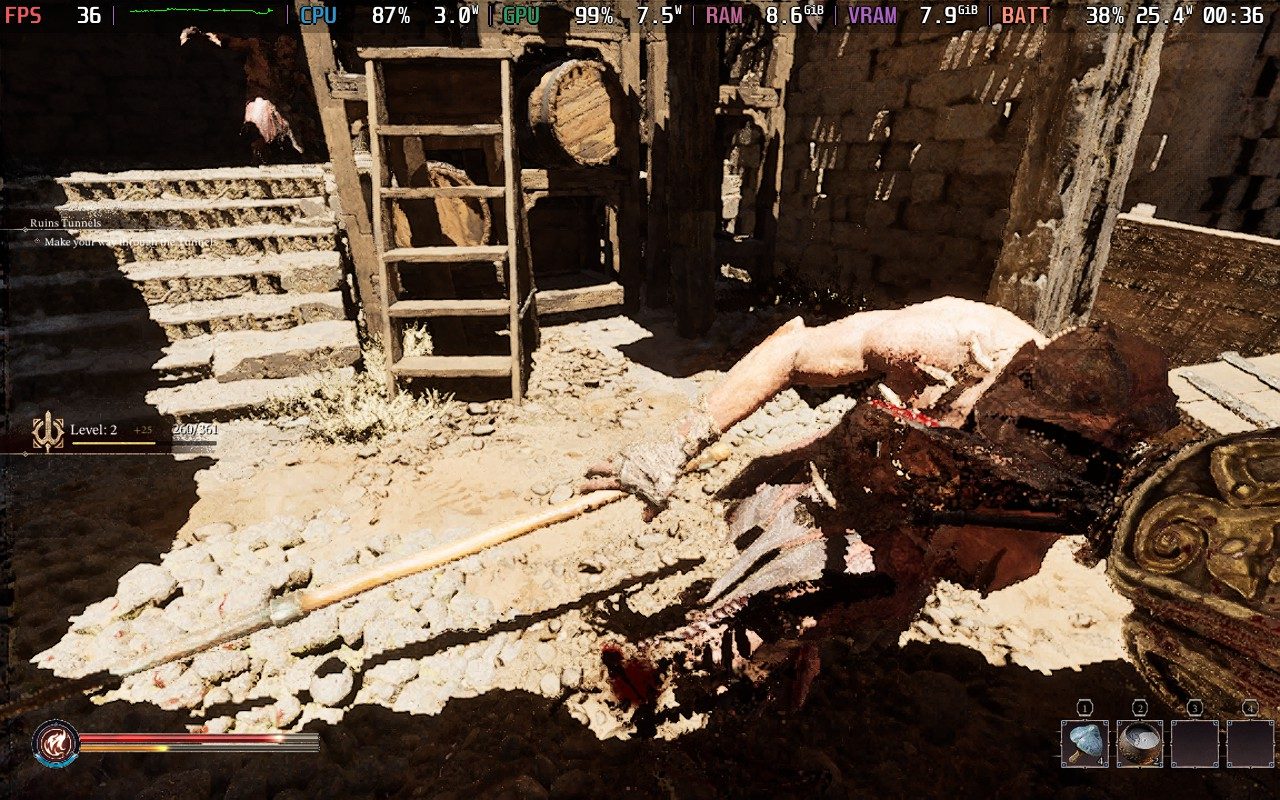
And this is all while compromising on the visual quality. Trying to bring it up is just going to make the drops worse and overall performance average below 30. So, there’s really no winning on playing this game on the Steam Deck just yet.
But I also want to say that I do have hope for it being playable on the go when it releases. It’s able to hit higher framerates in some areas than I expected, and this is all part of an early access release that is asking for us to have an RTX 3070 as a minimum GPU to play right now. So, the fact that it’s playable at all like this is stunning. It requires a lot of compromise, which ruins the visual quality (which is beautiful), but it shows some promise for the full release and the possible optimizations that could make it great to play on the go.
Fatekeeper is on sale for $7.99 until June 16th.
この記事を楽しんでいただけたなら、SteamDeckHQ の他のコンテンツもチェックしてみてください!あなたのゲーム体験に役立つゲームレビューやニュースを幅広く取り揃えています。ニュース、ヒントやチュートリアル、ゲーム設定やレビュー、最新のトレンド情報など、あらゆる情報をお届けします。 カバーしています!

最近のニュース
カテゴリー
Accessories
Anbernic
Android
ASUS ROG Ally
ROG Xbox Ally
Classics on Deck
Community
Cryobyte33
Deals
Deck Mods
Emulation
Events
Featured Post
Game News
Game News
General Game News
HandheldHQ
Hardware
Lenovo
Linux
MagicX
MSI
Nintendo
ONE-NETBOOK
Opinion
Other Reviews
Accessory Reviews
Handheld Reviews
PlayStation
Proton
Retro Handhelds
Anbernic
AYANEO
AYN
GPD
MagicX
MANGMI
Miyoo
Retroid
Rumors
TrimUI
SDHQ
Steam
Steam Controller
Steam Frame
Steam Machine
SteamOS
The Unsupported Report
Uncategorized
Uncategorized
VR
Xbox
最近のヒント&GUIDES
新着レビュー




I figured the performance was going to be low but it being in the 30’s with GI and GR set at medium is impressive. Speaking of GI and GR I wonder how much of an uplift you would get if they were properly working on low.
Honestly the biggest shocker to me is the price, crazy low haha.