


Baldur's Gate 3 has been out for a solid 3 days now and it has been crushing expectations. The top-down RPG has lately crossed over 800,000 concurrent players on Steam and for good reason! The game is massive with content overflowing across its world with different choices changing the game in numerous ways. This isn't a game you will want to miss, that's for sure, but is this gigantic undertaking one that you can enjoy on the Steam Deck? Well we aim to at least begin to answer that question now with our thoughts on it so far.
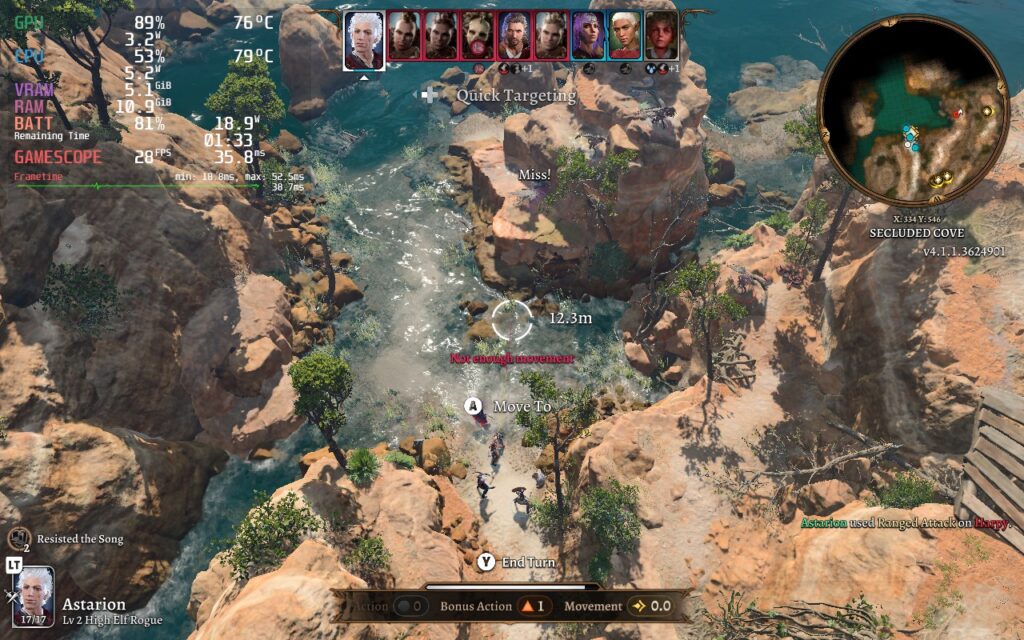
As a heads up, this is a huge game that just came out 3 days ago and there is no way anyone should have "Best Settings" for the game. An average playthrough of Baldur's Gate 3 takes around 75 and 100 hours and that doesn't account for side quests. Unless an article mentions they had the full release before August 3rd, then there is no way anyone has played through the full release of the game to definitively state what one should use throughout. Take any article mentioning "Best Settings" with this in mind.
Baldur's Gate 3 - Steam Deck Verified?
First, right out of the gate, this game should not be Steam Deck verified. The default settings do not have a consistent framerate that sticks around 30 FPS. This is one of the requirements and something I note in my previous article where I go into the Verification System's flaws and how they can be fixed. Otherwise, most of the text has been legible, the game plays at 1280x800 resolution, and the controller configuration is great so far. With that said, let's get into exactly how the game runs.
First Impressions
Before I get into it, this is a first impression of the game after playing for around 7-8 hours. There is a LOT more of the game to play before I make a final review, these are just what I have found that works so far.
Like I mentioned above, going into the game on default settings is tough and there are a lot of framerate drops and this goes into any settings you decide to use on the game. The drops seem to culminate whenever going into cutscenes or heading into new places, but they can also be seen in busy areas (like the Druid basecamp).
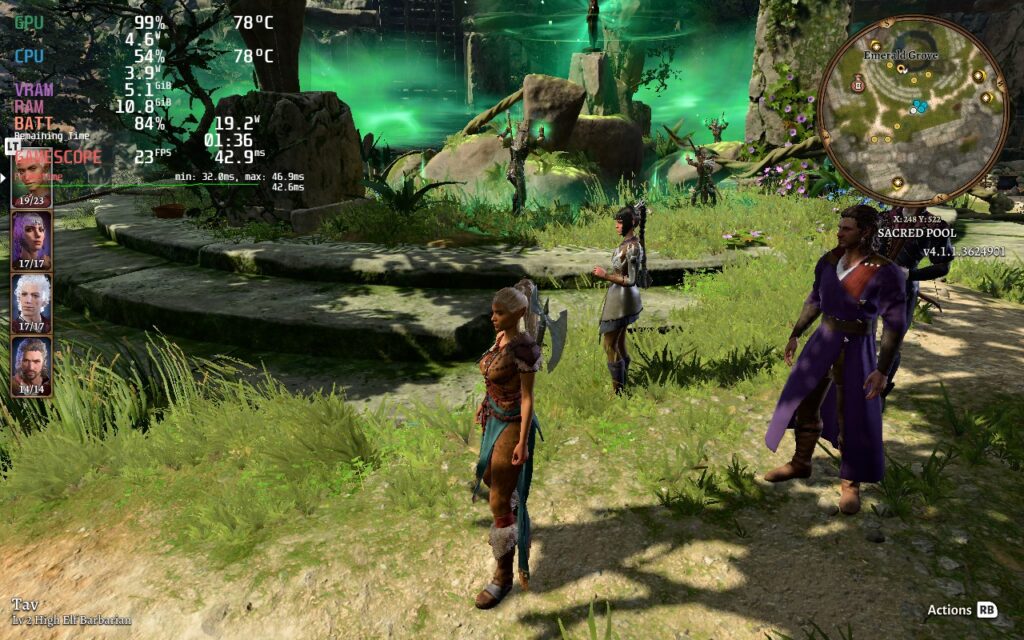
The framerate can also depend on your camera angle, so if you are going to have close-up angles like this one, expect worse performance.
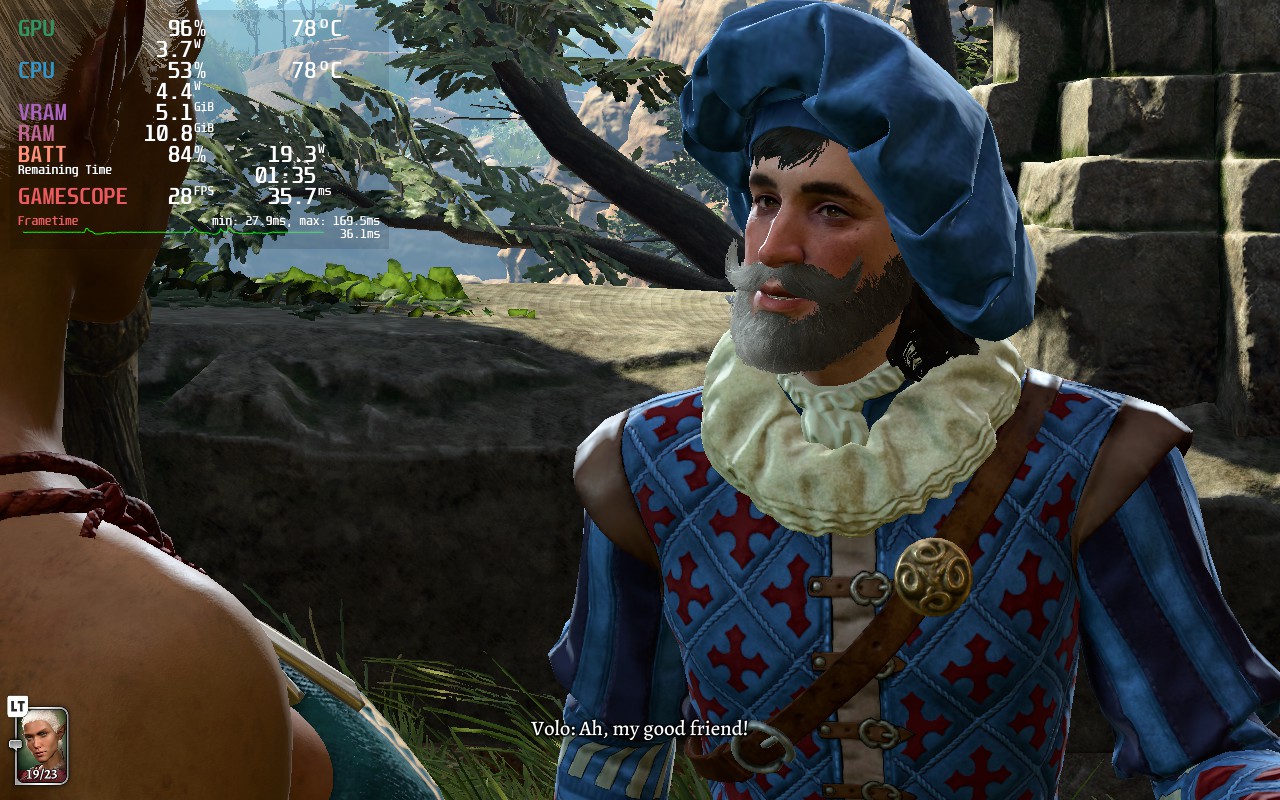
As I was testing, and Liam over at GamingOnLinux pointed out in his article and to me directly, the iteration of FSR in the game (1.0) makes it look blurry and, while it does help performance, I feel it doesn't help enough to justify using it. Just switching between no FSR and Ultra Quality is a stark difference to the world:
From there, I decided to test framerate and see if we could make any changes that wouldn't interrupt the smoothness of the game. While aiming for 30 is best, and a stable 40 isn't possible here, I did find that 28 FPS still felt smooth and did eliminate some of the stuttering when walking through some crowded areas. Anything below 28 started to feel jarring and an unreasonable compromise.
Yes, you could lower even further for more stability, but that isn't something we should have to compromise on. Asking for 30 FPS should be the bare minimum when it comes to games. Of course, you can play Baldur's Gate 3 at 20 FPS, it would eliminate stutters, save battery life, and maybe allow some quality increases, but it doesn't feel playable due to how slow the game would now be.
The way I see it, we are left with two options: Playing the game without FSR and lower settings at 28 FPS or using FSR to push the game to 30 FPS and still have similar quality. Personally, I went with the former. The setting changes don't affect the game as much (especially since it would be going from low to medium) and the blurriness of FSR impacted my enjoyment of watching the world around.
Here is what I am using so far:
スチームモス
- Refresh Rate: 56
- Framerate Limit: 28
- TDP Limit: 11
In-Game
- Model Quality: Medium
- Detail Distance: Low
- Instance Distance: Low
- テクスチャーの質:ミディアム
- Texture Filtering: Anisotropic x2
- Animation Level of Detail: Medium
- Slow HDD Mode: Off
- Dynamic Crowds: On
- 影の質:低い
- Cloud Quality: Low
- 霧の質:低い
- AMD FSR 1.0: Off
- FidelityFX Sharpening: Off
- Anti Aliasing: None
- Ambient Occlusion: Off
- Depth of Field: None
- God Rays: On
- ブルームについて
- Subsurface Scattering: Off
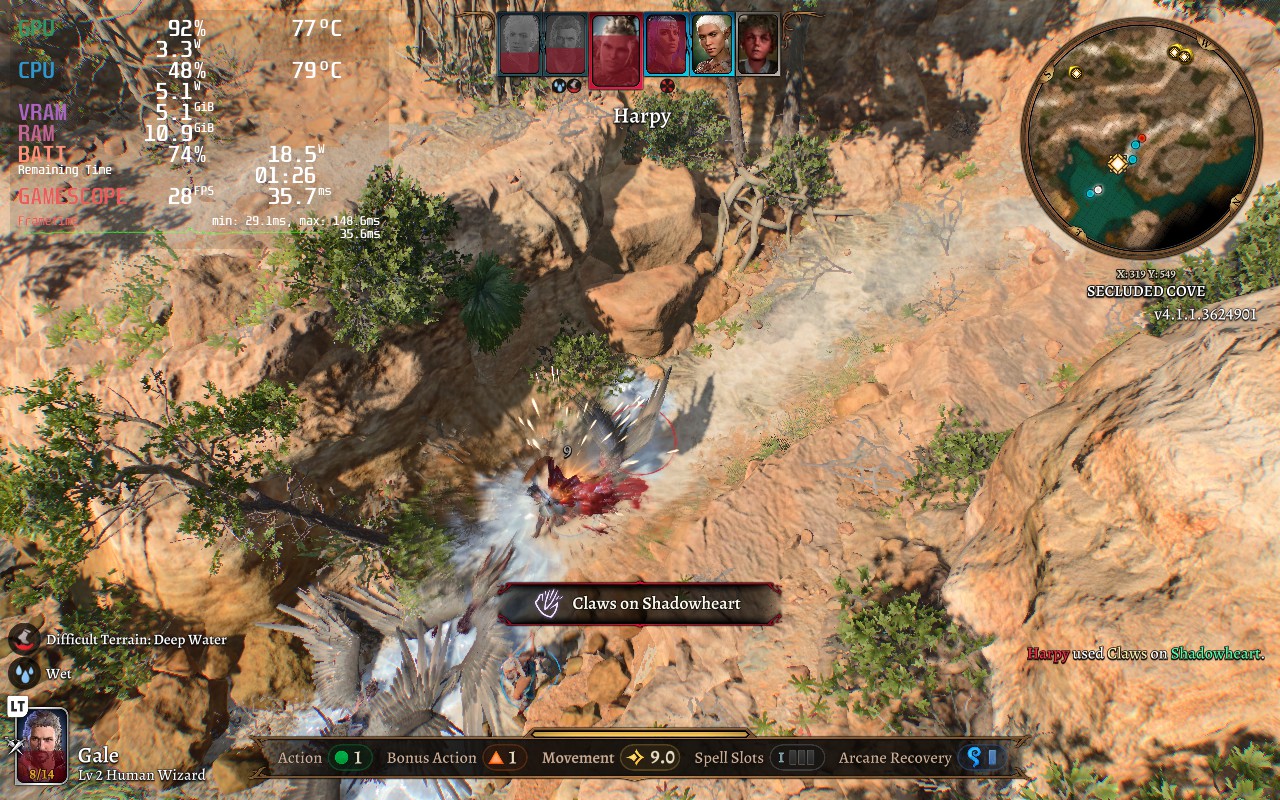
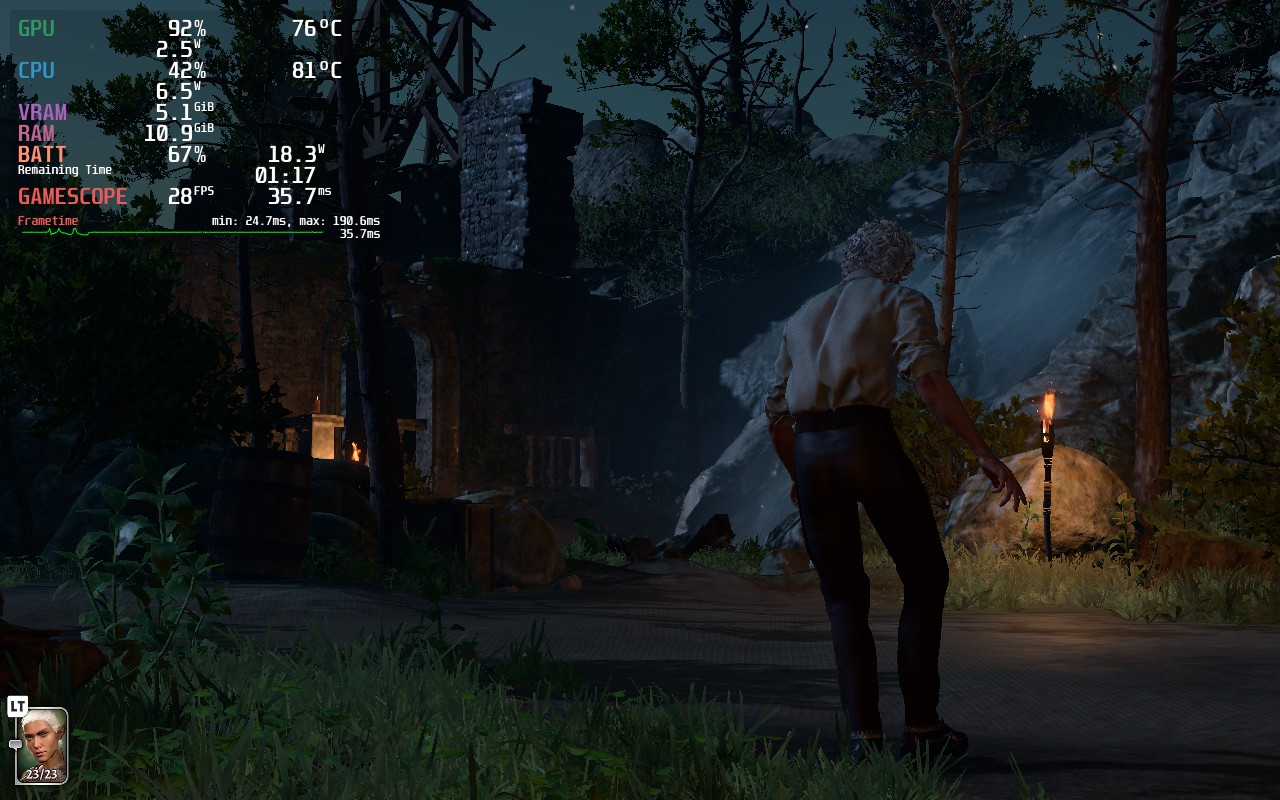
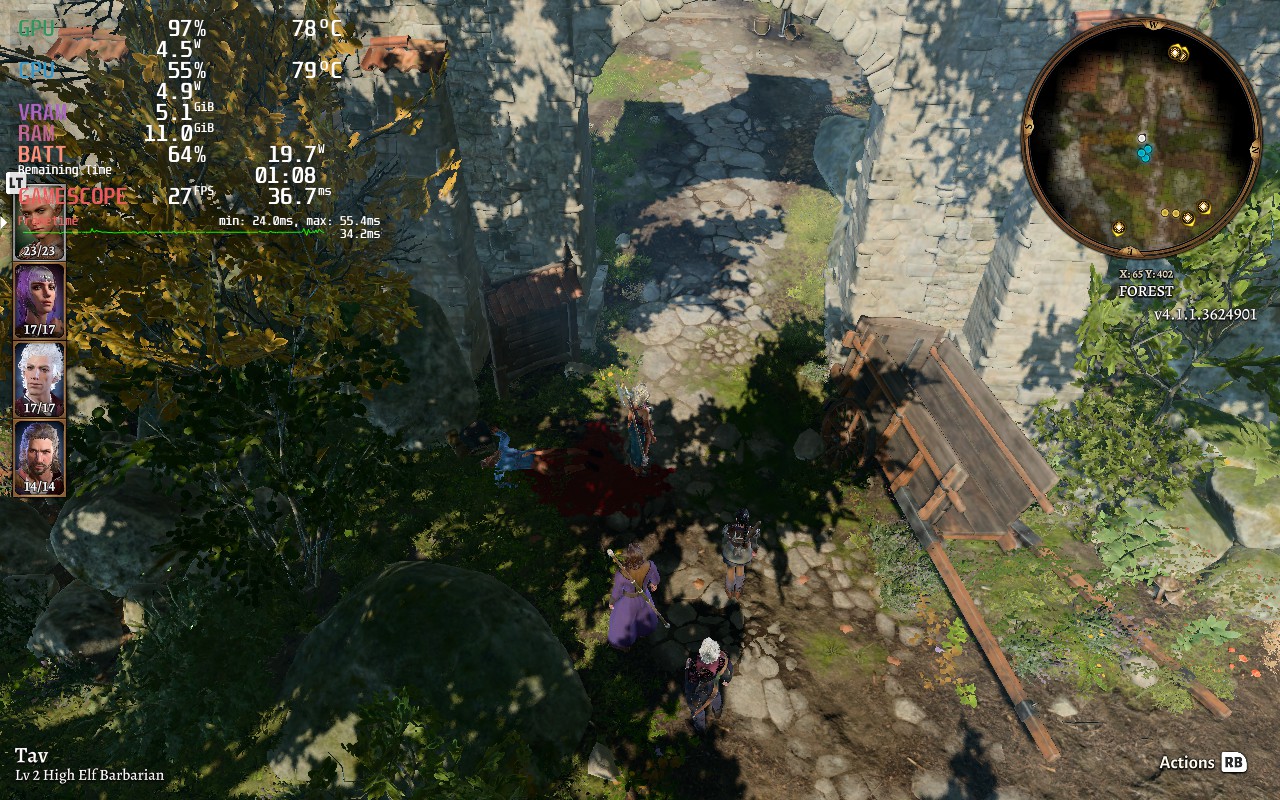
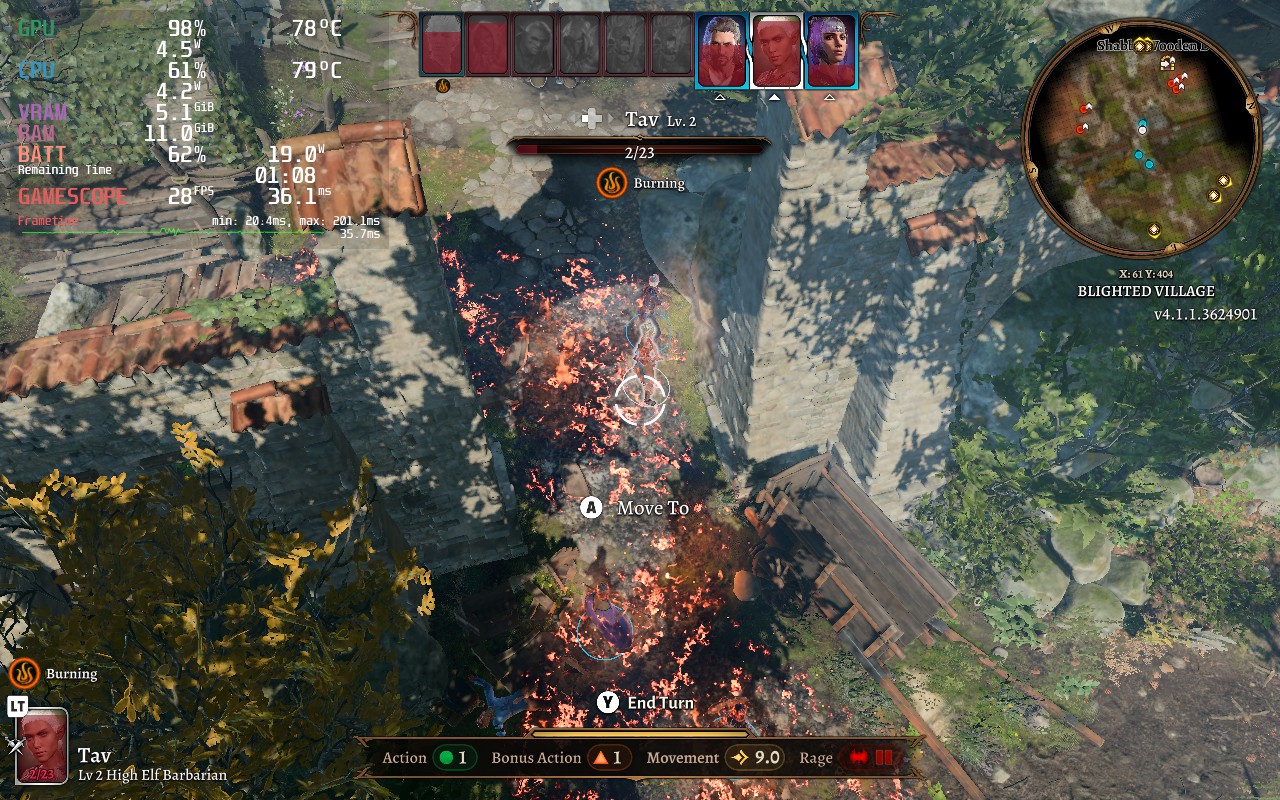
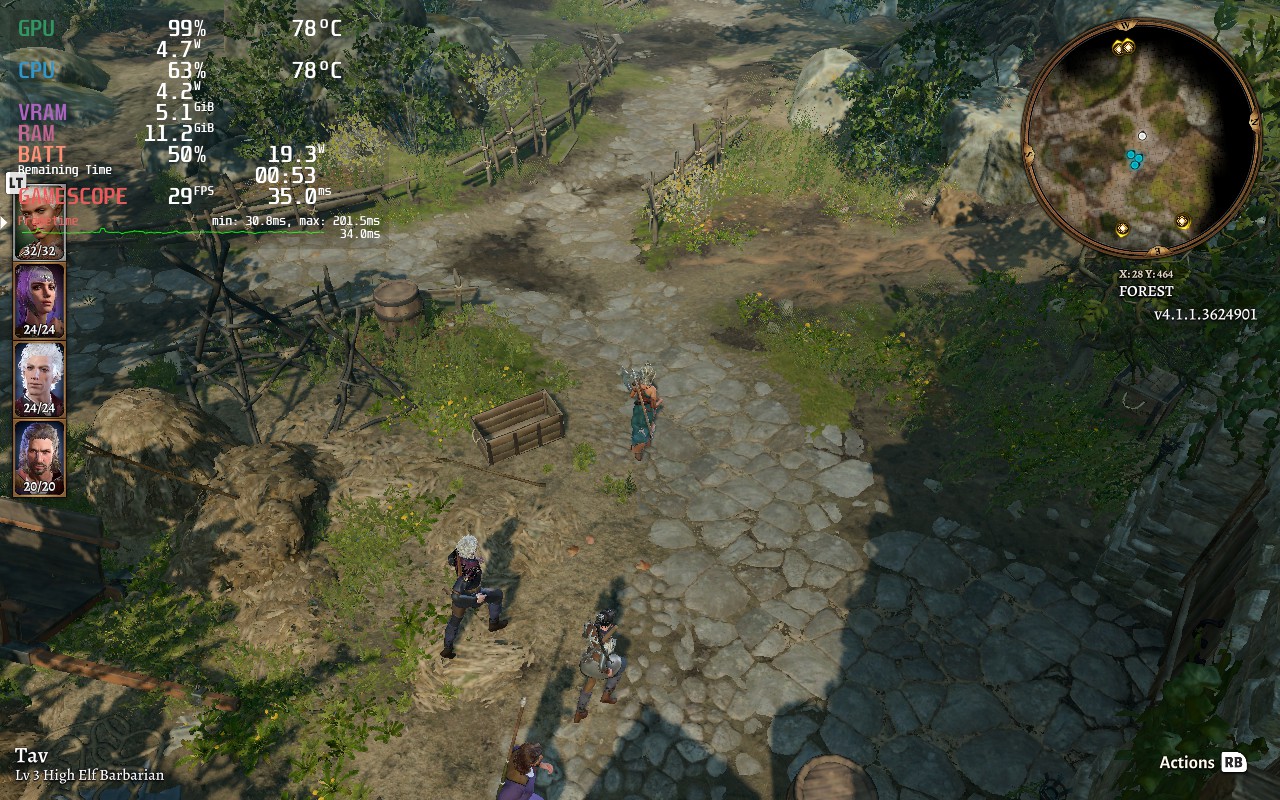
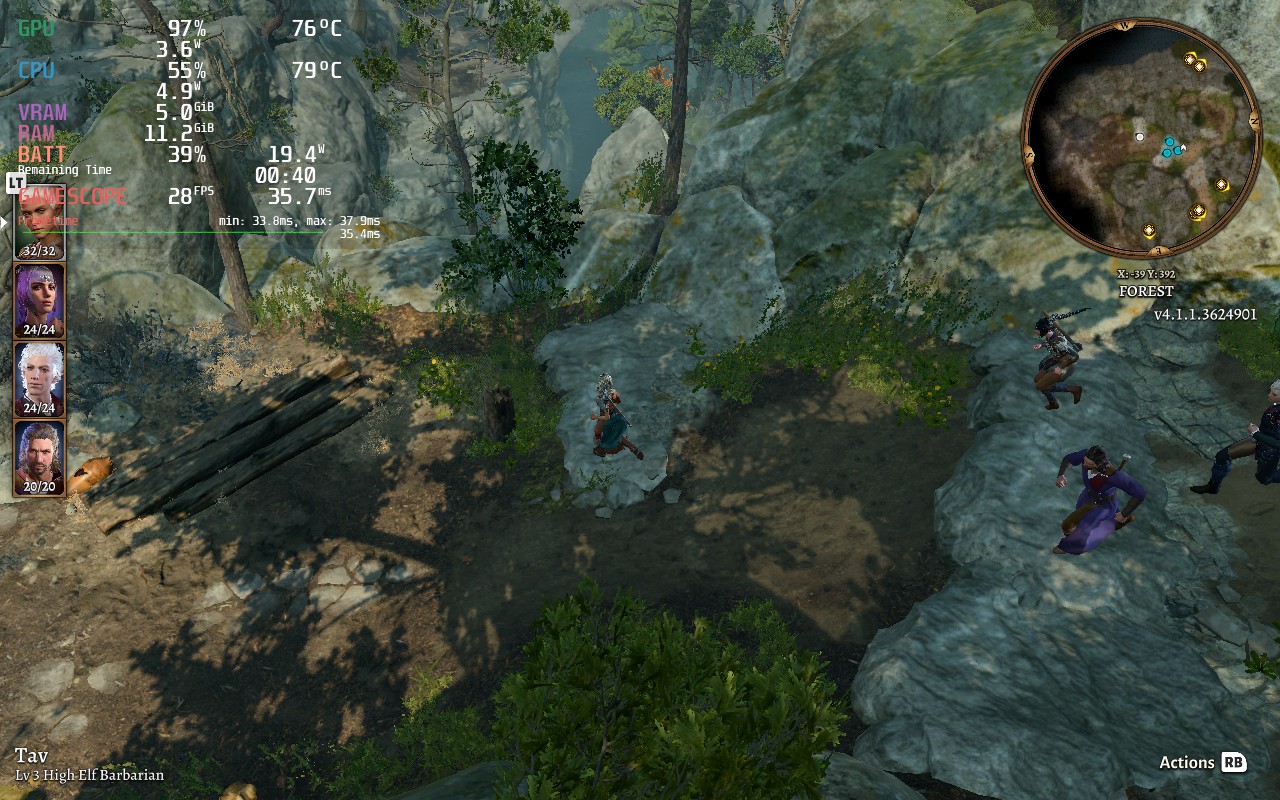
With these settings, expect a mostly stable 28 FPS with sharper visuals. There will be some drops in cutscenes, with some camera angles, and in some very crowded areas, but it is still playable. I believe the game will be significantly better once FSR can be used, but using 1.0 makes the game way more blurry than it should be. Our recommendations will more than likely change as soon as FSR 2.2 releases.
結論
Baldur's Gate 3 is a massive game and being able to play it at all on the Steam Deck seems like a dream. I still can't believe such a huge game like this exists, and yet, here we are. Larian Studios have made something magical and it deserves the success it has, though unfortunately, the game does have its issues on the Steam Deck. It requires a lot of power, which makes sense, but it does mean you will need to compromise to play it on-the-go.
It definitely shouldn't be verified, that much I can say with confidence, but as for how it will run later on, I can't say yet. I may decide to actually wait on a full review until FSR 2.2 is integrated into the game, which will be in September, since that could heavily change which settings I fully recommend. But hey, at least we can sleep with bears portably right?
この記事を楽しんでいただけたなら、ぜひSteamDeckHQ の他のコンテンツもチェックしてみてください!私たちは、あなたのゲーム体験に役立つこと間違いなしの様々なゲームレビューやニュースを取り揃えています。ニュース、ヒントやチュートリアル、ゲーム設定やレビューをお探しの方も、最新のトレンドを知りたい方も、ぜひご利用ください!

最近のニュース
カテゴリー
Accessories
Anbernic
Android
ASUS ROG Ally
ROG Xbox Ally
Classics on Deck
Community
Cryobyte33
Deals
Deck Mods
Emulation
Events
Featured Post
Game News
Game News
General Game News
HandheldHQ
Hardware
Lenovo
Linux
MagicX
Nintendo
ONE-NETBOOK
Opinion
Other Reviews
Accessory Reviews
Handheld Reviews
PlayStation
Proton
Retro Handhelds
Anbernic
AYANEO
AYN
GPD
MagicX
MANGMI
Miyoo
Retroid
Rumors
TrimUI
SDHQ
Steam
Steam Controller
Steam Machine
SteamOS
The Unsupported Report
Uncategorized
Uncategorized
最近のヒント&GUIDES
新着レビュー



Are these settings still your recommended or have you tweaked them for further improvement since this post?
I would say these are still my recommended until FSR 2 is released for the game, which will be next month. That's when I will re-evaluate.
BTW: Had no crashes or other bugs until now apart from a dialog option being there twice at one point (after 30h of play). Haven't visited the city until now. I assume that would be the most hard part for cpu/gpu.
Surprisingly when I played the game I had constant 60fps in game and cutscenes. But with very low graphic quality in some regions without having changed anything. (I would not recommend these settings, just curious that this can be so different from startup). Played with Proton experimantal, though (did not even start without that).
As I play this docked on my TV the main issue I had was that the gamepad - once disconnected - wasn't rerecognized by Baldurs gate. Everything in Steam Deck UI worked fine, but I had to restart the game every time the gamepad (8bitdo) had powered off.
But I might also try the remote play feature from Steam when playing at home to try if I can get full details at 60fps that way. (never tried that feature before and not even sure this is done locally or via Internet.
Do you by chance have footage of the game running at 60? I can't see it getting past 40 on the Deck, didn't even imagine 60.
Sadly, no. Changed the settings because I preferred higher quality as this is not an action game. I did run it on Vulcan instead of DirectX, though (not sure if that has anything to do with that and switched to directx because it seemed to look better (again no proof for that, just my gut feeling)
But I assume setting everything to low would achieve that (at the cost of ugly graphics)