Songs of Conquest has recently become one of my go-to games to play on the Steam Deck. The combination of turn-based hex combat with RPG and kingdom management components makes for a highly addicting experience that keeps me hooked for days. Recently, the developers, Lavapotion, have been testing a new patch aimed at Steam Deck support with gamepad controls and larger text to accommodate for the smaller screen, and today, that work has paid off!
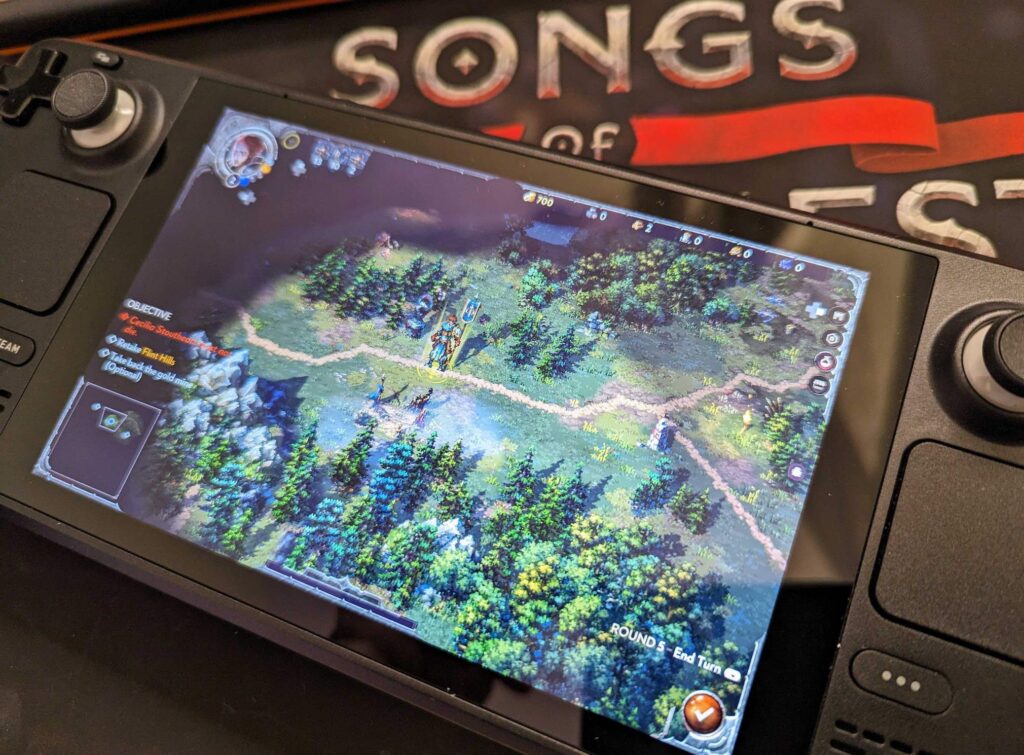
Today, Songs of Conquest has officially become Steam Deck Verified, getting Valve's seal of approval for how the game functions on the Deck. This means that the default controller configuration functions well, the game shows correct controller icons, the text is legible on the smaller screen, and the default graphical configuration works well on the device. Now, I don't fully trust Valve's rating system, as some ratings can be completely inaccurate, but after testing the game myself, Songs of Conquest definitely deserves it.
The increased HUD and font size help significantly on the smaller screen, and the controller support works swimmingly on the device, but Lavapotion went further here, actually tweaking and optimizing the game as a whole to benefit everyone. One of my favorite changes they made was actually a battery-saving option where, if you aren't moving, framerate will be cut to 30 or 20 FPS to reduce drain when you are looking at menus or not moving. This is extremely helpful and I can't exclaim how much I love this option.
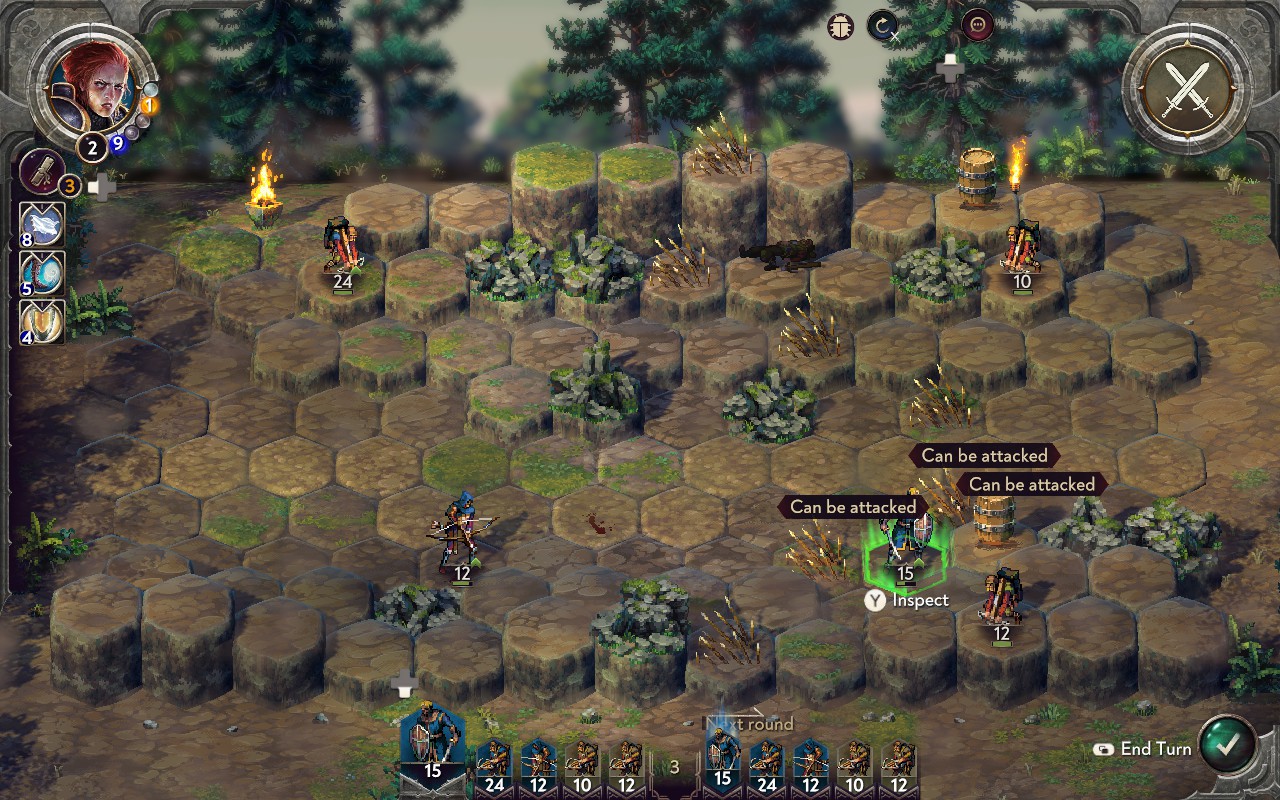
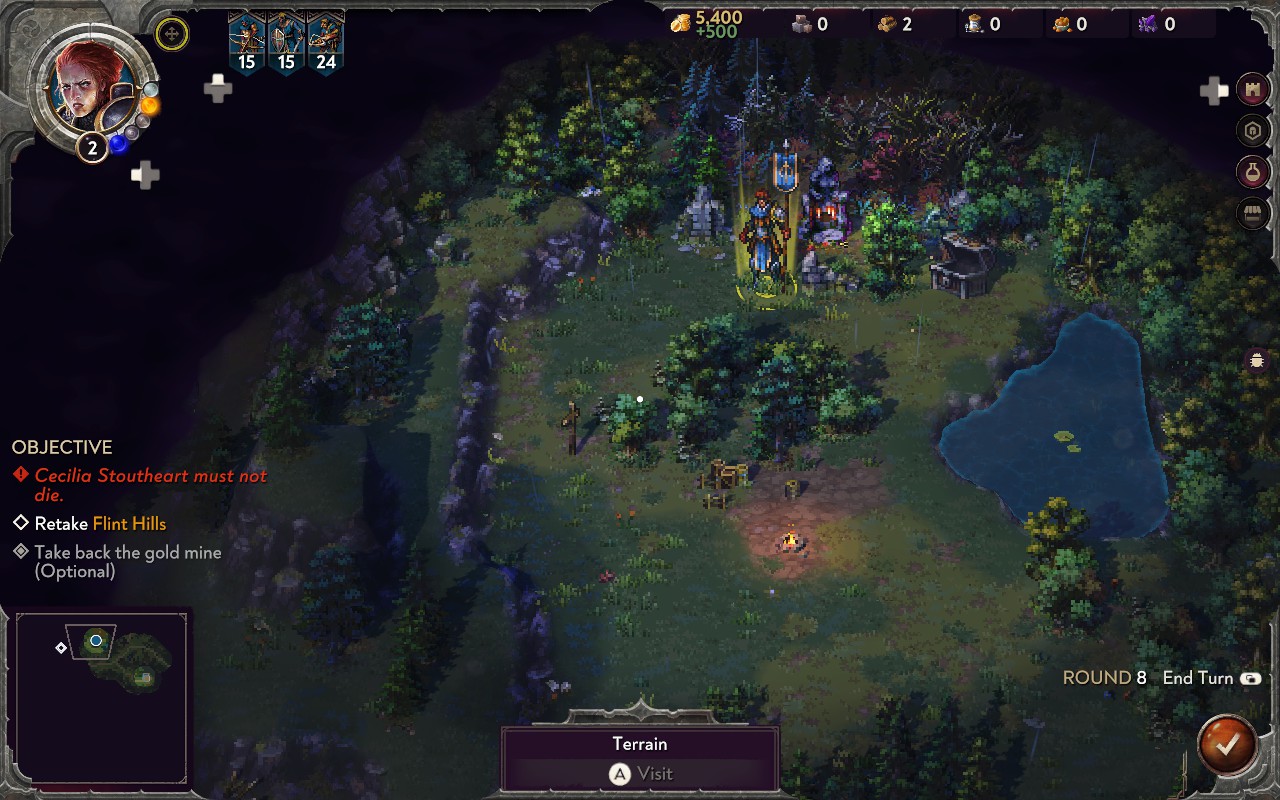
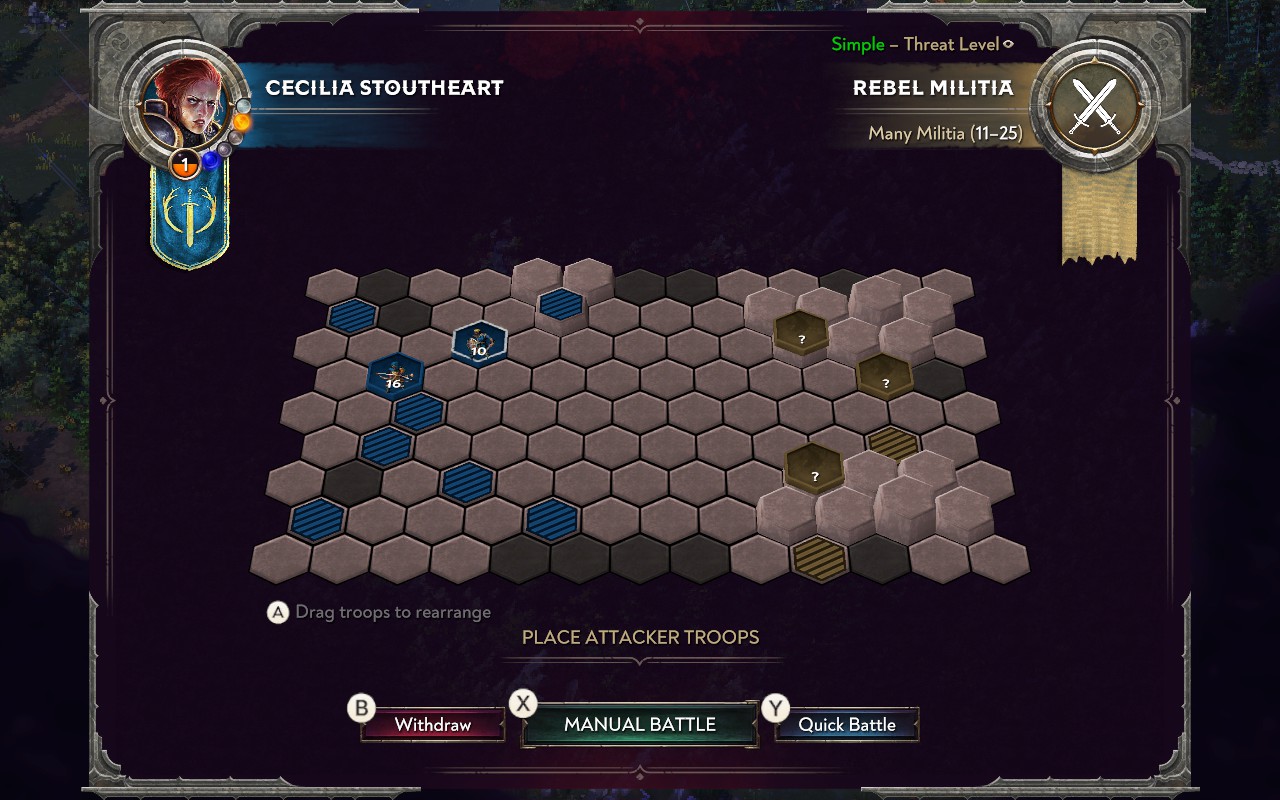
There were also a bunch of menu changes, new tutorials, and optimized terrain rendering. You can check out the full changelog below or on Songs of Conquest's website, but overall, this has turned into a necessary game to have on your Steam Deck!
You can get Songs of Conquest on Steam now for $29.99.
Songs of Conquest Steam Deck Update Changelog:
- Completely new control scheme for controlling Wielders (inspired by Northgard)
- Adapted existing menus to work well with Gamepad
- Added a new menu for transferring & managing troops for Gamepad
- Added Large text mode to improve text readability for the Steam Deck
- Added Gamepad button prompts to UI
- Added D-pad shortcuts to access HUD UI in an intuitive way
- New control scheme for moving troops and casting spells in Battles
- Added ability to quickly snap to enemy troops for quicker attacks & spell casting in Battles
- New tutorials for Gamepad
- Automatically open the on-screen keyboard for text input (Steam Deck & Steam Big Picture Mode only)
- Added Gamepad specific gameplay settings
- Added menu showing Gamepad layout in Pause Menu
- Reduced the number of layers in our real-time lightmapping system
- Optimized terrain rendering shader
- Reduced the number of materials to increase batching capabilities
- Increased the size of the terrain system chunks to increase batching capabilities
- Moved roads out of the decal system so that we can remove or reduce decals on lower settings
- Tweaked the worldwide particle effects to be more performant and to create fewer draw calls
- Created a system for frame rate throttling where the frame rate is reduced in menus and when idling
- Created a battery-saving system that increases the frame rate throttling even further
- Made sure the optimal settings are set as default when starting the game on a Steam Deck for the first time
この記事を楽しんでいただけたなら、SteamDeckHQ の他のコンテンツもチェックしてみてください!あなたのゲーム体験に役立つこと間違いなしのゲームレビューやニュースを幅広く取り揃えています。ニュース、ヒントやチュートリアル、ゲーム設定やレビューをお探しの方も、最新のトレンドを知りたい方も、ぜひご利用ください。

最近のニュース
カテゴリー
Accessories
Anbernic
Android
ASUS ROG Ally
ROG Xbox Ally
Classics on Deck
Community
Cryobyte33
Deals
Deck Mods
Emulation
Events
Featured Post
Game News
Game News
General Game News
HandheldHQ
Hardware
Lenovo
Linux
MagicX
MSI
Nintendo
ONE-NETBOOK
Opinion
Other Reviews
Accessory Reviews
Handheld Reviews
PlayStation
Proton
Retro Handhelds
Anbernic
AYANEO
AYN
GPD
MagicX
MANGMI
Miyoo
Retroid
Rumors
TrimUI
SDHQ
Steam
Steam Controller
Steam Frame
Steam Machine
SteamOS
The Unsupported Report
Uncategorized
Uncategorized
VR
Xbox
最近のヒント&GUIDES
新着レビュー