


まだの方は、X(Twitter)、Mastodon、Blueskyでフォローし、新しい記事が投稿されたらお知らせください。また、Redditに参加したり、YouTubeに登録して、私たちのコンテンツをチェックしたり、素晴らしいコミュニティと交流してください。応援ありがとうございました!
When it comes to getting emulation up and running on the Steam Deck, there are really only two tools to use to get it set up easily and optimized. EmuDeck is arguably the more popular tool, which downloads the latest emulators and configures them so you can get them running well. To access these emulated games in game mode, we could directly add them using SteamRomManager or go through a specific graphical frontend like ES-DE (my personal choice). However, it looks like there's a new way to access your retro library, and it sounds quite nifty.
While we at SteamDeckHQ support emulation, we do not support or condone piracy of any kind. Do not use emulation for games you haven't personally purchased.
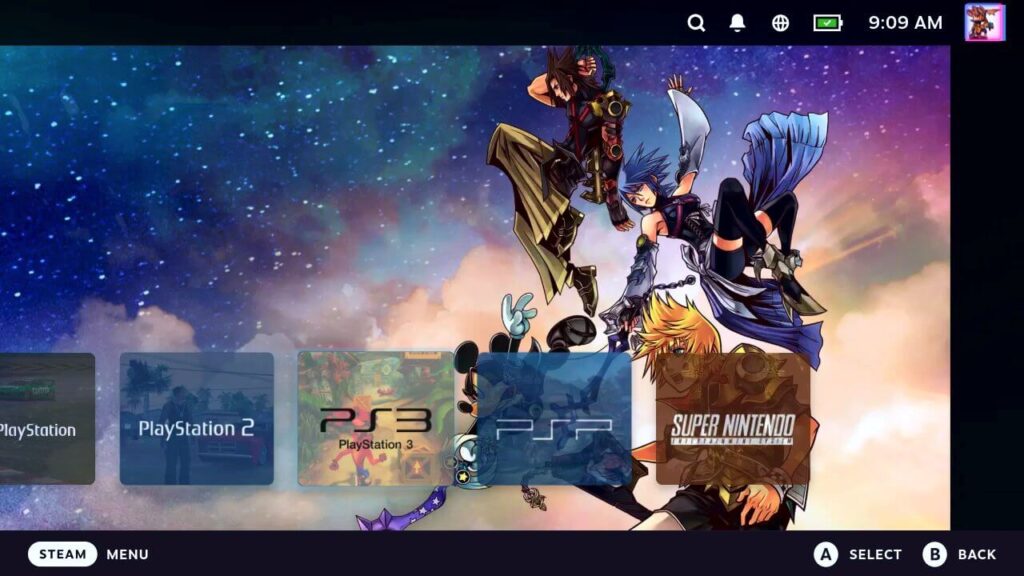
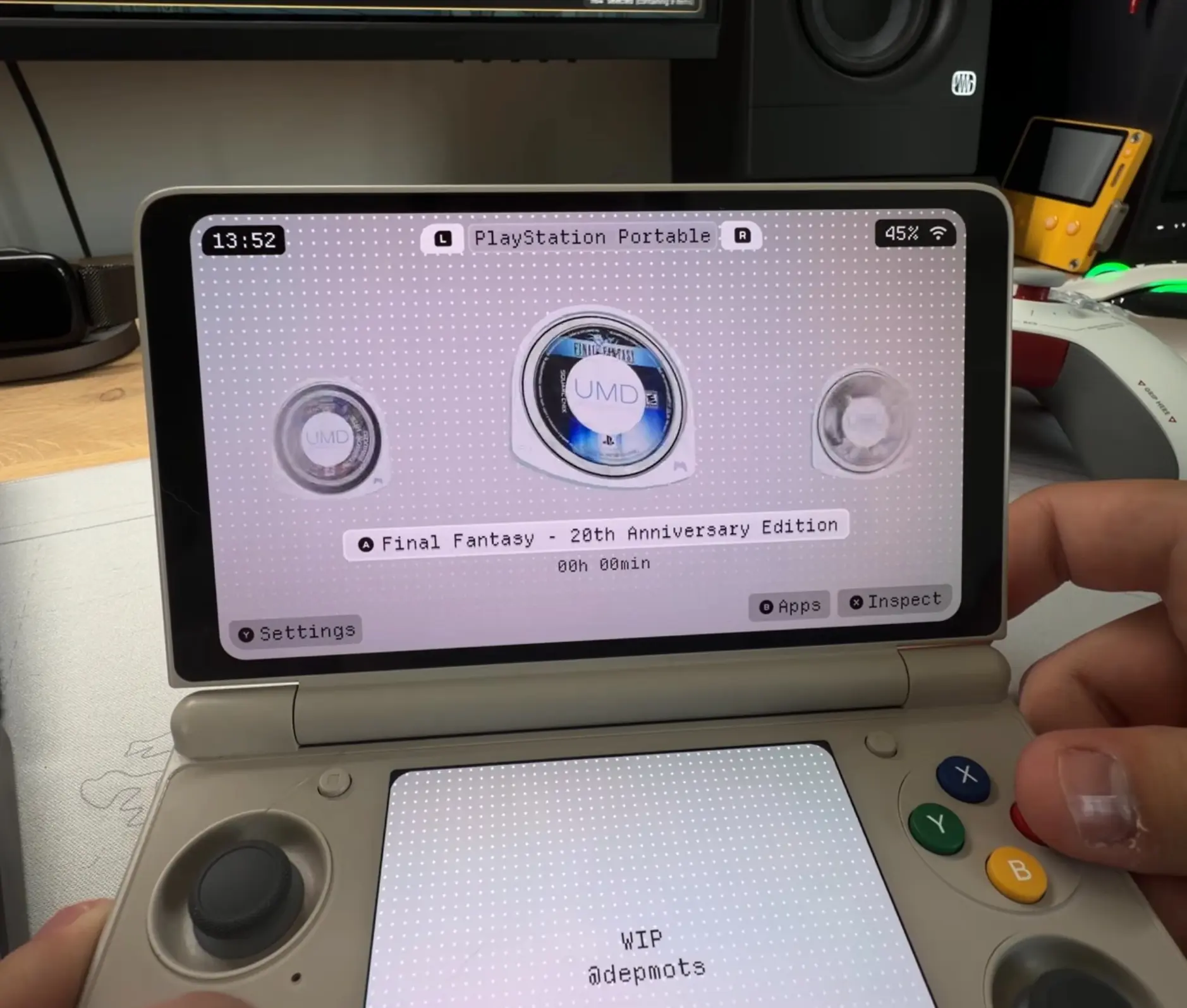
EmuDeck officially released a new Decky Plugin called "Retro Library" into open beta, which adds a new menu that is solely focused on your emulated games. It seems to operate similarly to Junk Store, where it runs a parallel library that only has your emulated games. It automatically parses your artwork as well, so there's no need to download it manually, and the plugin is planned to be quite customizable with different themes. You can even set the number of retro games that appear on your recently played list on the Deck's home screen.
To try the plugin for yourself, you will need to download EmuDeck's open beta installer and run it. It will automatically install the program, or install over your current installation, and replace the app. It won't screw up any of your currently installed emulators, and then afterwards, you should be all set! This also requires having Decky Loader installed.
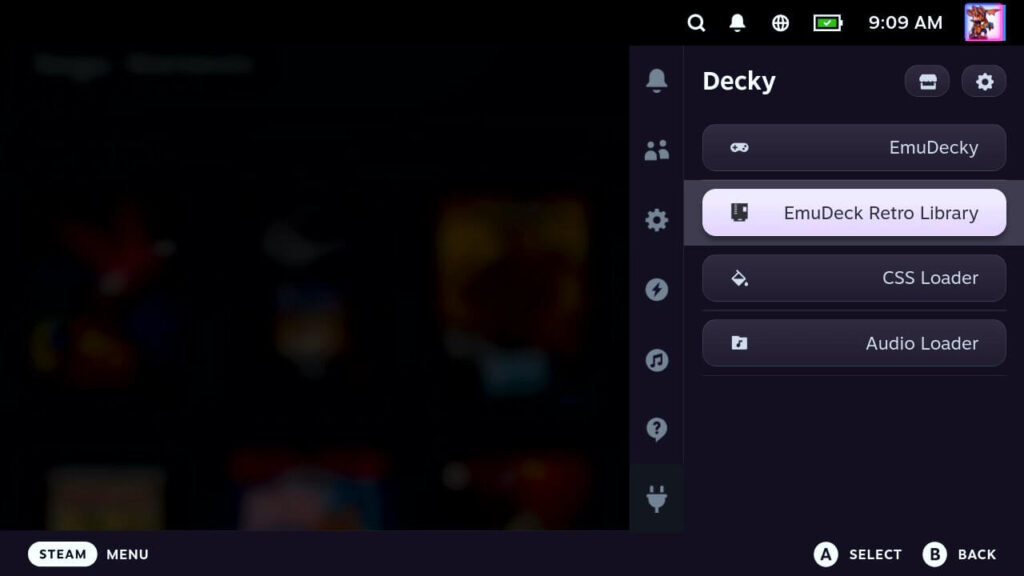
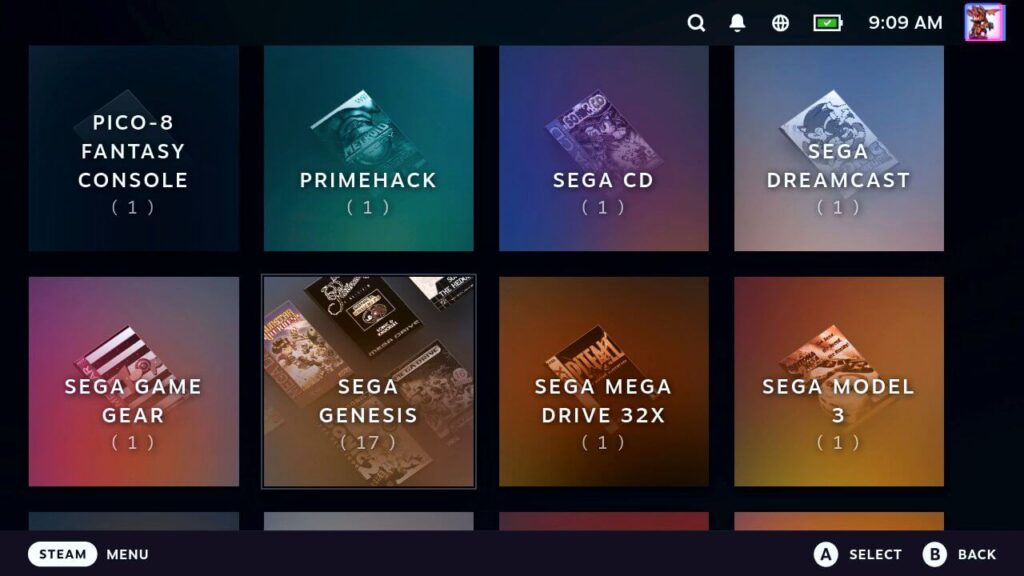
It's a really interesting concept, one I think many people will enjoy. It's nice being able to access your library directly in game mode like this, making it significantly easier to access, but I do have some worries. This is an initial release, so I expect it only to get better, but I don't think it could replace the ES-DE experience for me. I like having my emulated games contained in their own section so as not to clutter my main titles in my Steam library, but the information graphical frontends like ES-DE show are so nice. I like being able to see artwork, screenshots, descriptions, release date information, and even game manuals for each game in one place. That doesn't seem like it will be possible with this plugin due to it being integrated within Steam's Game Mode.
I will say some of the themes do look cool though. I like the PSP theme a lot, and there are some interesting ones. The second theme that comes with the plugin is called the "Retro Theme." If you have this and "Show Logos" enabled, you will get some specific themes for specific systems. This sounds cool on paper, like having a PSP theme for PSP games or Wii menu theme for Wii games.
I think this is a great option for those who are looking for something like Junk Store, but for their emulated libraries. I look forward to seeing how it develops throughout its beta and whether it could really replace ES-DE for me.
この記事を楽しんでいただけたなら、SteamDeckHQ の他のコンテンツもチェックしてみてください!あなたのゲーム体験に役立つこと間違いなしのゲームレビューやニュースを幅広く取り揃えています。ニュース、ヒントやチュートリアル、ゲーム設定やレビューをお探しの方も、最新のトレンドを知りたい方も、ぜひご利用ください。

最近のニュース
カテゴリー
Accessories
Anbernic
Android
ASUS ROG Ally
ROG Xbox Ally
Classics on Deck
Community
Cryobyte33
Deals
Deck Mods
Emulation
Events
Featured Post
Game News
Game News
General Game News
HandheldHQ
Hardware
Lenovo
Linux
MagicX
MSI
Nintendo
ONE-NETBOOK
Opinion
Other Reviews
Accessory Reviews
Handheld Reviews
PlayStation
Proton
Retro Handhelds
Anbernic
AYANEO
AYN
GPD
MagicX
MANGMI
Miyoo
Retroid
Rumors
TrimUI
SDHQ
Steam
Steam Controller
Steam Frame
Steam Machine
SteamOS
The Unsupported Report
Uncategorized
Uncategorized
VR
Xbox
最近のヒント&GUIDES
新着レビュー


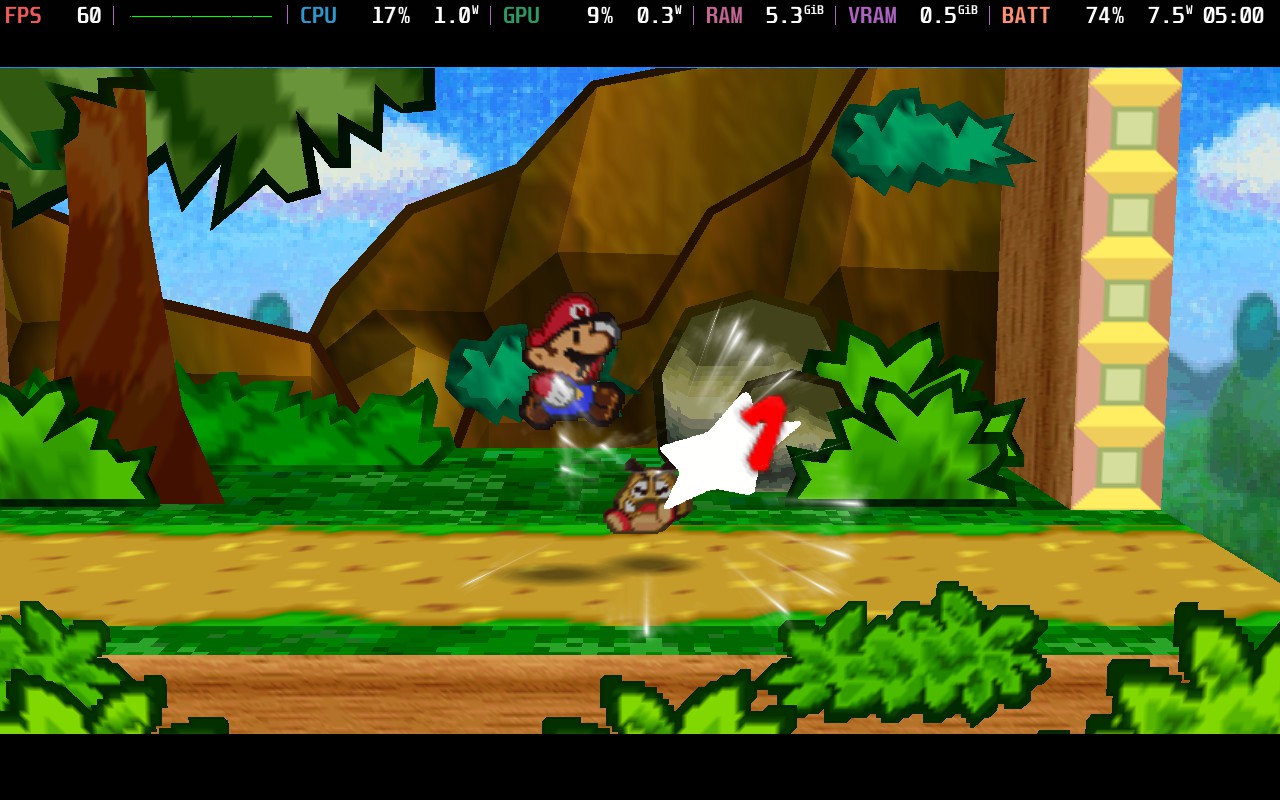


If this allows individual control sets for each game (which ES-DE doesn't) it might be cool...
That's a good point! Could be great for specific games or systems that need it.