


まだの方は、X(Twitter)、Mastodon、Blueskyでフォローし、新しい記事が投稿されたらお知らせください。また、Redditに参加したり、YouTubeに登録して、私たちのコンテンツをチェックしたり、素晴らしいコミュニティと交流してください。応援ありがとうございました!
Even though PlayStation may be pivoting away from PC releases, there are still some great games on the Steam Deck that came from PlayStation. Marvel’s Spider-Man Remastered, Ghost of Tsushima, and God of War have all been great to play on the go. However, I’ve been putting a lot of hope into their next release on PC, Death Stranding 2. It was even said to be getting optimized for handhelds, which made me even more hopeful that it would run well on the Steam Deck. So, with the game now released, I decided to test it out for myself. And my hopes were all but dashed.
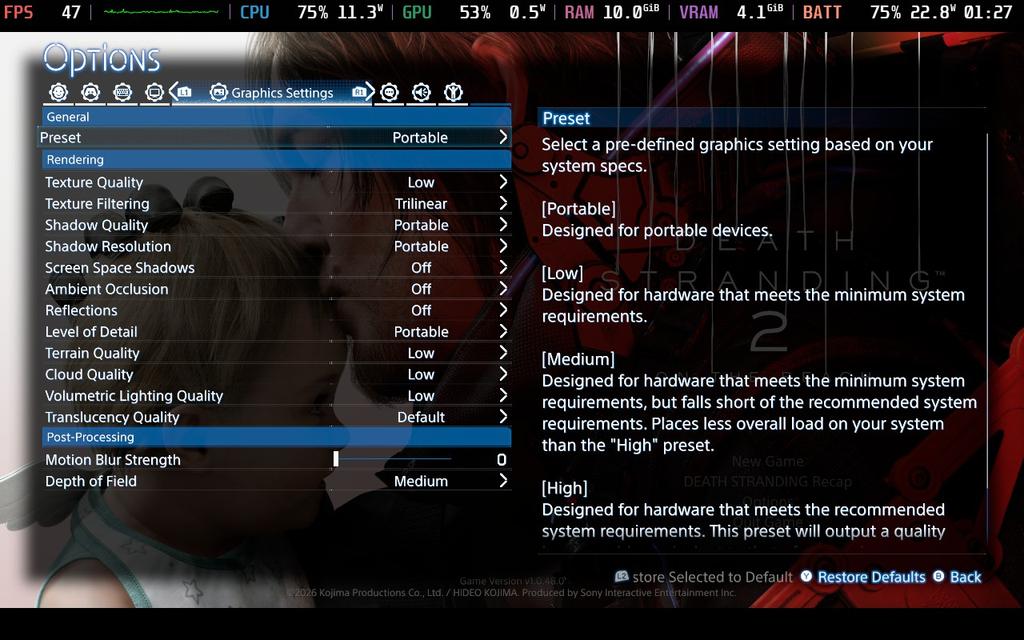
The game has a specific “Portable” preset designed for handheld PCs, which gave me some hope initially. Usually, this means they tailored the settings for limited hardware, including the Steam Deck. Sadly, it isn’t enough.
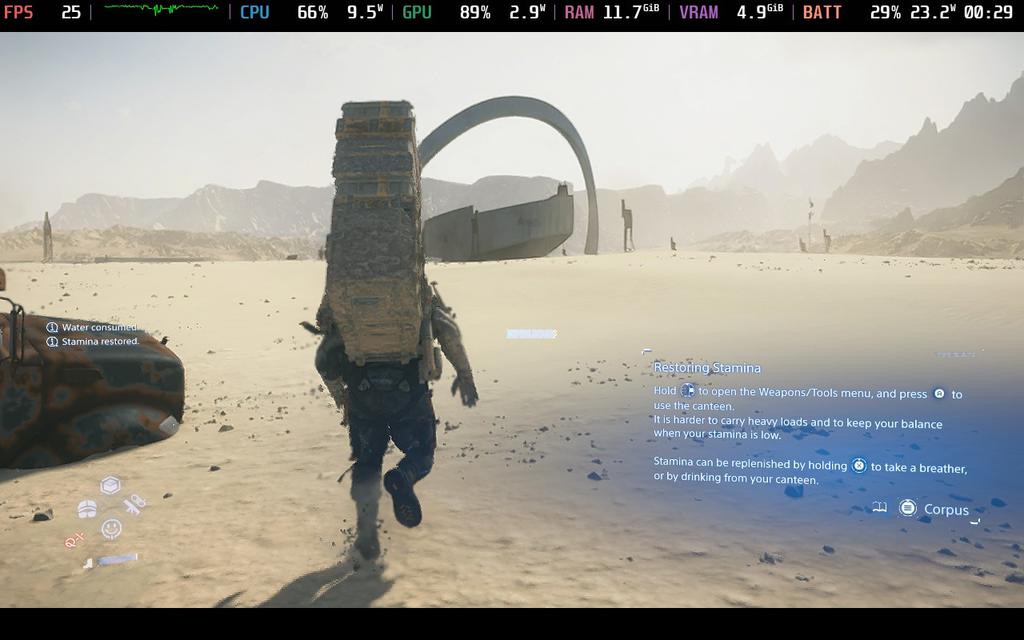
As soon as the game loads in, performance immediately tanks. With the portable preset, I was getting around 20-25 FPS. And this went further down the second I started moving. At one point, just walking around during the opening tutorial went down to 19 FPS consistently. I also noticed that in some scenarios, the low-quality preset performed better than the portable one. This was all with the PICO upscaling set to performance, which performs slightly better than FSR3 at ultra performance.
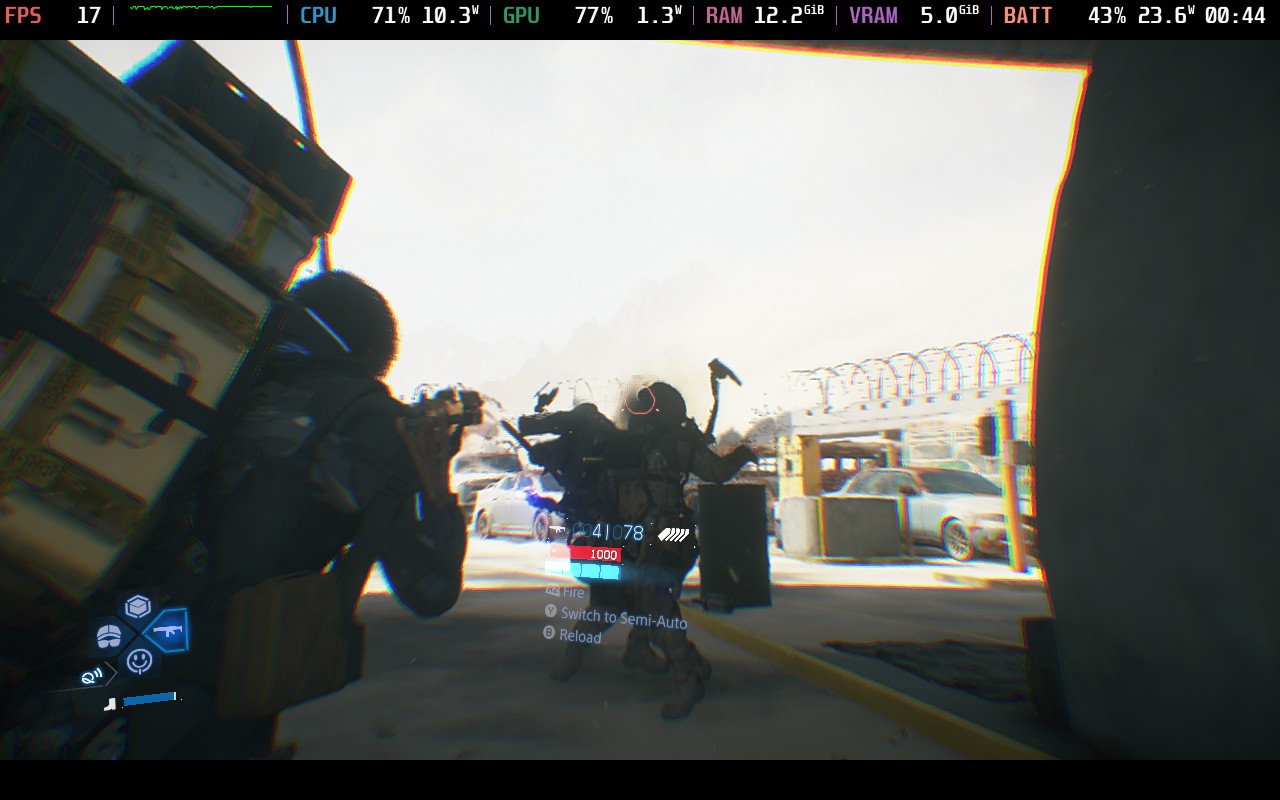
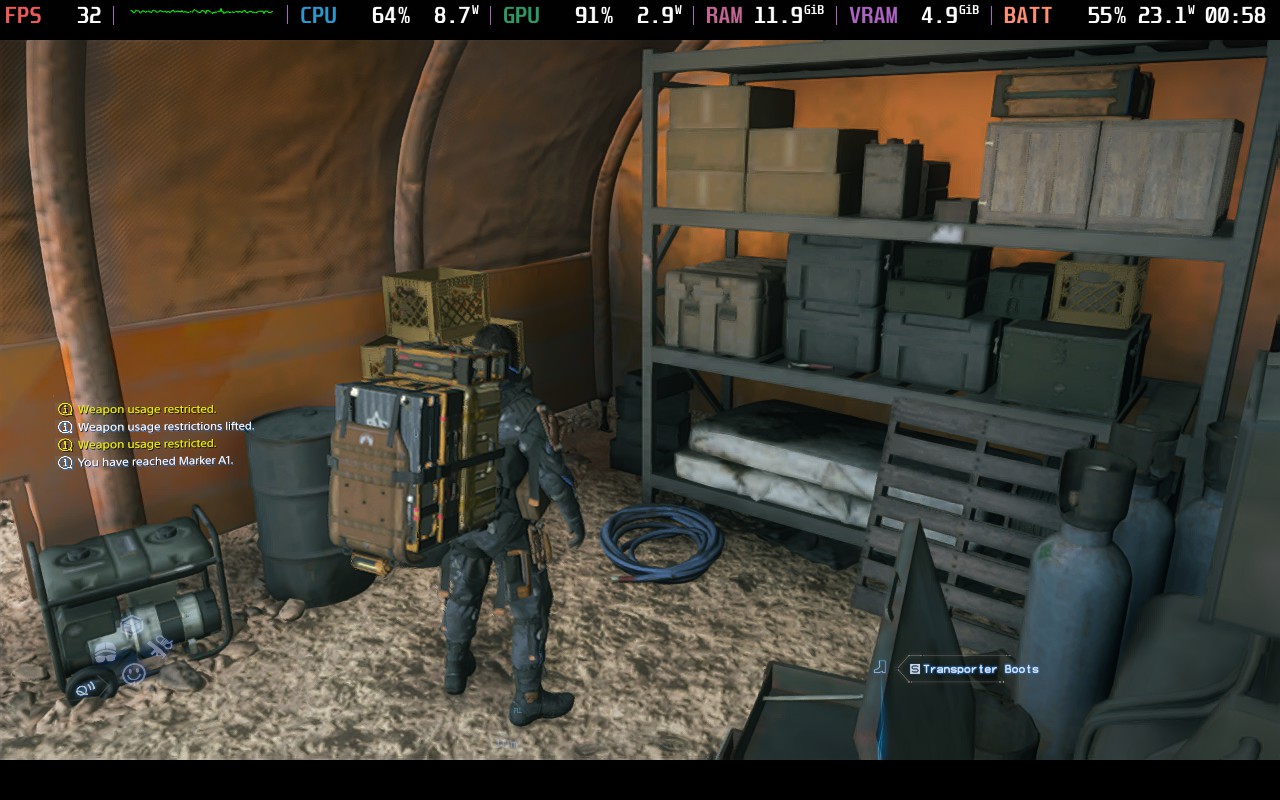
There were some moments, especially inside buildings, when the framerate would reach the mid-30s. However, as soon as we step outside, it goes right back down. This got even worse later on when I started attacking enemies and getting caught in sandstorms, and I even saw the framerate drop to 10 FPS.
And for those thinking lossless scaling or frame generation could save the game, don’t use it. The base frame rate is too low for it to work well. It will introduce stutters, input lag, and possibly make the frame rate feel lower. Frame generation technologies need a good base frame rate to latch onto, but with this one being so low, it just doesn’t feel good.
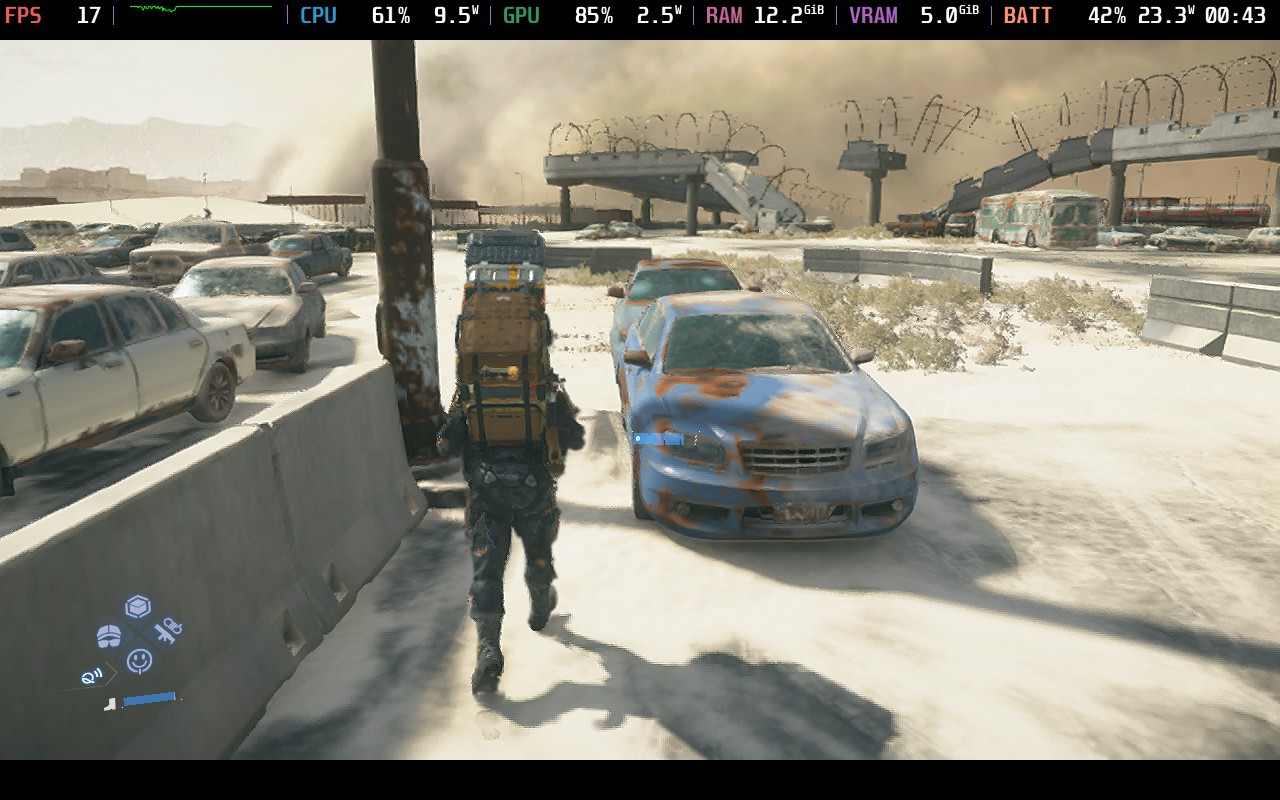
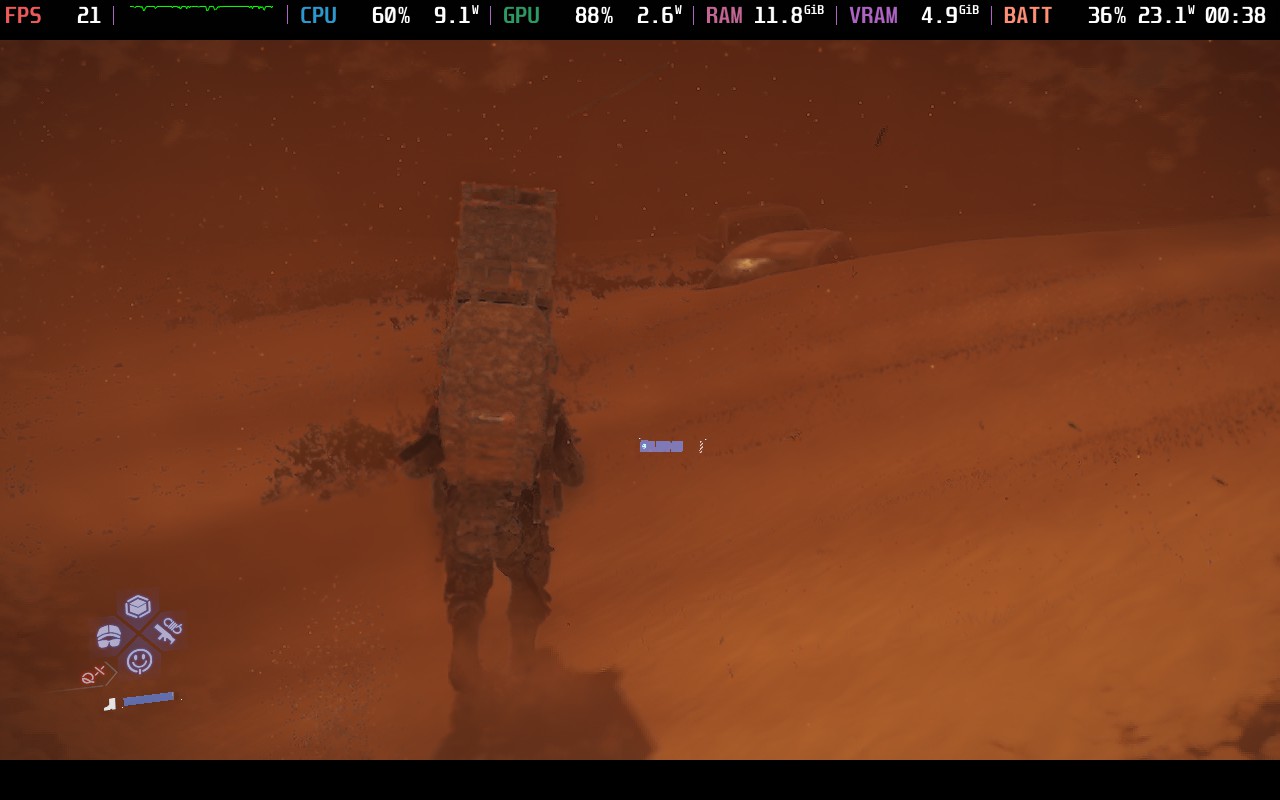
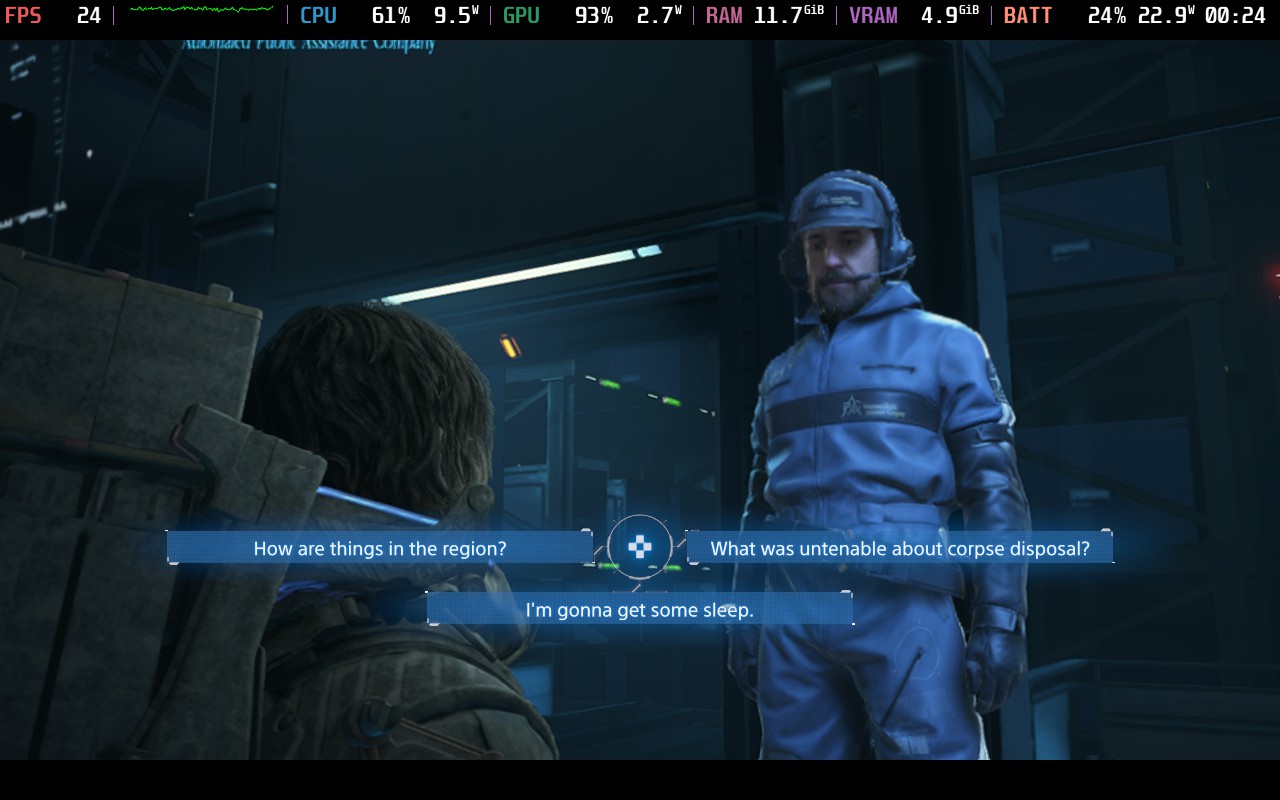
It is possible the game will get patches that make it more playable on the deck, and I do trust Nixxes Software when it comes to pouring and optimizing, but there’s only so much that can be done. Because of that, I don’t recommend getting Death Stranding 2 in its current state if you’re planning to play primarily on the Steam Deck.
Death Standing 2 is $69.99 on Steam, but you can save some money by getting it on Fanatical for $62.99.
上記のFanaticalリンクはアフィリエイトリンクを使用しています。すべての収益はSDHQとその発展に還元されます。
この記事を楽しんでいただけたなら、SteamDeckHQ の他のコンテンツもチェックしてみてください!あなたのゲーム体験に役立つゲームレビューやニュースを幅広く取り揃えています。ニュース、ヒントやチュートリアル、ゲーム設定やレビュー、最新のトレンド情報など、あらゆる情報をお届けします。 カバーしています!

最近のニュース
カテゴリー
Accessories
Anbernic
Android
ASUS ROG Ally
ROG Xbox Ally
Classics on Deck
Community
Cryobyte33
Deals
Deck Mods
Emulation
Events
Featured Post
Game News
Game News
General Game News
HandheldHQ
Hardware
Lenovo
Linux
MagicX
Nintendo
ONE-NETBOOK
Opinion
Other Reviews
Accessory Reviews
Handheld Reviews
PlayStation
Proton
Retro Handhelds
Anbernic
AYANEO
AYN
GPD
MagicX
MANGMI
Miyoo
Retroid
Rumors
TrimUI
SDHQ
Steam
Steam Machine
SteamOS
The Unsupported Report
Uncategorized
Uncategorized
最近のヒント&GUIDES
新着レビュー


On the Legion go S my average wattage consumed by cpu and gpu is around 40w.
That along with lsfg-vk lossless scaling allows a solid 70fps in lots of games, including LOU part 2 remastered. You'll never get a AAA game to run on a steam deck without cranking the power up. Do you have a custom or performance mode in your settings?
Of course I can't compare the games here since I did not play death Stranding 2 . But regarding lossless scaling and fsr4 via Optiscaler I play assassin's Creed shadows with mid settings with pretty playable frame rate. (I unlocked the full graphic settings via config and it looks pretty neat on deck or even on my Full hd tv.)
Yes you would assume the base fps are far to low but in I do not have an issue with input lags in that game and I play it on the highest difficulty available at Beginn and do not have an issue with timed stealth or open attacks.
Input lag feels far stronger when played with keyboard and mouse so I think I will get death Stranding 2 anyway to play in my deck. Others will avoid it and that's totally fine for me. And if the game struggle too much I still can install it on my notebook.
As long as you enjoy it, that's what matters. But for me, I feel input lag strongly, and it ruins the experience. To each their own!
I will have a look at it. I made the experience with almost all games that the build in frame Generation and upscaling is much worse than the one shipped via Optiscaler, so I will check this out. Ingame frame gen usually gave me a much worse input lag and yes of course I don't want to mess up my games just because my figure isn't doing what I want 🙂 we will also see what updates will bring and also proton Updates. We often had situations that proton Updates, especially GE helped to improve some situations. But we will see, right?
If it's not working well as I wrote, I will just install it on my notebook. But I will wait a while anyway since I just started AC shadows (thanks to my wife) and it will take a bit of time.
But of course, thank you for your time and insights.