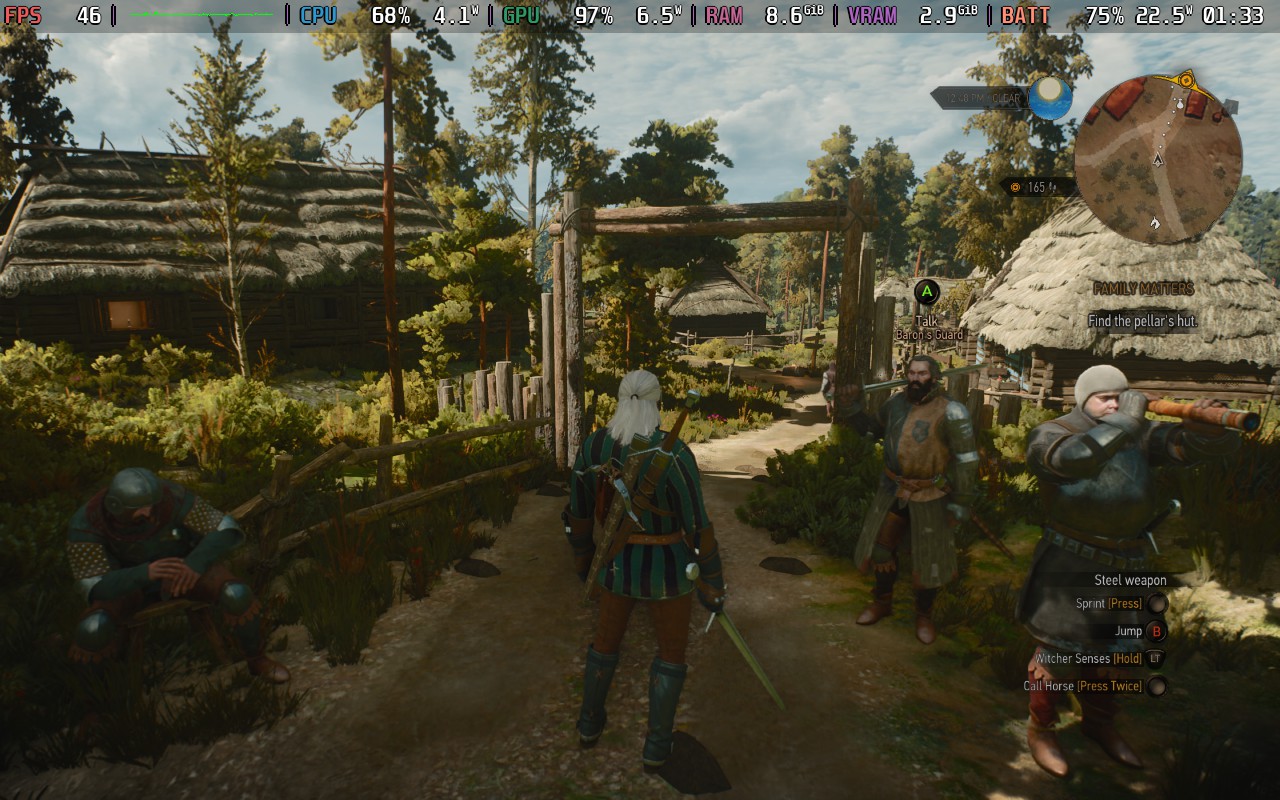
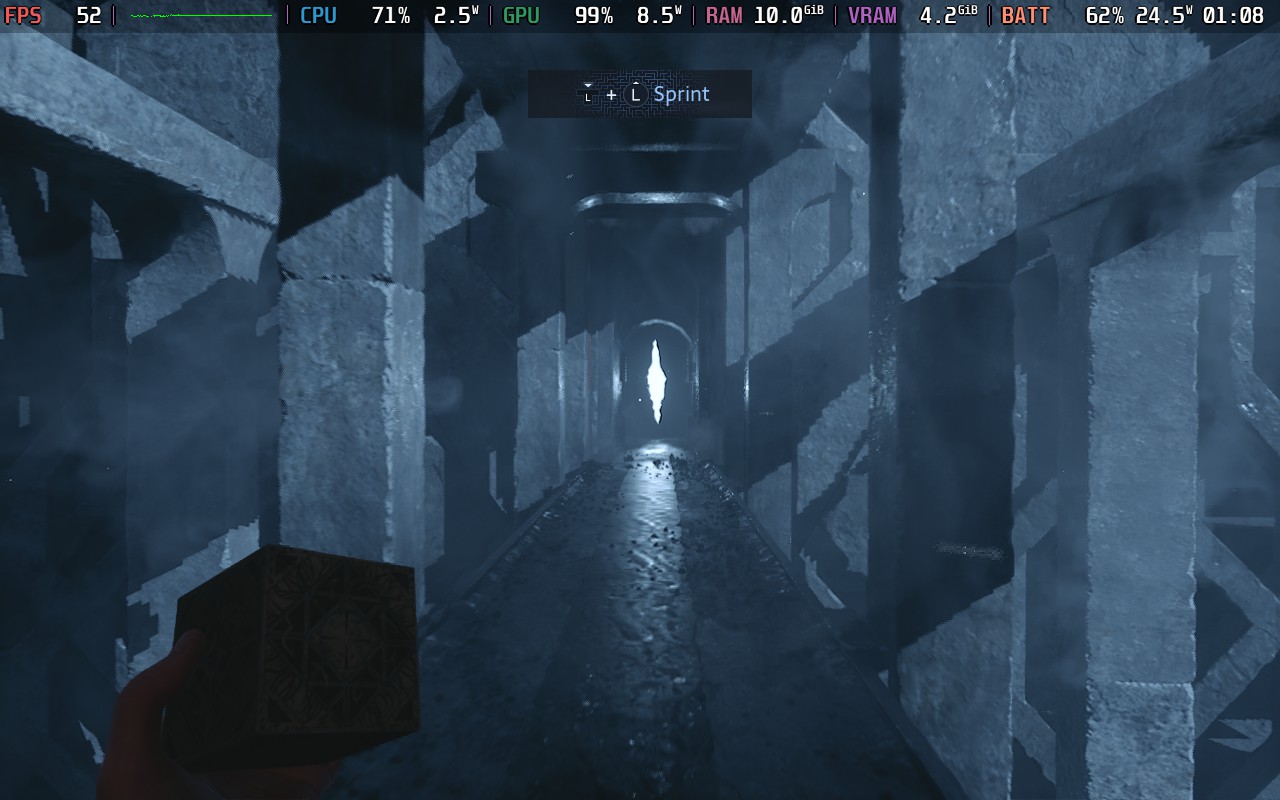
Ever wanted Android on your Steam Deck instead of that pesky SteamOS? No? Well, we didn't either, but YouTuber ED4T decided to give it a go anyway! It actually works surprisingly well considering. They decided to use a custom version of Android known as Bliss OS, which is designed for x86 devices such as the Steam Deck, rather than for ARM, which is what the typical Android device uses. All they had to do was put the OS onto a Micro SD card, and then select the OS when booting the Steam Deck, job done!
Check out ED4T's video on the process, how Android runs on the Steam Deck, and some of the setbacks you might encounter:
While many things did work fine, such as Wi-Fi, the touchscreen, controls, charging the battery, general Android features, and the Google Play Store. Other things weren't so successful, games such as Pokemon Unite, Player Unknown's Battlegrounds, and Call of Duty failed to load.
There's also a lack of dual-boot support, meaning the Steam Deck will automatically boot into the Android operating system if the Micro SD card is inserted, and if there is no Micro SD card, the Steam Deck will fail to boot. This means that to get into SteamOS, you will need to enter the boot menu each time you boot the system. ED4T mentions, and I have no doubt too, that this will be possibly the main frustration with the current method.
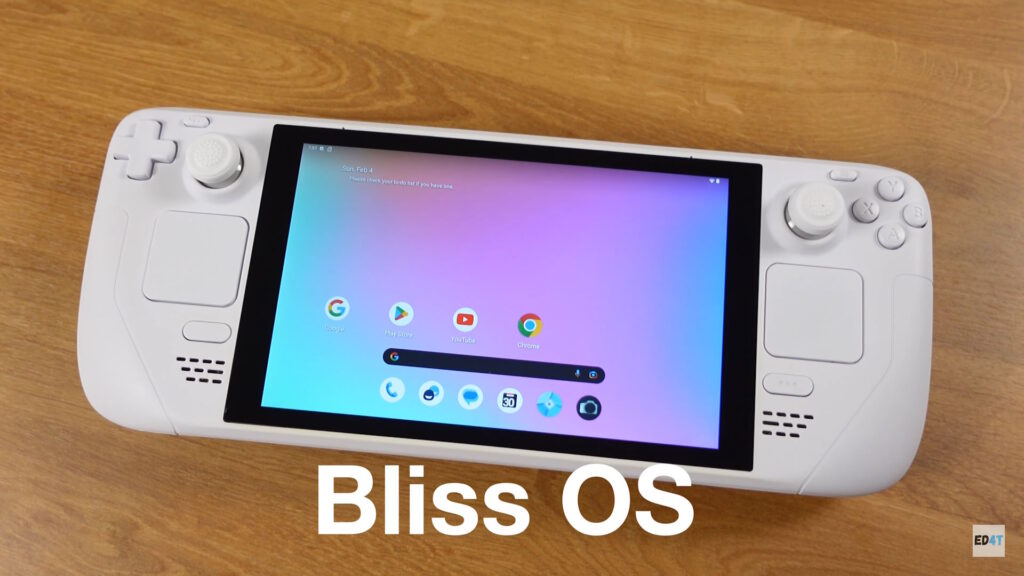
At the moment, Android on the Steam Deck seems like a novelty to mess around with one evening, rather than a serious option for the device, but it is interesting to see what you are able to do with the Steam Deck.
What do you think? Does Android on the Steam Deck interest you? Let us know in the comments below!
Originally Seen On: Retro Resolve
この記事を楽しんでいただけたなら、SteamDeckHQ の他のコンテンツもチェックしてみてください!あなたのゲーム体験に役立つゲームレビューやニュースを幅広く取り揃えています。ニュース、ヒントやチュートリアル、ゲーム設定やレビューをお探しの方も、最新のトレンドを知りたい方も、ぜひご利用ください!

最近のニュース
カテゴリー
Accessories
Anbernic
Android
ASUS ROG Ally
ROG Xbox Ally
Classics on Deck
Community
Cryobyte33
Deals
Deck Mods
Emulation
Events
Featured Post
Game News
Game News
General Game News
HandheldHQ
Hardware
Lenovo
Linux
MagicX
MSI
Nintendo
ONE-NETBOOK
Opinion
Other Reviews
Accessory Reviews
Handheld Reviews
PlayStation
Proton
Retro Handhelds
Anbernic
AYANEO
AYN
GPD
MagicX
MANGMI
Miyoo
Retroid
Rumors
TrimUI
SDHQ
Steam
Steam Controller
Steam Frame
Steam Machine
SteamOS
The Unsupported Report
Uncategorized
Uncategorized
VR
Xbox
最近のヒント&GUIDES
新着レビュー