Rejoice! If you have been waiting for the eventual release of EmuDeck on for the Windows OS, the wait is getting closer to being over. Today, to celebrate the holidays a little early, EmuDeck has released its first public beta for the Windows version of EmuDeck, making emulation on Windows handheld devices significantly easier and more streamlined.
EmuDeck is a project that automatically installs the most popular emulators for most consoles and configures them for your device. The project began on the Steam Deck, where it would install all the relevant emulators available for the Deck and configure them specifically to the device, its controller, and other capabilities like easily adding to Steam. Recently, EmuDeck has been expanding not only in its services, like game compression and cloud streaming, but also been expanding to other devices like the Anbernic WIN 600.
While the project started on SteamOS/Linux, the team has expanded to other operating systems, including Windows. Currently, there is support for the Ally, AOKZOE A1 Pro, Legion Go, and multiple AYANEO devices, including the KUN. There are also options for general Windows handhelds and regular computers.
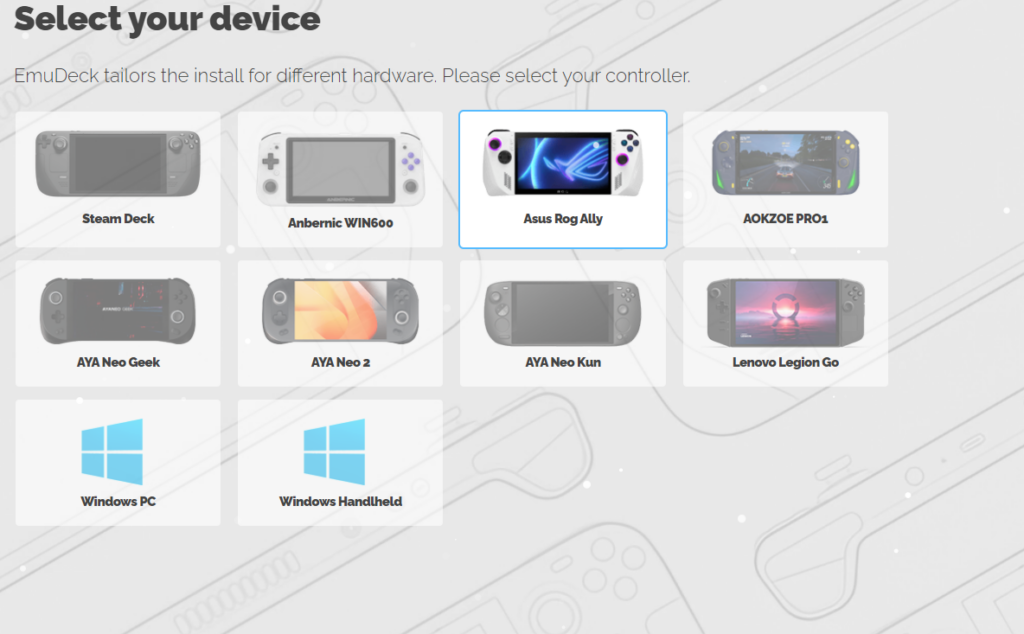
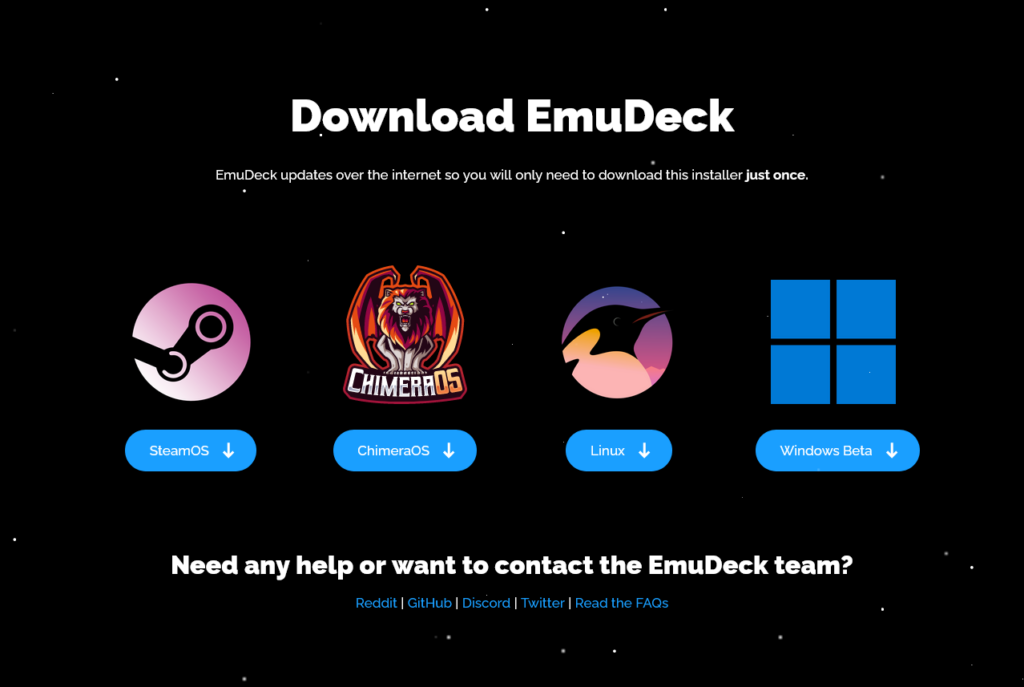
You can download the Windows beta from the EmuDeck website. It will download a .cmd file, which you will click on to execute it. From there, it will take you through getting the prerequisites, then choose a device and install it. After that, you should be all set to use it!
If you want to download and use EmuDeck on the Steam Deck OLED using SteamOS, you can follow our guide on how to get it installed and set up.
この記事を楽しんでいただけたなら、SteamDeckHQ の他のコンテンツもチェックしてみてください!あなたのゲーム体験に役立つこと間違いなしのゲームレビューやニュースを幅広く取り揃えています。ニュース、ヒントやチュートリアル、ゲーム設定やレビューをお探しの方も、最新のトレンドを知りたい方も、ぜひご利用ください。

最近のニュース
カテゴリー
Accessories
Anbernic
Android
ASUS ROG Ally
ROG Xbox Ally
Classics on Deck
Community
Cryobyte33
Deals
Deck Mods
Emulation
Events
Featured Post
Game News
Game News
General Game News
HandheldHQ
Hardware
Lenovo
Linux
MagicX
MSI
Nintendo
ONE-NETBOOK
Opinion
Other Reviews
Accessory Reviews
Handheld Reviews
PlayStation
Proton
Retro Handhelds
Anbernic
AYANEO
AYN
GPD
MagicX
MANGMI
Miyoo
Retroid
Rumors
TrimUI
SDHQ
Steam
Steam Controller
Steam Frame
Steam Machine
SteamOS
The Unsupported Report
Uncategorized
Uncategorized
VR
Xbox
最近のヒント&GUIDES
新着レビュー