


まだの方は、X(Twitter)、Mastodon、Blueskyでフォローし、新しい記事が投稿されたらお知らせください。また、Redditに参加したり、YouTubeに登録して、私たちのコンテンツをチェックしたり、素晴らしいコミュニティと交流してください。応援ありがとうございました!
Open-world survival games have always been particularly fun for me, even if they are something I have already seen in other games, but The Last Plague: Blight takes some interesting turns that caught my eye. On top of the interesting story behind it, we have a procedurally generated world and dynamic terraforming, with the latter being more exciting than the former. It all sounds wonderful, and after the last update, it sounds a lot better to play on Steam Deck.
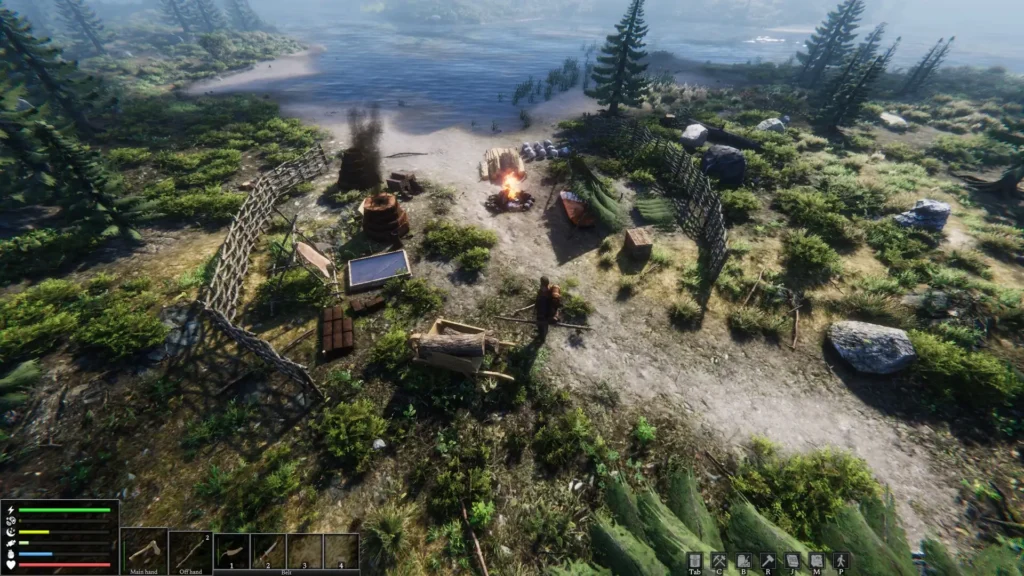
A couple of days ago, developer Original Studios officially added controller support, which includes the Steam Deck gamepad! This is the first iteration of controller support, so there will be more improvements made to it as time goes on. For now, controllers can only be used in third-person mode, but there is a new radial menu that should make it easier to use with a controller, especially the Steam Deck. Top-down support for controllers may come later on, depending on the feedback the team gets from the current iteration.
Outside of controller support, we do have some other new features and bug fixes. There are new controller/KB+M glyphs for input hints in-game, new recipes and an iron shovel tip, reworked inventory sorting buttons, increased wheelbarrow inventory size, and some nice fixes to make co-op play a bit better.
You can check out the full changelog via their Steam Community Post.
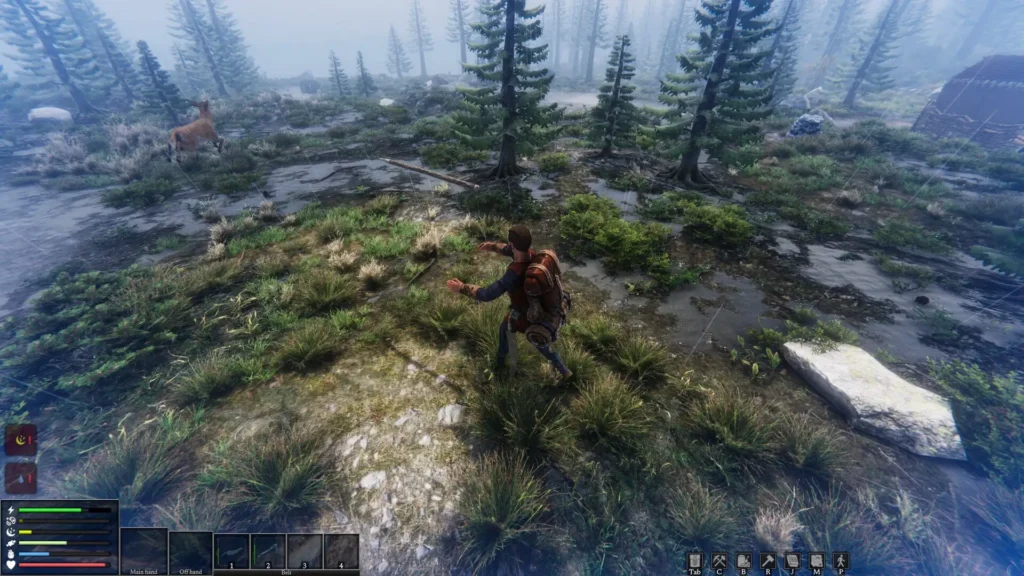
The Last Plague: Blight is available on Steam Early Access for $16.99 and is rated Unknown for the Steam Deck.
この記事を楽しんでいただけたなら、SteamDeckHQ の他のコンテンツもチェックしてみてください!あなたのゲーム体験に役立つゲームレビューやニュースを幅広く取り揃えています。ニュース、ヒントやチュートリアル、ゲーム設定やレビュー、最新のトレンド情報など、あらゆる情報をお届けします。 カバーしています!

最近のニュース
カテゴリー
Accessories
Anbernic
Android
ASUS ROG Ally
ROG Xbox Ally
Classics on Deck
Community
Cryobyte33
Deals
Deck Mods
Emulation
Events
Featured Post
Game News
Game News
General Game News
HandheldHQ
Hardware
Lenovo
Linux
MagicX
Nintendo
ONE-NETBOOK
Opinion
Other Reviews
Accessory Reviews
Handheld Reviews
PlayStation
Proton
Retro Handhelds
Anbernic
AYANEO
AYN
GPD
MagicX
MANGMI
Miyoo
Retroid
Rumors
TrimUI
SDHQ
Steam
Steam Machine
SteamOS
The Unsupported Report
Uncategorized
Uncategorized
最近のヒント&GUIDES
新着レビュー




How does it run on the Deck, is the framerate stable, all over the place or does it depend on what's going on and/or if you're on an environment full of grass and other elements that bring the frame rate down to its knees? And if I play this game @720p on the Deck with an external monitor and a third party controller using the xbox layout, would I be missing something? (Because their store page lists my Xbox controller as "fully supported")